Tokyo Transport
Tokyo Transport
ダウンロード: App Store

このページはアプリまたはその開発者の公式ページではなく、情報提供および論評を目的として作成された独立した編集出版物です。明示的に別段の記載がない限り、アプリおよびその開発者は、MWM、Apple、Google Play、アプリのパブリッシャー、またはアプリの開発者と提携、承認、後援、認可、またはその他の公式的な関係はなく、このページのいかなる内容も、アプリがMWMのサービスを使用して開発されたことを意味するものではありません。すべての商標、ロゴ、スクリーンショット、その他のコンテンツはそれぞれの所有者の財産です。


ロゴ: Tokyo Transport
ダウンロード: App Store

Tokyo Transport

独立した旅行者向けに設計されたオフラインマップ、セルフガイドツアー、スマート旅程プランニングで、東京の複雑な交通システムをマスターしましょう。

主要数値

ダウンロード

300

ユーザー評価

1.0/5

評価数

0

開発元

HAN WEI WANG

カテゴリ

Travel

対応言語

5

最新バージョン

2.6

サイズ

15.4 MB

リリース日

2025年5月1日
機能

東京での冒険をマスターする

独立した旅行者が日本の複雑な交通システムを移動し、地元のように隠れた宝石を発見するためのオールインワンツールキット。

オフラインセルフガイドツアー

高額なローミングデータを必要とせずに完璧に機能する、専門家がキュレーションしたルートとダウンロード可能なマップで、東京、カマクラ、ハコネを探索しましょう。

スマート交通と節約

リアルタイムの乗り換え情報と運賃計算で鉄道網を移動し、地元の交通クーポンを発見して予算を最大化しましょう。

以下のスクリーンショットと説明は、アプリの公式ストアリスティングから直接取得されたものであり、アプリ開発者の所有物です。

アプリストア

スクリーンショット
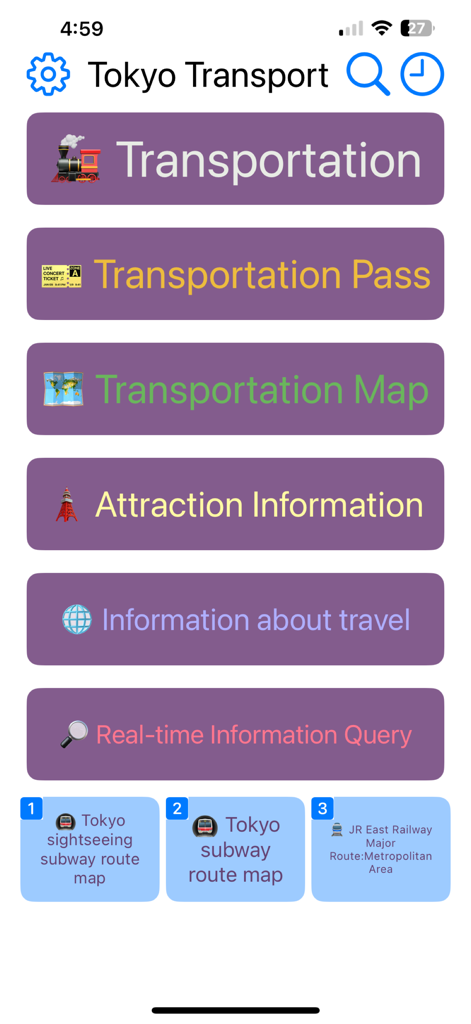
Tokyo Transport - 交通、パス、マップ、観光情報へのナビゲーションボタンを備えた、東京交通アプリのメインメニュー。
交通、パス、マップ、観光情報へのナビゲーションボタンを備えた、東京交通アプリのメインメニュー。

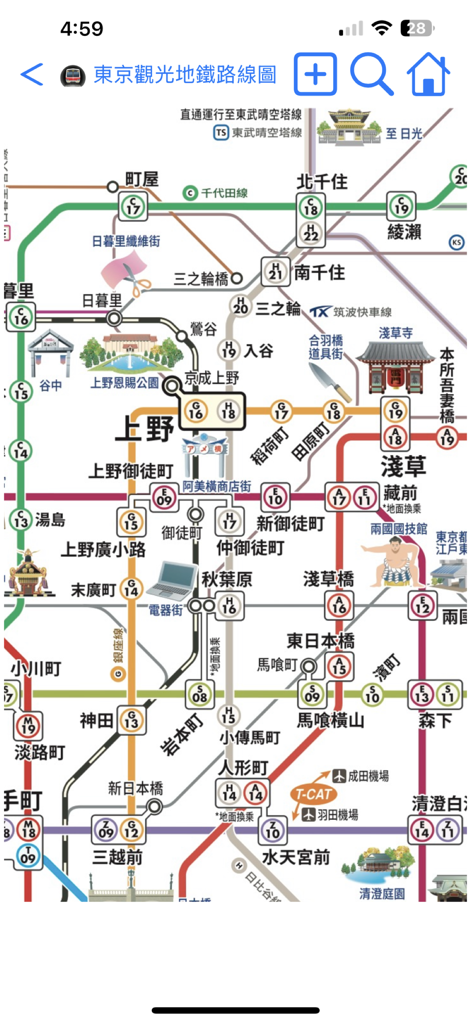
Tokyo Transport - 東京交通アプリ内の詳細な東京地下鉄路線図。駅やランドマークのイラストが表示されている。
東京交通アプリ内の詳細な東京地下鉄路線図。駅やランドマークのイラストが表示されている。

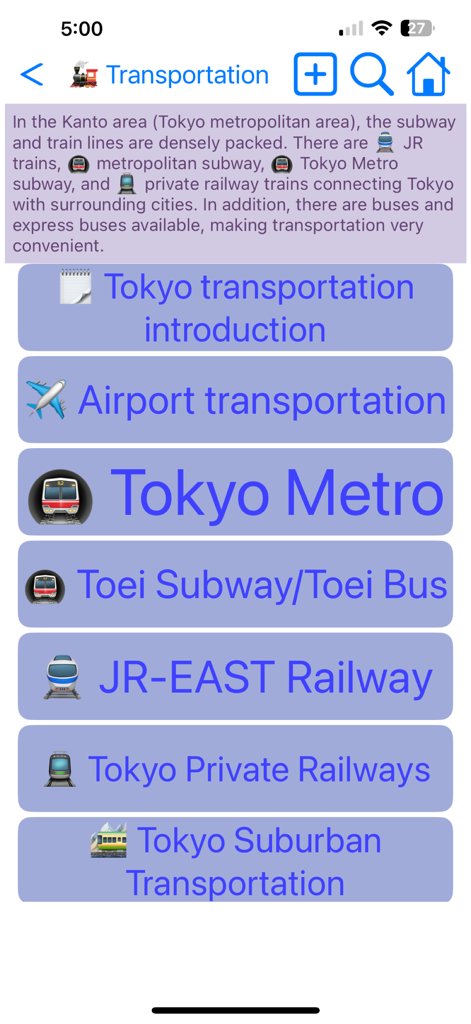
Tokyo Transport - 東京交通アプリの交通メニュー画面。東京メトロやJR東日本などの様々な地下鉄や電車オプションがリストされている。
東京交通アプリの交通メニュー画面。東京メトロやJR東日本などの様々な地下鉄や電車オプションがリストされている。

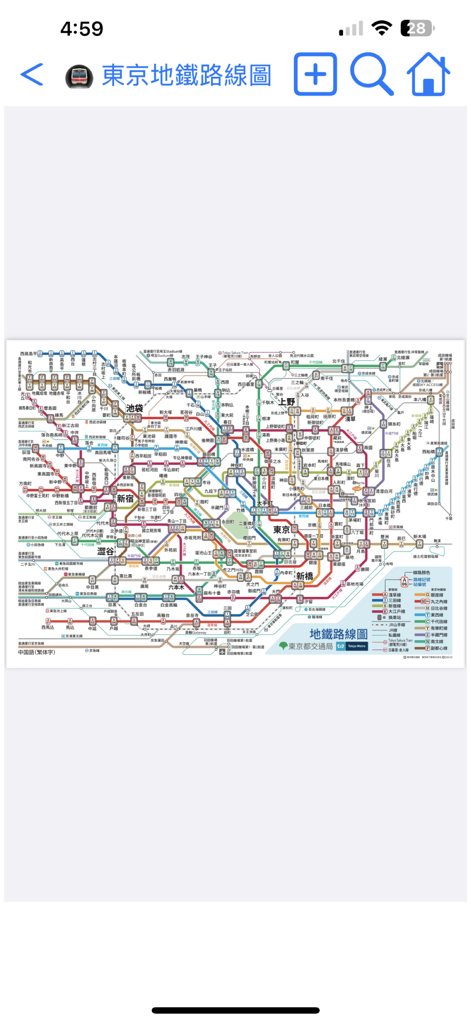
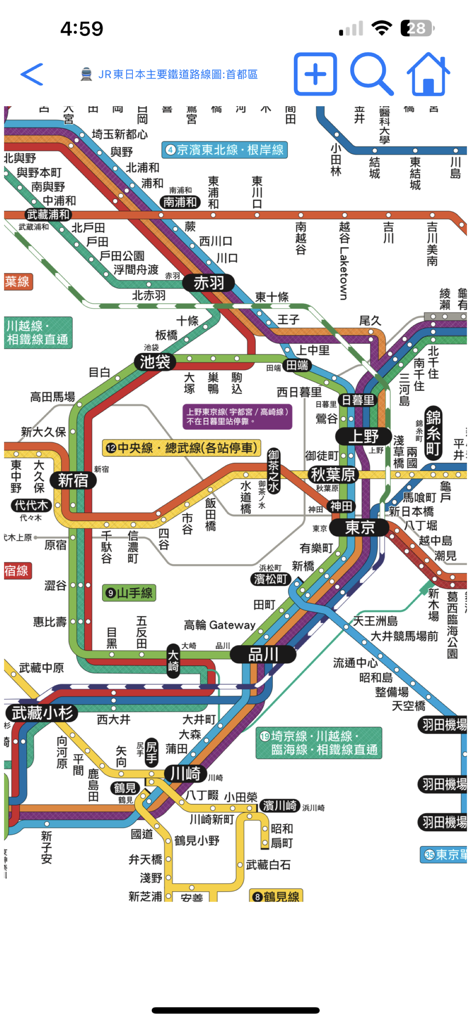
Tokyo Transport - 東京交通アプリ内の主要な電車路線と駅名が表示された、東京の鉄道網の詳細でカラフルな路線図。
東京交通アプリ内の主要な電車路線と駅名が表示された、東京の鉄道網の詳細でカラフルな路線図。

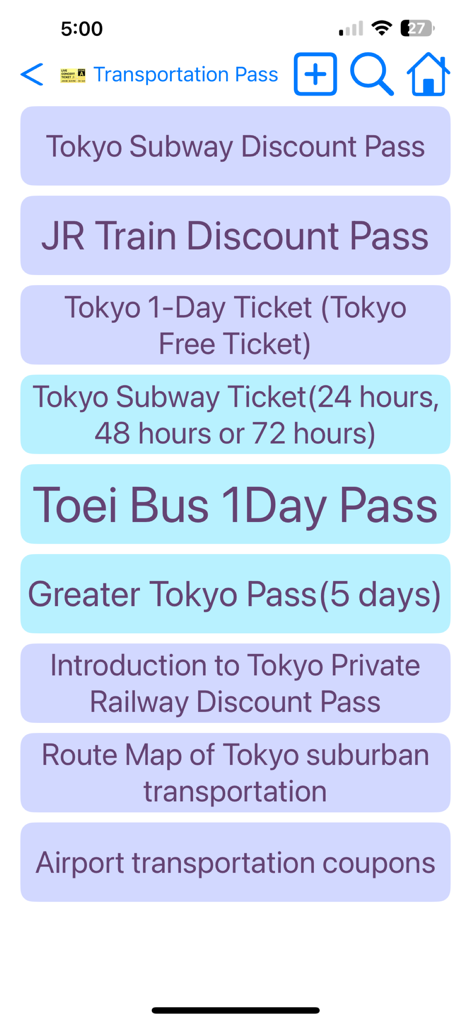
Tokyo Transport - 東京交通アプリの東京交通パスと割引パスのリスト。

東京交通アプリの東京交通パスと割引パスのリスト。

Tokyo Transport - 東京交通アプリのインターフェース内の詳細な東京地下鉄と電車の路線図。

東京交通アプリのインターフェース内の詳細な東京地下鉄と電車の路線図。

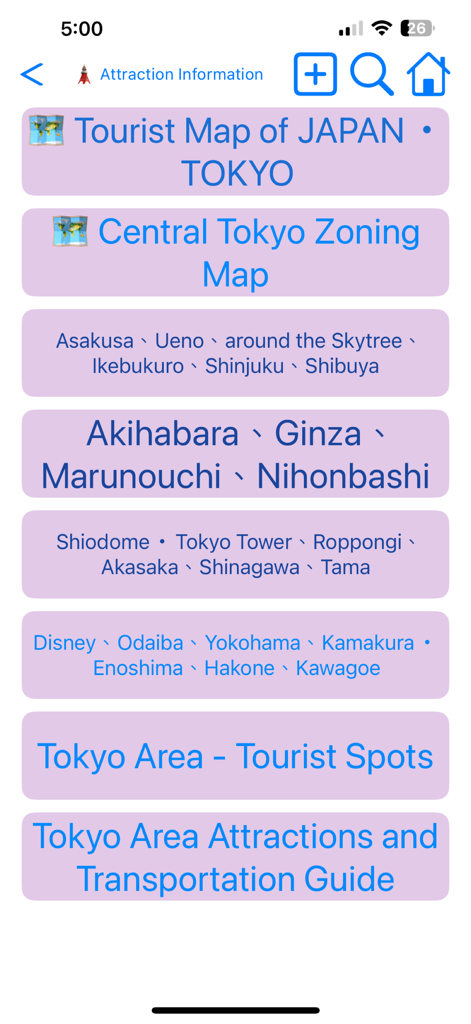
Tokyo Transport - 東京交通アプリの画面。渋谷や銀座などのエリアの観光マップや観光スポットのカテゴリメニューが表示されている。
東京交通アプリの画面。渋谷や銀座などのエリアの観光マップや観光スポットのカテゴリメニューが表示されている。

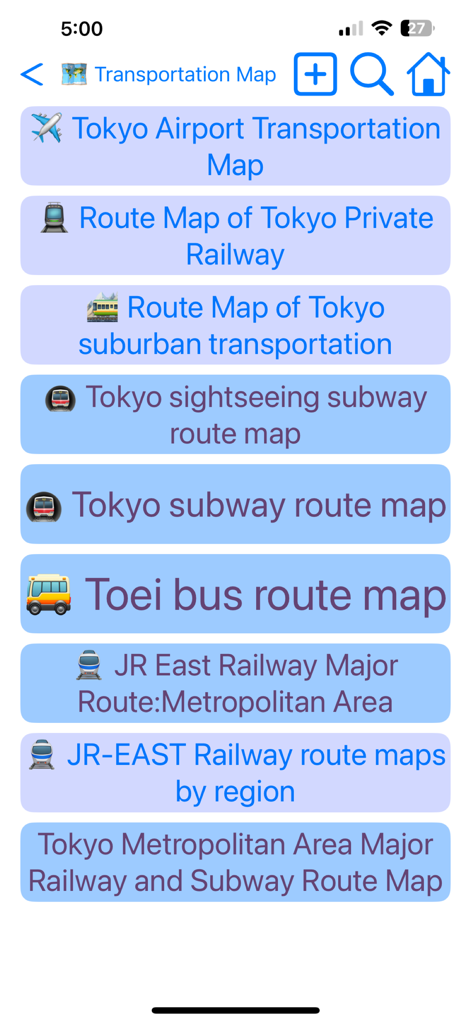
Tokyo Transport - 地下鉄、バス、鉄道の路線を含む東京の交通マップのリスト。

地下鉄、バス、鉄道の路線を含む東京の交通マップのリスト。

説明

This travel app offers self-guided tours in Tokyo, Yokohama, Kamakura, and Hakone, Japan. It also provides information on transportation options and route maps for the Tokyo area. Learn how to reach your destination using public transport, find transfer information, check timetables and fares, and discover applicable transportation coupons that can be used together. Use this app to simplify your transportation experience in Tokyo! To navigate the app, you can press the back button in the upper left corner to return to the previous page, or swipe right from the left edge of the screen for the same purpose. The home button in the upper right corner will take you back to the app's homepage. Click the gear button in the upper left corner to select the display language or to download or update maps. Tapping the text title at the top will display all browsing paths; you can also select a path to return to a previous page. If there is descriptive text on the introduction page, click it to enlarge and click it again to shrink it. While viewing the map, users can use two fingers to zoom in or out. It's advisable to download all maps at the beginning for faster access. The calendar button at the top of the homepage opens the calendar memo feature. After selecting a date and entering a memo, press the text search button next to the memo to search for relevant travel information automatically based on the memo's content, saving you time! Additionally, when on the Set Travel Date page, click the "Set Travel Date" button, and the system will create a travel memo for you. Once you set the travel date, it will automatically calculate how many days remain before your departure, how many days you have spent on your trip, how many days are left, and how many days remain before you return home. You can also share your travel memo with friends by opening their app, pasting the memo, and clicking the "Set Travel Date" button to complete the process. Users can click on the settings button in the upper left corner of the homepage or the globe button at the top of the general page to change the display language. Available languages include English, Japanese, Traditional Chinese, Simplified Chinese, and Korean. Please note that switching languages requires re-downloading maps, as the app only retains maps in the currently selected language to save space and reduce network usage. Users can delete maps in other languages and download new ones after changing the app’s language. The magnifying glass button in the upper right corner opens the search page. Users can enter keywords in English, Japanese, Chinese, or Korean to find relevant introductions, route maps, and other information. Clicking on a search result will take you directly to the desired page. The clock button in the upper right corner opens the browsing history page, which automatically saves up to 100 records, making it easy to find previously visited pages. There are three commonly used shortcut buttons at the bottom of the homepage that allow users quick access to frequently used map or traffic information pages. Additionally, a folding shortcut button at the top of the page expands these three shortcuts. Users can press the + button in the upper left corner of the shortcut section to set the current page as a shortcut, or press the - button to restore the shortcuts to their default settings. If you have any suggestions for improving this app, please send us an email or leave a comment. We will update based on your feedback as soon as possible. If you find this app useful, please consider rating us to encourage continued updates. Thank you for using our program! (Developer's email: hereyouare1981@gmail.com)

Download

ダウンロード: App Store

このページはアプリまたはその開発者の公式ページではなく、情報提供および論評を目的として作成された独立した編集出版物です。明示的に別段の記載がない限り、アプリおよびその開発者は、MWM、Apple、Google Play、アプリのパブリッシャー、またはアプリの開発者と提携、承認、後援、認可、またはその他の公式的な関係はなく、このページのいかなる内容も、アプリがMWMのサービスを使用して開発されたことを意味するものではありません。すべての商標、ロゴ、スクリーンショット、その他のコンテンツはそれぞれの所有者の財産です。