
このページはアプリまたはその開発者の公式ページではなく、情報提供および論評を目的として作成された独立した編集出版物です。明示的に別段の記載がない限り、アプリおよびその開発者は、MWM、Apple、Google Play、アプリのパブリッシャー、またはアプリの開発者と提携、承認、後援、認可、またはその他の公式的な関係はなく、このページのいかなる内容も、アプリがMWMのサービスを使用して開発されたことを意味するものではありません。すべての商標、ロゴ、スクリーンショット、その他のコンテンツはそれぞれの所有者の財産です。


TOP VPN - Easy Fast Secure
あらゆるネットワークで、驚異的なスピードと安全な接続を体験してください。究極のiPhone体験のために設計された、プレミアムなノーロググローバルネットワークで、お気に入りのアプリに即座にアクセスしましょう。
ダウンロード
1M+ユーザー評価
評価数
2K+開発元
カテゴリ
Utilities対応言語
27最新バージョン
1.1.8サイズ
86.4 MBリリース日
2023年1月30日あなたのために簡略化された無制限アクセス
TOP VPNは、スピード、プライバシー、シンプルさを重視する現代のiOSユーザーのために、高速パフォーマンスと銀行グレードのセキュリティの究極のバランスを提供します。
インスタントワンタップ接続
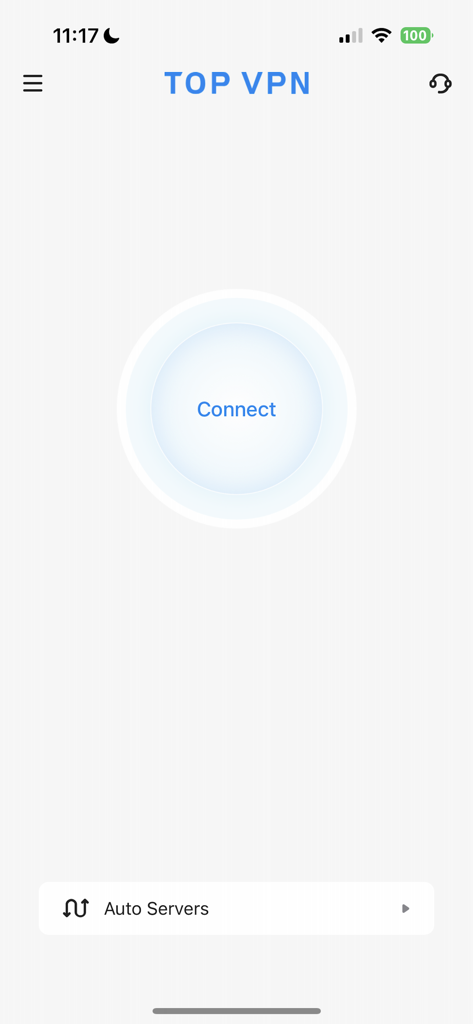
複雑なセットアップはスキップしましょう。登録不要で、クリック一つでデジタルフットプリントを保護し、お気に入りのアプリを即座にアンロックできます。
厳格なノーログポリシー
あなたのプライバシーは最優先事項です。ブラウジング履歴を追跡、保存、共有することはありません。あらゆるWi-Fiネットワークで完全なデジタルシールドを提供します。
よくある質問
について知っておくべきこと TOP VPN - Easy Fast Secure
TOP VPNとは何ですか?
TOP VPNは、100%無制限、高速、安全なVPNプロキシです。無制限のデータ、帯域幅、グローバルサーバーを提供します。ユーザーはワンクリックで接続し、ウェブサイトやアプリケーションのブロックを解除しながらプライバシーを保護できます。
TOP VPNはどのようにユーザーのプライバシーを保護しますか?
TOP VPNは、厳格なノーログポリシーを通じてユーザーのプライバシーを保護します。安全なVPNプロキシとして機能し、オンラインアクティビティ中の匿名性を保護し、ユーザーデータを安全に保ちます。
TOP VPNには無料トライアル期間がありますか?
はい、TOP VPNは12ヶ月プランで3日間の無料トライアルを提供しています。ユーザーは、料金が発生する前にiTunesアカウントを通じてサブスクリプションをキャンセルできます。
TOP VPNのサブスクリプション料金はいくらですか?
TOP VPNは、12ヶ月プラン(3日間の無料トライアル後)が年間89.99ドル、1ヶ月プランが月額9.99ドル、1週間プランが週額8.99ドルで提供されています。
TOP VPNサービスに接続するにはどうすればよいですか?
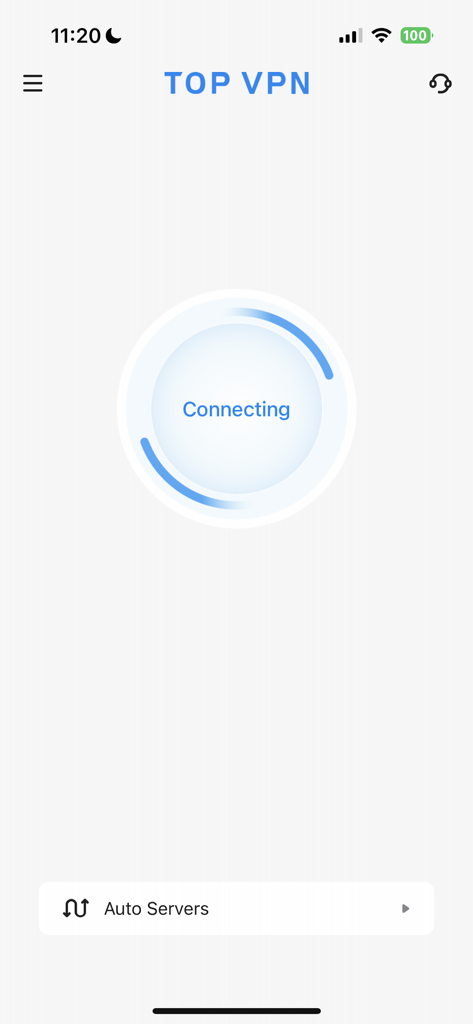
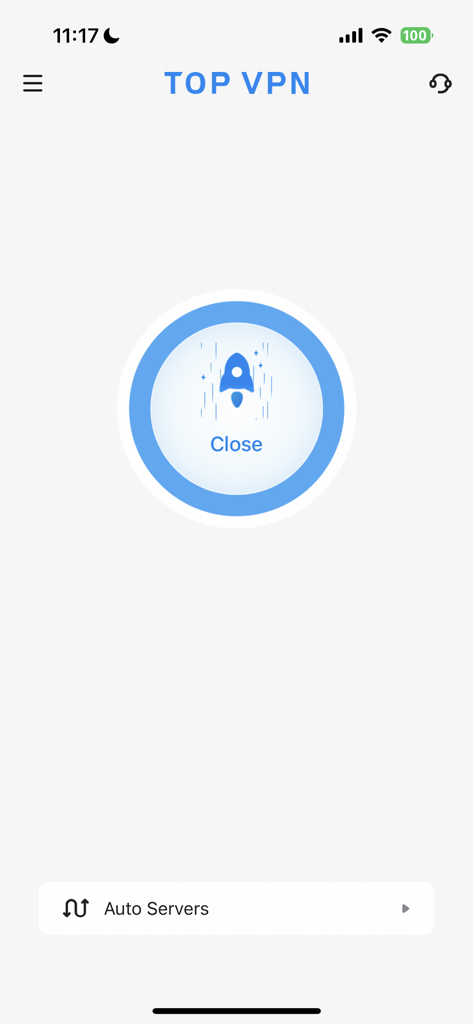
TOP VPNに接続するには、アプリケーションを起動し、メインインターフェースの中央にある「接続」ボタンをタップします。その後、アプリが自動的にVPN接続を確立します。
TOP VPNを使用するために登録は必要ですか?
いいえ、TOP VPNはサービスの使用に登録や設定を必要としません。ユーザーはアカウントを作成したり、追加の権限を提供したりすることなく、すぐにVPNにアクセスできます。
TOP VPNはソーシャルメディアプラットフォームのブロックを解除できますか?
はい、TOP VPNはFacebook、Twitter、Instagram、WhatsApp、Telegramなどの主要なソーシャルメディアプラットフォームを含む、さまざまなウェブサイトやアプリケーションのブロックを解除します。
TOP VPNはデータ使用量に制限がありますか?
いいえ、TOP VPNはユーザーに完全に無制限のデータと無制限の帯域幅を提供します。100%無制限のVPNプロキシとして機能し、無制限の使用を保証します。
TOP VPNでサーバーの場所を選択するにはどうすればよいですか?
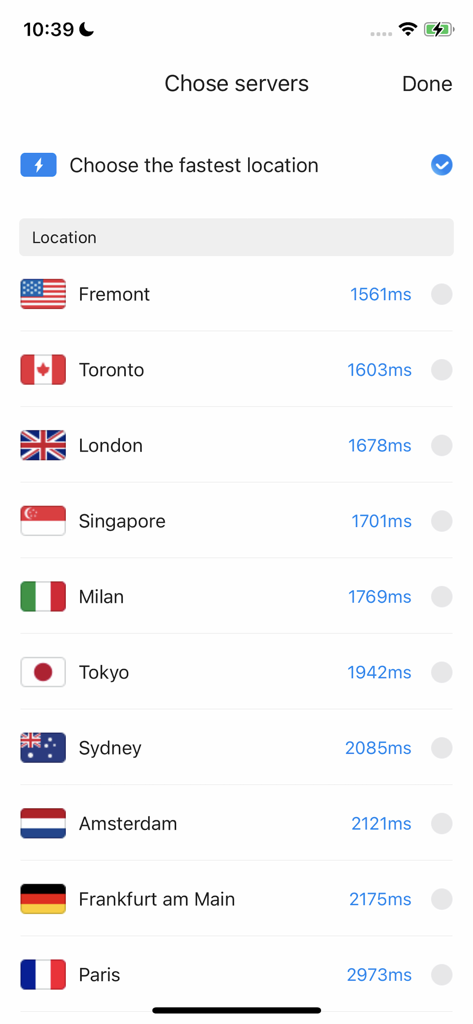
TOP VPNでサーバーの場所を選択するには、メイン画面の「自動サーバー」をタップします。これにより、特定のグローバルサーバーの場所を選択できるリストが開きます。
以下のスクリーンショットと説明は、アプリの公式ストアリスティングから直接取得されたものであり、アプリ開発者の所有物です。
アプリストア
スクリーンショット
説明
Download
類似アプリ
似た機能とユーザー体験を持つアプリ

VPN Hotspot Browser & More
Baris Gungor

VPN Pro - Unlimited Best VPN
Fireworks Technology Inc.

快连VPN
LetsGo Network Incorporated
Cool VPN Pro-Secure Proxy VPN
CTECH GLOBAL PTE LTD

VPN - Top Fast VPN
Free Fast Connect LLC

PlatoVPN Fast:Super VPN Proxy
MogoTech Inc.
VPN - FREE VPN Fast Ⓡ
AITIMING TECH PTE. LTD.

VPN - Nviper小火箭加速器vpn
Sichuan Yunfumeng Technology Co., Ltd

Hola VPN
Hola VPN Ltd
このページはアプリまたはその開発者の公式ページではなく、情報提供および論評を目的として作成された独立した編集出版物です。明示的に別段の記載がない限り、アプリおよびその開発者は、MWM、Apple、Google Play、アプリのパブリッシャー、またはアプリの開発者と提携、承認、後援、認可、またはその他の公式的な関係はなく、このページのいかなる内容も、アプリがMWMのサービスを使用して開発されたことを意味するものではありません。すべての商標、ロゴ、スクリーンショット、その他のコンテンツはそれぞれの所有者の財産です。