Now it supports iPhone, iPad and Mac.
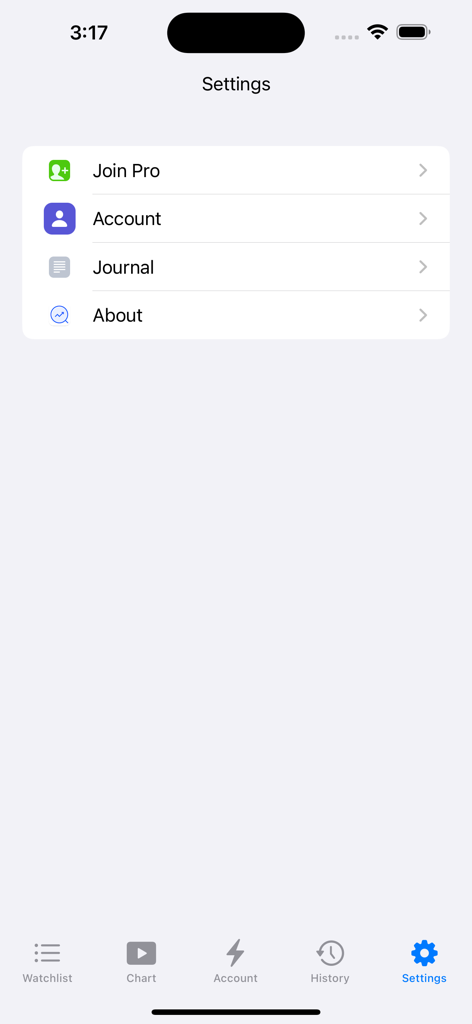
The trading lab is a trading review and training app designed to provide users with a trading training environment based on historical data playback.
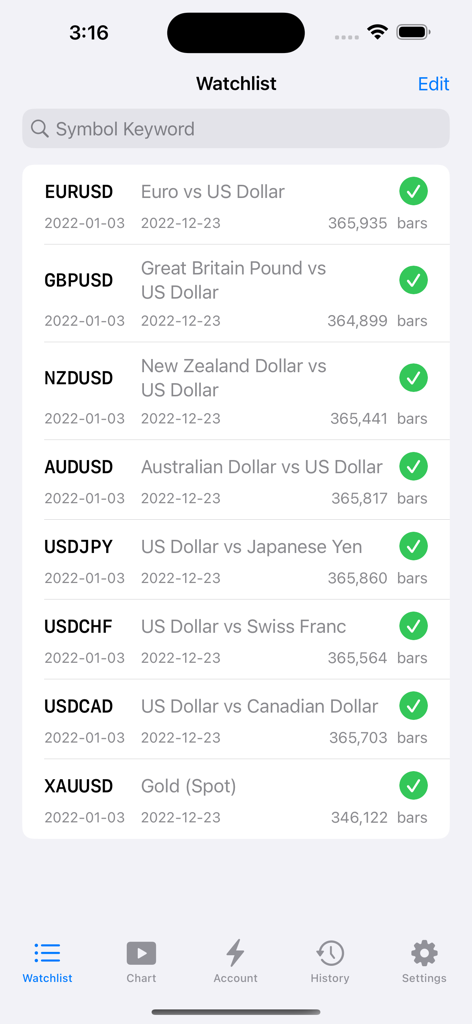
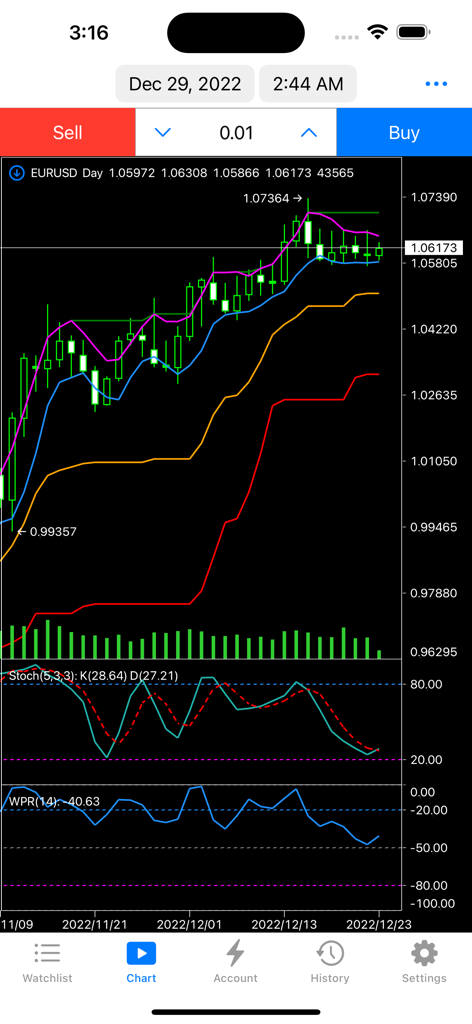
Main features: multi market symbols, high-quality historical data, full timeframes, high-performance indicators and charts, dynamic market playback, convenient and efficient trading tools.
Function list:
◆ Multiple market symbols
◆ High quality historical data
◆ Full time timeframes
All timeframes are supported, including 1 minute, 2 minutes, 3 minutes, 4 minutes, 5 minutes, 6 minutes, 10 minutes, 12 minutes, 15 minutes, 20 minutes, 30 minutes, 1 hour, 2 hours, 3 hours, 4 hours, 6 hours, 8 hours, 12 hours, day, week, month, quarter, half a year, and year.
◆ High performance indicators and charts
◆ Template function
Tips: You can save indicator combination and color matching as templates to facilitate switching between different combination schemes
◆ Dynamic market replay
1. Support automatic playback and manual playback
2. Support setting playback speed
3. Support setting playback step
4. Support fast jump of date
◆ Convenient and efficient trading tools
1. Support market buy, market sell, buy limit, sell limit, buy stop, sell stop
2. Support one click market price order transaction
3. Support menu quick transaction
4. Support panel line drawing transaction
5. Support trailing stop
Both the market order and the pending order support the setting of trailing stop. After the position is generated, the trailing stop is activated according to the trigger conditions.
6. Support group orders
------------------------------------------------------------------------------------------------------------------------------------------------------------
Subscription information
• You can select two subscription options: Pro Monthly User and Pro Annual User.
• The monthly user of Pro updates every 31 days, and the annual user of Pro updates every 12 months. During the subscription period, you can use various transaction varieties and tools without restriction.
• Subscription costs $3.99 per month and $39.99 per year.
• After the purchase is confirmed, the payment will be made to the iTunes account.
• The subscription will be automatically renewed unless automatic renewal is turned off at least 24 hours before the end of the current period.
• The account will be renewed within 24 hours before the end of the current period, and the cost of renewal will be determined.
• Users can manage subscriptions, and automatically renew can be turned off by going to the user's account settings after purchase.
• If any unused part of the free trial period is provided, it will be confiscated when the user purchases the subscription.
• Users can manage subscriptions, go to their iTunes account settings after purchase, and turn off automatic renewal.
• You can unsubscribe or free trial at any time through subscription settings through your iTunes account (go to Device Settings, and then click iTunes Account Apple ID>View Apple ID>Enter Password>Subscribe>Assembly>Unsubscribe button). At least 24 hours before the end of the free trial period or subscription period to avoid charges. Learn more: http://support.apple.com/kb/ht4098
Service Agreement: https://www.apple.com/legal/internet-services/itunes/dev/stdeula/
Privacy terms: http://xmacd.com/privacypolicy.html
• Contact us
Customer service email: tradingstarapp@hotmail.com