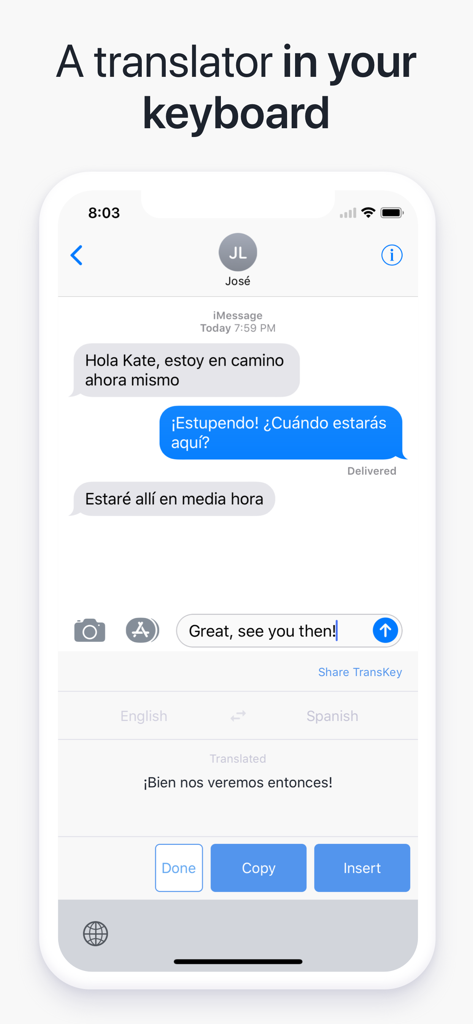
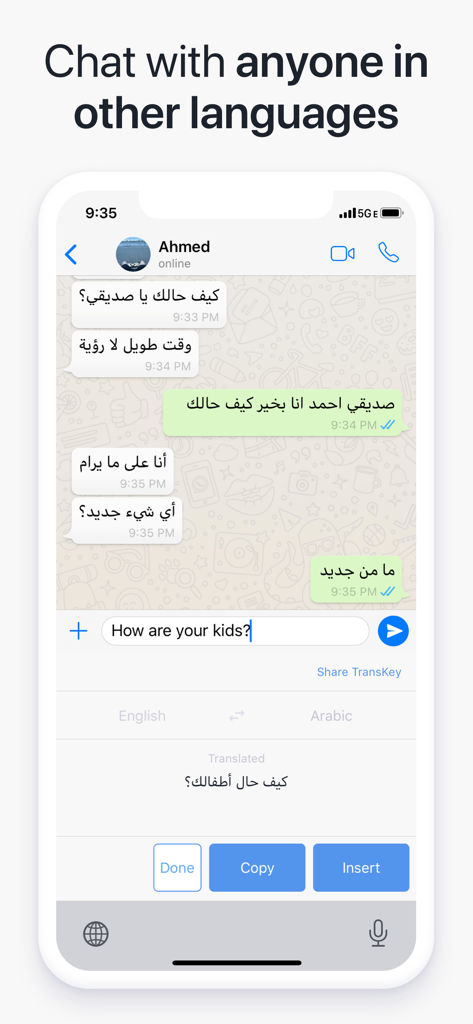
Chat now in any language without switching apps! TransKey translates your messages in real-time inside any app using the keyboard!
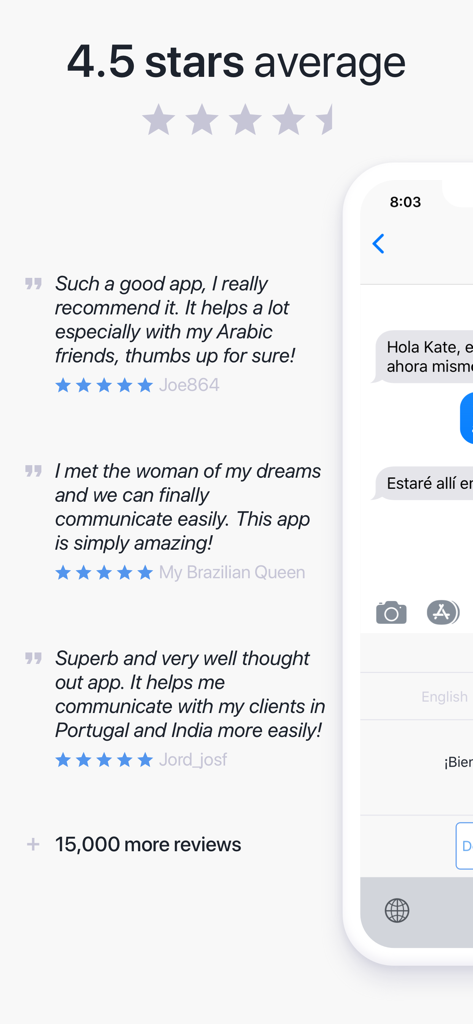
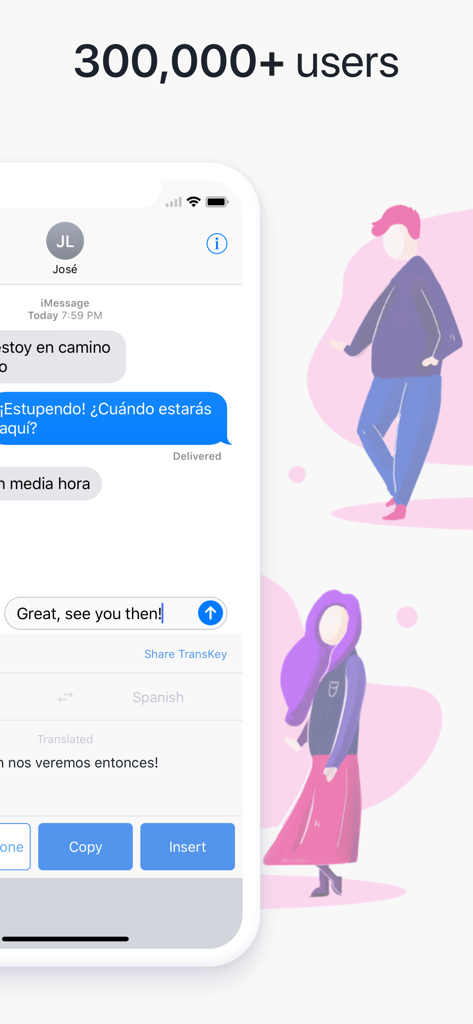
TransKey is the best chat translator trusted by over 300,000 users and featured on sites like CNET, Product Hunt, Addictive Tips, and more!
Over 10,000 5-star App Store reviews!
"I didn't think something like this was possible, but I'm happy to say I've been proven wrong. This is a great app to have on your iPhone!"
―
WHAT IS IT
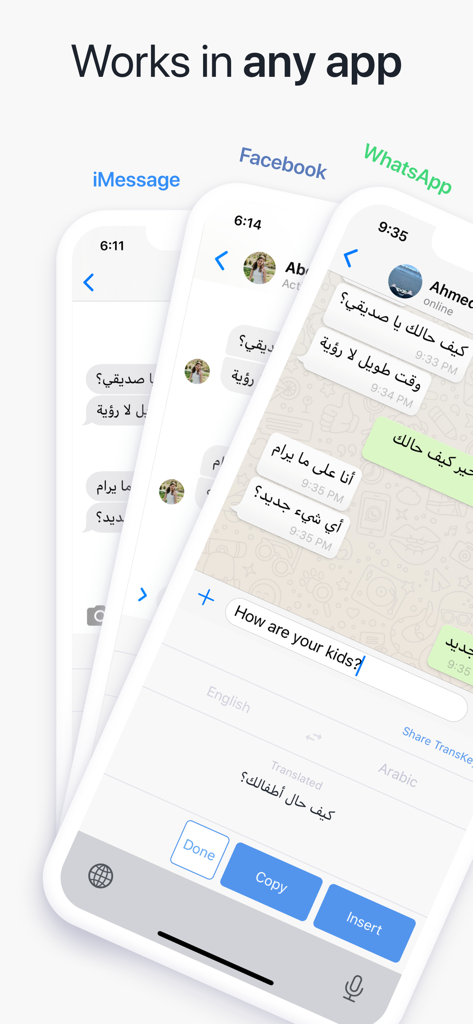
TransKey is a keyboard extension that translates your messages inside any app (like: WhatsApp, iMessage, Facebook, Twitter X, Email, Chat Apps, SMS, and many more).
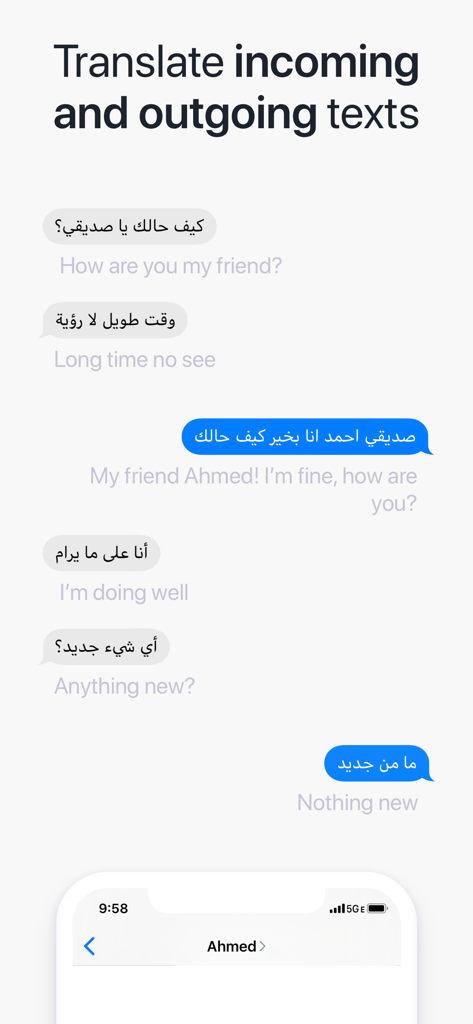
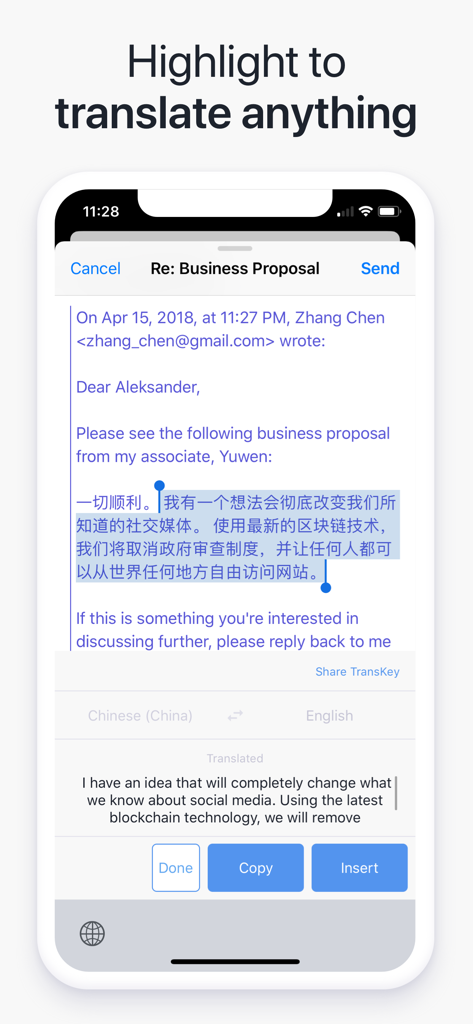
TransKey also works the other way around. Copy the text you can't understand and TransKey will show you what it means in your native language!
―
HOW DOES IT WORK
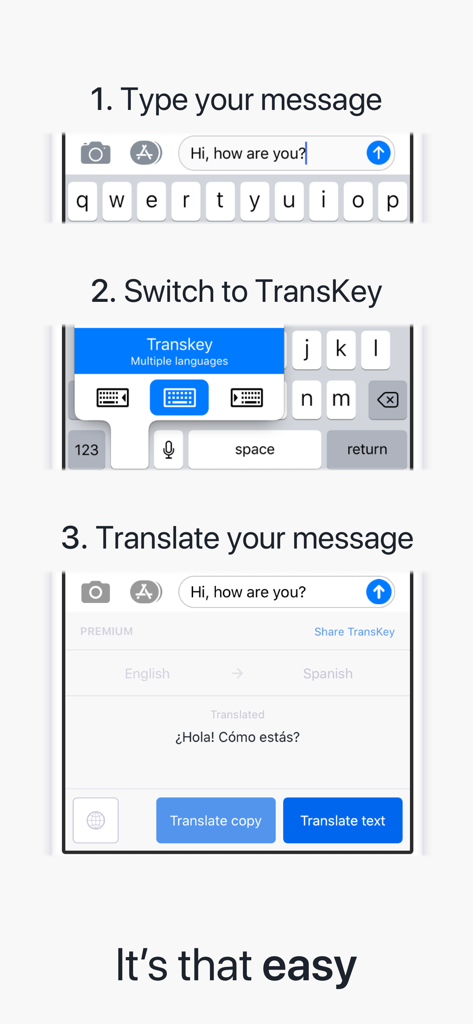
Write what you'd like to say, but before sending your message, tap and hold the Globe key to switch to TransKey. After selecting a target language, tap "Translate text" and watch your message get translated right in the app!
If you'd like to translate a message you received, tap and hold it until an option to "Copy" appears. In TransKey tap "Translate copy", and the translation will appear in the same place!
Never encounter another language barrier again when communicating with people in other countries! TransKey provides a flawless translation experience right in the messaging app of your choice unlike other translators which interrupt the flow by forcing you to switch to another app.
Unlike other translator keyboards, TransKey does not have a keyboard for typing. This allows you to use the keyboard you're most comfortable with, such as the iOS, GBoard, or SwiftKey.
―
How to use TransKey:
1. Type something
2. Switch to TransKey keyboard
3. Translate text
3. Tap to insert translated text
Without TransKey:
1. Type your text
2. Copy the text
3. Switch to Google Translate
4. Paste your message
5. Translate the message
6. Copy the translated message
7. Exit the translation app
8. Return to your app
9. Paste the translated message
―
FEATURES
• Translate the last sentence of any text field directly within any app
• Translate received messages directly within any app
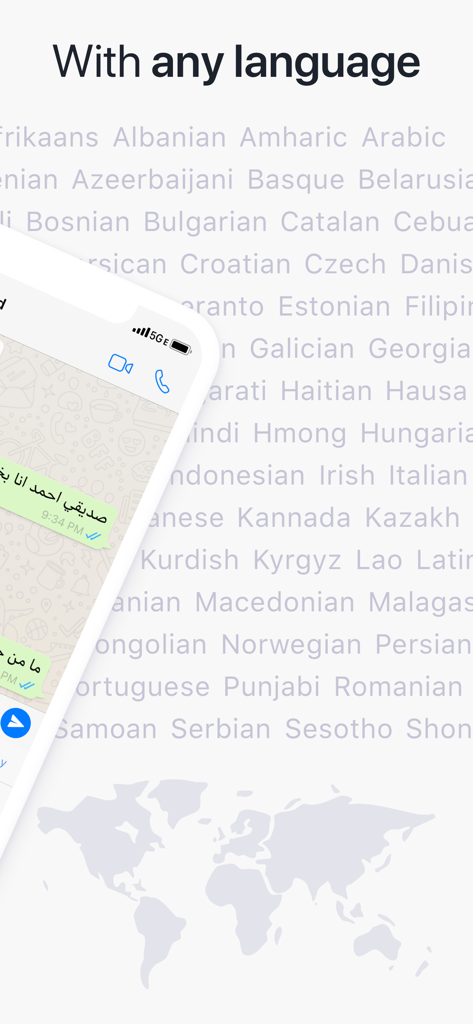
• Fast and accurate translation to and from over 100 languages
• Automatic detection of source language
• Copy the translation to be used anywhere
• Optimized for all iPhone screen sizes in both portrait and landscape
Preserves capitalization and emojis
Quick language switch, saves time
―
POPULAR LANGUAGES
Spanish, Japanese, Portuguese, German, Italian, Russian, Dutch, French, Korean, Ukrainian, Arabic, Burmese, Cantonese, Czech, Filipino, Greek, Hebrew, Romanian, Samoan, Swedish, Thai, Tongan, and more.
Use Transkey in conjunction with languages learning apps like: Duolingo, Pimsleur, Babbel, HelloTalk, Drops, Busuu, and Rosetta Stone
―
NOTICES
For accurate real-time translations, TransKey relies on industry leading machine-translation engines such as Google Translate, Microsoft Translate, and Yandex Translate. AI translators are not used in this version.
You will need to grant Transkey full access for it to work properly. They keyboard will need to get the text you type so it can send it to the translation service. We do not store anything you translate. See the Privacy Policy.
Terms and Conditions: https://transkey.io/terms.pdf
Privacy Policy: https://transkey.io/privacy.pdf
PAYMENT AND AUTOMATIC RENEWAL TERMS:
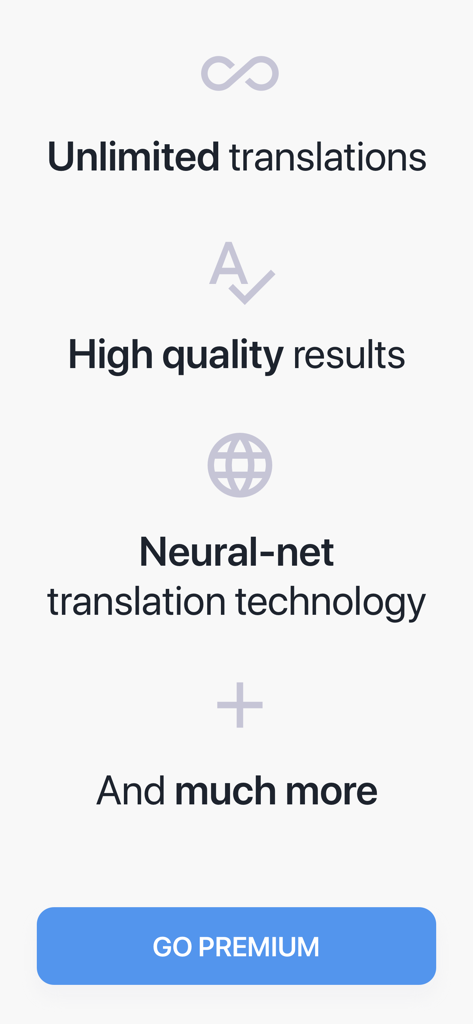
When first installed TransKey is in trial mode where you get 10 translations per day. For less than 50 cents per day you can upgrade to TransKey Premium, with unlimited high-quality translations. Subscriptions will be charged to your credit card through your Apple ID account and renew automatically unless cancelled at least 24 hours before the end of the period. You will not be able to cancel a subscription during the active period. You can manage your subscriptions in your Account Settings after purchase.
―
SUPPORT
Contact us by email at hello@transkey.io.