
このページはアプリまたはその開発者の公式ページではなく、情報提供および論評を目的として作成された独立した編集出版物です。明示的に別段の記載がない限り、アプリおよびその開発者は、MWM、Apple、Google Play、アプリのパブリッシャー、またはアプリの開発者と提携、承認、後援、認可、またはその他の公式的な関係はなく、このページのいかなる内容も、アプリがMWMのサービスを使用して開発されたことを意味するものではありません。すべての商標、ロゴ、スクリーンショット、その他のコンテンツはそれぞれの所有者の財産です。


ダウンロード
296K+ユーザー評価
評価数
2K+開発元
カテゴリ
Photo & Video対応言語
16最新バージョン
1.8.9サイズ
30.1 MBリリース日
2023年6月15日プロ級の鮮明さをワンタップで
高度なAIの力で、大切な思い出を復元し、スタジオ級の強化ツールで日常のコンテンツをレベルアップさせましょう。
クリスタルクリアなポートレート
顔のディテールを洗練し、特徴を自動でシャープにして、すべてのセルフィーをインフルエンサー級の傑作に変えましょう。
歴史に命を吹き込む
白黒写真を瞬時にカラー化し、古い画像を修復して、家族の遺産を驚くべき高解像度でご覧ください。
よくある質問
について知っておくべきこと Unblur Clear Image·Enhancer AI
Unblur AIとは何ですか?
Unblur AIは、AIを活用した写真修復アプリケーションです。ぼやけた画像をワンタップでHDの鮮明さに変換し、ポケットの中の包括的な写真編集ツールとして機能します。
Unblur AIを使用して写真を編集するにはどうすればよいですか?
Unblur AIを使用するには、写真を選択し、ベーシック、カラーライザー、クリスタル、またはカスタマイズ可能などの強化タイプを選択してから、AIに強化させるためにタップします。最後に、変換された写真を保存または共有します。
Unblur AIは一度に複数の写真を強化できますか?
はい、Unblur AIはマルチ写真編集機能を備えており、ユーザーは複数の写真を同時に処理および強化できます。これにより、写真編集プロセスが効率的に合理化されます。
Unblur AIは顔写真に特化した強化機能を提供していますか?
はい、Unblur AIには顔写真専用に設計された「クリスタルエンハンスメント」機能があります。これは細部を強化し、顔をより鮮明ではっきりさせます。
Unblur AIは白黒写真をカラー化できますか?
はい、Unblur AIには「カラーライザー」機能が含まれています。このAI搭載ツールは、思い出に色を吹き込むことで、古い白黒写真に新たな命を吹き込みます。
Unblur AIは無料のアプリケーションですか?
はい、Unblur AIは無料でダウンロードできます。サブスクリプションを通じて利用可能な、無制限のPRO機能のアップグレードオプションを提供しています。
ユーザーはUnblur AIのサブスクリプションをどのように管理しますか?
ユーザーはアカウント設定を通じてUnblur AIのサブスクリプションを管理し、自動更新を無効にできます。さらなる支援のためにサポートリンクが提供されています。
Unblur AIは個人情報を収集しますか?
いいえ、Unblur AIはユーザーのプライバシーとセキュリティを優先します。明示的なユーザーの許可なしに個人情報を収集することはありません。
Unblur AIは画像内のぼやけたテキストを修正できますか?
はい、Unblur AIは画像内のぼやけたテキストを修正できます。そのAI強化機能は、明確なビフォーアフターの結果によって実証されているように、テキストを明確にすることまで拡張されます。
Unblur AIで利用可能な強化モデルの種類は何ですか?
Unblur AIは、BASIC、COLORIZER、CRYSTAL、PRO CUSTOMIZABLEの強化モデルを提供しています。これらのオプションにより、ユーザーは画像に最適な変換の組み合わせを選択できます。
以下のスクリーンショットと説明は、アプリの公式ストアリスティングから直接取得されたものであり、アプリ開発者の所有物です。
アプリストア
スクリーンショット
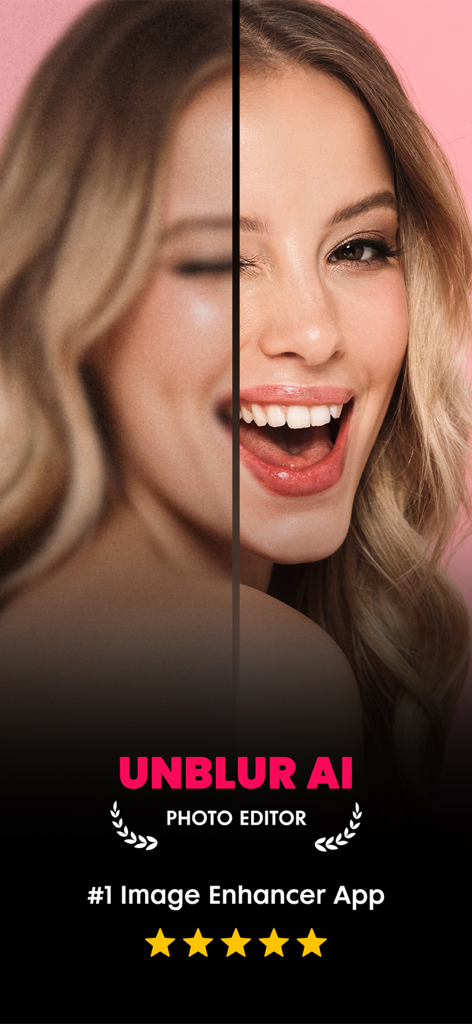
Unblur AIフォトエンハンサーでぼやけたポートレートの顔がシャープになった、修正前と修正後の比較画面
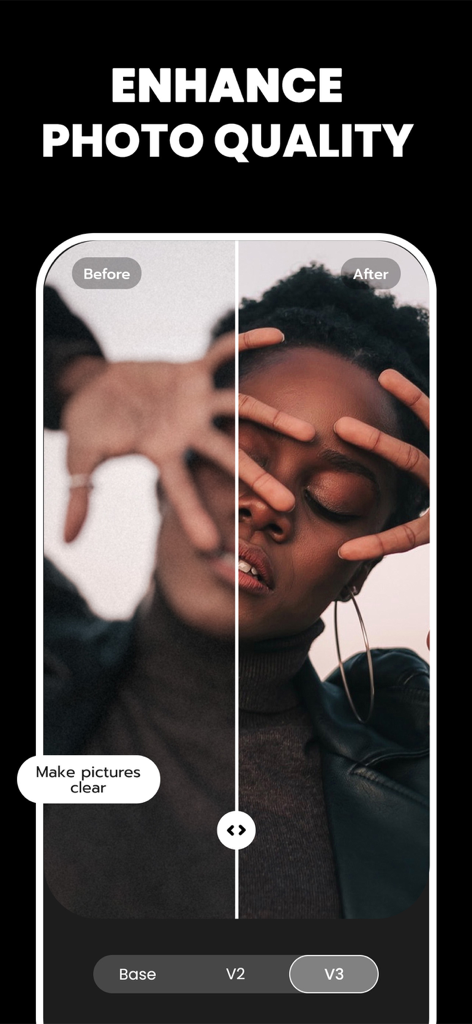
ぼやけたポートレートがUnblur AIでシャープになり強化された、修正前と修正後の比較
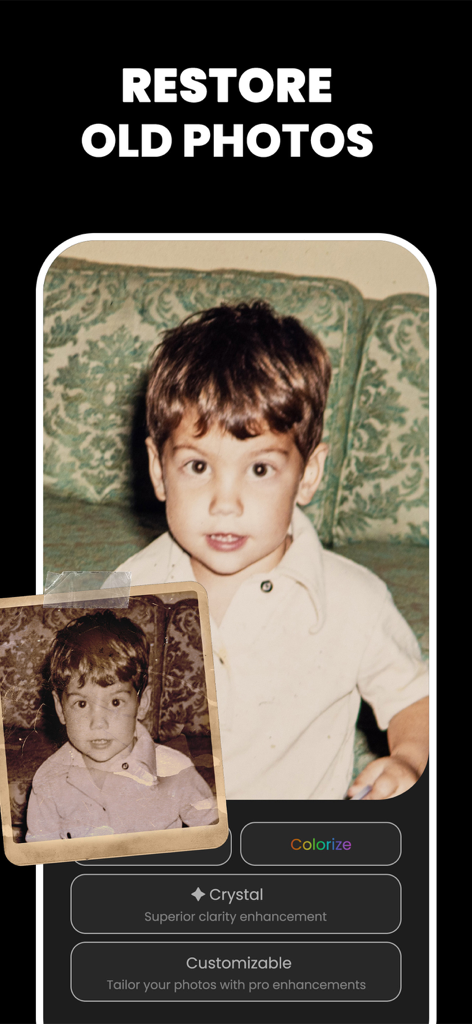
AIフォト復元機能。ざらざらした古い子供時代の写真が強化され、より鮮明にするためにカラー化されている様子
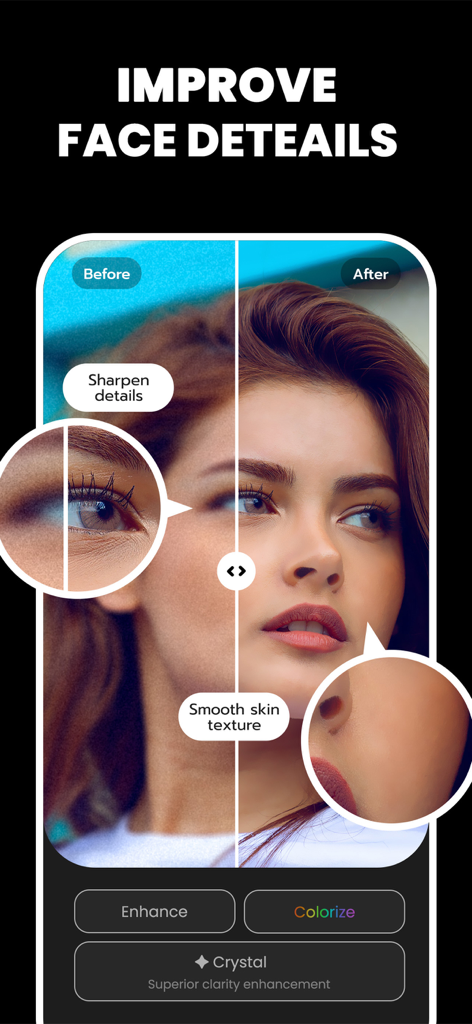
AI顔ディテール強化。滑らかな肌とシャープな特徴を持つ、修正前と修正後の比較
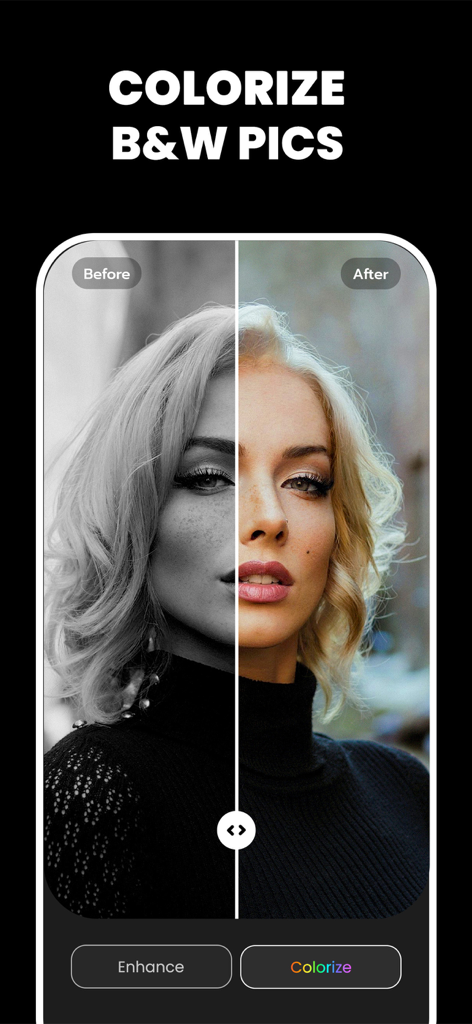
Unblur AIでカラー化された白黒ポートレートの修正前と修正後の比較
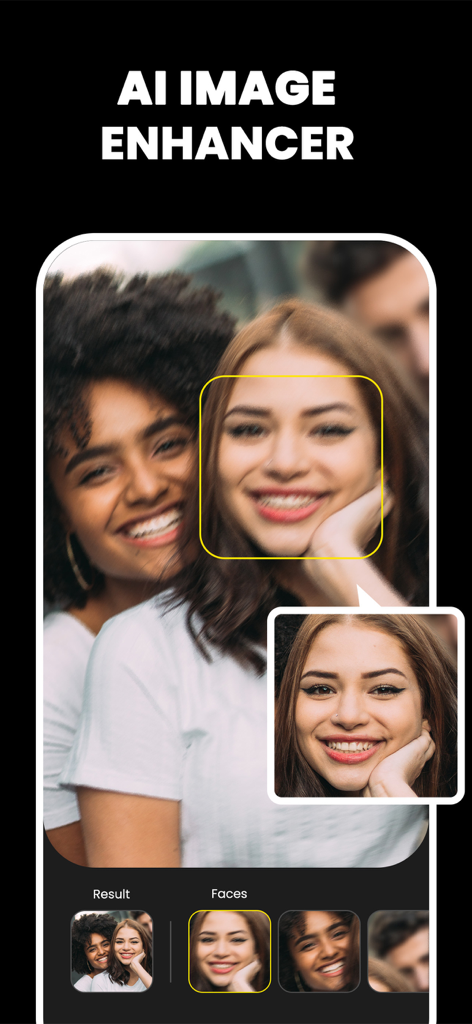
AIフォトエンハンサーアプリ画面。顔のぼかし解除と復元機能を表示
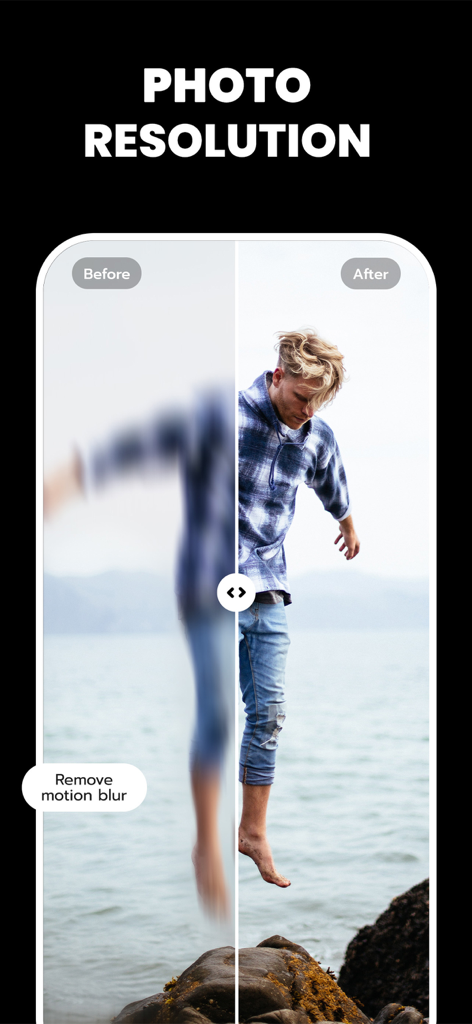
AIがモーションブラーを削除して写真の解像度を向上させる、修正前と修正後の比較
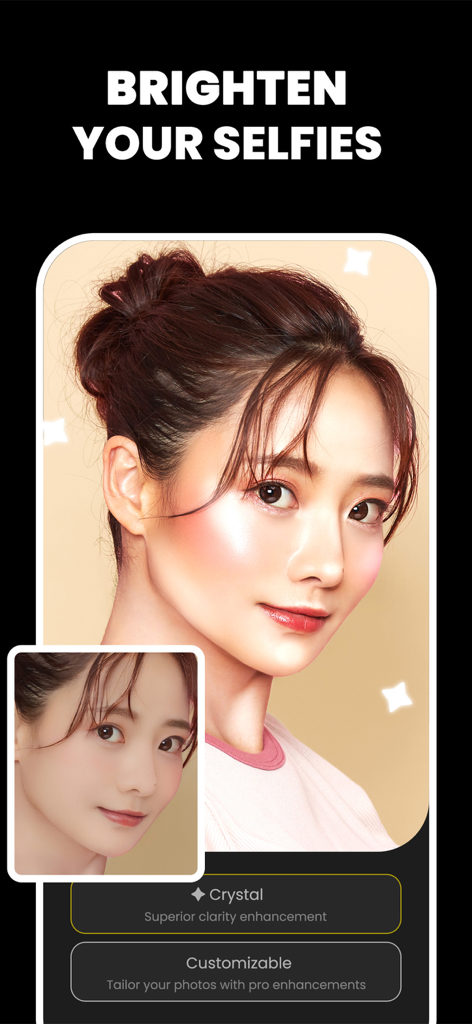
AIクリスタル強化を使用して、明るくシャープにされたセルフィーの修正前と修正後の比較
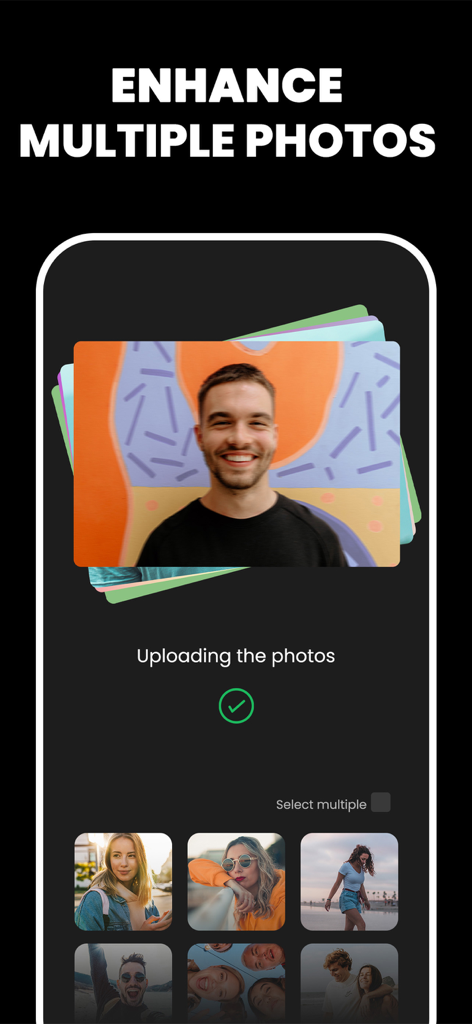
多数の写真とバッチAI処理のためのギャラリー選択を表示する、マルチフォト強化機能のインターフェース
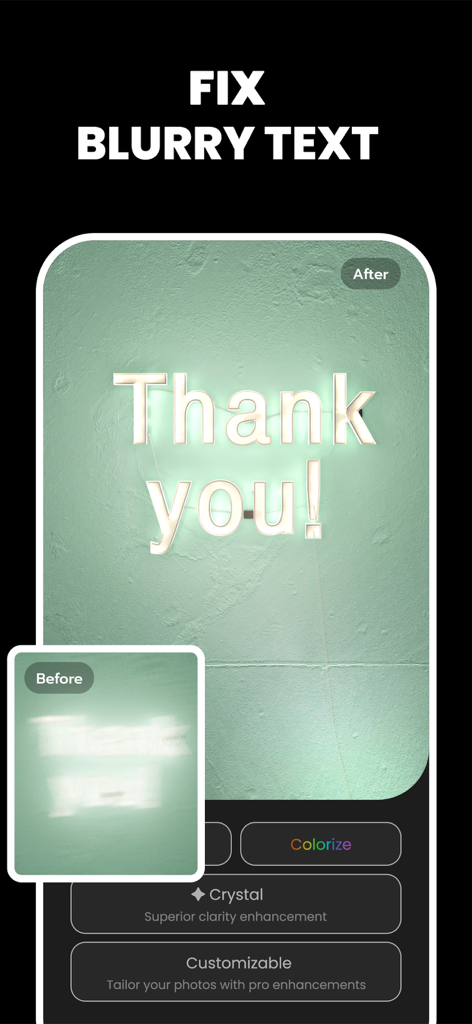
AI画像エンハンサーによってシャープにされたThank Youという文字がぼやけたネオンサインの修正前と修正後の比較
説明
Download
類似アプリ
似た機能とユーザー体験を持つアプリ

EPIK - AI Photo & Video Editor
SNOW Corporation

Citrus: AI 1 Tap Perfect Photo
Wemagine.ai LLP

SnapEdit: Photo Editor AI
SilverAI Joint Stock Company

Background Eraser 〜 Stickers
handyCloset Inc.

PhotoScan by Google Photos
Google LLC

Magic Eraser - Remove Object
Creatix Technology Global Limited

Magic Eraser Background Editor
Honk Honk Punch Pty Ltd

ProKnockOut-Cut Paste Photos
Shenzhen Qianhai Happy Tour Network Technology Co., Ltd.

Background Eraser - Remove BG*
SHANTANU PTE. LTD.
このページはアプリまたはその開発者の公式ページではなく、情報提供および論評を目的として作成された独立した編集出版物です。明示的に別段の記載がない限り、アプリおよびその開発者は、MWM、Apple、Google Play、アプリのパブリッシャー、またはアプリの開発者と提携、承認、後援、認可、またはその他の公式的な関係はなく、このページのいかなる内容も、アプリがMWMのサービスを使用して開発されたことを意味するものではありません。すべての商標、ロゴ、スクリーンショット、その他のコンテンツはそれぞれの所有者の財産です。