
このページはアプリまたはその開発者の公式ページではなく、情報提供および論評を目的として作成された独立した編集出版物です。明示的に別段の記載がない限り、アプリおよびその開発者は、MWM、Apple、Google Play、アプリのパブリッシャー、またはアプリの開発者と提携、承認、後援、認可、またはその他の公式的な関係はなく、このページのいかなる内容も、アプリがMWMのサービスを使用して開発されたことを意味するものではありません。すべての商標、ロゴ、スクリーンショット、その他のコンテンツはそれぞれの所有者の財産です。


Velocity Keyboard
独自のベロシティセンシングアルゴリズムでiPadをプロフェッショナルMPEコントローラーに変えましょう。高度なピッチベンド、カスタムスケール、8系統のMIDI CCモジュレーションソースでAUv3シンセを完全にコントロールできます。
ダウンロード
9K+ユーザー評価
評価数
200開発元
カテゴリ
Music対応言語
1最新バージョン
1.3.22サイズ
12.3 MBリリース日
2019年5月8日プロフェッショナル・パフォーマンス・コントロール
現代のモバイルプロデューサーのために設計された、高度なベロシティセンシングとMPE互換性により、バーチャルインストゥルメントの可能性を最大限に引き出します。
ダイナミック・ベロシティ・センシング
タッチフォースを人間らしい表現力に変換する独自のアルゴリズムで、あらゆるガラス表面上のデジタルサウンドに命を吹き込みます。
比類なきMPE表現力
3Dタッチ、Y軸スライド、高精度ピッチベンド補正を含む8系統の同時コントロールソースで、モジュレーションをマスターしましょう。
以下のスクリーンショットと説明は、アプリの公式ストアリスティングから直接取得されたものであり、アプリ開発者の所有物です。
アプリストア
スクリーンショット
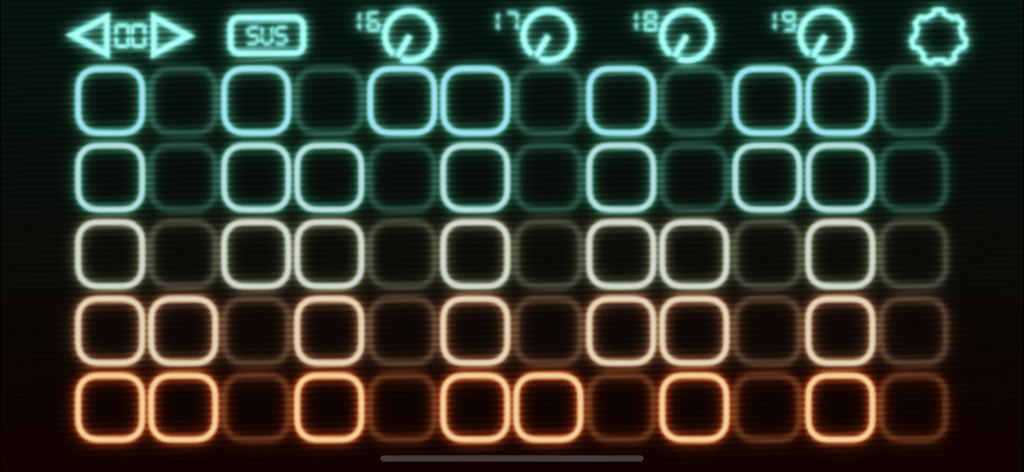
Velocity Keyboardアプリのインターフェイス。音楽的表現のためのカラフルなタッチセンシティブパッドとMIDIコントロールノブのグリッドが表示されています。
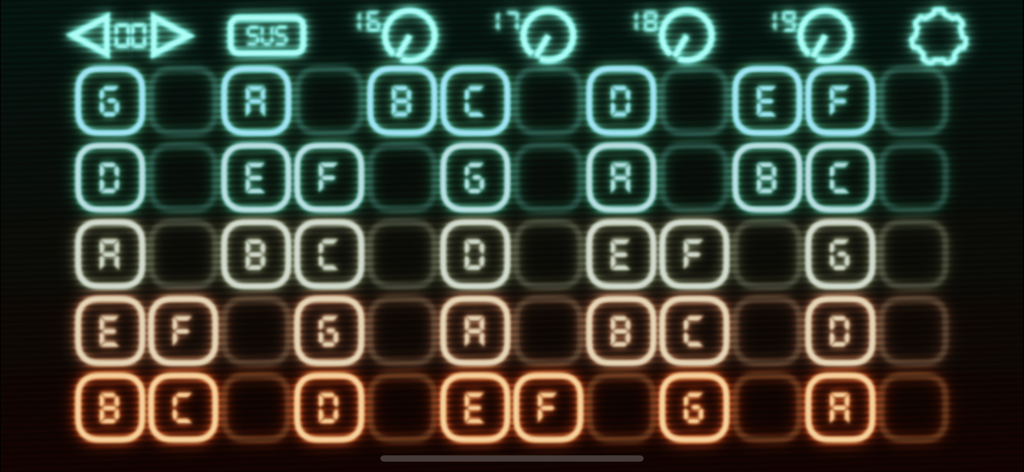
Velocity Keyboardアプリのインターフェイス。MIDI音楽制作のためのスケールレイアウトのノートグリッドが表示されています。
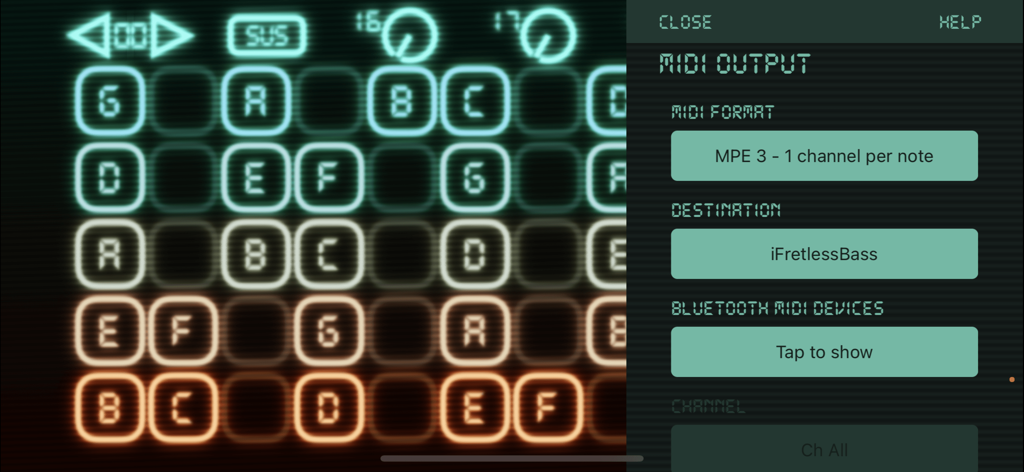
Velocity Keyboard MIDI出力設定メニューと光るノートグリッドインターフェイス。
説明
Download
類似アプリ
同じカテゴリのトップランクアプリ

Spotify: Music and Podcasts
Spotify

YouTube Music
Google LLC

Shazam: Find Music & Concerts
Apple Inc.

SoundCloud: The Music You Love
SoundCloud Global Limited & Co KG

Suno - AI Songs & Music
Suno Inc.

QQ音乐 - 听我想听
Tencent Technology (Shenzhen) Company Limited

Audiomack - Play Music Offline
Audiomack, Inc.

GuitarTuna: Tune & Play Guitar
Yousician Ltd

BandLab – Music Maker & Beats
BandLab Singapore Pte Ltd
このページはアプリまたはその開発者の公式ページではなく、情報提供および論評を目的として作成された独立した編集出版物です。明示的に別段の記載がない限り、アプリおよびその開発者は、MWM、Apple、Google Play、アプリのパブリッシャー、またはアプリの開発者と提携、承認、後援、認可、またはその他の公式的な関係はなく、このページのいかなる内容も、アプリがMWMのサービスを使用して開発されたことを意味するものではありません。すべての商標、ロゴ、スクリーンショット、その他のコンテンツはそれぞれの所有者の財産です。