
このページはアプリまたはその開発者の公式ページではなく、情報提供および論評を目的として作成された独立した編集出版物です。明示的に別段の記載がない限り、アプリおよびその開発者は、MWM、Apple、Google Play、アプリのパブリッシャー、またはアプリの開発者と提携、承認、後援、認可、またはその他の公式的な関係はなく、このページのいかなる内容も、アプリがMWMのサービスを使用して開発されたことを意味するものではありません。すべての商標、ロゴ、スクリーンショット、その他のコンテンツはそれぞれの所有者の財産です。


Video Editor - Add Music
お気に入りの曲の追加、音声の抽出、スローモーションエフェクト、圧縮まで、完璧なサウンドトラックでクリップを変身させましょう。TikTokやInstagram向けのプロ品質動画を数秒で作成できます。
ダウンロード
255K+ユーザー評価
評価数
1K+開発元
カテゴリ
Music対応言語
1最新バージョン
1.4サイズ
9.5 MBリリース日
2019年4月7日数分でバイラルコンテンツを作成
TikTok、Reels、YouTube Shorts向けに、カスタムサウンドトラックの追加、クリップの結合、動画の最適化を行うためのオールインワンモバイルスタジオ。
完全なサウンドトラックコントロール
ソーシャルメディアの音楽制限から解放されます。ギャラリーから好きな曲を追加したり、既存の動画から高品質の音声を抽出して、ユニークなコンテンツを作成しましょう。
シネマティックモーション&トランジション
ストーリーテリングの技術をマスターしましょう。クリップを簡単に結合し、スローモーション、早送り、逆再生エフェクトを使用して、視聴者を惹きつけましょう。
以下のスクリーンショットと説明は、アプリの公式ストアリスティングから直接取得されたものであり、アプリ開発者の所有物です。
アプリストア
スクリーンショット
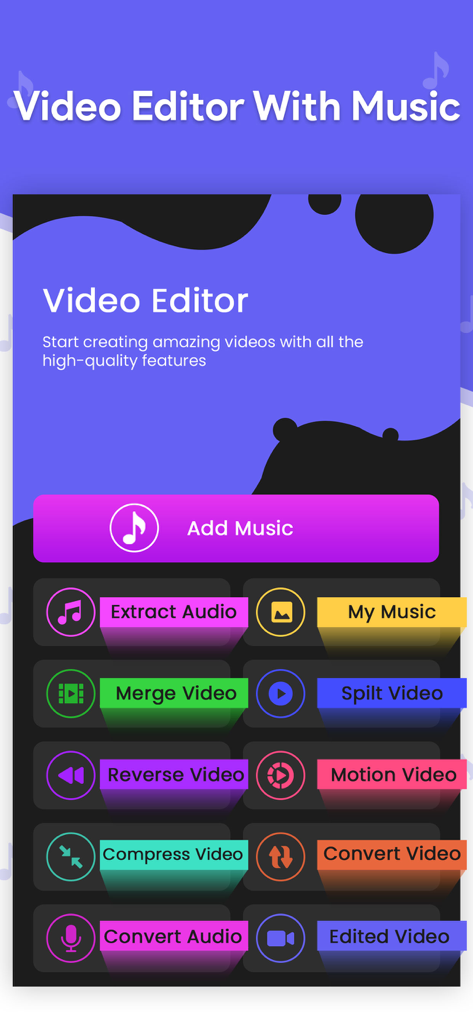
Video Editor Add Musicアプリのメイン画面。動画および音声編集ツールのカラフルなボタンが表示されています
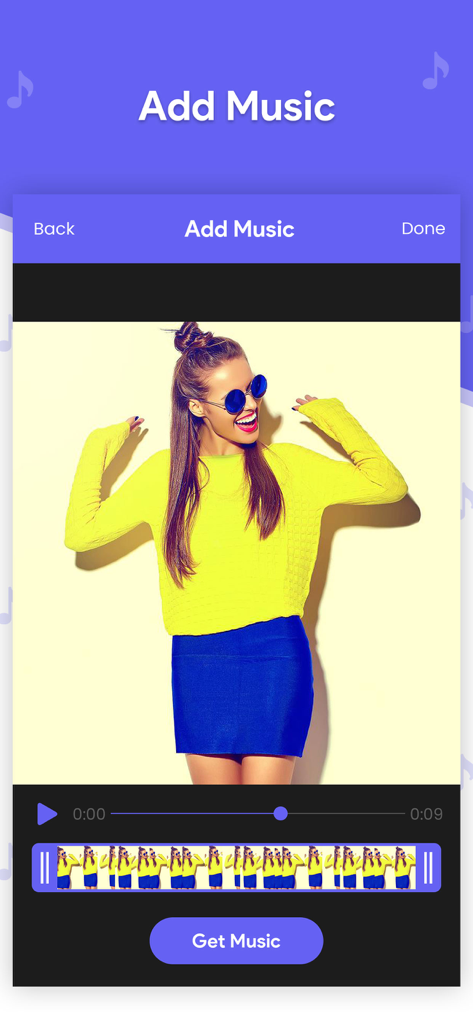
Video Editor Add Musicアプリのインターフェース。動画タイムラインと音楽追加機能が表示されています。
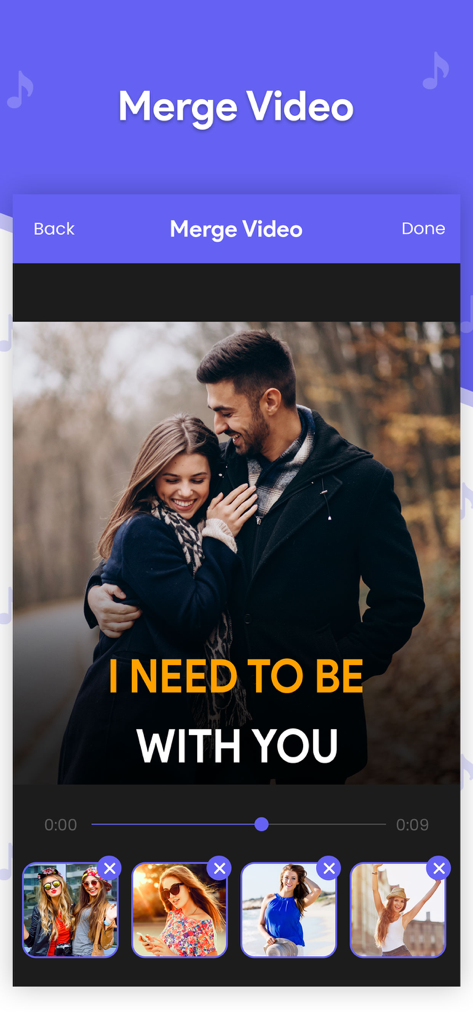
複数の動画クリップを1つのシーケンスに結合するためのモバイルアプリインターフェース
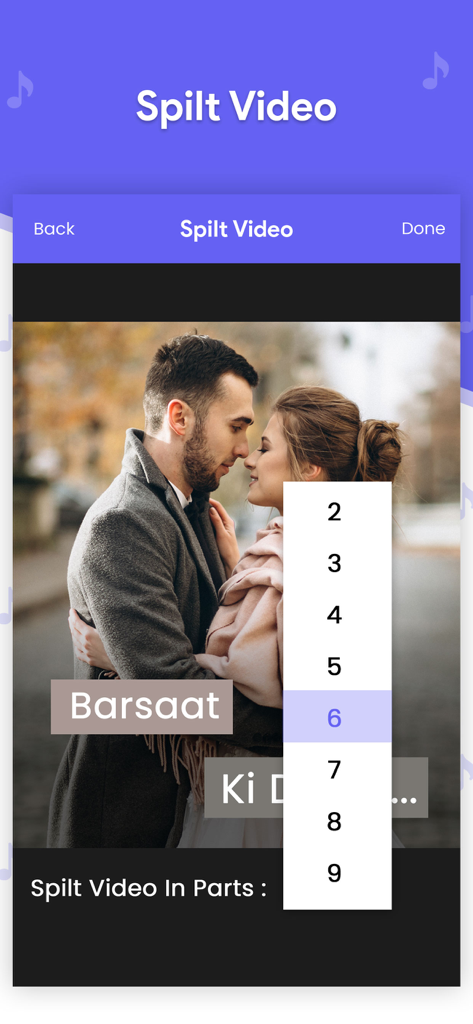
動画クリップを分割するための数値セレクターが表示された、動画分割ツールのモバイルアプリインターフェース。
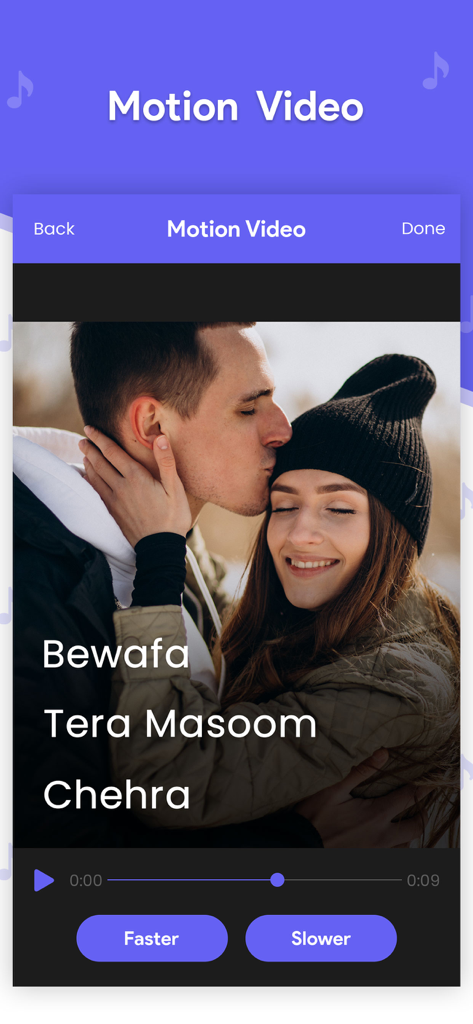
Video Editorアプリの画面。早送りボタンと遅送りボタンが表示されたモーションビデオ速度コントロールが表示されています
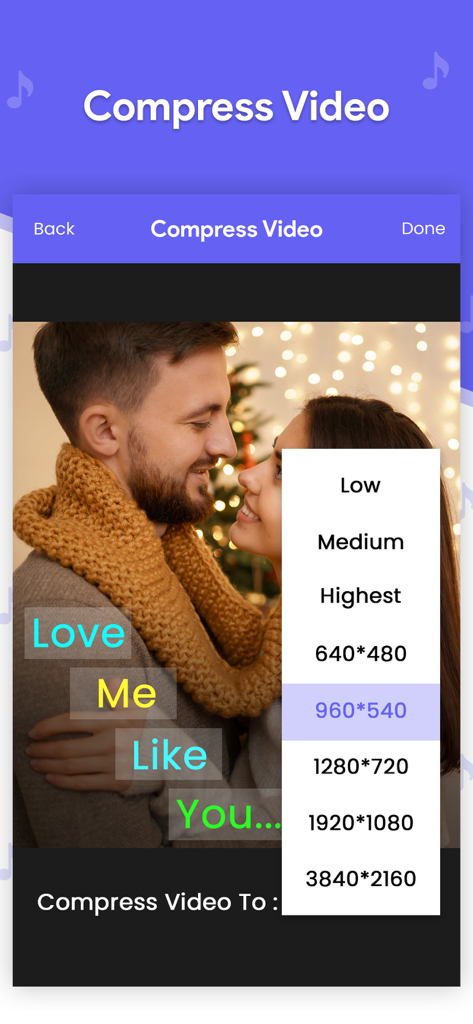
さまざまな解像度設定を備えた動画ファイル圧縮用のインターフェース
説明
Download
類似アプリ
同じカテゴリのトップランクアプリ

Spotify: Music and Podcasts
Spotify

YouTube Music
Google LLC

Shazam: Find Music & Concerts
Apple Inc.

SoundCloud: The Music You Love
SoundCloud Global Limited & Co KG

Suno - AI Songs & Music
Suno Inc.

QQ音乐 - 听我想听
Tencent Technology (Shenzhen) Company Limited

Audiomack - Play Music Offline
Audiomack, Inc.

BandLab – Music Maker & Beats
BandLab Singapore Pte Ltd

GuitarTuna: Tune & Play Guitar
Yousician Ltd
このページはアプリまたはその開発者の公式ページではなく、情報提供および論評を目的として作成された独立した編集出版物です。明示的に別段の記載がない限り、アプリおよびその開発者は、MWM、Apple、Google Play、アプリのパブリッシャー、またはアプリの開発者と提携、承認、後援、認可、またはその他の公式的な関係はなく、このページのいかなる内容も、アプリがMWMのサービスを使用して開発されたことを意味するものではありません。すべての商標、ロゴ、スクリーンショット、その他のコンテンツはそれぞれの所有者の財産です。