
このページはアプリまたはその開発者の公式ページではなく、情報提供および論評を目的として作成された独立した編集出版物です。明示的に別段の記載がない限り、アプリおよびその開発者は、MWM、Apple、Google Play、アプリのパブリッシャー、またはアプリの開発者と提携、承認、後援、認可、またはその他の公式的な関係はなく、このページのいかなる内容も、アプリがMWMのサービスを使用して開発されたことを意味するものではありません。すべての商標、ロゴ、スクリーンショット、その他のコンテンツはそれぞれの所有者の財産です。


ダウンロード
222K+ユーザー評価
評価数
5K+開発元
カテゴリ
Productivity対応言語
2最新バージョン
3.25.11サイズ
266.4 MBリリース日
2022年11月14日法的に有効。世界的に信頼されている。
セキュリティを重視する専門家のために設計された、最高レベルの本人確認保証により、重要度の高い国際取引を合理化します。
認定デジタル署名
eIDAS基準の下で手書き署名と同等の法的効力を持つ認定電子署名(QES)により、国境を越えた契約を執行します。
専門家による人的確認
信頼性の低いAI自動チェックは不要です。訓練を受けたViduaの専門家との短いビデオ通話を通じて、政府が検証した安全なIDを確立します。
よくある質問
について知っておくべきこと Vidua
Viduaアプリとは何ですか?
Viduaアプリを使用すると、サービスへの登録、適格な電子署名での署名、本人確認、同意に基づく個人データの共有ができます。安全なオンライン操作を可能にします。
Viduaサービスに登録するにはどうすればよいですか?
スマートフォンでViduaの担当者とのビデオ接続を通じてViduaサービスに登録します。プロセスには、PINの設定、メールアドレスの提供、自撮り、IDのスキャン、ビデオ通話、確認が含まれます。
Vidua登録に必要な書類は何ですか?
有効なパスポートまたは身分証明書が必要です。登録日時点で有効期間が30日以上残っている必要があります。運転免許証はVidua登録には使用できません。
ViduaアプリはiPadと互換性がありますか?
いいえ、ViduaアプリはiPadでの使用には適していません。登録プロセス中のスマートフォンでの使用に特化して設計されています。
Vidua登録はどのくらいの期間有効ですか?
Vidua登録は3年間有効です。この有効期間は、初回登録時に使用したのと同じスマートフォンを使用した場合に適用されます。
Viduaアプリは電子署名に安全ですか?
はい、Viduaアプリは適格な電子署名により、最高のセキュリティレベルで署名することを可能にします。所有者であるCleverbaseと同様のセキュリティ対策に準拠しています。
Viduaアプリは誰が開発しましたか?
CleverbaseがViduaアプリを開発しました。Cleverbaseはオランダ政府のライセンスの下で適格信頼サービスプロバイダーとして運営されており、Viduaをブランド名として使用しています。
Viduaアプリはどのような個人データを収集しますか?
Viduaアプリは、スマートフォンのIPアドレス、オペレーティングシステムの名前とバージョン、モバイルデバイスの一意の識別子を処理します。
ViduaアプリはGDPRに準拠していますか?
はい、Viduaアプリは一般データ保護規則およびCleverbaseのウェブサイトで利用可能なプライバシーステートメントに従って個人データを処理します。
Viduaアプリは個人データの共有に役立ちますか?
はい、Viduaアプリを使用すると、明示的な同意を得て個人データを共有できます。登録後、ユーザーは誰とデータを共有するかを選択できます。
以下のスクリーンショットと説明は、アプリの公式ストアリスティングから直接取得されたものであり、アプリ開発者の所有物です。
アプリストア
スクリーンショット
Viduaモバイルアプリのウェルカム画面、ロゴと「心配なくオンラインで活動」というタグラインが表示されています。
Viduaモバイルアプリのインターフェース、ドキュメントとチェックマークアイコンでリモート登録プロセスを表示しています。
朝食をとる笑顔の女性、Viduaのロゴと「とても簡単です」というスローガンが表示されています。
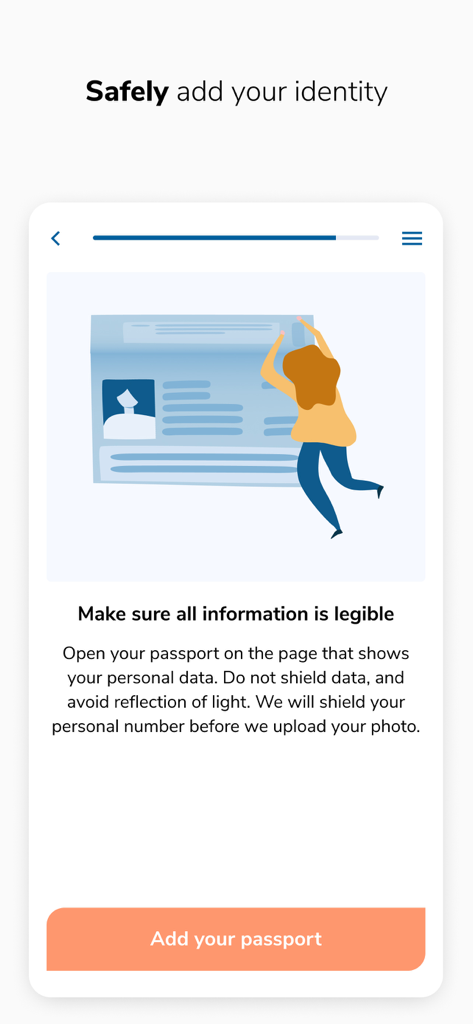
Viduaアプリ画面、パスポートを追加してデジタルIDを安全に検証するための手順を表示、人物がIDを保持しているイラストと「パスポートを追加」ボタンがあります。
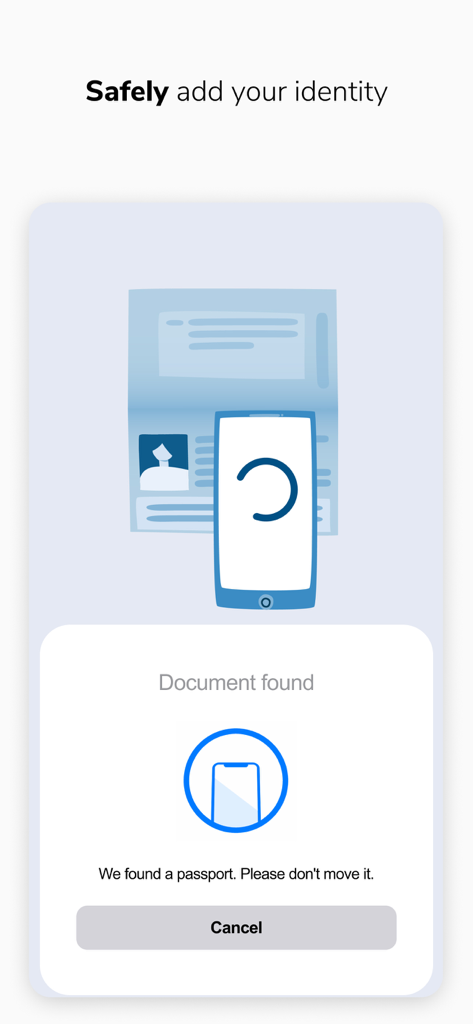
Viduaアプリのモバイル画面、パスポートをスキャンしてデジタルIDを安全に追加するプロセスを表示しています。
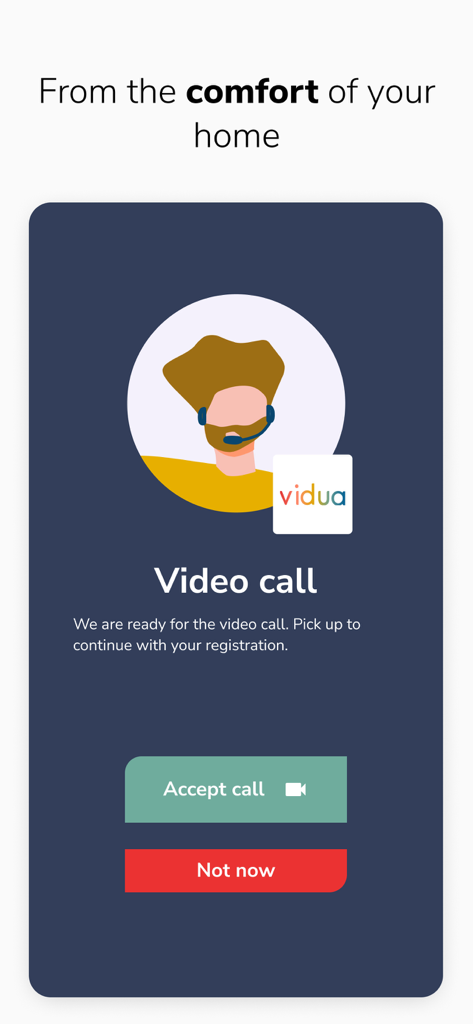
Viduaアプリ画面、登録プロセス中のID検証のための着信ビデオ通話を表示しています。
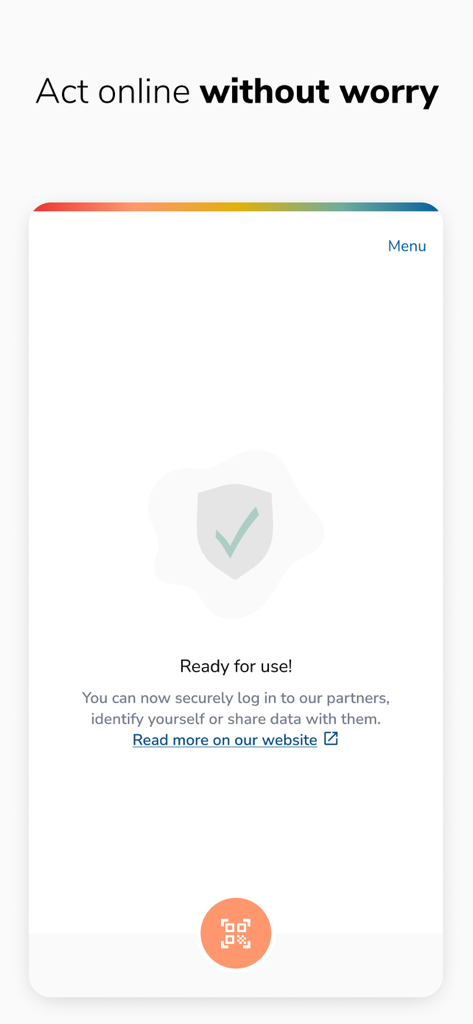
Viduaアプリインターフェース、盾のアイコンとチェックマーク、そして「使用準備完了、心配なくオンラインで活動」というメッセージが表示されています。
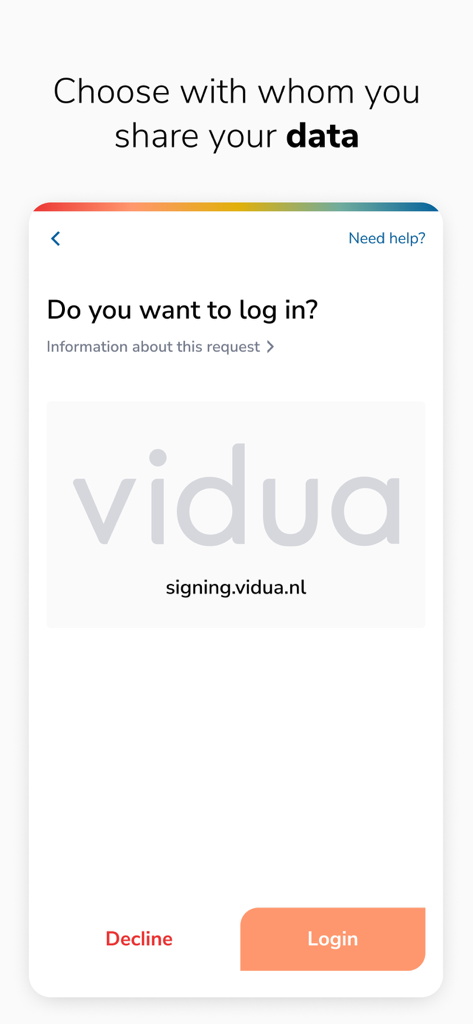
Viduaアプリの安全なログインリクエスト画面、データ共有用です。
説明
Download
類似アプリ
似た機能とユーザー体験を持つアプリ

Nect Wallet
Nect GmbH

POSTIDENT
Deutsche Post AG

Evrotrust
Evrotrust Technologies Ad

livesign - doc signing & VOI
thelawstore.com.au pty ltd

IDnow Online-Ident
IDnow Gmbh
SafeID
Safeweb Seguranca da Informacao Ltda
A-Trust Signatur
A-Trust GmbH

ID.Abonent
MSK MOBAIL, OOO

Thirdfort
Thirdfort Limited
このページはアプリまたはその開発者の公式ページではなく、情報提供および論評を目的として作成された独立した編集出版物です。明示的に別段の記載がない限り、アプリおよびその開発者は、MWM、Apple、Google Play、アプリのパブリッシャー、またはアプリの開発者と提携、承認、後援、認可、またはその他の公式的な関係はなく、このページのいかなる内容も、アプリがMWMのサービスを使用して開発されたことを意味するものではありません。すべての商標、ロゴ、スクリーンショット、その他のコンテンツはそれぞれの所有者の財産です。