
このページはアプリまたはその開発者の公式ページではなく、情報提供および論評を目的として作成された独立した編集出版物です。明示的に別段の記載がない限り、アプリおよびその開発者は、MWM、Apple、Google Play、アプリのパブリッシャー、またはアプリの開発者と提携、承認、後援、認可、またはその他の公式的な関係はなく、このページのいかなる内容も、アプリがMWMのサービスを使用して開発されたことを意味するものではありません。すべての商標、ロゴ、スクリーンショット、その他のコンテンツはそれぞれの所有者の財産です。


Vivaldi Powerful Web Browser
デスクトップスタイルのタブ、組み込みの広告ブロック、エンドツーエンドで暗号化された同期で、ウェブ体験をコントロールしましょう。スピード、プライバシー、完全なカスタマイズを求めるプロフェッショナル向けに設計されています。
ダウンロード
335K+ユーザー評価
評価数
10K+開発元
カテゴリ
Utilities対応言語
34最新バージョン
7.7.3861.44サイズ
221.3 MBリリース日
2023年9月27日デジタルアーキテクトのために構築
生産性、プライバシー、パフォーマンスのために設計されたプロフェッショナルグレードのツールで、モバイルウェブ体験を完全に制御しましょう。
本物のデスクトップスタイルタブ
扱いにくいモバイルスイッチャーはもう不要です。デスクトップレベルのマルチタスクをiPhoneにもたらす表示タブバーで、サイト間を楽に移動しましょう。
組み込みプライバシーアーマー
デフォルトで、迷惑な広告やトラッカーをブロックします。サードパーティの拡張機能をダウンロードすることなく、より高速な読み込み速度と完全な安心をお楽しみください。
よくある質問
について知っておくべきこと Vivaldi Powerful Web Browser
Vivaldiブラウザには広告ブロッカーが含まれていますか?
はい、Vivaldiブラウザには、邪魔なものを最小限に抑えたブラウジングのための組み込み広告ブロッカーが搭載されています。ユーザーのプライバシーを保護し、ブラウジング体験を向上させます。
Vivaldi Powerful Web Browserはユーザーをトラッキングから保護しますか?
はい、Vivaldi Powerful Web Browserはトラッカーブロッカーを統合しています。これにより、主要なプライバシーおよびセキュリティ機能でユーザーを保護し、ウェブサイトがオンラインアクティビティを追跡するのを防ぎます。
Vivaldiブラウザは複数のデバイス間でデータを同期できますか?
はい、Vivaldiブラウザは暗号化同期を提供します。エンドツーエンド暗号化を使用して、開いているタブ、保存したログイン情報、ブックマーク、メモをモバイルおよびデスクトップデバイス間でシームレスに同期します。
iOSでVivaldiをデフォルトブラウザとして設定するにはどうすればよいですか?
iOSでVivaldiをデフォルトブラウザとして設定するには、設定に移動し、Vivaldiを見つけて、デフォルトのブラウザアプリとして選択します。このプロセスは簡単です。
Vivaldi Powerful Web Browserには、iOSでデスクトップスタイルのタブがありますか?
はい、Vivaldi Powerful Web BrowserはiOSで独自のタブバーを備えており、強力なデスクトップライクなタブ管理を提供します。ユーザーはVivaldiメニューの設定でこの設定を切り替えることができます。
Vivaldiブラウザはユーザーデータや行動を追跡しますか?
いいえ、Vivaldiブラウザはユーザーデータや行動を追跡しないことを明示しています。プライベートな哲学で運用され、ユーザーコントロールとプライバシー保護に焦点を当てています。
ユーザーはVivaldi Powerful Web Browserの外観をカスタマイズできますか?
はい、Vivaldi Powerful Web Browserは高度なカスタマイズを提供します。ユーザーはカスタム壁紙、テーマを選択し、ウェブページにダークモードを適用し、アプリのアイコンをパーソナライズできます。
Vivaldiブラウザはオフラインでの読書をサポートしていますか?
はい、Vivaldiブラウザにはリーディングリスト機能が含まれています。ユーザーはオフラインで読むために記事を保存でき、インターネット接続なしでコンテンツにアクセスするのに便利です。
Vivaldiブラウザはアフィリエイトリンクを使用していますか?
はい、Vivaldiブラウザアプリ内のいくつかのリンクはアフィリエイトリンクです。これらのリンクを通じて行われた購入は、Vivaldiにコミッションが発生する可能性があり、その独立した開発をサポートします。
Vivaldi Powerful Web Browserでデフォルトの検索エンジンを変更できますか?
はい、Vivaldi Powerful Web Browserでは、ユーザーは好みの検索エンジンをその場で切り替えることができます。この機能は、検索プロバイダーに対する柔軟性と制御を提供します。
以下のスクリーンショットと説明は、アプリの公式ストアリスティングから直接取得されたものであり、アプリ開発者の所有物です。
アプリストア
スクリーンショット
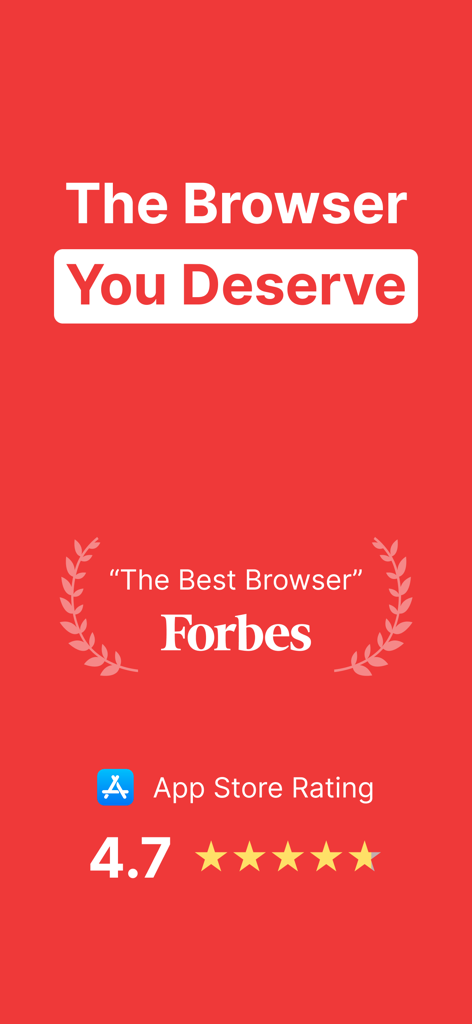
Forbesのレビューと4.7つ星のアプリストア評価が表示されたVivaldiブラウザのプロモーション画面
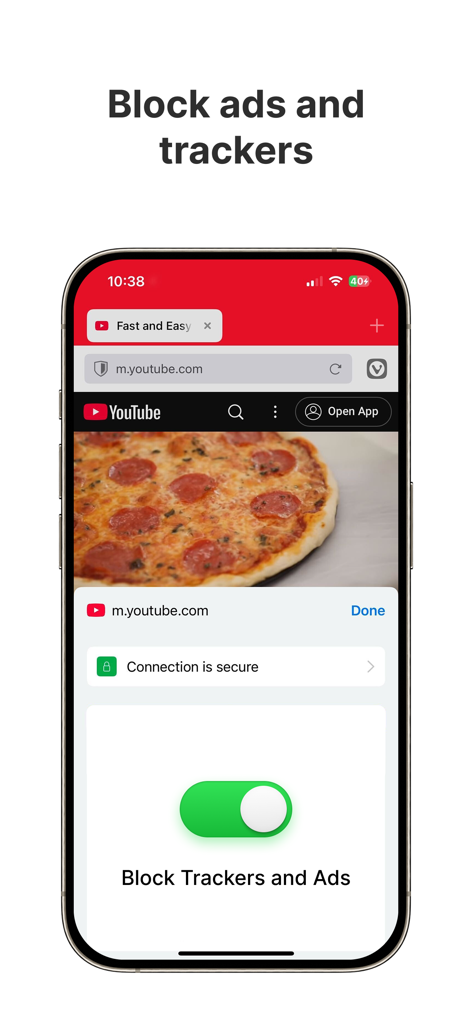
トラッカーと広告のブロック機能が有効になっているVivaldiブラウザのiPhoneスクリーンショット
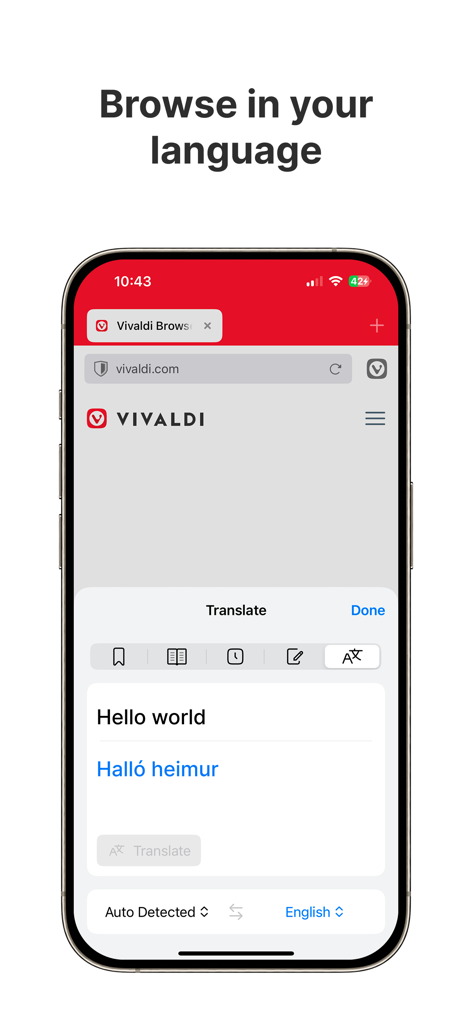
iPhoneのVivaldiブラウザの翻訳機能
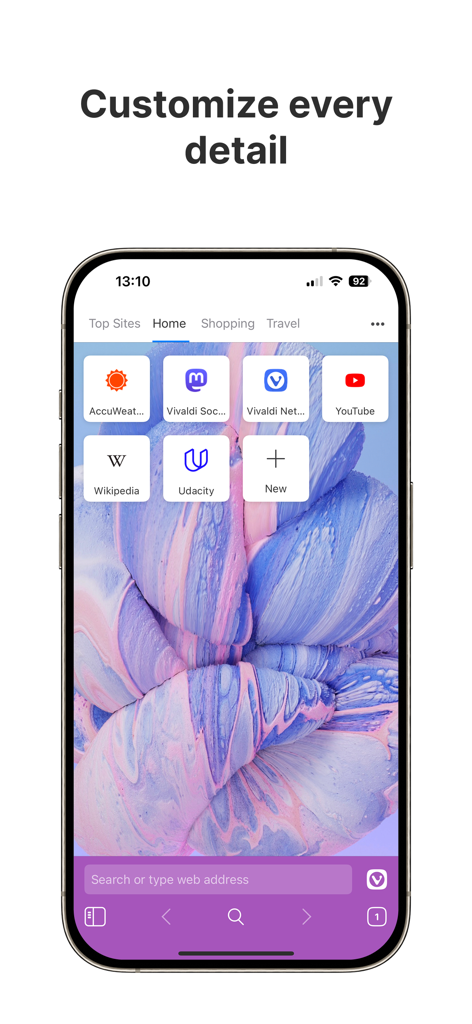
VivaldiウェブブラウザのインターフェースがiPhoneに表示され、カスタム壁紙と紫色のテーマが表示されている
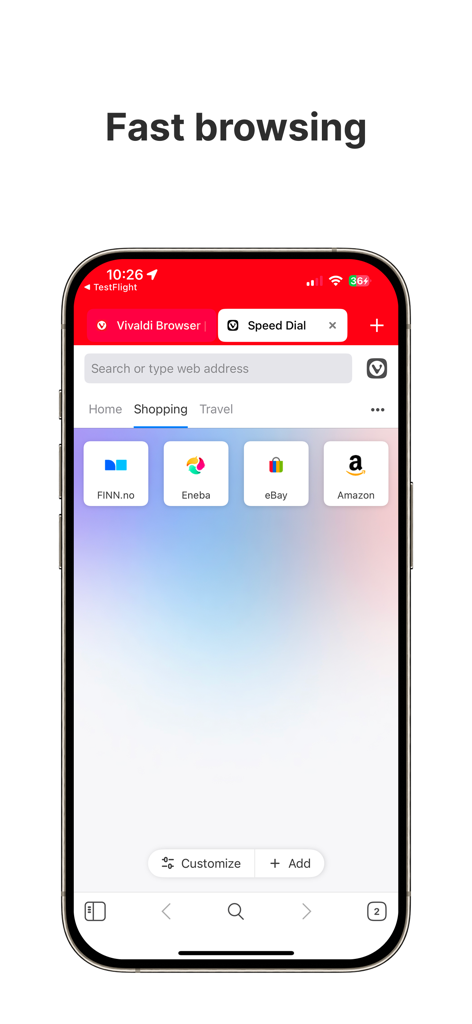
デスクトップスタイルのタブとスピードダイヤルブックマークが表示されているVivaldiブラウザ for iPhone
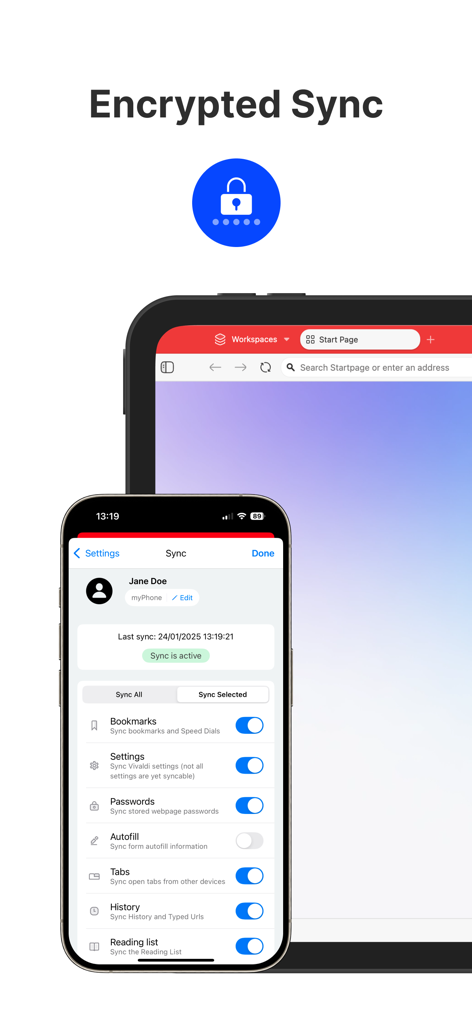
iPhoneとiPadのVivaldiブラウザの暗号化同期設定
Vivaldiウェブブラウザのロゴに、ForbesとWiredからのスローガンとプレス称賛が表示されている
説明
Download
類似アプリ
似た機能とユーザー体験を持つアプリ

Ulaa Browser
Zoho Corporation
Security from Hacks & Spyware
GRUHERSAN SRL

Google Chrome
Google LLC

Firefox: Private Web Browser
Mozilla Corporation

Opera: AI browser with VPN
Opera Norway AS

Yandex Browser with Alice AI
DIRECT CURSUS COMPUTER SYSTEMS TRADING LLC

360浏览器-极速版-安全上网-文件扫描PDF工具
Beijing Qihoo Technology Co Ltd

Whale - Naver Whale Browser
NAVER Corp.

Qwant Private Search
Qwant
このページはアプリまたはその開発者の公式ページではなく、情報提供および論評を目的として作成された独立した編集出版物です。明示的に別段の記載がない限り、アプリおよびその開発者は、MWM、Apple、Google Play、アプリのパブリッシャー、またはアプリの開発者と提携、承認、後援、認可、またはその他の公式的な関係はなく、このページのいかなる内容も、アプリがMWMのサービスを使用して開発されたことを意味するものではありません。すべての商標、ロゴ、スクリーンショット、その他のコンテンツはそれぞれの所有者の財産です。