
このページはアプリまたはその開発者の公式ページではなく、情報提供および論評を目的として作成された独立した編集出版物です。明示的に別段の記載がない限り、アプリおよびその開発者は、MWM、Apple、Google Play、アプリのパブリッシャー、またはアプリの開発者と提携、承認、後援、認可、またはその他の公式的な関係はなく、このページのいかなる内容も、アプリがMWMのサービスを使用して開発されたことを意味するものではありません。すべての商標、ロゴ、スクリーンショット、その他のコンテンツはそれぞれの所有者の財産です。


Watermarkly ― Watermark Maker
写真、動画、PDFを数秒で保護します。起業家やクリエイターのために設計されたWatermarklyは、1,000以上のプレミアムフォントと、iPhone、iPad、Mac間でシームレスな同期を提供します。
ダウンロード
595K+ユーザー評価
評価数
1K+開発元
カテゴリ
Graphics & Design対応言語
11最新バージョン
3.16サイズ
23.8 MBリリース日
2020年4月15日クリエイティブコンテンツを保護し、プロモーションする
現代のクリエイターやビジネスオーナー向けに設計されたプロフェッショナルツールで、画像、動画、ドキュメントに簡単にブランドを適用できます。
超高速一括処理
一度に数百枚のファイルを透かし加工して、時間を節約しましょう。当社のエンジンは、縦向きと横向きの両方のショットに合わせてロゴのサイズと位置を自動的に調整します。
プロフェッショナルなブランドデザイン
1,000以上のフォントと、3Dやドロップシャドウのようなプレミアムエフェクトで際立ちましょう。視聴者からの信頼と権威を築くカスタムルックを作成できます。
よくある質問
について知っておくべきこと Watermarkly ― Watermark Maker
Watermarkly ― Watermark Makerとは何ですか?
Watermarklyは、画像、動画、PDFファイルにウォーターマークを付けるための、効率的で使いやすいアプリです。バッチ処理でのウォーターマーク付けを可能にし、元のコンテンツを変更せずにカスタムテキストやロゴを追加できます。
Watermarkly ― Watermark Makerはバッチウォーターマークに対応していますか?
はい、Watermarklyは画像、動画、PDFファイルに対してバッチウォーターマークに対応しています。ユーザーは複数のファイルに同時に効率的にウォーターマークを追加できます。
Watermarkly ― Watermark Makerは元の画像や動画を変更しますか?
いいえ、Watermarklyは元の画像、動画、PDFファイルを変更することはありません。ウォーターマークはコピーにのみ追加されるため、ソースファイルの完全性が保たれます。
Watermarkly ― Watermark Makerはウォーターマークのカスタマイズオプションとして何を提供していますか?
Watermarklyは、サイズ、回転、透明度、繰り返しウォーターマークの適用など、幅広いカスタマイズを提供します。ユーザーは著作権記号、画像番号を追加したり、33種類の効果から選択したりすることもできます。
Watermarkly ― Watermark Makerで利用できるフォントと効果はいくつありますか?
Watermarklyは、1000種類のフォント、3Dやドロップシャドウなどの33種類のエフェクト、そしてグラデーションオプションを含む幅広い色を提供し、ウォーターマークのデザインを豊かにします。
Watermarkly ― Watermark Makerは、横長画像と縦長画像に対してウォーターマークを自動調整しますか?
はい、Watermarklyは、横長画像と縦長画像が混在するバッチに対して、ウォーターマークのサイズと位置を自動調整します。ユーザーはプレビューセクションで手動で調整することもできます。
Watermarkly ― Watermark Makerは、ウォーターマークテンプレートをデバイス間で同期しますか?
はい、Watermarklyは、すべてのデバイス間でウォーターマークテンプレートを同期します。最近使用したテンプレートは自動的に同期され、どの電話やコンピュータからでもアクセスできます。
Watermarkly ― Watermark Makerは、写真の盗用からどのように保護しますか?
Watermarklyは、ユーザーが名前、ロゴ、連絡先情報をコンテンツに配置できるようにすることで、写真の盗用から保護します。これにより、著作権を主張し、不正使用を抑止します。
Watermarkly ― Watermark Makerでウォーターマークを付けた後、写真のサイズを変更することは可能ですか?
はい、Watermarklyでは、ウォーターマークを付けた後でも写真のサイズを変更できます。アプリには、元の寸法の特定の割合で画像をリサイズする設定が用意されています。
Watermarkly ― Watermark Makerは回転したウォーターマークを適用できますか?
はい、Watermarklyは回転したウォーターマークの適用をサポートしています。ユーザーは、デザインのニーズに合わせて、ウォーターマークを任意の角度に回転させたり、縦向きに適用したりできます。
Watermarklyで透明なウォーターマークを作成できますか?
はい、Watermarklyではウォーターマークの透明度を調整できます。この機能により、ウォーターマークが元のコンテンツを完全に覆い隠さないように、控えめなブランディングが可能になります。
以下のスクリーンショットと説明は、アプリの公式ストアリスティングから直接取得されたものであり、アプリ開発者の所有物です。
アプリストア
スクリーンショット
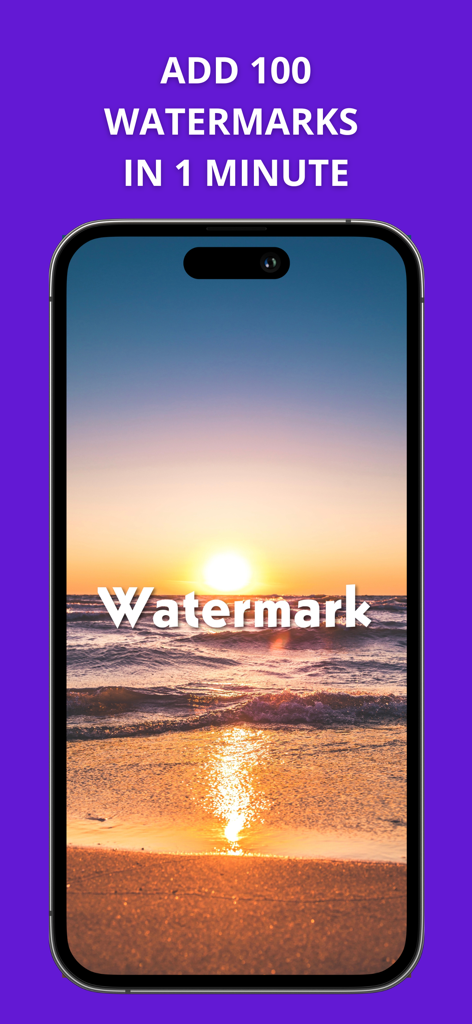
透かし加工された夕日の写真と、高速一括透かし加工を宣伝するテキストが表示されたスマートフォンの画面
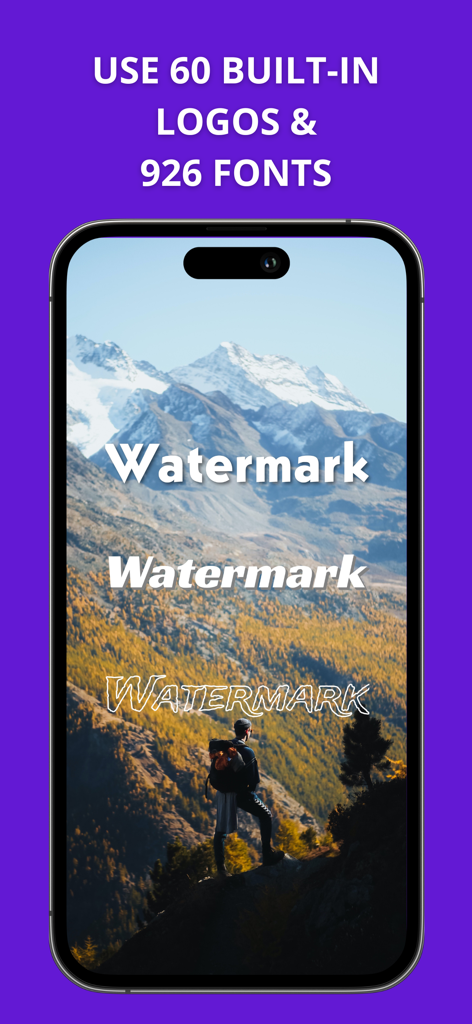
Watermarklyアプリのインターフェースに、iPhone上の風景写真の透かし加工に使用できるさまざまなフォントスタイルが表示されている
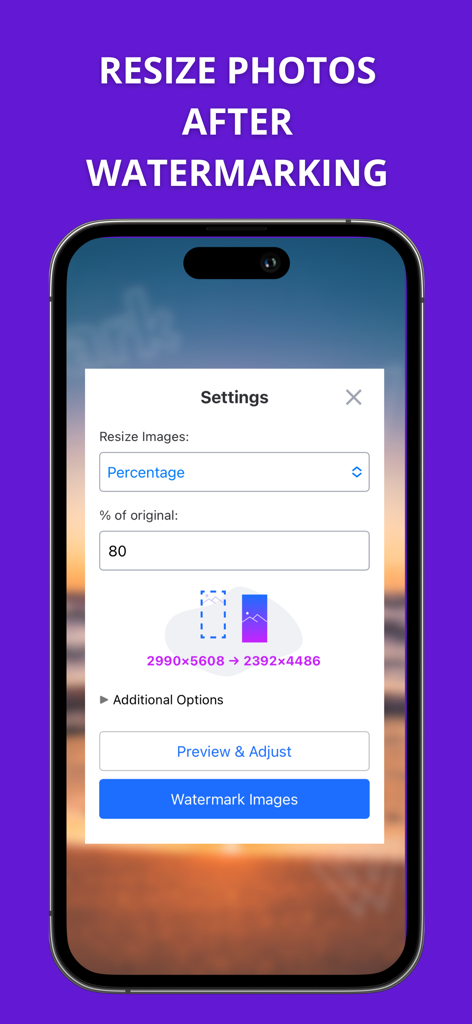
Watermarklyアプリで透かし加工後に写真のサイズを変更するための設定を表示するインターフェース
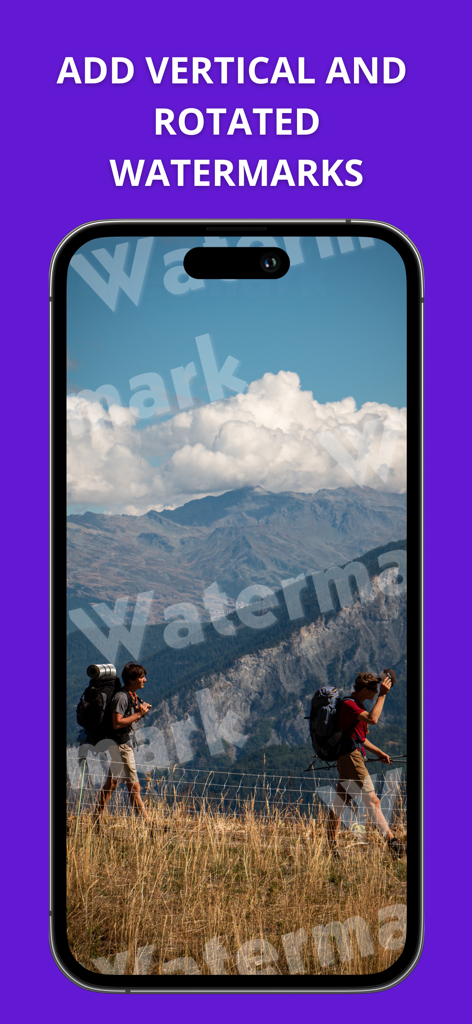
Watermarklyアプリのインターフェースに、風景画像に縦向きおよび回転したテキスト透かしが表示されている
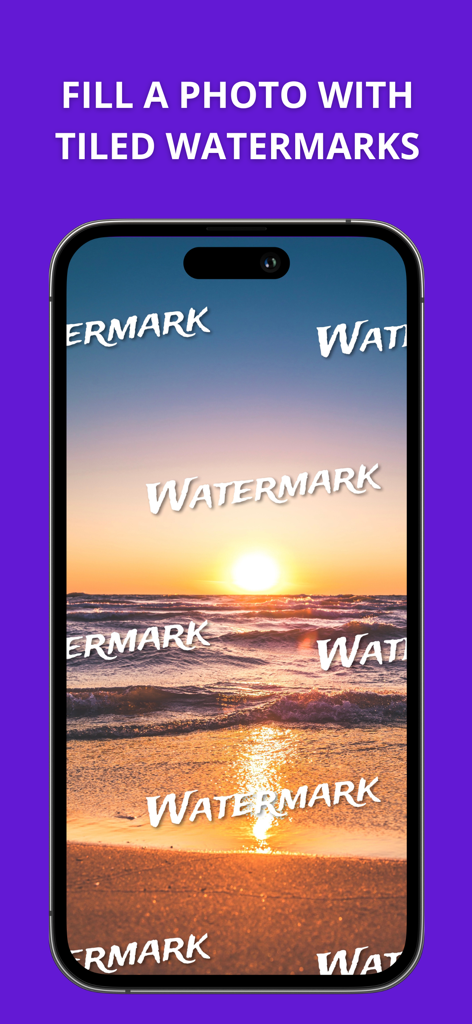
画像保護のために、タイル状のテキスト透かしで覆われた夕日のビーチ写真が表示されたiPhoneの画面
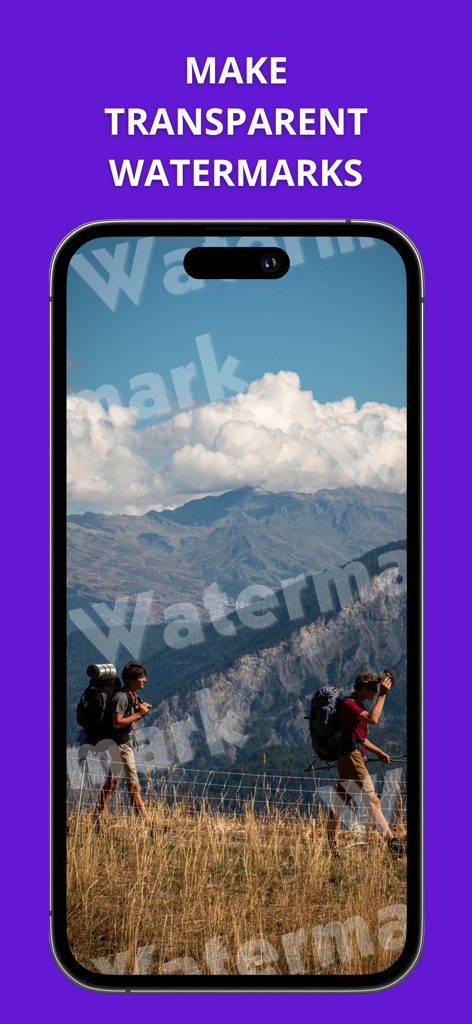
風景写真に透明なテキスト透かしが表示されたWatermarklyアプリのスクリーンショット
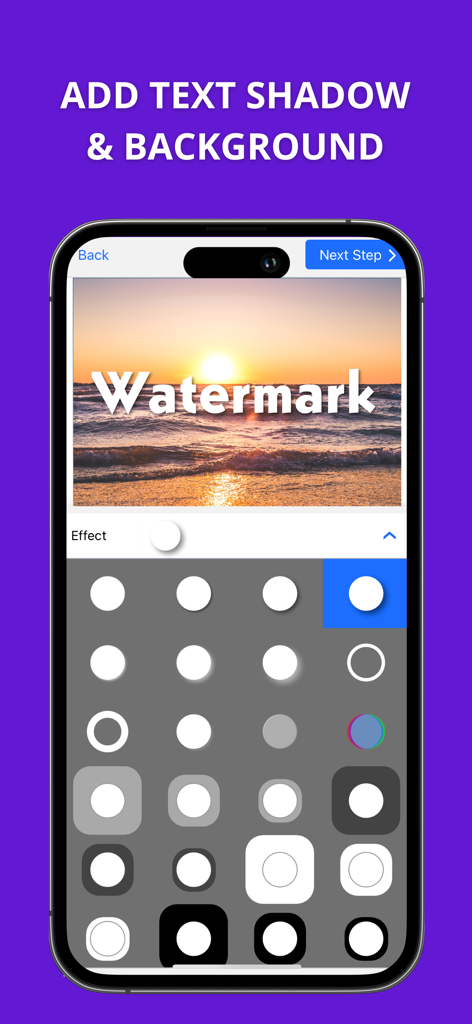
Watermarklyアプリのインターフェースに、夕日の写真と、選択可能なさまざまなシャドウおよび背景エフェクトが表示されている
同期を示す矢印とともに、同一の透かしテンプレートが表示された2台のスマートフォン
説明
Download
類似アプリ
似た機能とユーザー体験を持つアプリ

CocoAI - BG Remover
Beijing Jianchang Technology Co., Ltd.

水印宝-视频水印助手软件
Beijing Pengtuzhumeng Technology Co., Ltd.

Photo Retouch - Remove object
化媚 席

PhotoBy-Batch adding borders
岳森 刘

去水印大师-短视频编辑助手
志阳 郭

大神水印-照片图像制作修图神器
伟 黄

Add Watermark -Batch Process
Saraswati Javalkar

Background Eraser: AI Remove
SUNWOONG JANG

AnyEraser: Remove Objects AI
Zankhana Pte Ltd
このページはアプリまたはその開発者の公式ページではなく、情報提供および論評を目的として作成された独立した編集出版物です。明示的に別段の記載がない限り、アプリおよびその開発者は、MWM、Apple、Google Play、アプリのパブリッシャー、またはアプリの開発者と提携、承認、後援、認可、またはその他の公式的な関係はなく、このページのいかなる内容も、アプリがMWMのサービスを使用して開発されたことを意味するものではありません。すべての商標、ロゴ、スクリーンショット、その他のコンテンツはそれぞれの所有者の財産です。