WebFrame Pro Kiosk

WebFrame Pro Kiosk

ダウンロード: App Store
ロゴ: WebFrame Pro Kiosk

WebFrame Pro Kiosk: セキュアなiOSデジタルディスプレイのためのエンタープライズグレードソリューション

あらゆるiPadをリモート管理可能なフルスクリーンキオスクに変えます。Webアプリを保護し、ユーザーによる不正操作を防ぎ、業界をリードするEMMおよびMDM統合により、全デバイスに展開できます。

開発元

WireFrameRate, LLC

カテゴリ

Business

ダウンロード

30K+

ユーザー評価

1.0/5

評価数

0

対応言語

1

あらゆるビューにプロフェッショナリズムを

このインターフェースを利用する 30K+ 人のユーザー.

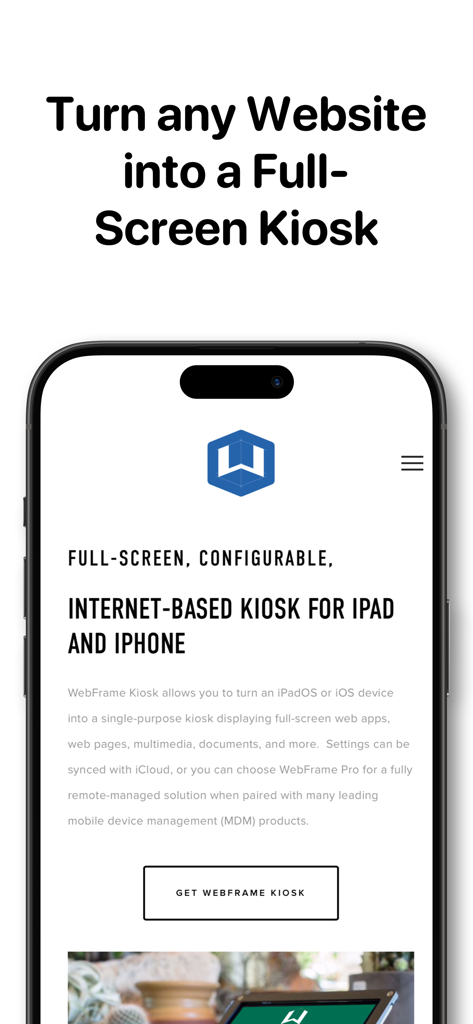
WebFrame Pro Kioskアプリインターフェース。WebサイトをiOSキオスクのフルスクリーン表示に変換します。

WebFrame Pro Kioskアプリインターフェース。WebサイトをiOSキオスクのフルスクリーン表示に変換します。

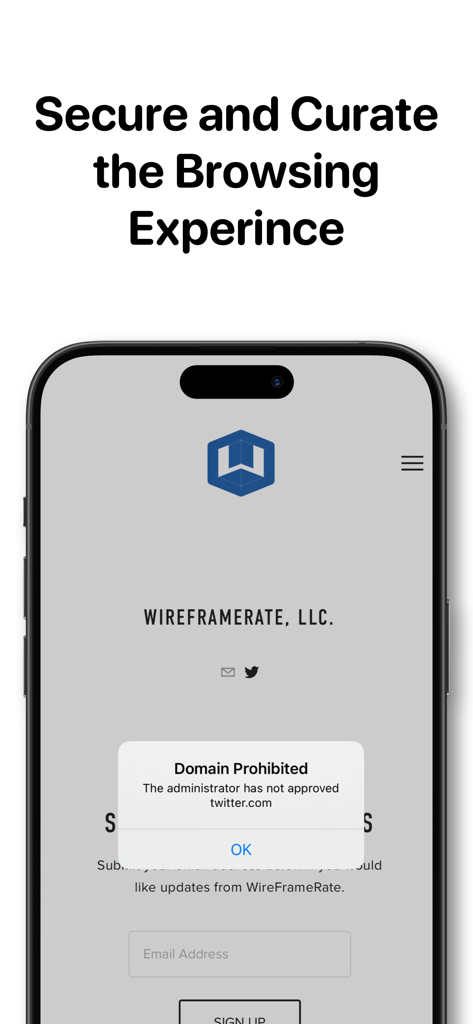
WebFrame Pro Kiosk画面。ドメインが禁止されている通知を表示しています。

WebFrame Pro Kiosk画面。ドメインが禁止されている通知を表示しています。

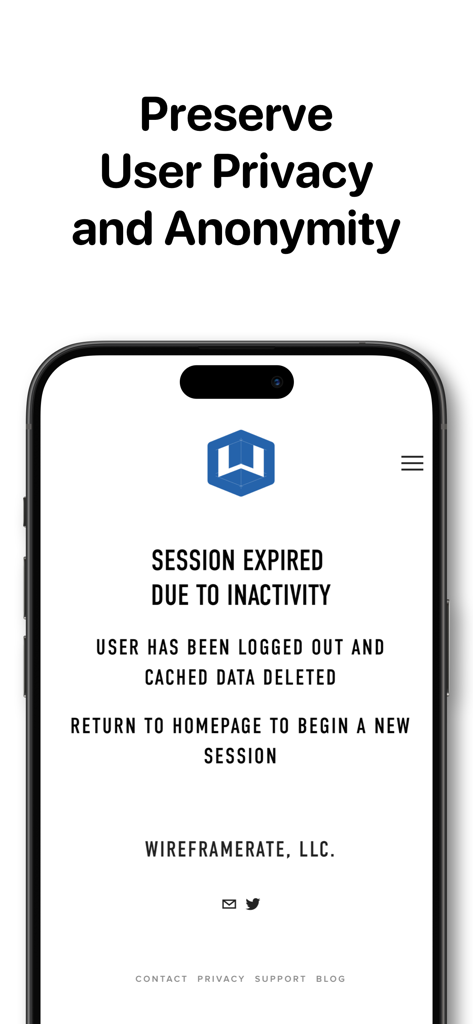
WebFrame Pro Kiosk画面。セッションが期限切れになった通知と、ユーザープライバシーのための自動データ削除を表示しています。

WebFrame Pro Kiosk画面。セッションが期限切れになった通知と、ユーザープライバシーのための自動データ削除を表示しています。

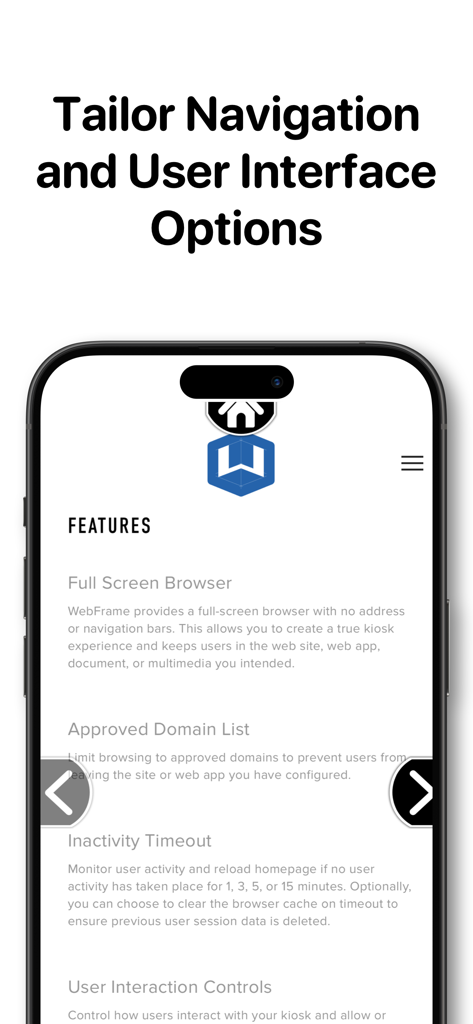
WebFrame Pro Kioskアプリインターフェース。スマートフォン画面にナビゲーションおよびユーザーインターフェースのカスタマイズ機能を表示しています。

WebFrame Pro Kioskアプリインターフェース。スマートフォン画面にナビゲーションおよびユーザーインターフェースのカスタマイズ機能を表示しています。

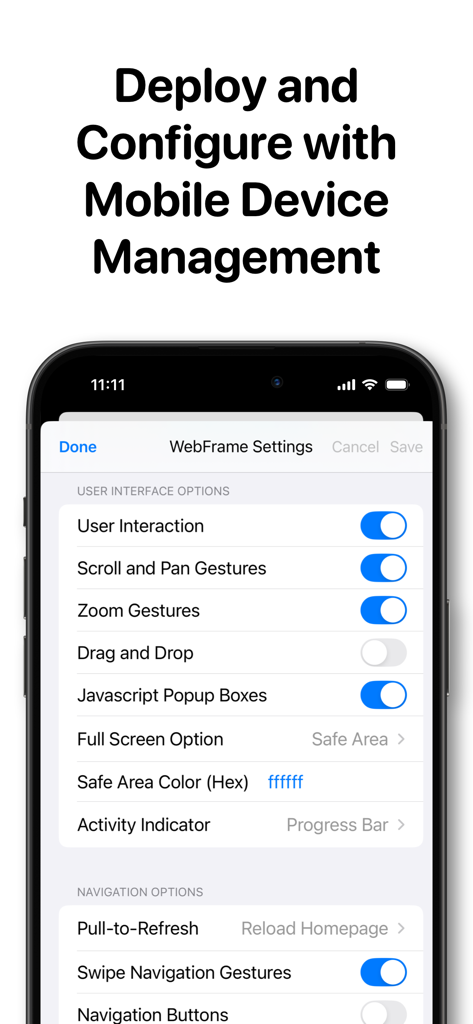
WebFrame Pro Kiosk設定画面。iPad上でモバイルデバイス管理およびユーザーインターフェースオプションを設定します。

WebFrame Pro Kiosk設定画面。iPad上でモバイルデバイス管理およびユーザーインターフェースオプションを設定します。

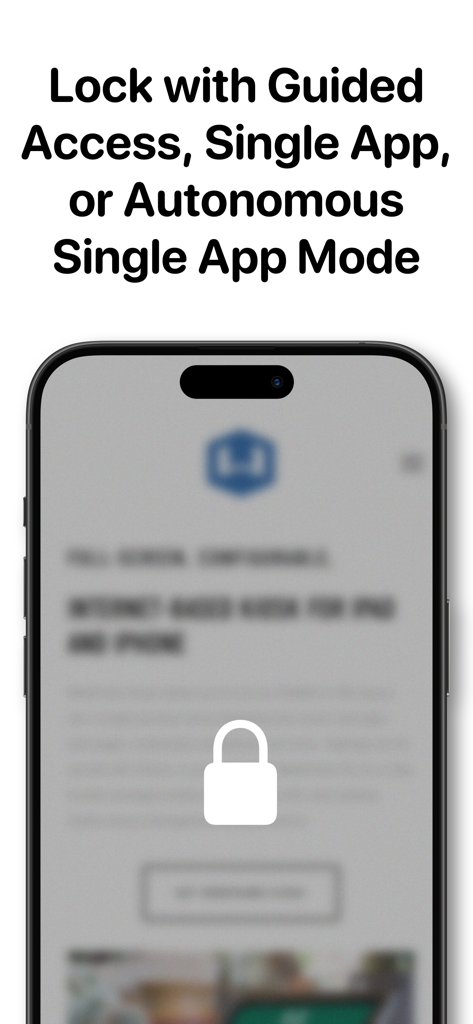
スマートフォンの画面にロックアイコンと、ガイドアクセスおよびシングルアプリモードのセキュリティ機能に関する説明が表示されています。

スマートフォンの画面にロックアイコンと、ガイドアクセスおよびシングルアプリモードのセキュリティ機能に関する説明が表示されています。

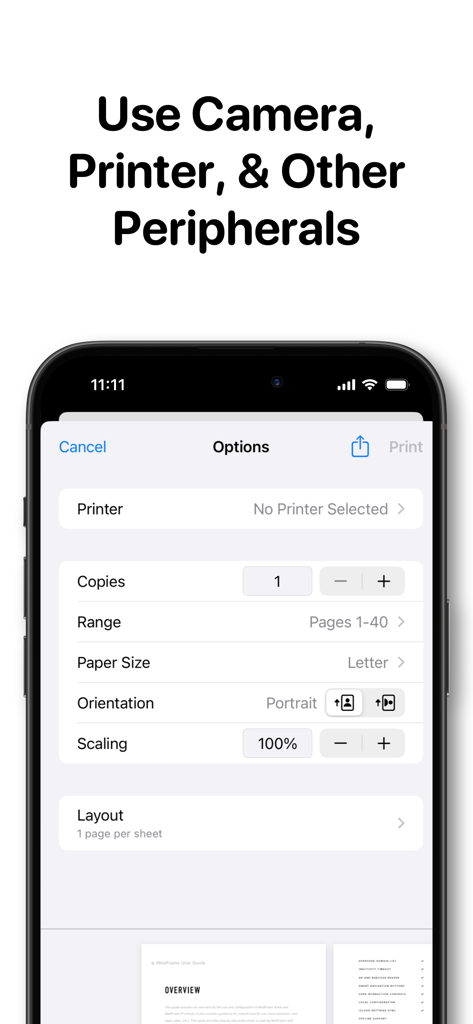
WebFrame Pro Kioskアプリの印刷オプションと周辺機器設定インターフェース。iPhoneに表示されています。

WebFrame Pro Kioskアプリの印刷オプションと周辺機器設定インターフェース。iPhoneに表示されています。

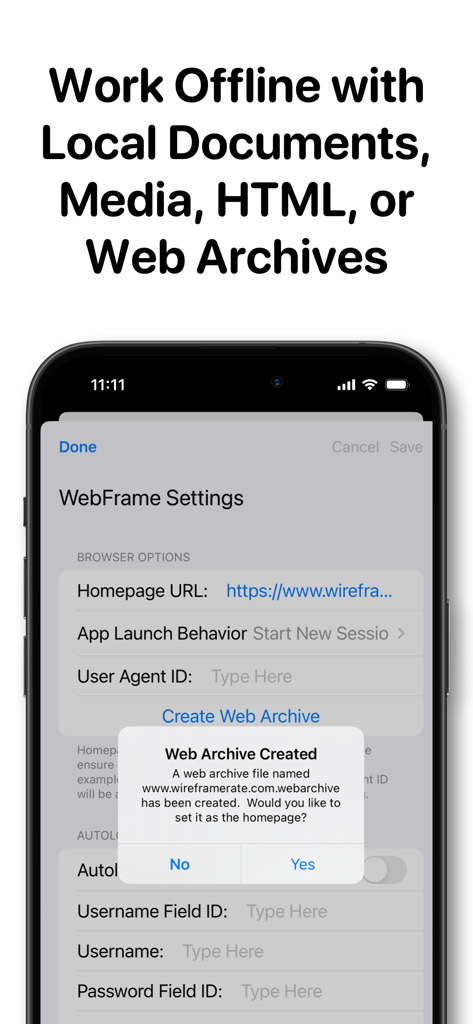
WebFrame Proアプリ設定インターフェース。オフラインキオスク使用のためのWebアーカイブ作成を表示しています。

WebFrame Proアプリ設定インターフェース。オフラインキオスク使用のためのWebアーカイブ作成を表示しています。

容易な展開、保護、スケーリング

このアプリを際立たせるツール、 30K+ 人のユーザーが選択.

🛠️

エンタープライズリモート管理

AppConfigサポートにより、既存のMDMソリューションを通じて、全デバイスの設定をリモートで管理・更新できるため、展開を効率化できます。

🔒

産業グレードのセキュリティ

シングルアプリモード、高度なドメインフィルタリング、および自動的にキャッシュをクリアする非アクティブタイムアウトにより、ユーザープライバシーを保護しながら完全なロックダウンを保証します。

📱

没入型フルスクリーンUI

ナビゲーションバーやアドレスバーを排除し、ARおよびQRコードスキャンをサポートする、クリーンで専用のWebエクスペリエンスを提供します。

アプリについて

について知っておくべきこと WebFrame Pro Kiosk.

説明

WebFrame Pro allows you to turn an iOS device into a remotely manageable, single-purpose kiosk displaying full-screen web apps, web pages, multimedia, documents, and more. WebFrame Pro features the following capabilities: • Remotely Managed: WebFrame Pro is AppConfig-compliant, enabling it to be remotely deployed and configured by over 20 leading enterprise mobility management (EMM) solutions. • Full Screen Browser: WebFrame Pro provides a full-screen browser with no address or navigation bars. This allows you to create a true kiosk experience and keeps users in the web site, web app, document, or multimedia you intended. • Secure: Lock-down the kiosk with Guided Access Mode, or with MDM configure Single App Mode, or Autonomous Single App Mode. • Advanced Content Filter: Limit browsing to approved domains to prevent users from leaving the site or web app you have configured. Block tracking cookies, scripts, and other content. Create custom filters to hide images, force HTTPS, hide page elements, etc. • Offline Support: Store files locally and set to homepage URL. Supports HTML, .webarchive, documents, media, etc. • Inactivity Timeout: Monitor user activity and reload homepage, dim the screen, and/or load a blank screen if no user activity has taken place for a selected duration. Optionally, you can choose to clear the browser cache on timeout to ensure previous user session data is deleted. • Augmented Reality: Create an infinite showroom with augmented reality experiences. AR models in .USDZ or .Reality format will be loaded into an AR Quick View. • QR and Bar Code Reader: Allow customers to lookup products, allow employees to access and/or login to unlinked pages, or more. Reader returns string to JavaScript to handle as you wish. • Smart Navigation Buttons: WebFrame now supports navigation buttons that will automatically show and hide depending on the ability to navigate backward and forward. They can also be configured to dynamically slide offscreen as the page scrolls to minimize their visual impact. Finally, they can be repositioned vertically on the screen to prevent obscuring underlying page content. • User Interaction Controls: Control how users interact with your kiosk and allow or disallow swipe navigation, pull-to-refresh, enable or disable pan, scroll, or zoom gestures, or disable user interaction entirely. • Web Clip Support: Launch WebFrame Pro from a Web Clip with a custom icon and name. Web Clips can be created with Apple Configurator or EMM/MDM solutions. • Local Configuration: All configuration of WebFrame Pro is handled locally through the iOS Settings app or in-app settings protected with a passcode. • Autologin Support: Store username and password in settings to automatically login to the homepage URL.

最新バージョン

3.16.0

サイズ

5.3 MB

リリース日

2018年10月13日

デジタルエクスペリエンスを保護する準備はできましたか?

WebFrame Proをリモートでスケーラブルかつセキュアなキオスク管理に利用している数千人のITプロフェッショナルに加わりましょう。App Storeで今すぐ始めましょう。

ダウンロード: App Store

App information, icons, screenshots, and descriptions displayed on this page are sourced from the Apple App Store and are the property of their respective developers. Download estimates and rankings are based on MWM's proprietary models and may not reflect actual figures. This page is provided for informational and analytical purposes only.

Believe this page infringes your intellectual property? File a dispute