This app receives overwhelmingly negative feedback, reflected in a very low overall sentiment score. The most frequent complaints revolve around excessive and intrusive advertisements, which many users find make the app impossible to use. A significant number of users also report that the app fails to deliver on core archiving features, specifically the inability to create or extract RAR/7zip files, and frequently crashes or doesn't open files. Additionally, a recurring issue for Chinese users is the offensive display of the South Korean flag for Chinese language settings, causing widespread dissatisfaction, although a small number of users acknowledge that the app does provide basic archiving functionality.
主なテーマ
Excessive Advertisements(8)
App Instability/Errors(7)
Missing RAR/7zip Support(6)
Incorrect Flag Display(6)
Poor User Experience(4)
Core Archiving Functionality(2)
General Satisfaction(2)
Overall App Performance(1)
アプリについて
について知っておくべきこと WinRAR - RAR archives.
説明
Effortless File Compression & Extraction on Your Phone
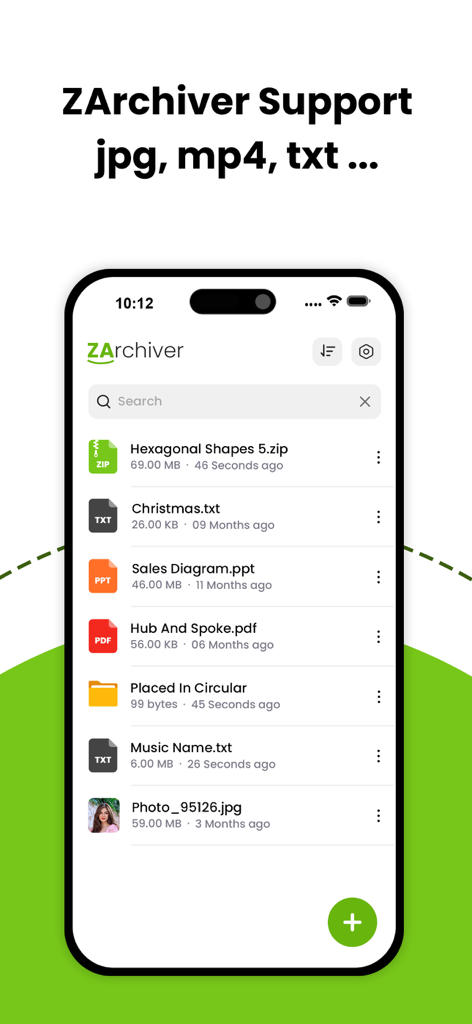
Unlock the full potential of file management with The Zip Archiver, your go-to app for compressing, extracting, and managing files on the go. With a sleek and intuitive interface, the app is designed to make file handling fast, secure, and incredibly easy.
◆ Key Features:
- Compress Files Efficiently:
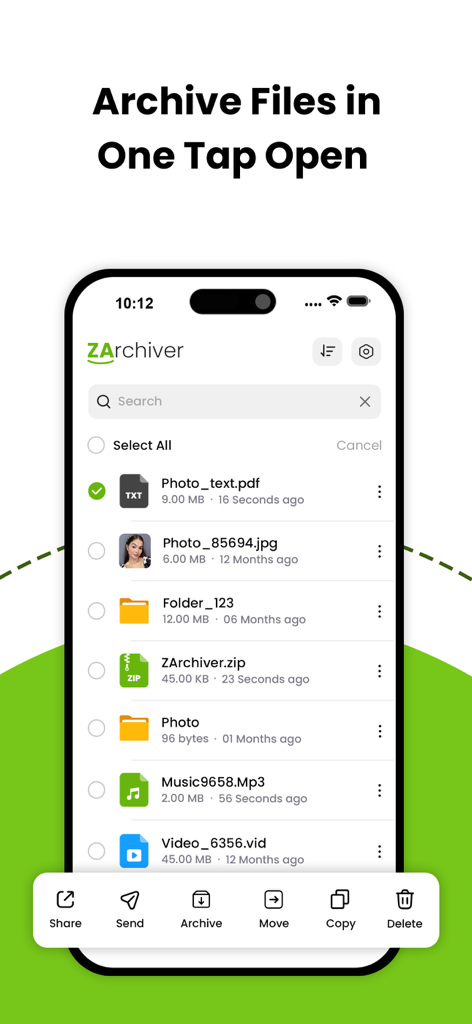
Create ZIP, RAR, or 7Z archives to reduce file sizes and save space on your device or for easy sharing. Customize compression levels to suit your needs.
- Extract with Ease:
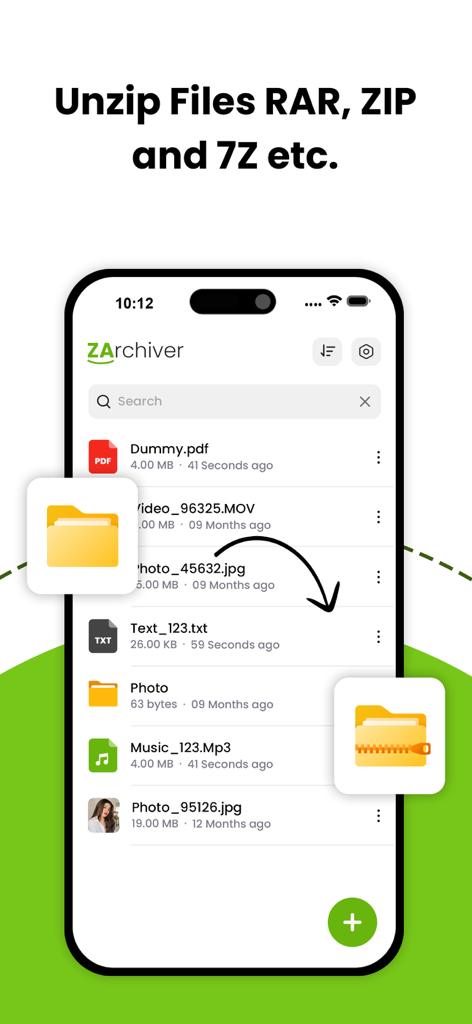
Extract files from ZIP, RAR, 7Z, TAR, GZ, and many other archive formats. Preview content before extraction and extract only the files you need.
- Decompress with Ease:
Decompress the following archive types: 7z (7zip), zip, rar, rar5, bzip2, gzip, XZ, iso, tar, arj, cab, lzh, lha, lzma, xar, tgz, tbz, Z, deb, rpm, zipx, mtz, chm, dmg, cpio, cramfs, img (fat, ntfs, ubf), wim, ecm, lzip, zst (zstd), egg, alz;
- Secure Your Files:
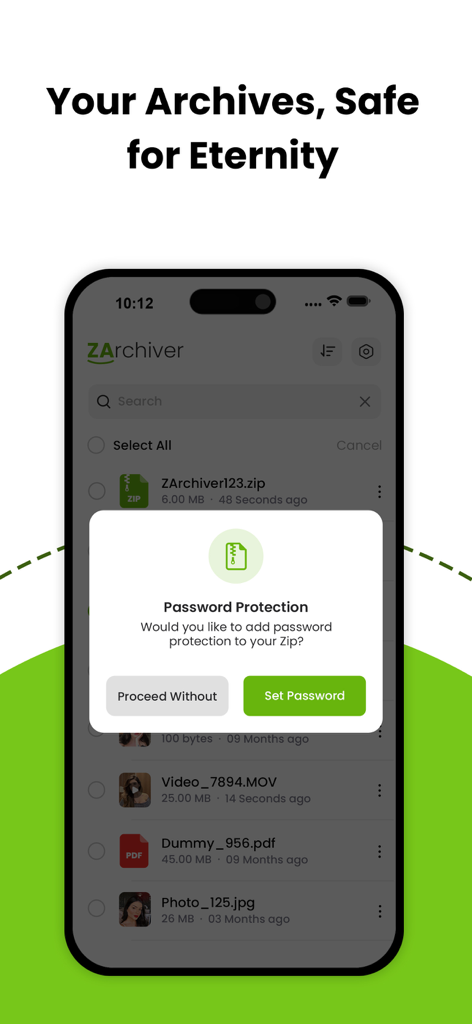
Protect your archives with strong passwords using AES-256 encryption. Keep sensitive data safe while sharing or storing.
- File Management Made Simple:
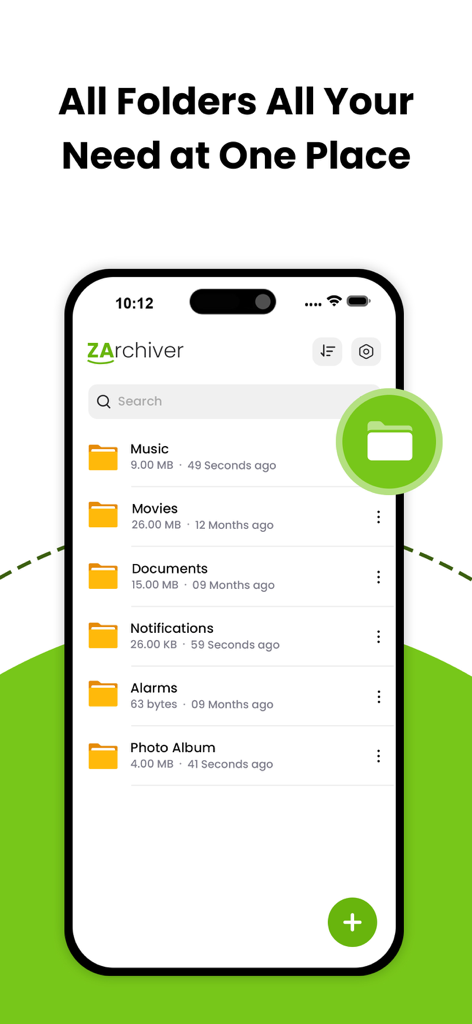
Organize, rename, delete, and move files directly within the app. Seamlessly browse your local storage and manage files like a pro.
- Batch Operations:
Save time by compressing or extracting multiple files simultaneously. The app handles large operations without slowing down your device.
- Preview and Share Files:
View documents, images, and other file types directly within the app before extraction. Easily share compressed files via email, messaging apps, or AirDrop.
- Support for Multiple Languages:
Enjoy the app in your preferred language with multi-language support for a global user base.
◆ Why Choose The Zip Archiver?
- Lightweight and fast performance
- Optimized for iOS devices, including iPhone and iPad
- User-friendly design for both beginners and advanced users
- Regular updates with new features and format support
◆ Who Is It For?
Whether you’re a student, professional, or casual user, The Zip Archiver is perfect for anyone who needs a reliable tool to manage archives, save space, and securely share files.
Get unlimited access to all premium features of The Zip Archiver Pro by
Subscribe Monthly The Zip Archiver Pro at $1.99 and Yearly Pro at $9.99 to use ads free versions of the premium app which can cancel anytime
• Privacy Policy: https://sites.google.com/view/anandnaidu-pp
• Terms of Service: https://sites.google.com/view/anandnaidu-tou
Download The Zip Archiver today and take control of your file management like never before!
The Zip Archiverは、ファイルをZIP、RAR、または7Zアーカイブに効率的に圧縮します。ユーザーは圧縮レベルをカスタマイズして、ファイルサイズを縮小し、デバイスのスペースを節約できます。
The Zip Archiverで抽出および解凍できるアーカイブ形式は何ですか?
The Zip Archiverは、ZIP、RAR、7Z、TAR、GZ、bzip2、gzip、XZ、ISO、ARJ、CAB、LZH、LHA、LZMA、XAR、TGZ、TBZ、Z、DEB、RPM、ZIPX、MTZ、CHM、DMG、CPIO、CRAMFS、IMG、WIM、ECM、LZIP、ZST、EGG、ALZ形式のファイルを抽出します。
The Zip Archiverはアーカイブのパスワード保護をサポートしていますか?
はい、The Zip ArchiverはAES-256暗号化を使用して強力なパスワードでファイルを保護します。ユーザーは、アーカイブの共有または保存中に機密データを保護できます。
ユーザーはThe Zip Archiverアプリ内で直接ファイルを管理できますか?
はい、The Zip Archiverでは、ユーザーはアプリ内で直接ファイルを整理、名前変更、削除、移動できます。ファイル管理のためにローカルストレージのシームレスなブラウジングを提供します。
The Zip Archiver Proのサブスクリプションオプションは何ですか?
The Zip Archiver Proは、月額サブスクリプションが$1.99、年額サブスクリプションが$9.99です。これらのサブスクリプションは、プレミアム機能への広告なしアクセスを提供します。
The Zip ArchiverはiOSデバイスに最適化されていますか?
はい、The Zip ArchiverはiPhoneとiPadの両方を含むiOSデバイスに最適化されています。Appleのエコシステム向けに軽量で高速なパフォーマンスを提供します。
The Zip Archiverで抽出前にファイルをプレビューできますか?
はい、The Zip Archiverでは、ユーザーは抽出前にアプリ内で直接ドキュメント、画像、その他のファイルタイプを表示できます。これにより、選択的な抽出が可能になります。
The Zip Archiverは、ファイル圧縮および抽出のバッチ操作をサポートしていますか?
はい、The Zip Archiverはバッチ操作をサポートしており、ユーザーは複数のファイルを同時に圧縮または抽出できます。アプリは大量の操作を効率的に処理します。
The Zip Archiverのプライバシーポリシーはどこで見つけられますか?
The Zip Archiverのプライバシーポリシーはhttps://sites.google.com/view/anandnaidu-ppで入手できます。このリンクには、アプリケーションによるユーザーデータの処理方法が記載されています。
App information, icons, screenshots, and descriptions displayed on this page are sourced from the Apple App Store and are the property of their respective developers. Download estimates and rankings are based on MWM's proprietary models and may not reflect actual figures. This page is provided for informational and analytical purposes only.
Believe this page infringes your intellectual property? File a dispute