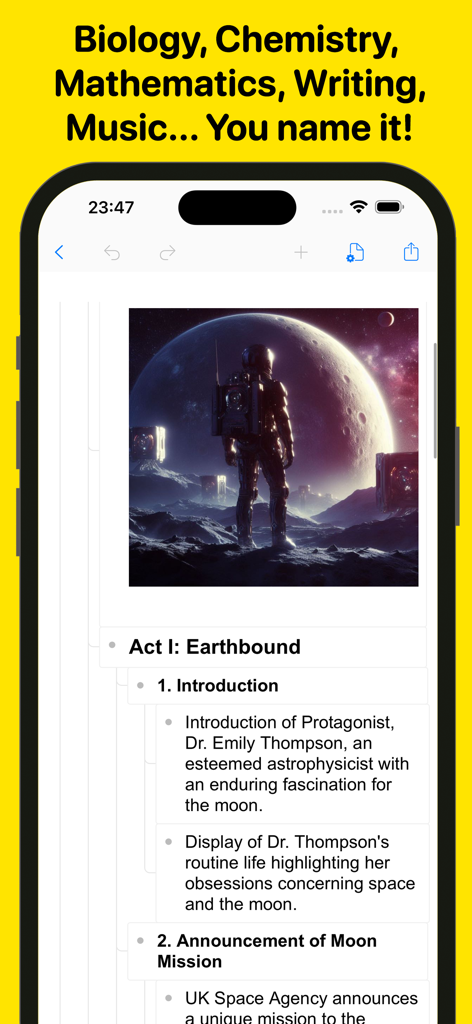
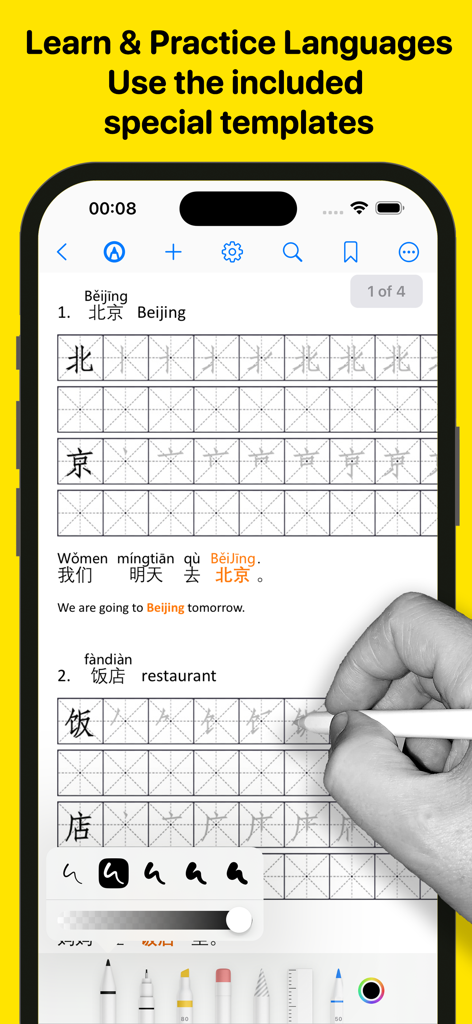
Introducing Wordpad+, your ultimate app for managing, editing, highlighting, and writing tasks across school, college, business, and personal life. Whether you're jotting down last-minute lecture notes, crafting a compelling story, writing meeting minutes, working on a critical essay, or simply organizing random thoughts, Wordpad+ is here to assist.
Students, educators, writers, medical professionals, journalists, scholars, and business experts use Wordpad+ daily to create and edit notes, annotations, memos, signed PDFs, papers, highlighted PDF textbooks, and more.
Key Features:
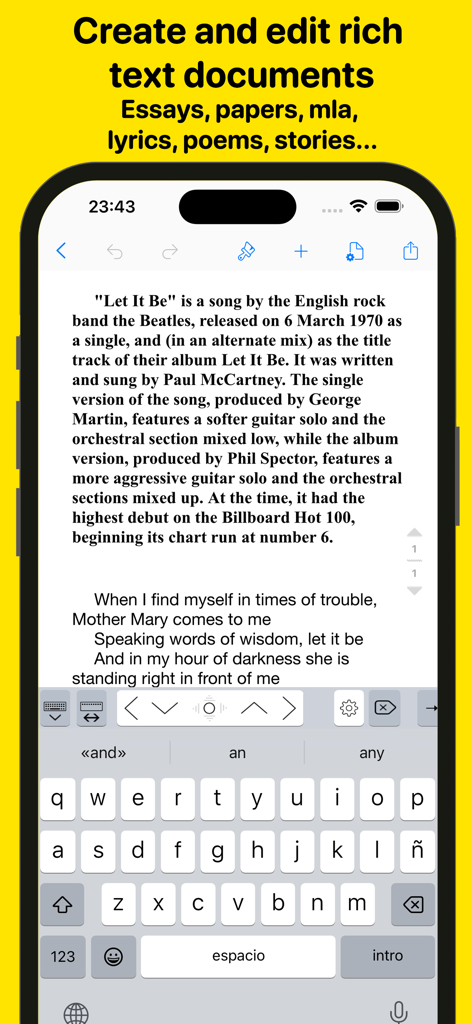
Powerful Word Processor
- Enjoy seamless writing with Wordpad+'s advanced word processor.
- Utilize rich text formatting options, including tables, lists, fonts, styles, and colors.
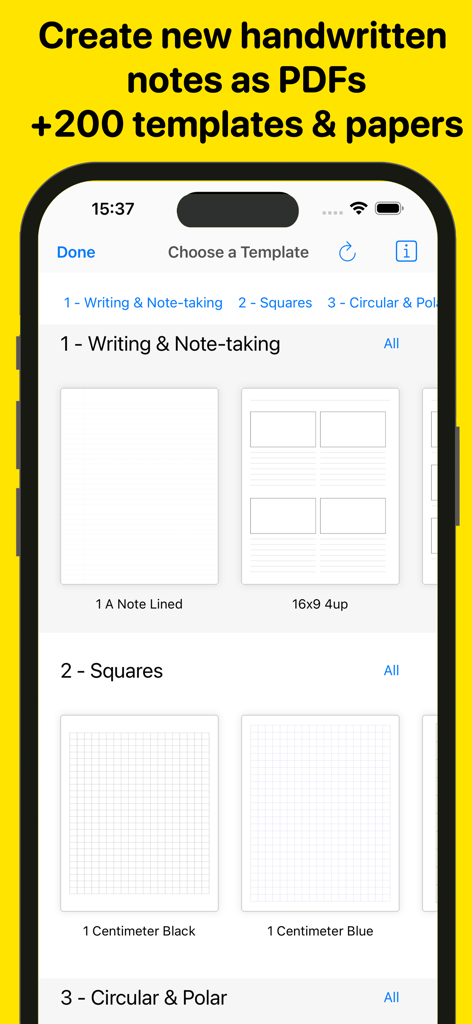
- Create professional documents effortlessly with templates for resumes, reports, and more.
- Automatically save your work and access it across multiple devices.
PDF Magic & More
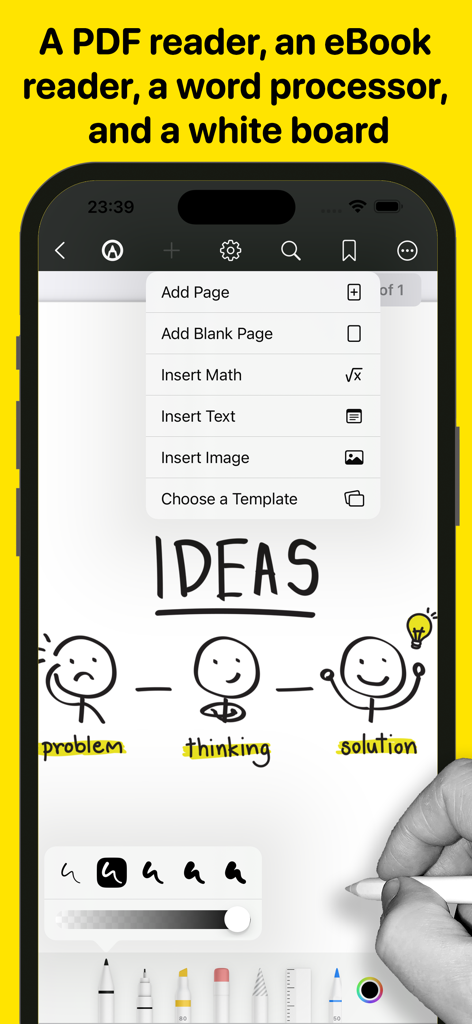
- Annotate PDFs with tools for highlighting, sketching, adding text boxes and pictures, and signing documents.
- Use advanced 7 Ink tools to write and sketch: Marker, Pen, Pencil, Monoline, Fountain Pen, Watercolor, and Crayon.
- Fill out PDF forms with ease.
- Sign documents directly on your device.
- Ensure authenticity with digital signature verification.
Write & Style Your Way
- Ready Anytime, Anywhere: Wordpad+ is your pocket writing companion, perfect for offline moments or when your laptop is unavailable.
- Customize margins, headers, and more to make your work look professional.
- Track writing statistics, including word and sentence counts.
- Proofread on the go with Text to Speech.
- Dictate your text for hands-free writing.
- Focus mode to eliminate distractions.
- Type in over 30 languages.
Books & Textbooks
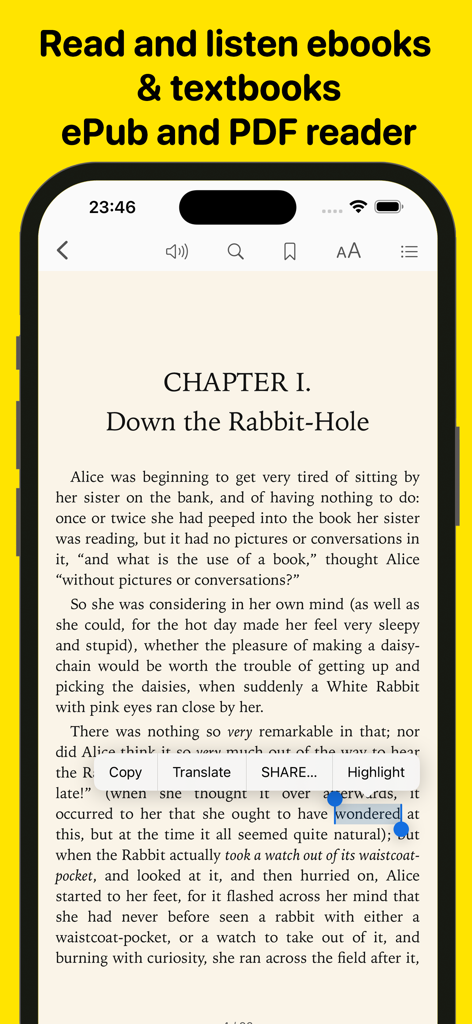
- Wordpad+ includes a full-featured PDF and ePub reader.
- Import and export files from various cloud services like iCloud Drive, Google Drive, Dropbox, and more.
- Customize your reading experience with multiple themes (dark, light, sepia) and font sizes. Enjoy text-to-speech in ePub and PDF files.
- Utilize the powerful PDF engine for extensive documents, including form fill-ins. Annotate, highlight, and insert text or images in your eBooks.
Organize Like a Pro
- Unlimited space for all your notes, ideas, and projects.
- Open multiple documents side by side using multi-windows and multitask.
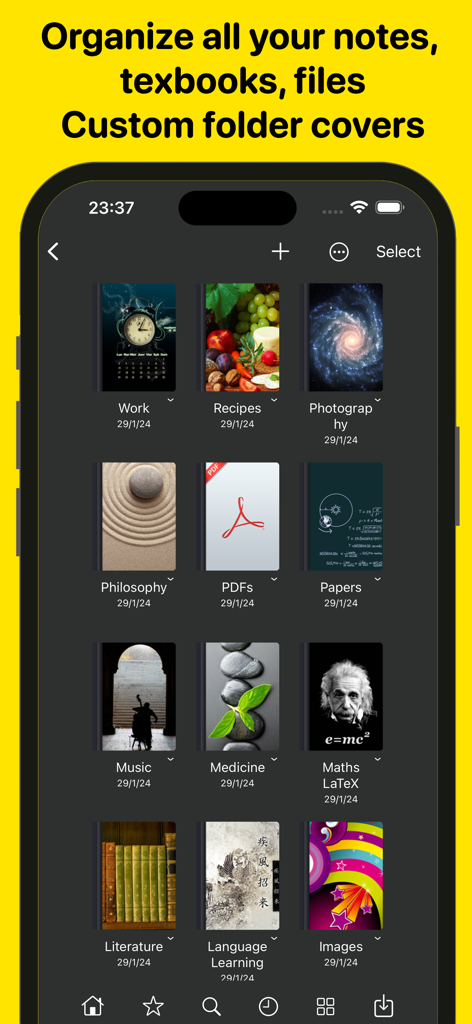
- Create and organize folders and subfolders to suit your needs.
- Customize notebook covers for a personalized touch.
- Efficient search feature to find anything quickly.
- File manager supports various document file formats (rtf, pdf, txt, md, epub, MS Office, Apple iWork, mp3, mp4, png, jpg, gif, tiff, zip, etc.)
Share & Export Easily
- Open email attachments directly in the app.
- Sync everything with iCloud, Dropbox, and more.
- Convert your work into different formats – PDF, ePub, HTML, and others.
- Zip and email folders effortlessly.
Scanner & All-to-PDF Converter
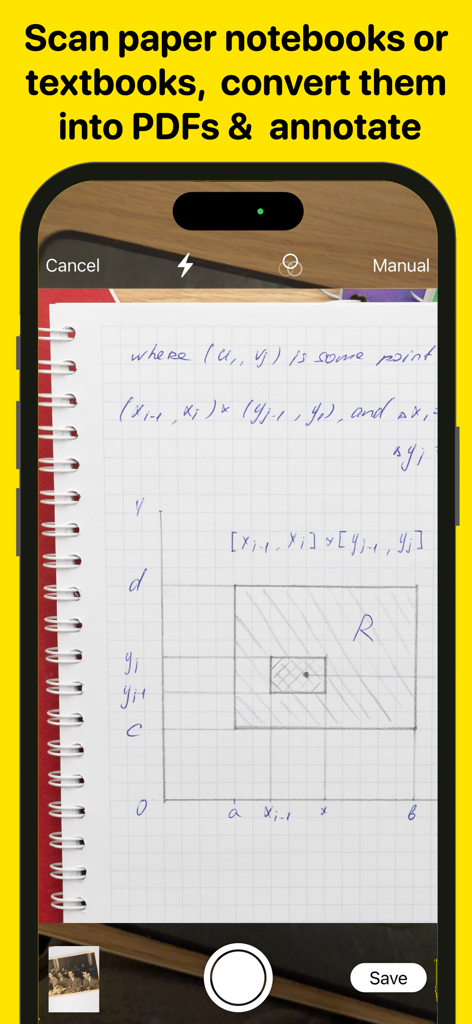
- Scan notes, books, tickets, recipes, and more directly to PDF.
- Convert documents, images, photos, scans, etc., to PDF on your device.
- Handle PowerPoint, Word, and Excel files efficiently. Convert them into PDF and annotate them!
Backup & Secure
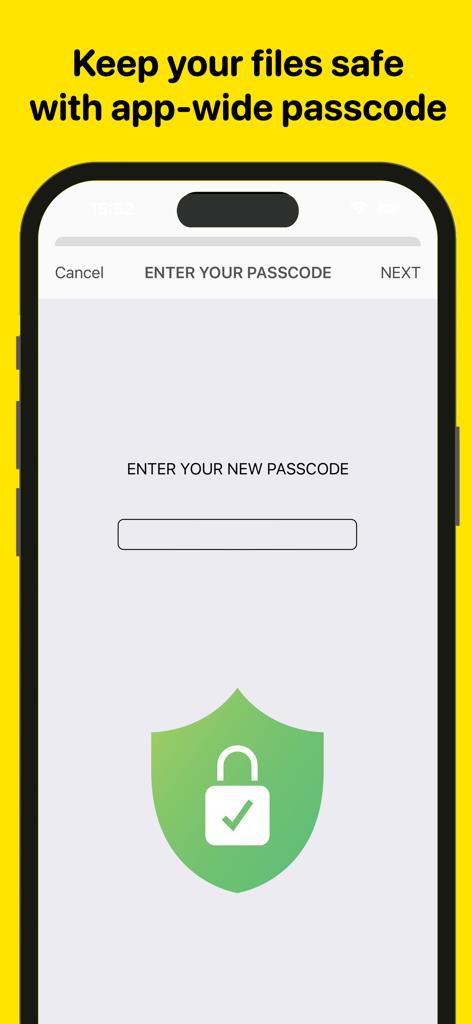
- Protect your content with a passcode.
- Lock any folder or project for additional security.
- Ensure data safety with automatic backups.
Wordpad+ is more than just a word processor and PDF editor – it's your comprehensive solution for organizing thoughts, lectures, books, sketches, notes, and projects. Download it now for free and experience its versatility!
Privacy Policy
http://www.noteswriter.com/Kairoos_Privacy_Policy.html
EULA
https://www.apple.com/legal/internet-services/itunes/dev/stdeula/
This app requires users to have a subscription to unlock all the features after a 3-day risk-free trial.