WOWCube® Connect

WOWCube® Connect

Download on App Store
Logo of WOWCube® Connect

WOWCube® Connect: The Ultimate Command Center for Your Cube

Download 40+ games, personalize 24 screens with custom widgets, and unlock the full potential of your tactile entertainment system.

Download on App Store

Publisher

Cubios Inc

Category

Entertainment

Downloads

0

User Rating

5.0/5

Total Ratings

0

Locales

1

Innovation at a Glance

Discover the interface used by 0 users.
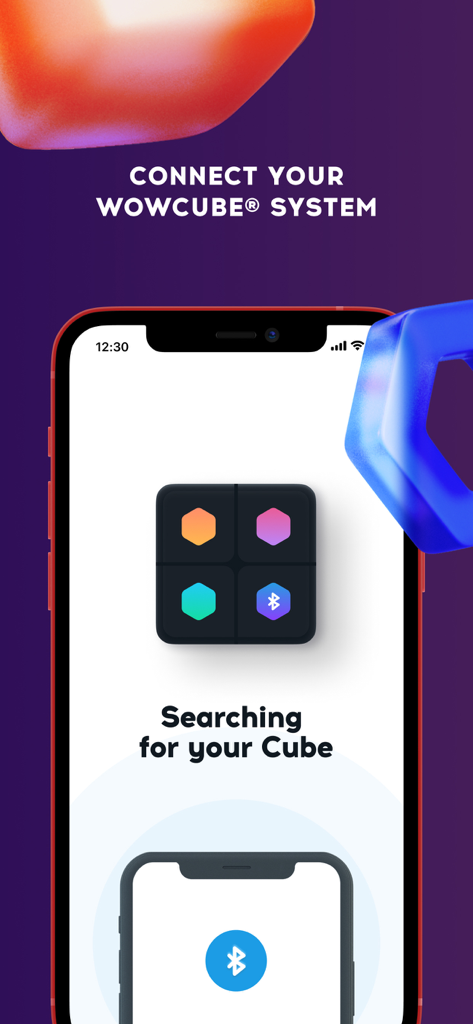
WOWCube Connect app interface searching for a cube device via Bluetooth connection

WOWCube Connect app interface searching for a cube device via Bluetooth connection

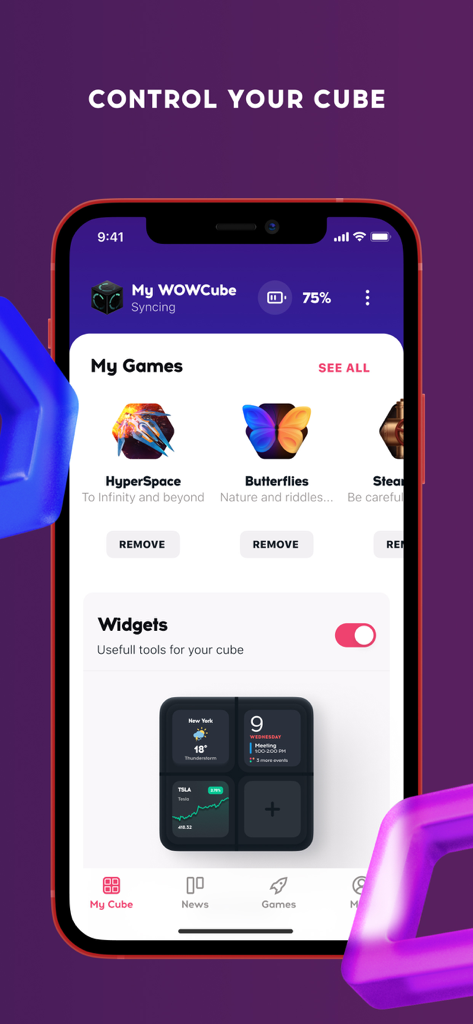
WOWCube Connect app dashboard showing game management and widget settings for the digital cube.

WOWCube Connect app dashboard showing game management and widget settings for the digital cube.

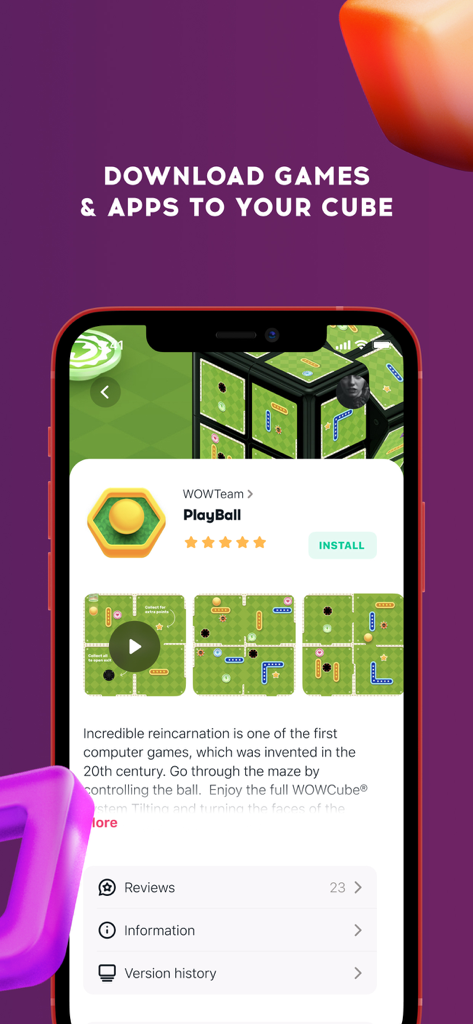
Interface of the WOWCube Connect app showing a game download page for PlayBall

Interface of the WOWCube Connect app showing a game download page for PlayBall

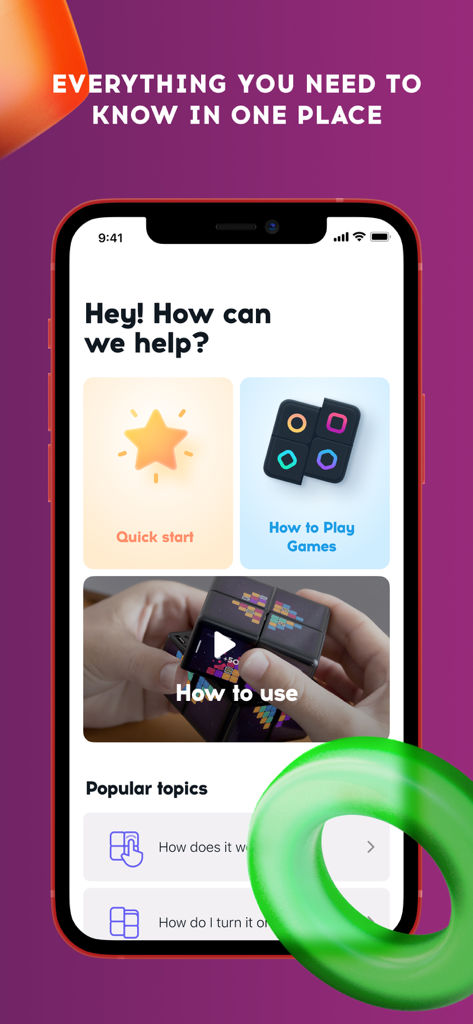
WOWCube Connect app help center with quick start and gameplay tutorials.

WOWCube Connect app help center with quick start and gameplay tutorials.

The Ultimate Command Center for Your Cube

The tools that make this app stand out, trusted by 0 users.

🎮

A Curated App Universe

Instantly download over 40 specialized games and apps, including logic-twisting puzzles and classics like Cut the Rope, optimized for 24-screen play.

🖼️

Dynamic Desk Aesthetic

Personalize your workspace by turning your cube into a smart lamp, a relaxing aquarium, or a digital photo frame with your own high-resolution uploads.

⚙️

Precision Device Control

Stay future-proof with seamless OS updates, no-code game uploads from WOWStudio, and granular control over brightness and volume settings.

About the app

Everything you need to know about WOWCube® Connect.

Description

The companion app for WOWCube® Entertainment System. Download games & apps, update operating system, customize widgets, screen savers, volume and brightness of the cube. WOWCube® System is a cubical gaming console that you tap, twist, tilt and shake to play. The unified playing field covers all 24 screens on six sides of the cube, which you can transform the way you like. The gadget is mainly about smart and fun gaming. While there are some pre-installed games, you’ll need this mobile app to install or remove the applications. There are more than 40 installable games and apps, which include the cubed version of the well-known favorites like Cut the Rope, 2048, Snake and other puzzles. Moreover, there are apps to help you with the work-life balance: Widgets and Work & Relax, while installing Smart Lamps, Bubbles or Aquarium will radiate the relaxing vibes from the cube. The app is also needed to upload the photos, panoramas or your own customized puzzle games from the no-code WOWStudio right to the cube. To more serious matters, there are some very important features. The only way to update the operating system on the digital cube is via this mobile app. It allows to change a screen saver for WOWCube® System and control the brightness and volume settings as well. Gift card activation and balance top up is easily available through this app. And if you want to edit your WOWCube® profile, it can be done within the app as well. WOWCube® Connect also allows to easily explore the latest news about the digital cubes and the developer company Cubios Inc.

Latest Version

4.3.5

Size

42.1 MB

First Released

Aug 9, 2021

Unlock the Full Potential of Your WOWCube®

Join the future of tactile gaming. Download the companion app to manage your library, personalize your widgets, and power up your cube experience today.

Download on App Store

App information, icons, screenshots, and descriptions displayed on this page are sourced from the Apple App Store and are the property of their respective developers. Download estimates and rankings are based on MWM's proprietary models and may not reflect actual figures. This page is provided for informational and analytical purposes only.

Believe this page infringes your intellectual property? File a dispute