Yasin & Tahlil
Yasin & Tahlil
ダウンロード: App Store

このページはアプリまたはその開発者の公式ページではなく、情報提供および論評を目的として作成された独立した編集出版物です。明示的に別段の記載がない限り、アプリおよびその開発者は、MWM、Apple、Google Play、アプリのパブリッシャー、またはアプリの開発者と提携、承認、後援、認可、またはその他の公式的な関係はなく、このページのいかなる内容も、アプリがMWMのサービスを使用して開発されたことを意味するものではありません。すべての商標、ロゴ、スクリーンショット、その他のコンテンツはそれぞれの所有者の財産です。


ロゴ: Yasin & Tahlil
ダウンロード: App Store

Yasin & Tahlil

ラテン文字転写とオフラインサポートを完備したスーラ・ヤシン、タハリール、必須のディクルにアクセスしましょう。現代のアメリカのイスラム教徒のために設計されたこのアプリは、墓参り、地域の集まり、毎日の祈りのためのシームレスな精神的体験を提供します。

主要数値

ダウンロード

14K+

ユーザー評価

4.9/5

評価数

0

開発元

Majlis Ansori

カテゴリ

Books

対応言語

1

最新バージョン

1.0.6

サイズ

28.9 MB

リリース日

2024年4月23日
機能

指先でわかる精神的な必需品

あなたの伝統をあなたと一緒に持ち運びましょう。スーラ・ヤシンから毎日のディクルまで、インターネット接続なしでも、祈りと瞑想に必要なすべてにアクセスできます。

自信を持って読む

アラビア文字、ラテン文字転写、翻訳を切り替えて、朗読と理解を完璧にしましょう。

真のオフライン自由

あなたの精神的なツールキットは常に準備ができています。墓地や旅行中でも、いつでもすべての祈りとダウンロードしたMP3音声にアクセスできます。

以下のスクリーンショットと説明は、アプリの公式ストアリスティングから直接取得されたものであり、アプリ開発者の所有物です。

アプリストア

スクリーンショット
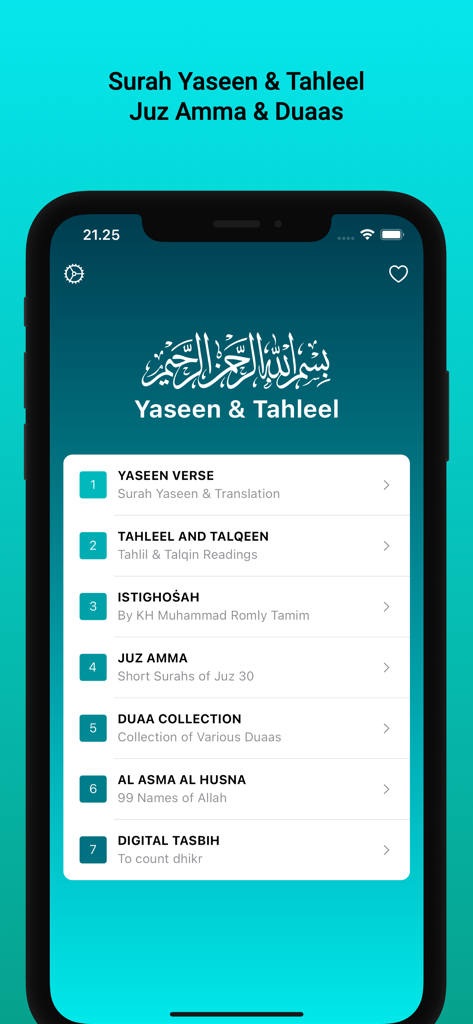
Yasin & Tahlil - ヤシンとタハリールイスラム教の祈りアプリのメインメニュー画面。ジュズ・アンマとドゥアのコレクションが表示されています。
ヤシンとタハリールイスラム教の祈りアプリのメインメニュー画面。ジュズ・アンマとドゥアのコレクションが表示されています。

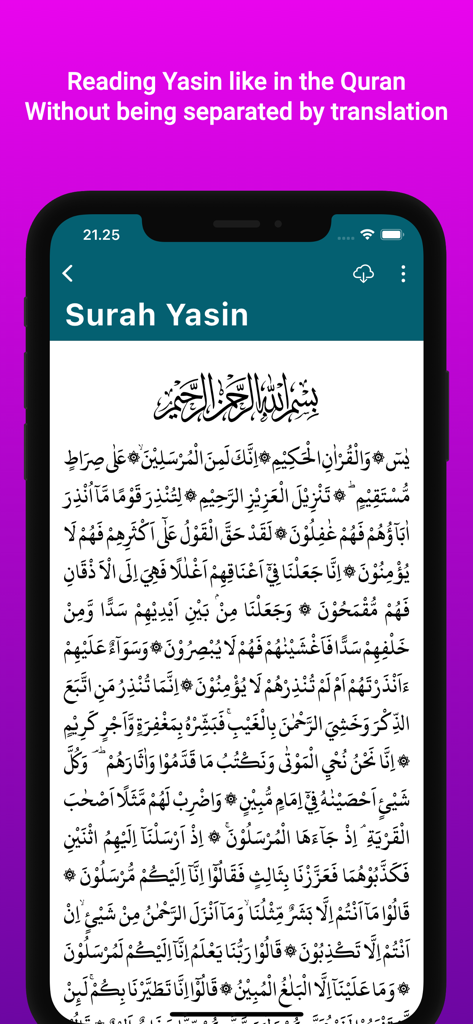
Yasin & Tahlil - ヤシンとタハリールアプリに表示されているスーラ・ヤシンのアラビア文字テキスト。
ヤシンとタハリールアプリに表示されているスーラ・ヤシンのアラビア文字テキスト。

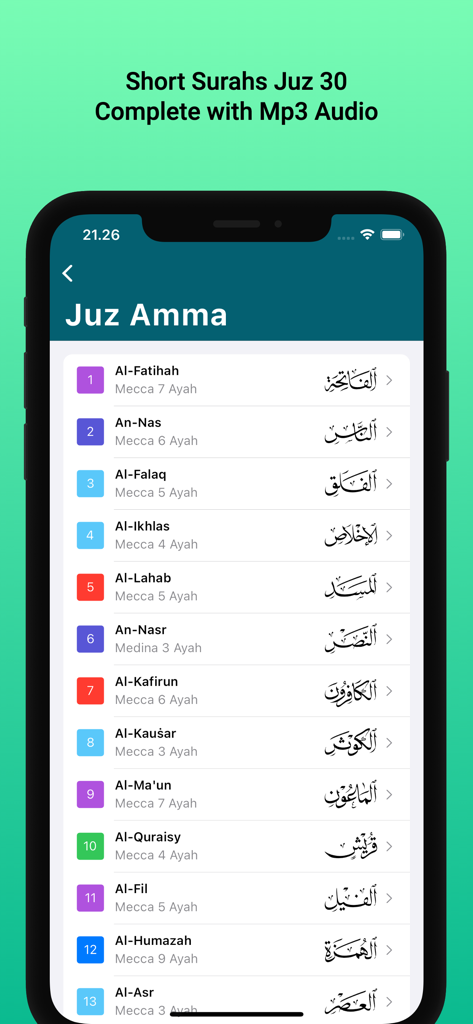
Yasin & Tahlil - ヤシンとタハリールアプリで、ジュズ30からの短いクルアンスーラのリストを表示するスマートフォンの画面。
ヤシンとタハリールアプリで、ジュズ30からの短いクルアンスーラのリストを表示するスマートフォンの画面。

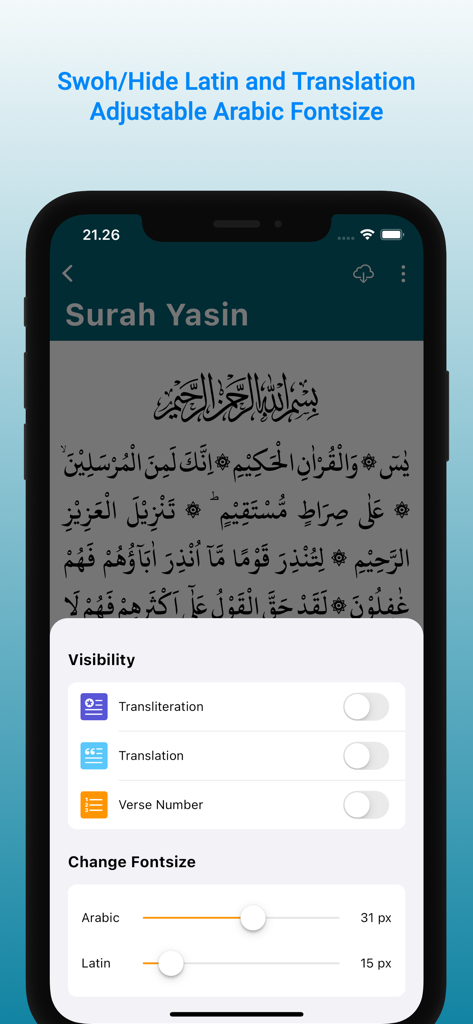
Yasin & Tahlil - アラビア文字とラテン文字転写のフォントサイズとテキスト表示のカスタマイズオプションを示す、ヤシンとタハリールアプリのインターフェース。

アラビア文字とラテン文字転写のフォントサイズとテキスト表示のカスタマイズオプションを示す、ヤシンとタハリールアプリのインターフェース。

説明

This app contains reading of Surah Yasin, Tahlil, Istighosah, Dhikr and Islamic Prayer with transliteration and translation. You can use this app offline so you can use it anytime and anywhere. It also makes it easier for you when visiting the grave or Talqin Mayit without having to carry the book. Apart from that, we get many benefits from it. The Arabic writing in the Surat Yasin and Tahlil application is original text, aka not images or PDFs. Apart from that, there are also Digital Tasbih, Istighosah, dhikr and a collection of Islamic prayers. For ease of use. Contents: • Yasin Surah and Mp3 Audio • Complete Tahlil Offline • Talqin • Istighosah KH. Muhammad Romly Tamim • Juz Amma Short Letter from the Koran • Collection of Islamic Dhikr and Prayers • Asmaul Husna • Digital Prayer Beads We have included several superior features in it. are as follows: 1. Changing Text Size You can adjust the size of the Arabic letters by touching the T icon at the top right of the screen. Then a slider will appear at the bottom of the screen. Slide the slider to adjust the size of the letters 2. Features Latin Reading & Translation Allows you to display or hide Latin readings and translations, so that when reading Arabic writing it is as if you were reading the Koran without being separated by meaning. The way to show or hide Latin translations and readings is by tapping the eye icon at the top right of each page. Or via the drawer which is just below night mode 3. Save to Favorites You can add the page you are reading to your Favorites page by tapping the Heart icon at the top of the screen. If the Heart icon is red, it indicates that the page has been entered into the Favorites page. To access Favorite Prayers, you can tap the Heart icon on the Home page (main page) at the top of the screen. The Favorites feature makes it easy for you to quickly open pages that you save without having to go all the way into the page directory. 4. Audio Mp3 To be able to play sound an internet connection is required. After it is downloaded on the device, it no longer requires an internet connection, aka offline. Downloading sounds can be done by tapping the download icon at the top of the page. Make sure not to close the page during the download process, because this will result in the downloaded audio not being able to be played completely. If that happens, you have to delete the application data and re-download the mp3 audio. 5. Night Mode Night Mode is a feature to change the screen display from light to dark. So it protects your eyes from too bright light when reading text at night and the Arabic text and translation looks cool to the eyes. The way to activate/deactivate Dark Mode is to tap the Moon icon at the top right of the screen.

Download

ダウンロード: App Store

このページはアプリまたはその開発者の公式ページではなく、情報提供および論評を目的として作成された独立した編集出版物です。明示的に別段の記載がない限り、アプリおよびその開発者は、MWM、Apple、Google Play、アプリのパブリッシャー、またはアプリの開発者と提携、承認、後援、認可、またはその他の公式的な関係はなく、このページのいかなる内容も、アプリがMWMのサービスを使用して開発されたことを意味するものではありません。すべての商標、ロゴ、スクリーンショット、その他のコンテンツはそれぞれの所有者の財産です。








