YSoft SAFEQ

YSoft SAFEQ

ダウンロード: App Store
ロゴ: YSoft SAFEQ

YSoft SAFEQ:現代のエンタープライズ向けセキュアでシームレスなモバイル印刷

ハイブリッドワークフォースがモバイルデバイスから直接印刷ジョブを送信、管理、リリースできるようにします。セキュアでクラウド統合され、グローバルチームの生産性のために構築されています。

開発元

Y Soft Corporation, a.s.

カテゴリ

Business

ダウンロード

4K+

ユーザー評価

1.0/5

評価数

0

対応言語

18

真の生産性の垣間見る

このインターフェースを利用する 4K+ 人のユーザー.

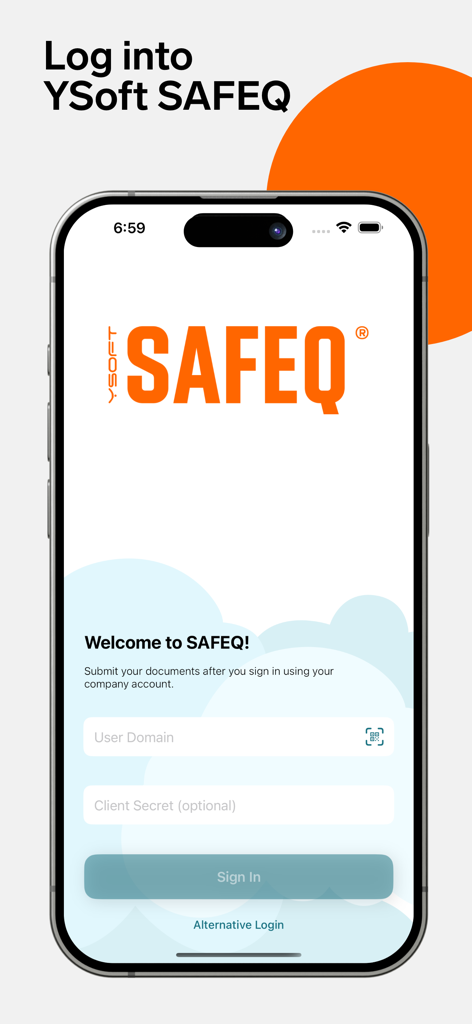
YSoft SAFEQアプリのログインインターフェイス、セキュアなエンタープライズ印刷用、ドメイン認証フィールドを表示

YSoft SAFEQアプリのログインインターフェイス、セキュアなエンタープライズ印刷用、ドメイン認証フィールドを表示

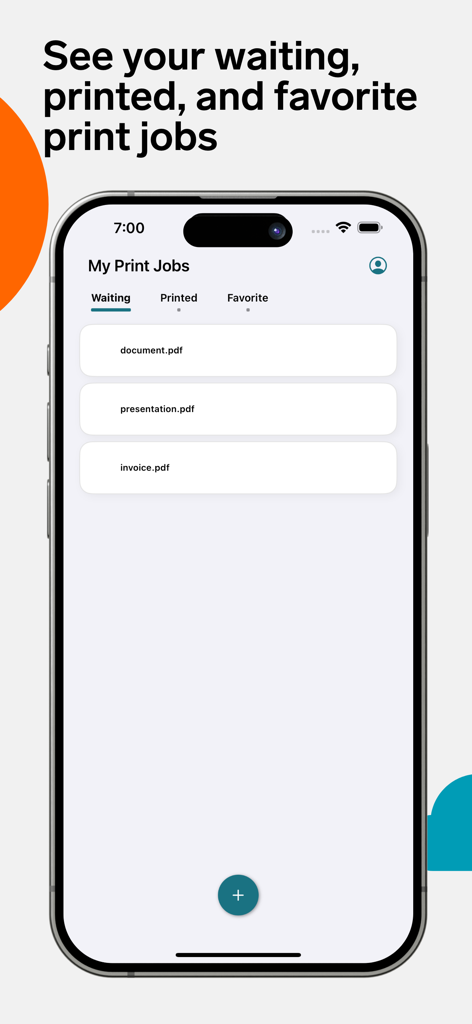
YSoft SAFEQアプリの画面、モバイルデバイス上の待機中の印刷ジョブのリストを表示

YSoft SAFEQアプリの画面、モバイルデバイス上の待機中の印刷ジョブのリストを表示

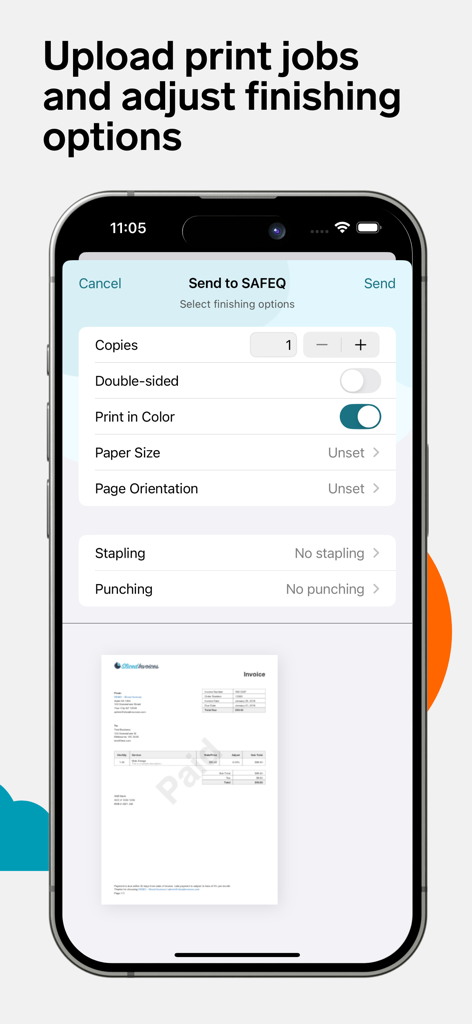
YSoft SAFEQモバイルインターフェイス、印刷仕上げオプションとドキュメントプレビューを表示

YSoft SAFEQモバイルインターフェイス、印刷仕上げオプションとドキュメントプレビューを表示

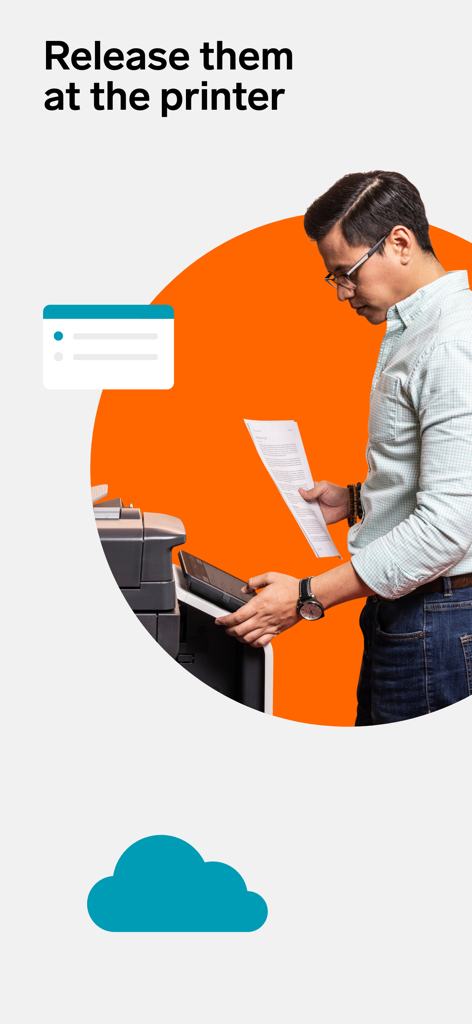
プロフェッショナルがYSoft SAFEQを使用してオフィスプリンターでドキュメントをリリースしています

プロフェッショナルがYSoft SAFEQを使用してオフィスプリンターでドキュメントをリリースしています

現代のワークフォースのための現代の印刷

このアプリを際立たせるツール、 4K+ 人のユーザーが選択.

📱

真のモバイル生産性

iPhoneまたはiPadから直接印刷キューにドキュメントを送信します。有線PCの必要性をなくし、移動中にタスクを管理します。

🔒

セキュアなドキュメントリリース

プリンターの物理的な場所にいるときのみジョブをリリースすることで、機密データを保護し、プロフェッショナルな作業の完全な機密性を確保します。

☁️

シームレスなクラウド統合

OneDriveおよびGoogle Driveに直接接続します。ファイルを取得し、仕上げオプションを選択し、お気に入りのクラウドエコシステムを離れることなく印刷します。

アプリについて

について知っておくべきこと YSoft SAFEQ.

説明

More than 30K companies in 80+ countries use SAFEQ to power team productivity and accelerate IT transformation. Submit print jobs with ease through your phone or tablet! The YSoft SAFEQ mobile application works seamlessly across SAFEQ Cloud and SAFEQ 6 setups, giving your organization effortless, secure, and flexible printing. This app gives you the ability to submit print jobs with your chosen finishing options, view waiting, printed, and favorite print jobs and delete documents you no longer need to print —all from your mobile phone. You get a unified authentication experience whether you log in through the WebUI, PC Client, or mobile app. Once you’ve authenticated yourself, you’re all set to start. To submit prints using your phone, simply open the app and from within, you click on the "+" button, select a document (either from your device or from your apps such as OneDrive, Google Drive, etc.), edit any finishing options (copies, paper size, etc.), and click "Send". The job will be uploaded, and you can then release it by logging into your MFP and releasing it like you’re used to. You can also “Send to” or “Share with” the SAFEQ Mobile app directly from the documents you are working in. More about SAFEQ: https://www.ysoft.com/safeq Happy printing!

最新バージョン

2025.11.27.1

サイズ

13.4 MB

リリース日

2022年9月6日

指先で現代の印刷を

オフィスの手間をなくした何千人ものプロフェッショナルに加わりましょう。今すぐYSoft SAFEQアプリをダウンロードして、ワークフローを保護し、いつでもどこでも印刷しましょう。

ダウンロード: App Store

App information, icons, screenshots, and descriptions displayed on this page are sourced from the Apple App Store and are the property of their respective developers. Download estimates and rankings are based on MWM's proprietary models and may not reflect actual figures. This page is provided for informational and analytical purposes only.

Believe this page infringes your intellectual property? File a dispute