2FA and MFA Authenticator

2FA and MFA Authenticator

다운로드: App Store
로고: 2FA and MFA Authenticator

2FA 및 MFA 인증기: 계정을 위한 전문가 수준의 보안

고급 암호화 및 수동 키 제어로 디지털 자산을 보호하세요. 보안에 민감한 전문가를 위해 설계된 직관적이고 프리미엄한 인증 경험입니다.

개발사

Luna Klyne

카테고리

Business

다운로드

11K+

사용자 평점

4.6/5

총 평가 수

200

지원 언어

1

보안을 한눈에

이 인터페이스를 사용하는 11K+ 명의 사용자.

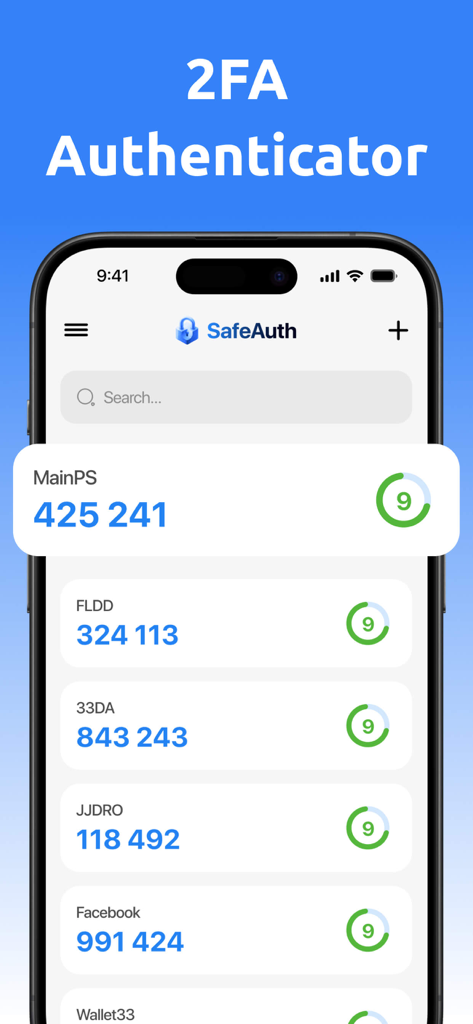
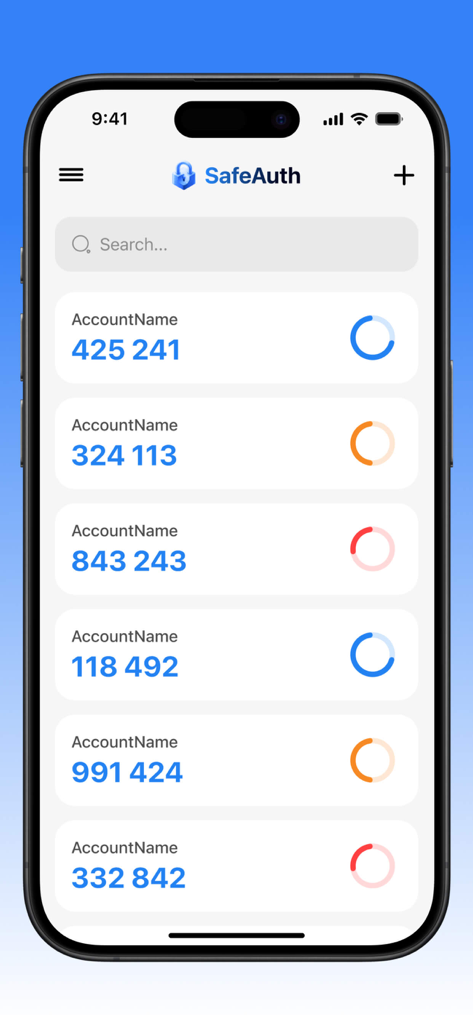
다양한 계정에 대한 2단계 인증 코드 목록을 보여주는 SafeAuth 앱 인터페이스 (아이폰)

다양한 계정에 대한 2단계 인증 코드 목록을 보여주는 SafeAuth 앱 인터페이스 (아이폰)

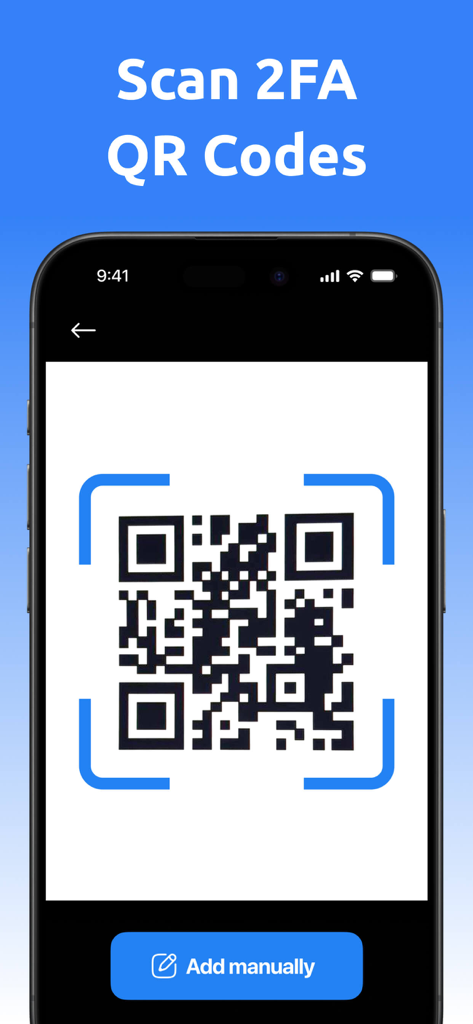
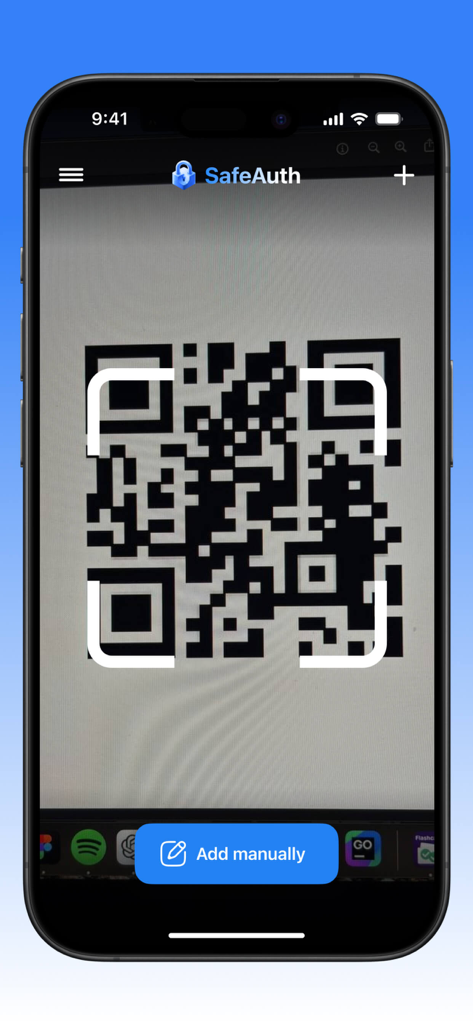
수동 추가 버튼과 함께 2FA 계정 설정을 위한 QR 코드를 스캔하는 아이폰 화면

수동 추가 버튼과 함께 2FA 계정 설정을 위한 QR 코드를 스캔하는 아이폰 화면

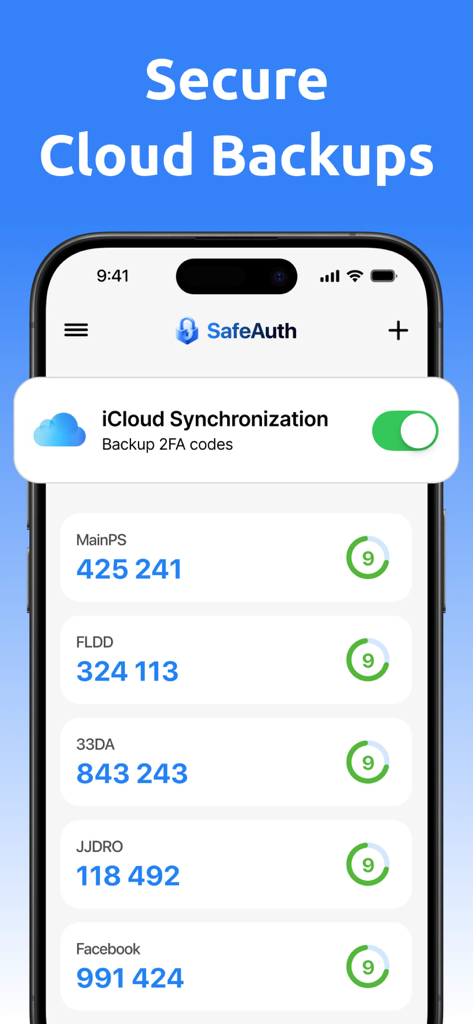
인증 코드와 보안 클라우드 백업을 위한 iCloud 동기화 토글이 활성화된 2FA 및 MFA 인증기 앱의 아이폰 스크린샷

인증 코드와 보안 클라우드 백업을 위한 iCloud 동기화 토글이 활성화된 2FA 및 MFA 인증기 앱의 아이폰 스크린샷

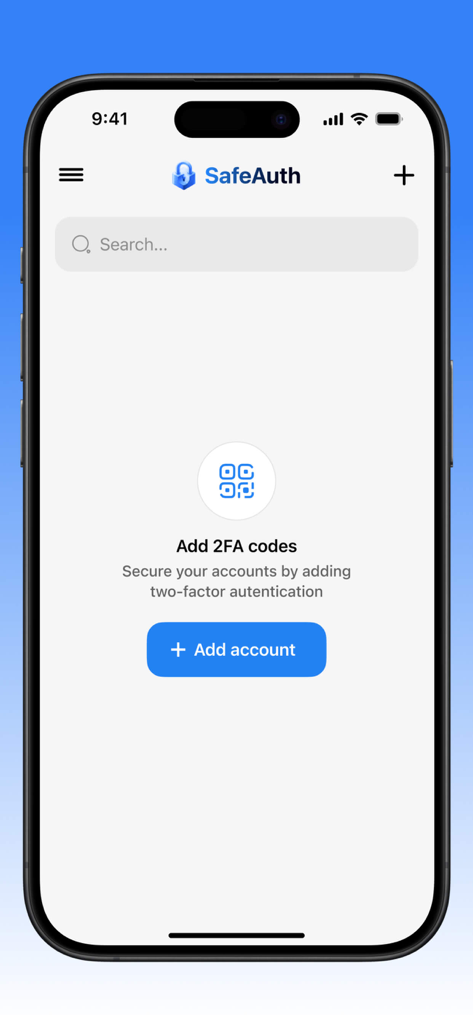
새로운 보안 계정을 추가하는 화면을 보여주는 아이폰의 SafeAuth 2FA 및 MFA 인증기 앱 (파란색 버튼 포함)

새로운 보안 계정을 추가하는 화면을 보여주는 아이폰의 SafeAuth 2FA 및 MFA 인증기 앱 (파란색 버튼 포함)

아이폰에서 2단계 인증 코드를 보여주는 SafeAuth 앱 인터페이스

아이폰에서 2단계 인증 코드를 보여주는 SafeAuth 앱 인터페이스

SafeAuth 2FA 및 MFA 인증기 앱 인터페이스 내에서 QR 코드를 스캔하는 스마트폰.

SafeAuth 2FA 및 MFA 인증기 앱 인터페이스 내에서 QR 코드를 스캔하는 스마트폰.

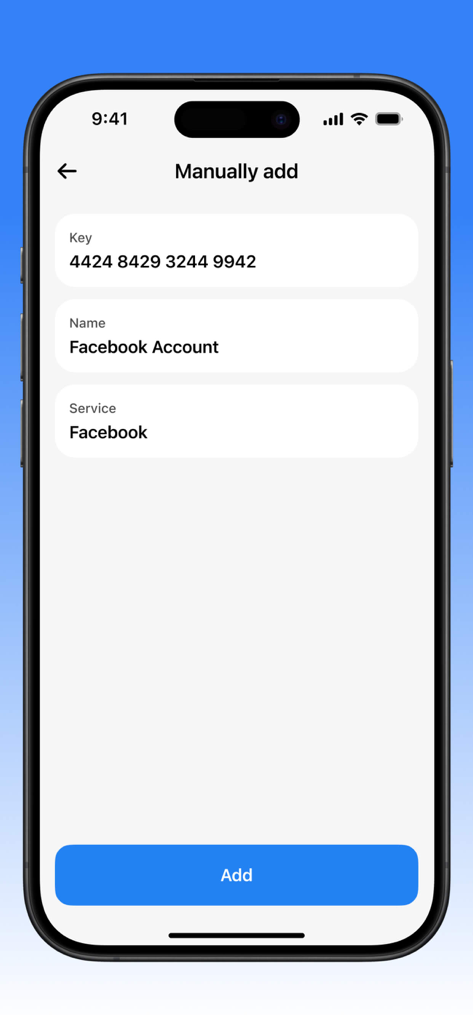
인증 앱에서 페이스북 계정에 보안 키를 수동으로 추가하기 위한 인터페이스

인증 앱에서 페이스북 계정에 보안 키를 수동으로 추가하기 위한 인터페이스

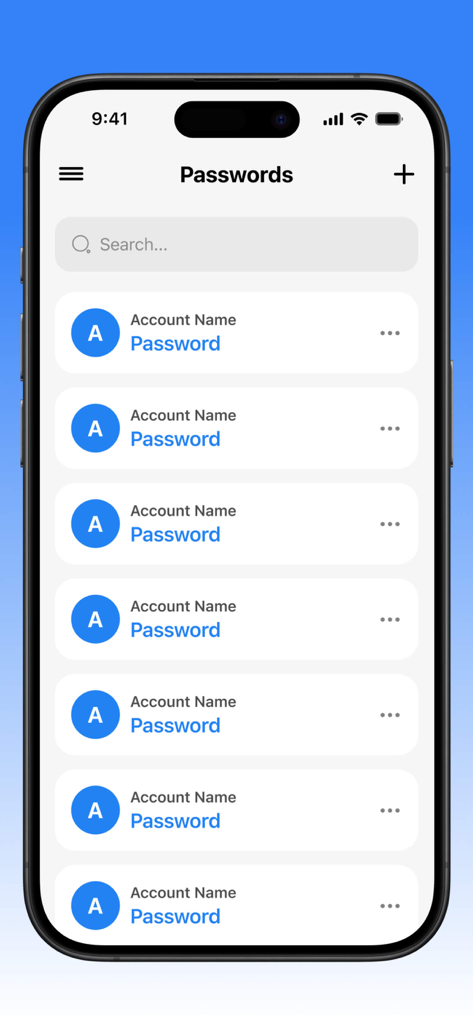
검색 표시줄과 추가 버튼이 있는 관리되는 계정 비밀번호 목록을 보여주는 아이폰의 2FA 및 MFA 인증기 앱 인터페이스

검색 표시줄과 추가 버튼이 있는 관리되는 계정 비밀번호 목록을 보여주는 아이폰의 2FA 및 MFA 인증기 앱 인터페이스

저장 또는 삭제 옵션이 있는 비밀번호 관리 메뉴를 보여주는 2FA 및 MFA 인증기 앱 인터페이스

저장 또는 삭제 옵션이 있는 비밀번호 관리 메뉴를 보여주는 2FA 및 MFA 인증기 앱 인터페이스

디지털 전문가를 위한 확고한 보호

이 앱을 돋보이게 하는 도구, 11K+ 명의 사용자가 선택.

🛡️

군사 등급 암호화

새로운 사이버 위협보다 앞서 나가는 고급 알고리즘으로 전문가 계정을 침투할 수 없게 유지하세요.

⚙️

전체 수동 제어

특정 보안 요구 사항에 맞게 키를 수동으로 생성하고 사용자 지정하여 표준 2FA를 넘어서세요.

🌓

생산성을 위한 설계

완벽한 다크 모드 지원 기능을 갖춘 깔끔하고 직관적인 인터페이스로 보안 관리가 전문적인 워크플로우에 통합되도록 보장합니다.

앱 소개

에 대해 알아야 할 모든 것 2FA and MFA Authenticator.

설명

Our app is a reliable tool for two-factor and multi-factor authentication, providing a high level of security for your accounts. With it, you can easily manage keys and passwords, protecting your data from unauthorized access. One of the key features is the ability to manually generate keys, allowing users to customize the authentication system according to their individual needs. The app's interface is intuitive and user-friendly, with an option to switch to a dark theme, making it comfortable to use in any lighting conditions. Thanks to modern encryption algorithms, your data remains completely secure, and regular updates ensure protection from new threats. This is the ideal choice for those who value privacy and want to be confident in the security of their online accounts. Additionally, our app offers subscription plans that can be canceled at any time, providing flexibility and control over your service usage. This application has auto-renewable subscriptions and in-app purchase: 1 week - Weekly - 4.99$, 1 month - Monthly - 12.99$, 1 year - Yearly - 39.99$, Lifetime - $59.99 Privacy Policy Link: https://docs.google.com/document/d/16whsDrK1doUXnjj4UPJkDje5z46-UlSq9vMBv2gBxP4/edit?usp=sharing Terms of Use Link: https://www.apple.com/legal/internet-services/itunes/dev/stdeula/

최신 버전

1.4.2

크기

150.3 MB

출시일

2025년 4월 14일

오늘 디지털 신원을 안전하게 보호하세요

수동 키 제어 및 고급 계정 보호를 위해 프리미엄 MFA 도구를 신뢰하는 수천 명의 보안에 민감한 전문가와 함께하세요.

다운로드: App Store

App information, icons, screenshots, and descriptions displayed on this page are sourced from the Apple App Store and are the property of their respective developers. Download estimates and rankings are based on MWM's proprietary models and may not reflect actual figures. This page is provided for informational and analytical purposes only.

Believe this page infringes your intellectual property? File a dispute