이 페이지는 앱이나 개발자의 공식 페이지가 아니며, 정보 제공 및 논평을 목적으로 작성된 독립 편집 간행물입니다. 명시적으로 달리 언급되지 않는 한, 해당 앱이나 개발자는 MWM, Apple, Google Play, 앱 퍼블리셔 또는 앱 개발자와 제휴, 보증, 후원, 승인 또는 공식적으로 연결되어 있지 않으며, 이 페이지의 어떤 내용도 해당 앱이 MWM의 서비스를 사용하여 개발되었음을 의미하지 않습니다. 모든 상표, 로고, 스크린샷 및 기타 콘텐츠는 해당 소유자의 자산입니다.
AI Logo Maker: Flyer Generator
디지털 1인 기업가를 위한 올인원 디자인 스튜디오. 디자인 경험 없이도 고급스러운 로고, 소셜 미디어 전단지, 명함을 손쉽게 만들어 부업을 돋보이게 하세요.
주요 수치
다운로드
1M+
사용자 평점
4.6/5
총 평가 수
22K+
개발사
PHOTO LAB AL LTD.
카테고리
Graphics & Design
지원 언어
1
최신 버전
4.4
크기
211.2 MB
출시일
2019년 8월 17일
기능
에이전시 비용 없이 전문가처럼 디자인하세요
AI 기반 도구와 전문가 수준의 맞춤 설정으로 미국 1인 기업가와 부업가들이 몇 분 안에 멋진 시각적 아이덴티티를 구축하도록 지원합니다.
즉석 AI 템플릿
빈 캔버스는 잊으세요. 비즈니스가 첫날부터 합법적이고 전문적으로 보이도록 특별히 제작된 수천 개의 편집 가능한 디자인 중에서 선택하세요.
정밀 편집 스위트
고급스러운 미학을 위해 설계된 모바일 우선 레이어, 투명도 조정 및 전문 타이포그래피 도구로 완벽한 창의적 제어를 확보하세요.
다음 스크린샷과 설명은 앱의 공식 스토어 목록에서 직접 가져온 것이며 앱 개발자의 자산입니다.
앱 스토어
스크린샷
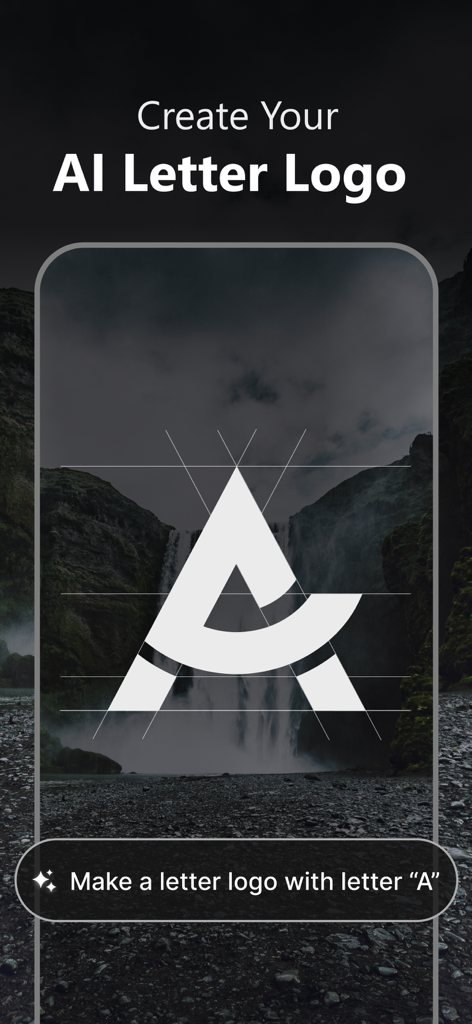
폭포수 배경 위에 창의적인 정렬 가이드와 함께 양식화된 문자 A 디자인을 보여주는 AI 로고 메이커 인터페이스.
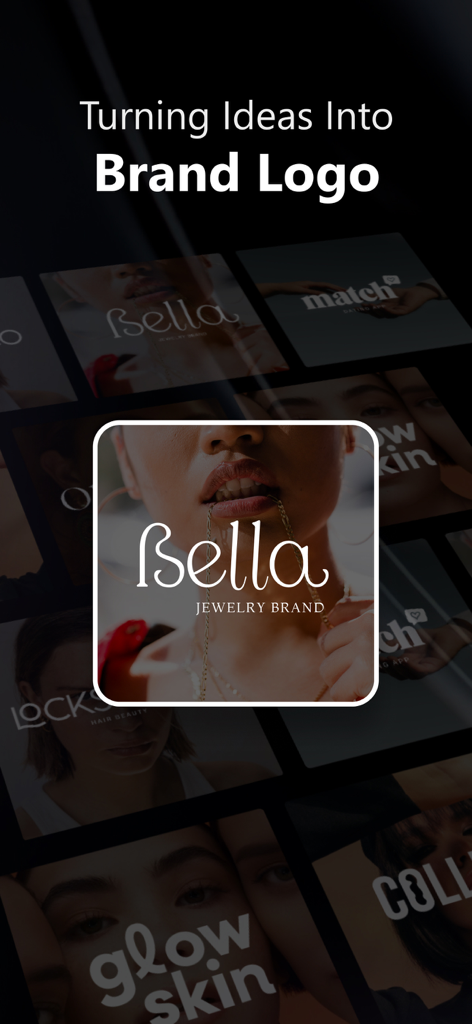
주얼리 브랜드 로고와 다양한 브랜딩 예시를 특징으로 하는 AI 로고 메이커 앱 마케팅 화면
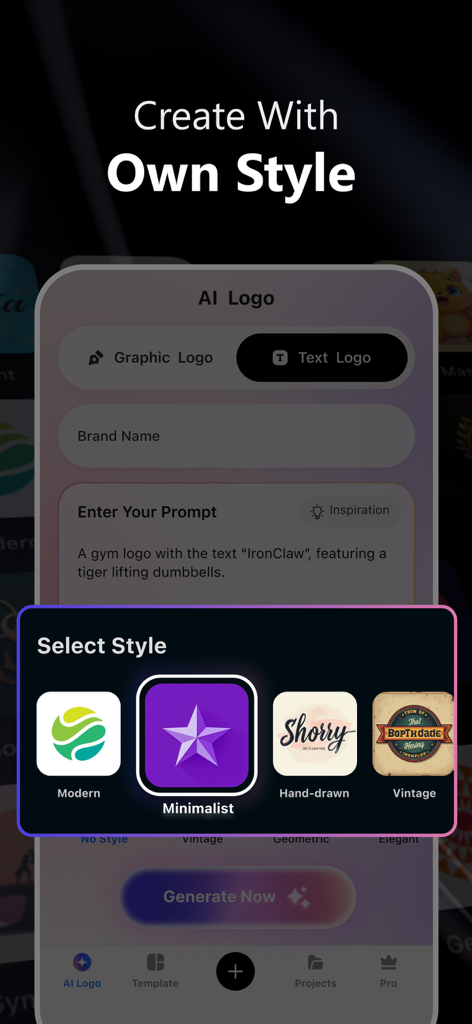
체육관 로고에 대한 프롬프트와 현대적이고 미니멀한 옵션이 있는 스타일 선택 메뉴를 보여주는 AI 로고 생성기 인터페이스
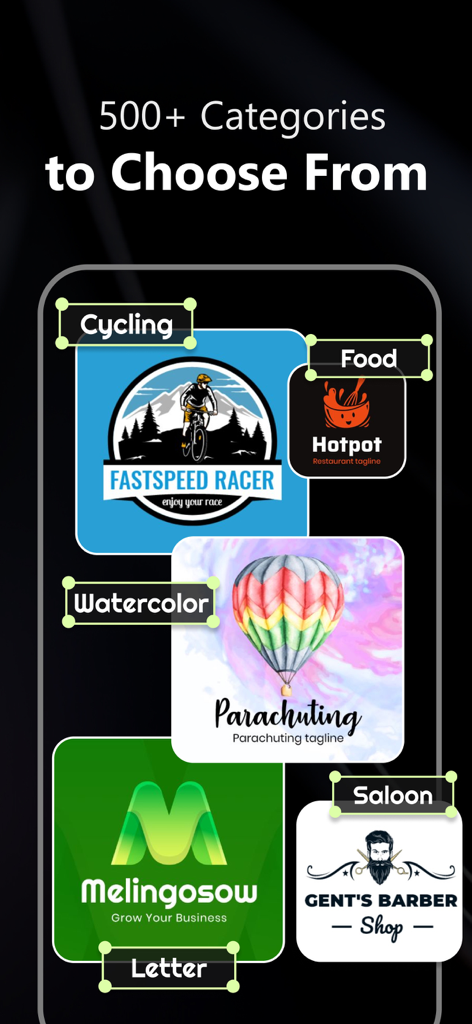
사이클링, 음식, 수채화와 같은 500개 이상의 로고 디자인 카테고리를 표시하는 AI 로고 메이커 앱 스크린샷
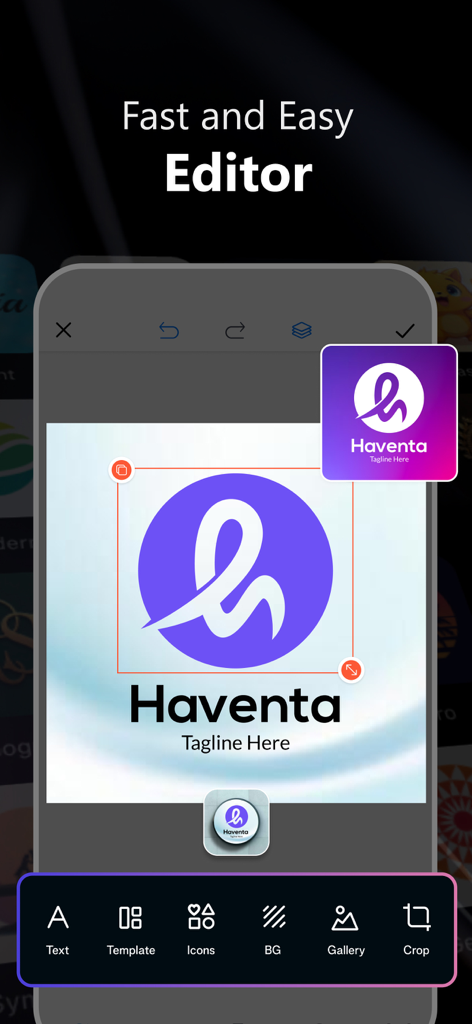
Haventa 브랜드 로고를 디자인하기 위해 텍스트, 템플릿, 아이콘 및 배경 도구를 갖춘 AI 로고 메이커 앱을 보여주는 로고 편집기 인터페이스.
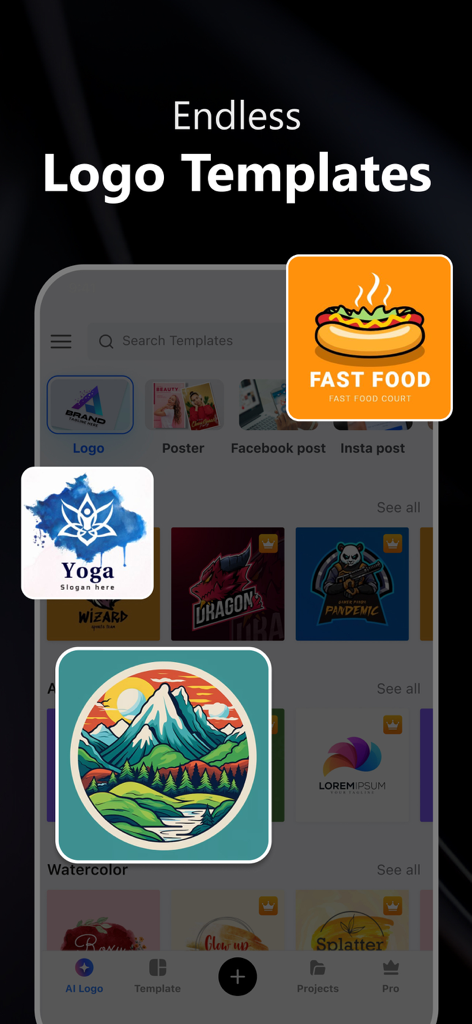
다양한 비즈니스 카테고리에 대한 여러 로고 템플릿을 보여주는 AI 로고 메이커 앱 인터페이스.
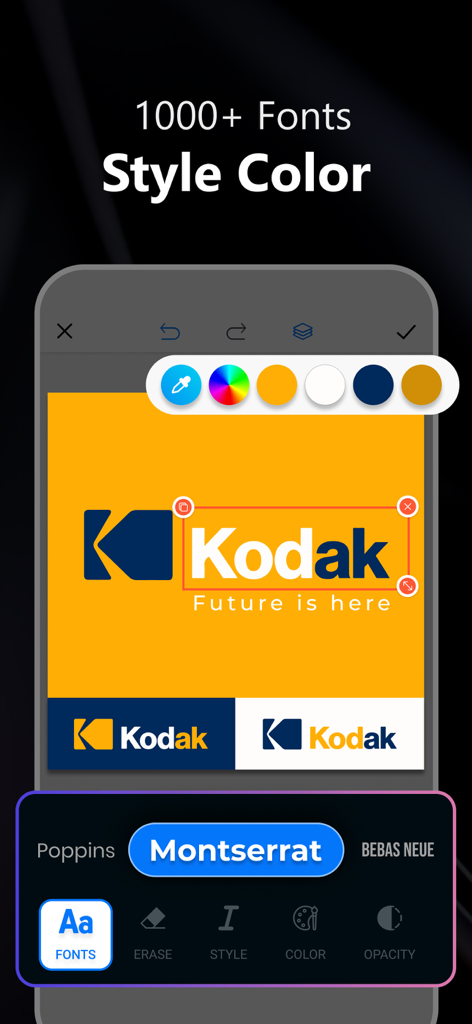
스마트폰에서 전문 로고를 편집하기 위한 글꼴 및 색상 선택 도구를 보여주는 AI 로고 메이커 앱 인터페이스.
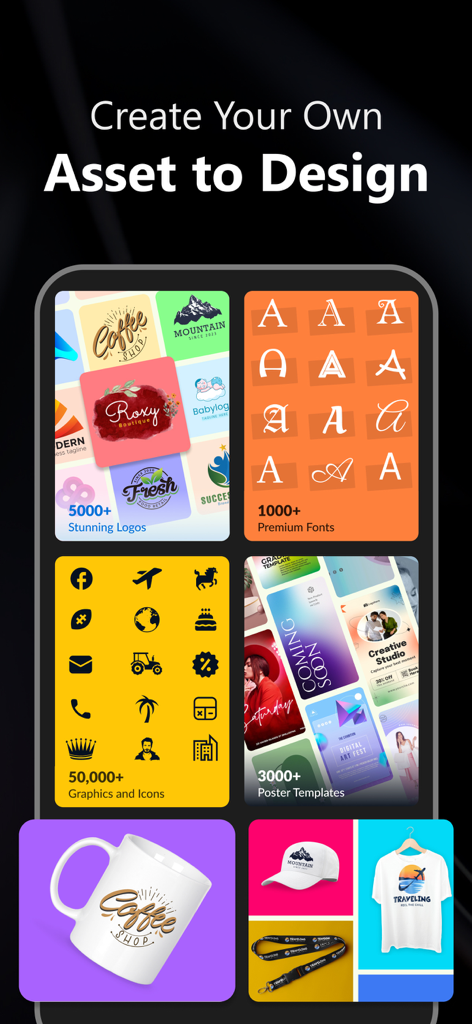
로고, 글꼴, 아이콘 및 제품 목업과 같은 다양한 브랜딩 에셋을 표시하는 로고 메이커 앱 인터페이스
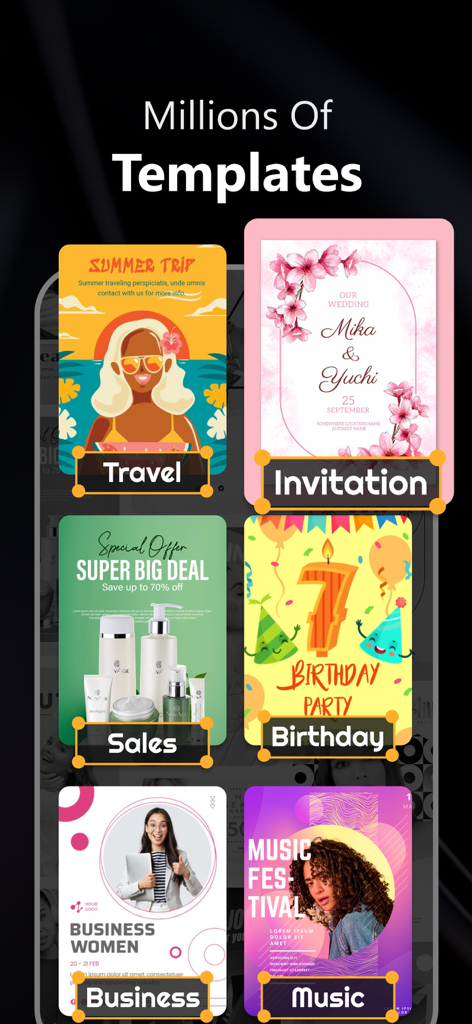
여행, 초대, 판매, 생일, 비즈니스, 음악 축제와 같은 카테고리에 대한 디자인 템플릿 모음.
설명
Logo maker app is a powerful tool that allows anyone, from small business owners to graphic designers, to create a unique and professional-looking logo for their brand. These apps provide an intuitive and user-friendly interface that makes it easy to design a logo without any prior design experience.
The logo maker app typically comes with a wide variety of pre-designed templates, icons, and fonts that users can choose from. These design elements can be customized to create a logo that perfectly represents the brand's values and identity. Users can select a template that closely matches their needs and customize it to fit their preferences. They can change the colors, add text, tweak the fonts, or even upload their own images to create a logo that truly stands out.
The app's interface typically allows for easy drag-and-drop functionality, enabling users to effortlessly manipulate design elements to create a visually stunning logo. These apps also offer a range of features like layers, image cropping, alignment tools, and more, to provide users with greater flexibility and control over their design.
Many fully editable and customizable templates for logos, posters, flyers, and business cards are among the unique features that will entice you to use our app. Some of them are as follows:
- A vast assortment of different category elements
- A variety of backgrounds, textures, and hues
- Many fashionable typefaces
- A vast selection of basic and beautiful shapes and icons of all various kinds.
- Possibility of using own gallery image
- Every necessary function for professional editing, including layering, rotation, virtual spacing, opacity, color editing, size, saturation, brightness, styling, alignment, caps, etc.
- Download options for high resolution PNG and JPG images
Overall, a logo maker app is a valuable tool for anyone looking to create a logo quickly and easily. With its user-friendly interface and powerful design features, it empowers individuals and businesses to establish a strong visual identity that can help them stand out in the marketplace.
Logo maker apps offer many benefits to individuals and businesses looking to create a logo quickly and easily. Here are some of the key benefits of using a logo maker app:
Time-saving: A logo maker app allows you to create a logo in minutes. You can avoid the time-consuming process of briefing a designer, waiting for drafts, and going back and forth on design revisions.
User-friendly: Logo maker apps are designed to be user-friendly, even for those with no prior design experience. The apps usually have pre-designed templates and intuitive interfaces, making the process of creating a logo simple and enjoyable.
Wide range of design options: Logo maker apps typically offer a wide range of design options, including templates, fonts, icons, and colors. These options can be customized to fit your brand's identity and help you stand out in your industry.
Subscription details:
Length of subscription:
• 1 week
• 1 month
• 1 Year
Subscription cost:
• 1 week for $4.99
• 1 month for $9.99 (including 3 days free trial)
• 1 year for $41.99 (including 3 days free trial)
• Payment will be charged to iTunes account at the confirmation of purchase.
• Subscription will automatically renew unless auto renewal is turned off at least 24 hours before the end of current period,and identify the cost of renewal.
• Account will be the charged for renewal within 24 hours prior to the end of the current period.
• No cancellation of the current subscription is allowed during active subscription period.
• Subscriptions may be managed by the user and auto renewal may be turned off by going to the users account settings after purchase.
• Any unused portion of a free trial period will be forfeited when the user purchases a subscription.
Read our privacy policy: https://sites.google.com/view/logo-maker-design/privacy-policy
Terms of use: https://sites.google.com/view/logo-maker-design/terms-conditions
이 페이지는 앱이나 개발자의 공식 페이지가 아니며, 정보 제공 및 논평을 목적으로 작성된 독립 편집 간행물입니다. 명시적으로 달리 언급되지 않는 한, 해당 앱이나 개발자는 MWM, Apple, Google Play, 앱 퍼블리셔 또는 앱 개발자와 제휴, 보증, 후원, 승인 또는 공식적으로 연결되어 있지 않으며, 이 페이지의 어떤 내용도 해당 앱이 MWM의 서비스를 사용하여 개발되었음을 의미하지 않습니다. 모든 상표, 로고, 스크린샷 및 기타 콘텐츠는 해당 소유자의 자산입니다.