
이 페이지는 앱이나 개발자의 공식 페이지가 아니며, 정보 제공 및 논평을 목적으로 작성된 독립 편집 간행물입니다. 명시적으로 달리 언급되지 않는 한, 해당 앱이나 개발자는 MWM, Apple, Google Play, 앱 퍼블리셔 또는 앱 개발자와 제휴, 보증, 후원, 승인 또는 공식적으로 연결되어 있지 않으며, 이 페이지의 어떤 내용도 해당 앱이 MWM의 서비스를 사용하여 개발되었음을 의미하지 않습니다. 모든 상표, 로고, 스크린샷 및 기타 콘텐츠는 해당 소유자의 자산입니다.


Air Manager
iPad를 완벽하게 맞춤 설정 가능한 촉각 비행 데크로 변환하여 몰입감을 높이세요. 손끝에서 1,000개 이상의 고정밀 계기를 사용하여 MSFS 2024, X-Plane, Prepar3D에 원활하게 연결하세요.
다운로드
58K+사용자 평점
총 평가 수
100개발사
카테고리
Games지원 언어
1최신 버전
5.0.0크기
896.8 MB출시일
2016년 2월 16일궁극의 콕핏 리얼리즘
iPad를 전문가급 비행 데크로 바꿔보세요. 맞춤형 레이아웃을 만들고, 메인 화면을 확보하며, 촉각 터치 컨트롤로 조종하세요.
맞춤형 패널 빌더
몇 분 만에 나만의 계기 레이아웃을 디자인하고 크기를 조정하세요. 경비행기부터 대형 제트기까지 가상 격납고의 모든 항공기에 대해 여러 구성을 저장할 수 있습니다.
촉각 터치 컨트롤
콕핏과 자연스럽게 상호작용하세요. 몰입감을 방해하는 마우스 클릭 대신 고정밀 터치로 고도계를 조정하고, 라디오 주파수를 맞추고, 스위치를 조작하세요.
다음 스크린샷과 설명은 앱의 공식 스토어 목록에서 직접 가져온 것이며 앱 개발자의 자산입니다.
앱 스토어
스크린샷
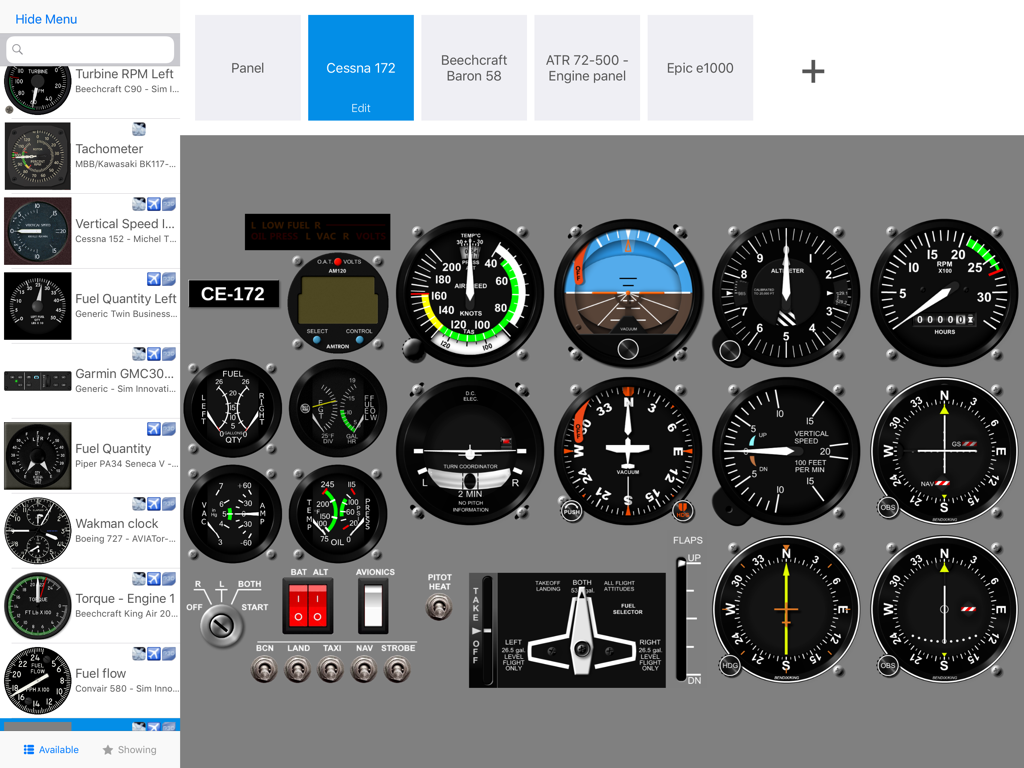
Air Manager 앱의 맞춤형 세스나 172 비행 계기 패널 인터페이스
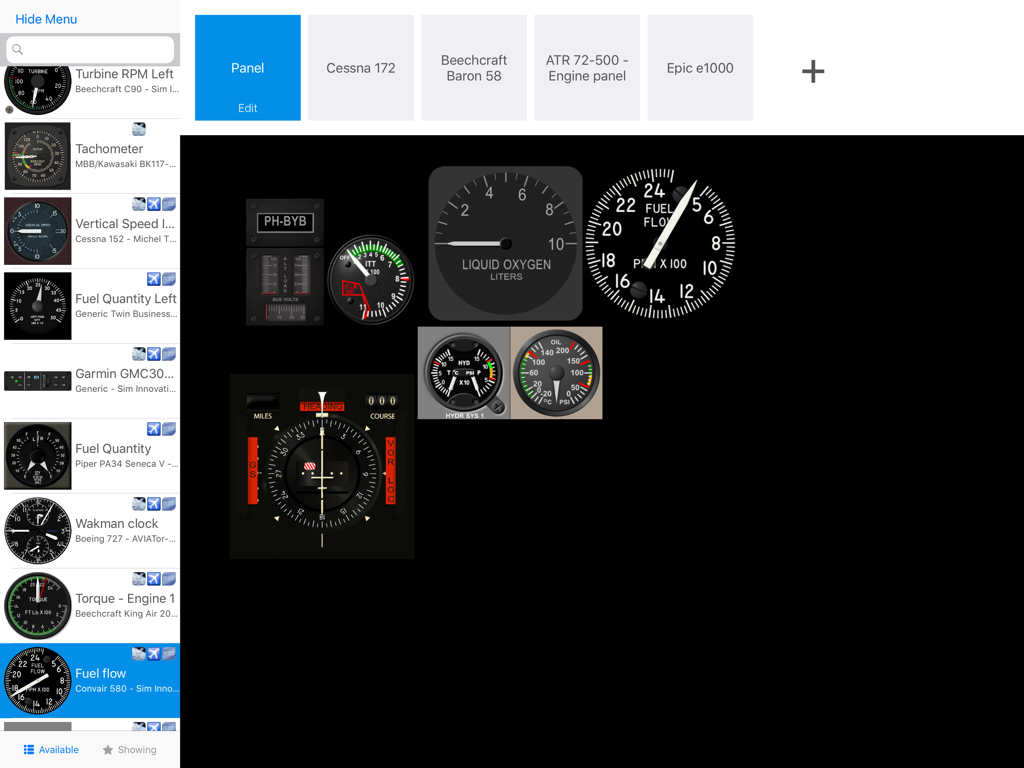
Air Manager에서 비행 시뮬레이터 계기 패널 커스터마이징
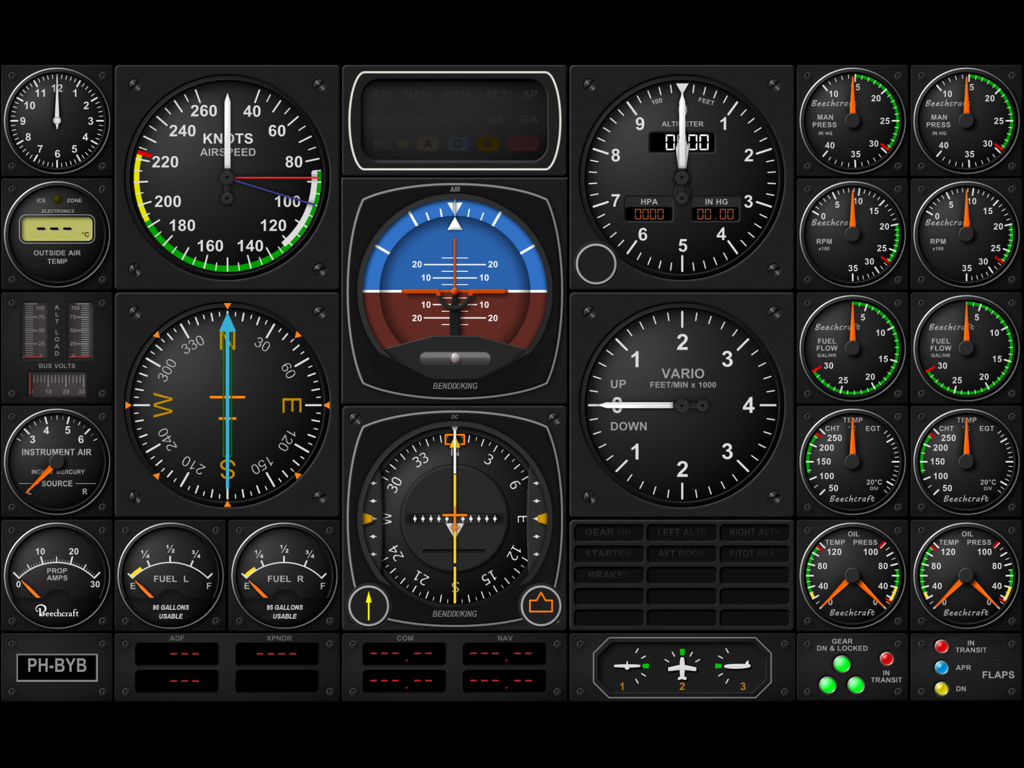
비행 시뮬레이터용 맞춤형 디지털 항공기 콕핏 계기 패널
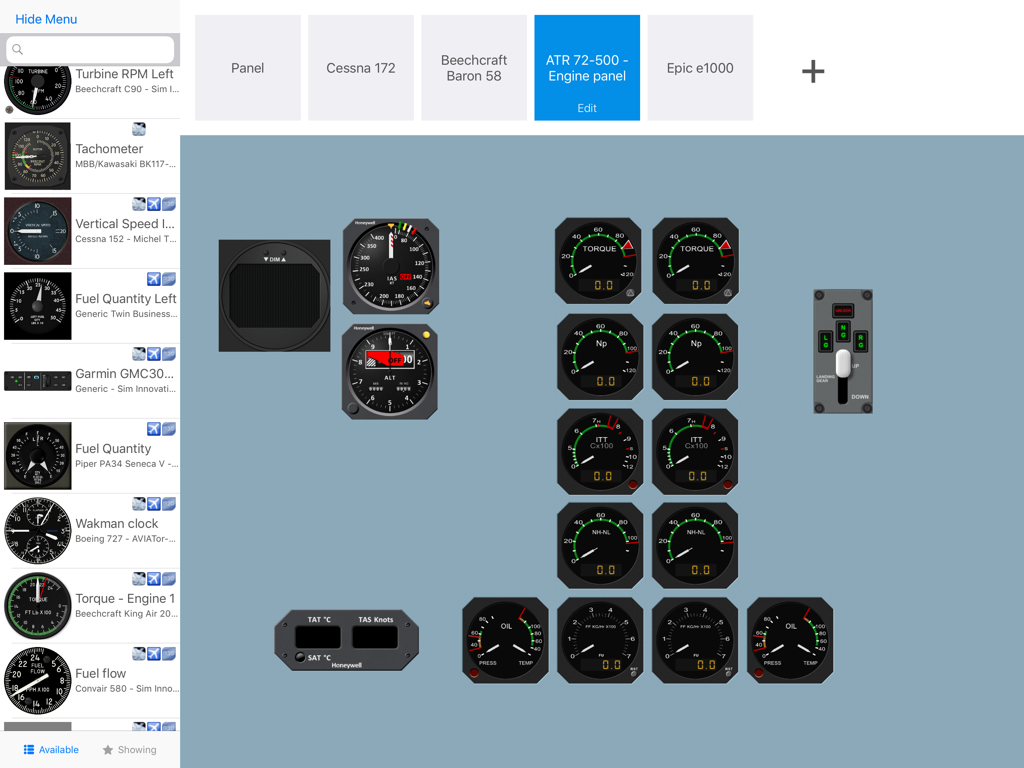
iPad에서 맞춤형 비행 시뮬레이터 계기 패널을 디자인하기 위한 Air Manager 인터페이스
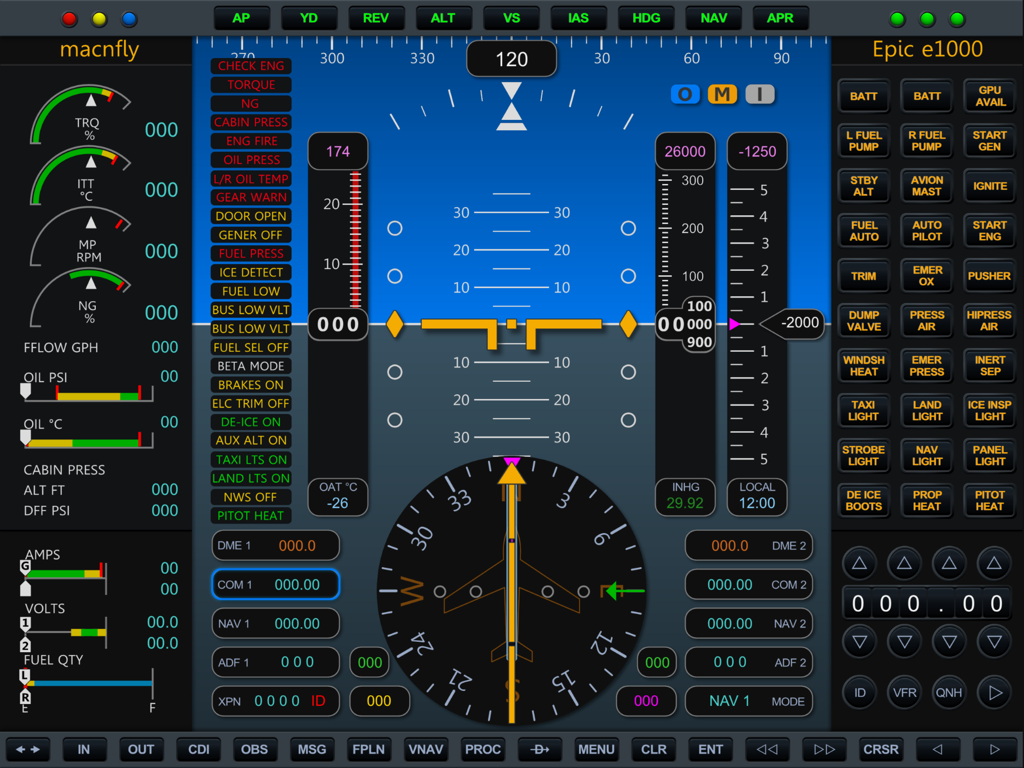
Air Manager 앱에 표시된 비행 계기 및 엔진 게이지가 포함된 정교한 Epic E1000 디지털 콕핏 디스플레이
설명
Download
비슷한 앱
같은 카테고리의 상위 앱

Block Blast!
ARETIS LIMITED

Heartopia
XD Entertainment Co., Ltd.

Solitaire Associations Journey
Hitapps Games LTD

Roblox
Roblox Corporation

Gossip Harbor®: Merge & Story
Microfun Limited

Arrows – Puzzle Escape
Lessmore UG haftungsbeschraenkt

Township
PLR Worldwide Sales Limited

Last War:Survival
FUNFLY PTE. LTD.

Vita Mahjong
VITA STUDIO PTE. LTD.
이 페이지는 앱이나 개발자의 공식 페이지가 아니며, 정보 제공 및 논평을 목적으로 작성된 독립 편집 간행물입니다. 명시적으로 달리 언급되지 않는 한, 해당 앱이나 개발자는 MWM, Apple, Google Play, 앱 퍼블리셔 또는 앱 개발자와 제휴, 보증, 후원, 승인 또는 공식적으로 연결되어 있지 않으며, 이 페이지의 어떤 내용도 해당 앱이 MWM의 서비스를 사용하여 개발되었음을 의미하지 않습니다. 모든 상표, 로고, 스크린샷 및 기타 콘텐츠는 해당 소유자의 자산입니다.