AO Office
AO Office
다운로드: App Store

이 페이지는 앱이나 개발자의 공식 페이지가 아니며, 정보 제공 및 논평을 목적으로 작성된 독립 편집 간행물입니다. 명시적으로 달리 언급되지 않는 한, 해당 앱이나 개발자는 MWM, Apple, Google Play, 앱 퍼블리셔 또는 앱 개발자와 제휴, 보증, 후원, 승인 또는 공식적으로 연결되어 있지 않으며, 이 페이지의 어떤 내용도 해당 앱이 MWM의 서비스를 사용하여 개발되었음을 의미하지 않습니다. 모든 상표, 로고, 스크린샷 및 기타 콘텐츠는 해당 소유자의 자산입니다.


로고: AO Office
다운로드: App Store

AO Office

단순화된 모바일 편집기와 타협하지 마세요. 구독 없이 Writer, Calc, Impress의 풀 버전을 제공하는 iOS용 세계 최초의 데스크톱 수준 오피스 제품군을 경험해 보세요.

주요 수치

다운로드

597K+

사용자 평점

4.2/5

총 평가 수

5K+

개발사

Akikazu Yoshikawa

카테고리

Productivity

지원 언어

41

최신 버전

5.5.9

크기

279.4 MB

출시일

2016년 11월 21일
기능

iPad를 위한 데스크톱 수준의 성능

제한적인 모바일 앱에 만족하지 마세요. 정밀함을 요구하는 파워 유저, 학계 종사자, 전문가를 위해 설계된 데스크톱 오피스 제품군의 타협 없는 모든 성능을 경험해 보세요.

데스크톱과 동일한 기능

PC에서 사용하는 것과 동일한 메뉴, 서식 도구 및 복잡한 기능을 활용하세요. 100% 재현성으로 문서를 편집하여 여백이 어긋나거나 스타일이 깨지는 현상이 발생하지 않습니다.

범용 파일 마스터

파일 관리를 위한 최고의 도구입니다. 앱을 벗어나지 않고 현대적인 DOCX 및 XLSX부터 레거시 WordPerfect, AutoCAD, Photoshop 형식까지 모든 파일을 열고 편집할 수 있습니다.

다음 스크린샷과 설명은 앱의 공식 스토어 목록에서 직접 가져온 것이며 앱 개발자의 자산입니다.

앱 스토어

스크린샷
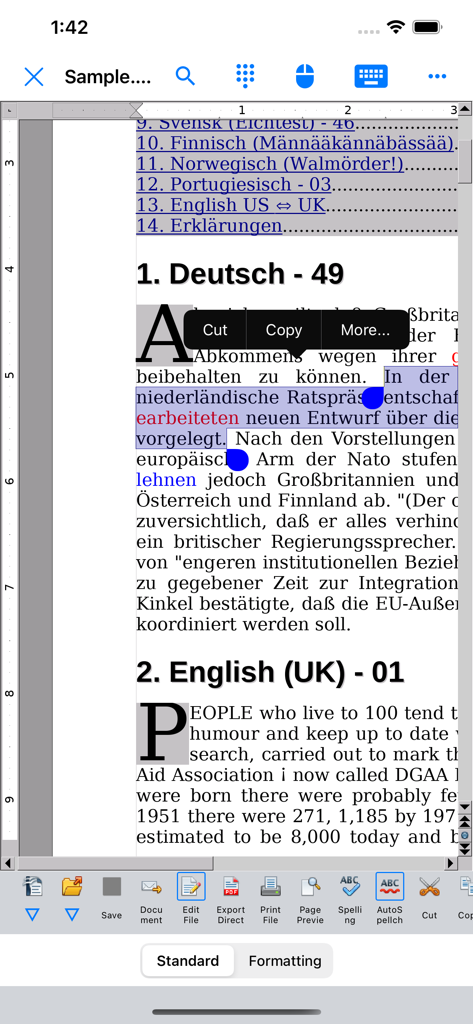
AO Office - 모바일에서 텍스트 선택 및 데스크톱 스타일 편집 도구 모음과 함께 다국어 문서를 표시하는 AO Office Writer 구성 요소
모바일에서 텍스트 선택 및 데스크톱 스타일 편집 도구 모음과 함께 다국어 문서를 표시하는 AO Office Writer 구성 요소

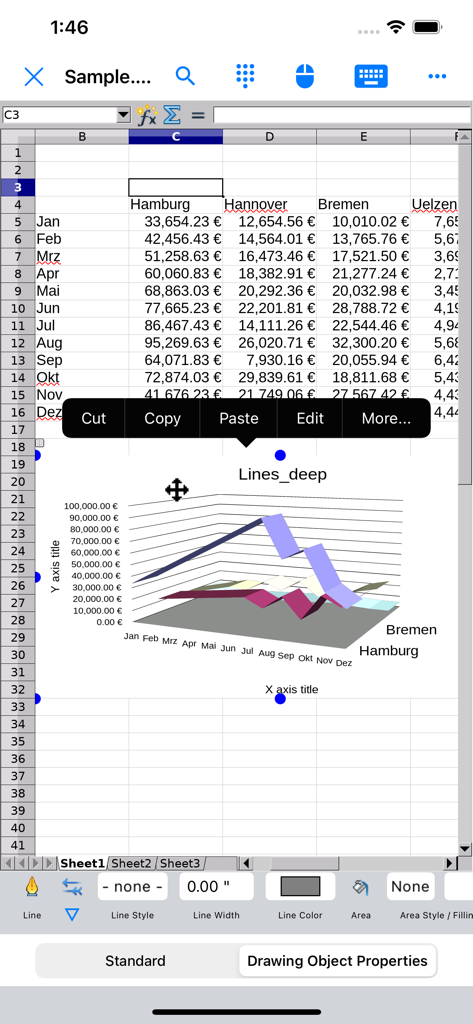
AO Office - 3D 선 차트와 데스크톱 스타일 컨텍스트 메뉴를 보여주는 AO Office 모바일 스프레드시트.
3D 선 차트와 데스크톱 스타일 컨텍스트 메뉴를 보여주는 AO Office 모바일 스프레드시트.

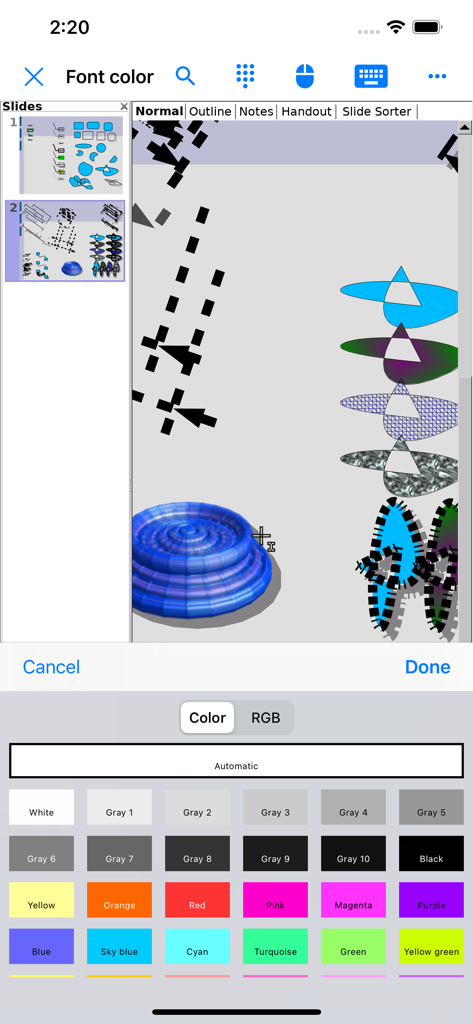
AO Office - 슬라이드 및 드로잉 편집을 위한 상세한 글꼴 색상 선택 팔레트를 보여주는 AO Office 모바일 앱 인터페이스.
슬라이드 및 드로잉 편집을 위한 상세한 글꼴 색상 선택 팔레트를 보여주는 AO Office 모바일 앱 인터페이스.

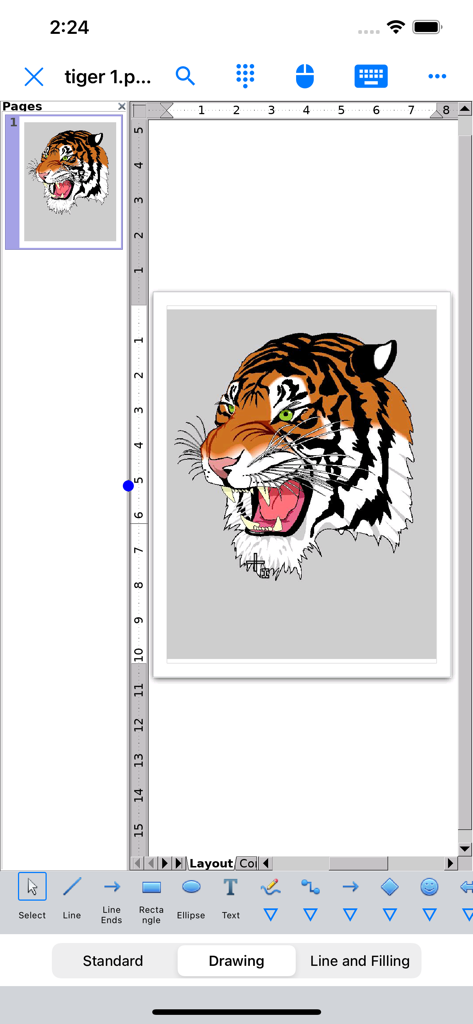
AO Office - 모바일에서 데스크톱 수준의 편집 도구로 상세한 호랑이 일러스트를 표시하는 AO Office Draw 인터페이스
모바일에서 데스크톱 수준의 편집 도구로 상세한 호랑이 일러스트를 표시하는 AO Office Draw 인터페이스

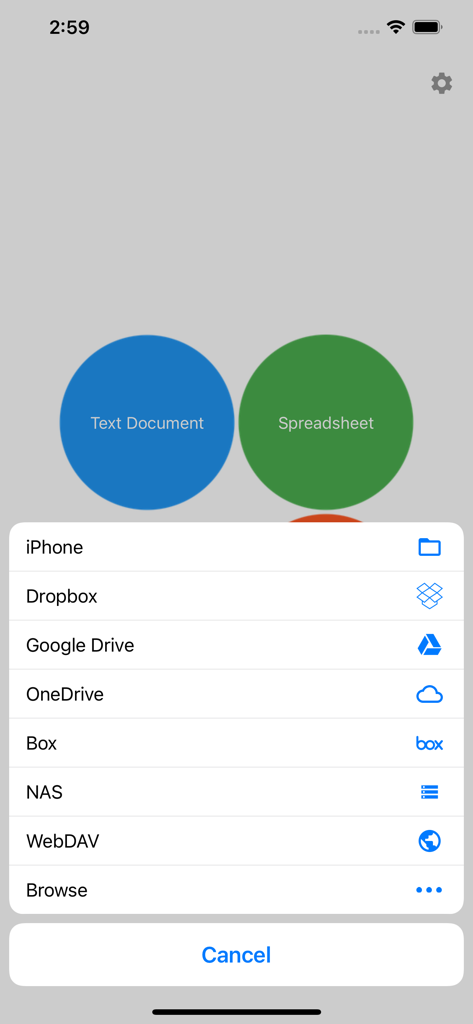
AO Office - 클라우드 및 로컬 파일의 저장 옵션을 보여주는 AO Office 모바일 앱

클라우드 및 로컬 파일의 저장 옵션을 보여주는 AO Office 모바일 앱

설명

AO Office is the world's first porting of OpenOffice for iOS and it's a powerful and complete office suite for OpenOffice / LibreOffice documents. You can view, edit, import, and export PDF, Word, Excel & PowerPoint documents using full features of the OpenOffice in the PC version. AO Office has 5 components: Writer: a word processor you can use for anything from writing a quick letter to producing an entire book. Calc: a powerful spreadsheet with all the tools you need to calculate, analyze, and present your data in numerical reports or graphics. Impress: the fastest, most powerful way to create effective multimedia presentations. Draw: lets you produce everything from simple diagrams to dynamic 3D illustrations. Math: lets you create mathematical equations with a graphic user interface or by directly typing your formulas into the equation editor. * AO Office is a forked project from the Apache OpenOffice project. AO Office is not affiliated with the Apache OpenOffice and LibreOffice projects. ■ Features ■ - View / edit / import / export documents - High reproducibility for Open Document Format - Export and import documents as PDF - Formatting paragraphs - Create stylized text with special effects - Support for extensive file formats - Support for embedded object - Support for Dropbox / iCloud Drive / Google Drive / OneDrive / Box - Support for NAS / WebDAV (Paid version only) - Support for Audio and Video - Support for recovering the unsaved work - Support for modern encryption ■ Supported File Formats ■ AO Office can open and save to: - Microsoft Word (DOC / DOT / RTF) - Microsoft Word 2007 (DOCX / DOTX / DOCM) - Microsoft Excel (XLS / XLT) - Microsoft Excel 2007 (XLSX / XLTX / XLSM) - Microsoft PowerPoint (PPT / POT) - Microsoft PowerPoint 2007 (PPTX / POTX / PPTM) - OpenDocument (ODT / ODS / ODP / ODG / ODF) - Portable Document Format (PDF) - OpenOffice.org1.0 / StarOffice6.0 (SXW / SXC / SXD / SXI / SXG / SXM) - Text (TXT / CSV / XML) - HyperText Markup Language (HTML) - Adobe Photoshop (PSD) - Scalable Vector Graphics (SVG) - Windows Metafile (EMF / WMF) - Tagged Image File Format (TIFF) - Data Interchange Format (DIF) - SYLK (SLK) - Portable Anymap Format (PBM / PGM / PPM) - OS/2 Metafile (MET) - Sun Raster Image (RAS) - Mac Pict (PCT) - X PixMap (XPM) - StarView Metafile (SVM) AO Office can open: - WordPerfect Document (WPD) - AutoCAD (DXF) - T602 Document (602) - Computer Graphics Metafile (CGM) - Truevision Targa (TGA) - X Bitmap (XBM) - Zsoft Paintbrush (PCX) - Kodak Photo CD (PCD) AO Office can save to: - PlaceWare (PWP) - Macromedia Flash (SWF) - JPG / GIF / PNG / BMP ■ Gesture Assignments ■ - Hard Press or 2 Finger Tap = Context Menu - Pinch In & Out = Zoom In & Out - Drag = Scrolling - Drag with Hard Press or 2 Finger Tap = Drag & Drop ■ Limitations ■ - Not supported for macro ■ Contact Us ■ Email: support-ios@aooffice.app Twitter: @office700 The paid version includes the following functions. · Remove ads · Access to cloud storages · Other useful functions

Download

다운로드: App Store

이 페이지는 앱이나 개발자의 공식 페이지가 아니며, 정보 제공 및 논평을 목적으로 작성된 독립 편집 간행물입니다. 명시적으로 달리 언급되지 않는 한, 해당 앱이나 개발자는 MWM, Apple, Google Play, 앱 퍼블리셔 또는 앱 개발자와 제휴, 보증, 후원, 승인 또는 공식적으로 연결되어 있지 않으며, 이 페이지의 어떤 내용도 해당 앱이 MWM의 서비스를 사용하여 개발되었음을 의미하지 않습니다. 모든 상표, 로고, 스크린샷 및 기타 콘텐츠는 해당 소유자의 자산입니다.