Auto Clicker : Automatic Tap ◎
다운로드: App Store

이 페이지는 앱이나 개발자의 공식 페이지가 아니며, 정보 제공 및 논평을 목적으로 작성된 독립 편집 간행물입니다. 명시적으로 달리 언급되지 않는 한, 해당 앱이나 개발자는 MWM, Apple, Google Play, 앱 퍼블리셔 또는 앱 개발자와 제휴, 보증, 후원, 승인 또는 공식적으로 연결되어 있지 않으며, 이 페이지의 어떤 내용도 해당 앱이 MWM의 서비스를 사용하여 개발되었음을 의미하지 않습니다. 모든 상표, 로고, 스크린샷 및 기타 콘텐츠는 해당 소유자의 자산입니다.


로고: Auto Clicker : Automatic Tap ◎
다운로드: App Store

Auto Clicker : Automatic Tap ◎

게이머와 리셀러를 위한 궁극의 브라우저 자동화 파워하우스. 손쉽게 다중 지점 클릭을 설정하고, 성공을 기록하고, 푸티지를 편집하세요. 이 모든 것을 하나의 고성능 앱에서 해결하세요.

주요 수치

다운로드

15K+

사용자 평점

3.7/5

총 평가 수

0

개발사

Shenzhen Fujing Trading Co., Ltd.

카테고리

Reference

지원 언어

2

최신 버전

1.0.4

크기

32.0 MB

출시일

2024년 8월 26일
기능

디지털 워크플로우를 한 단계 업그레이드하세요

파워 유저를 위해 설계된 올인원 브라우저 자동화 및 녹화 제품군으로 반복적인 작업을 자동화하고, 수요가 많은 항목을 확보하고, 모든 승리를 캡처하세요.

정밀 다중 지점 자동화

RPG 반복 작업부터 한정판 드롭 즉시 확보까지 모든 것을 처리할 수 있는 복잡한 클릭 시퀀스와 사용자 지정 간격을 설정하세요.

원활한 내장 브라우저

전용 브라우저 샌드박스를 통해 iOS 제한을 우회하여 지연 없이 모든 웹 기반 콘텐츠에서 강력한 자동화를 실행할 수 있습니다.

다음 스크린샷과 설명은 앱의 공식 스토어 목록에서 직접 가져온 것이며 앱 개발자의 자산입니다.

앱 스토어

스크린샷
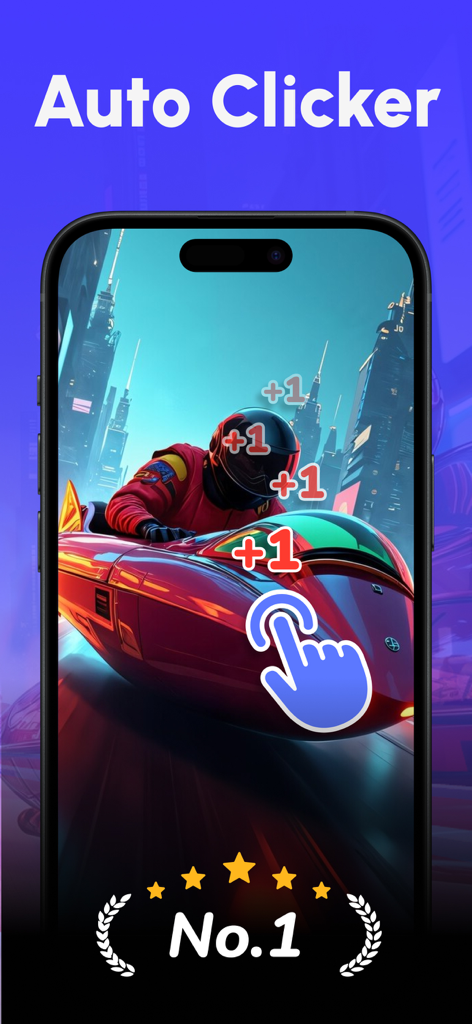
Auto Clicker : Automatic Tap ◎ - 모바일 레이싱 게임에서 자동 탭을 시뮬레이션하는 손 아이콘을 보여주는 자동 클릭커 앱 스크린샷
모바일 레이싱 게임에서 자동 탭을 시뮬레이션하는 손 아이콘을 보여주는 자동 클릭커 앱 스크린샷

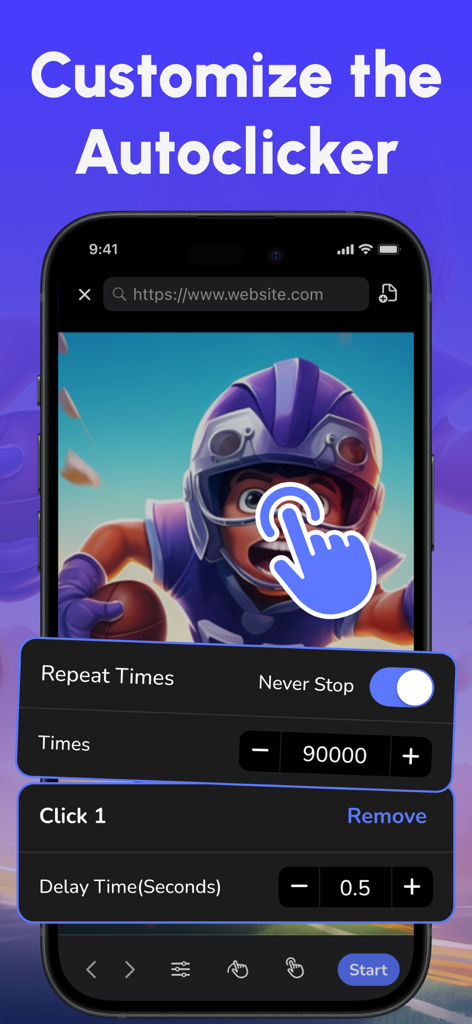
Auto Clicker : Automatic Tap ◎ - 반복 횟수 및 지연 간격에 대한 자동 클릭커 설정을 표시하는 스마트폰 화면.
반복 횟수 및 지연 간격에 대한 자동 클릭커 설정을 표시하는 스마트폰 화면.

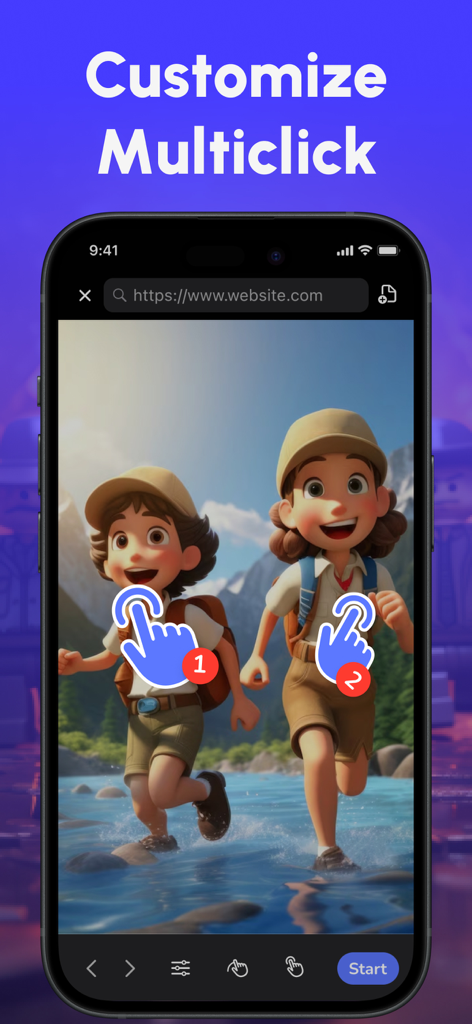
Auto Clicker : Automatic Tap ◎ - 자동 클릭커 앱 브라우저에서 다중 지점 클릭 사용자 지정 기능을 보여주는 iPhone 화면
자동 클릭커 앱 브라우저에서 다중 지점 클릭 사용자 지정 기능을 보여주는 iPhone 화면

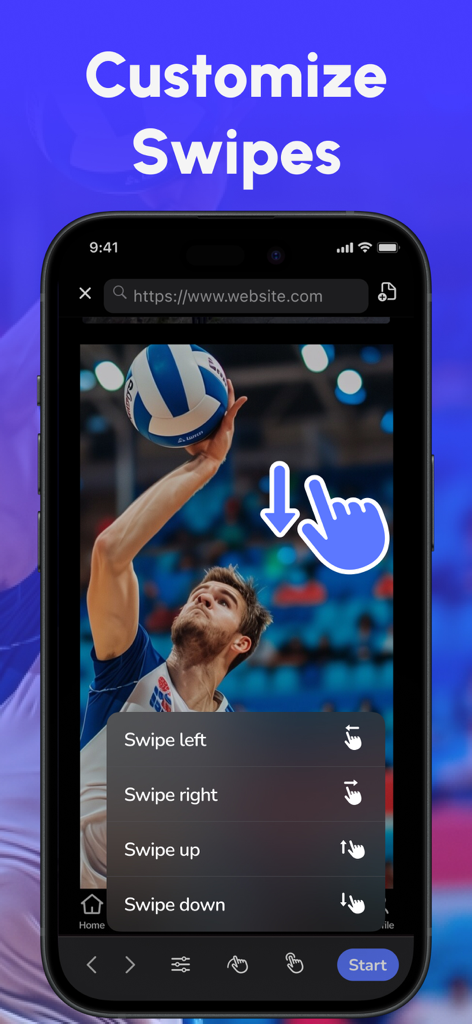
Auto Clicker : Automatic Tap ◎ - 내장 모바일 브라우저에서 자동 스와이프 제스처를 사용자 지정하는 인터페이스
내장 모바일 브라우저에서 자동 스와이프 제스처를 사용자 지정하는 인터페이스

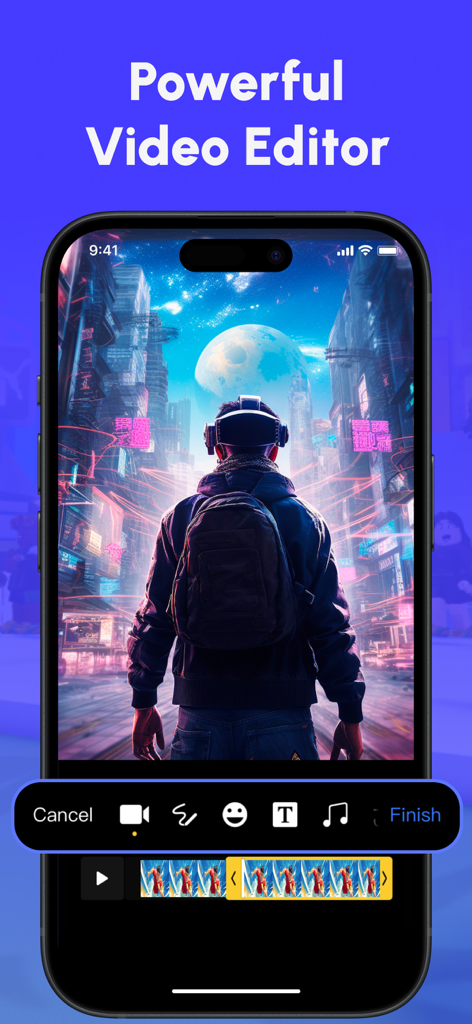
Auto Clicker : Automatic Tap ◎ - 편집 도구와 비디오 타임라인을 보여주는 자동 클릭커 앱의 강력한 비디오 편집기 인터페이스.
편집 도구와 비디오 타임라인을 보여주는 자동 클릭커 앱의 강력한 비디오 편집기 인터페이스.

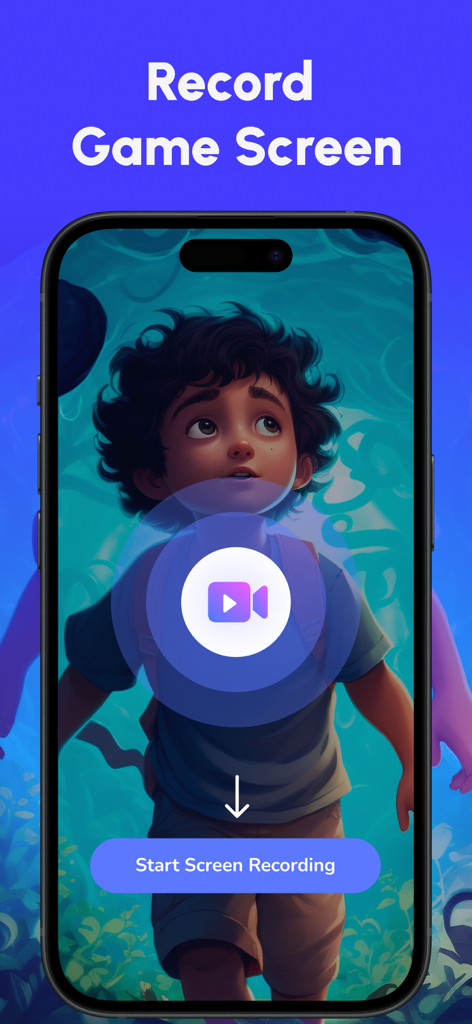
Auto Clicker : Automatic Tap ◎ - 시작 화면 녹화 버튼이 있는 게임 화면 녹화 기능이 표시된 자동 클릭커 앱의 모바일 인터페이스

시작 화면 녹화 버튼이 있는 게임 화면 녹화 기능이 표시된 자동 클릭커 앱의 모바일 인터페이스

설명

Introducing Auto Clicker, your ultimate solution for automating clicks within our app's built-in browser. Designed to enhance your productivity and ease repetitive tasks, Auto Clicker is packed with powerful features to simplify your digital activities. Key Features 1. Automatic Clicking Automate your repetitive clicking tasks within the built-in browser. Set precise click intervals, duration, and coordinates to suit your needs. Say goodbye to manual clicking and let Auto Clicker handle it for you in-app. 2. Custom Click Settings Tailor your clicking patterns with customizable settings. Define specific click sequences, intervals, and targets to match your workflow within our built-in browser. Perfect for automating tasks like browsing or interacting with web-based content. 3. Multi-Point Clicking Handle complex tasks efficiently with multi-point clicking. Automate clicks at multiple locations on your screen simultaneously, ideal for more sophisticated web-based operations that require coordinated clicking. 4. User-Friendly Interface Our intuitive interface makes it easy to set up and manage your auto-clicking tasks. With just a few taps, you can customize your settings and start automating your tasks in no time. 5. Screen Recording Capture your screen activities with ease. Whether it's gameplay, app demonstrations, or online tutorials, this App allows you to record high-quality videos of your screen. Perfect for showcasing every detail of your actions. 6. Powerful Video Editor After recording, enhance your videos with our built-in video editor. Trim your footage, add text annotations, doodles, crop, adjust, filters, and even insert emojis to create personalized, professional-looking videos with ease. Subscription and Pricing Auto Clicker offers a subscription-based model with advanced features and regular updates. Subscribe to enjoy: - Unlimited custom click sequences - Access to premium features like multi-point clicking and swipe automation - Regular updates and improvements Subscription Details: - Payment will be charged to your App Store Account at confirmation of purchase. - Subscription automatically renews unless auto-renew is turned off at least 24 hours before the end of the current period. - Account will be charged for renewal within 24 hours prior to the end of the current period at the rate of the selected plan. - Subscriptions and auto-renewal can be managed through your App Store Account Settings. Privacy and Terms By using Auto Clicker, you agree to our Privacy Policy and Terms of Service. We are committed to protecting your privacy and ensuring a secure user experience. Terms of Use: https://www.notion.so/Terms-of-Use-f5a04b9fca9f493dafa8d49952b425ca Privacy Policy: https://www.notion.so/Privacy-Policy-12e1fb8957eb498eb7bbac31334876df Feedback and Support We value your feedback! For any questions, suggestions, or support, please contact us at fjtech_help@outlook.com Download Auto Clicker now and transform the way you interact with your device. Automate your tasks, boost your productivity, and enjoy a seamless digital experience!

Download

다운로드: App Store

이 페이지는 앱이나 개발자의 공식 페이지가 아니며, 정보 제공 및 논평을 목적으로 작성된 독립 편집 간행물입니다. 명시적으로 달리 언급되지 않는 한, 해당 앱이나 개발자는 MWM, Apple, Google Play, 앱 퍼블리셔 또는 앱 개발자와 제휴, 보증, 후원, 승인 또는 공식적으로 연결되어 있지 않으며, 이 페이지의 어떤 내용도 해당 앱이 MWM의 서비스를 사용하여 개발되었음을 의미하지 않습니다. 모든 상표, 로고, 스크린샷 및 기타 콘텐츠는 해당 소유자의 자산입니다.







