현장 팀에게 사용하기 쉬운 GPS 근태 추적 및 자동 공사 원가 관리 기능을 제공하세요. 급여 계산에 드는 시간을 절약하고, 수동 서류 작업을 없애며, 모든 프로젝트에서 수익성을 유지하는 데 필요한 실시간 인사이트를 확보하세요.
개발사
busybusy, Inc
카테고리
Business
다운로드
81K+
사용자 평점
4.1/5
총 평가 수
900
지원 언어
2
정밀한 실행
이 인터페이스를 사용하는 81K+ 명의 사용자.
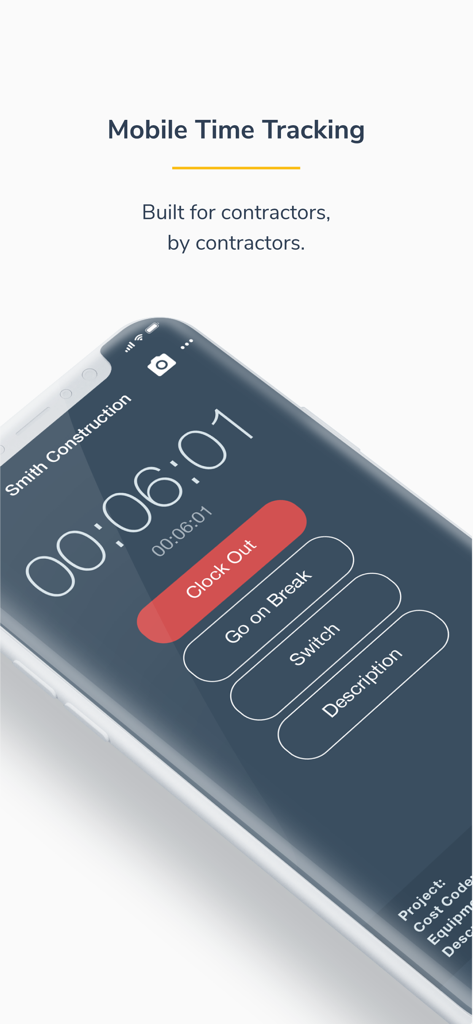
건설 계약자를 위한 busybusy 모바일 근태 추적 인터페이스를 보여주는 스마트폰 화면으로, 퇴근 또는 휴식 버튼이 표시됩니다.
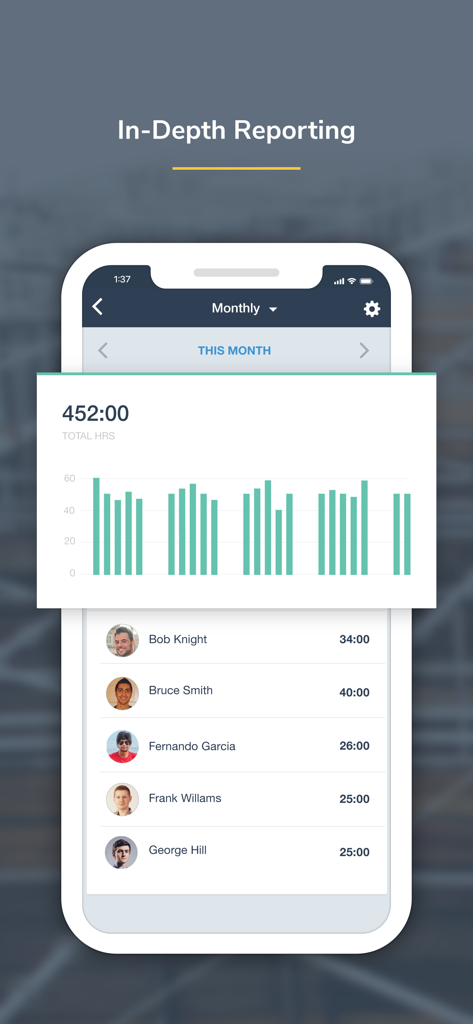
총 근무 시간 및 개별 직원 근태 기록이 포함된 월별 보고 대시보드를 보여주는 busybusy 모바일 앱 스크린샷
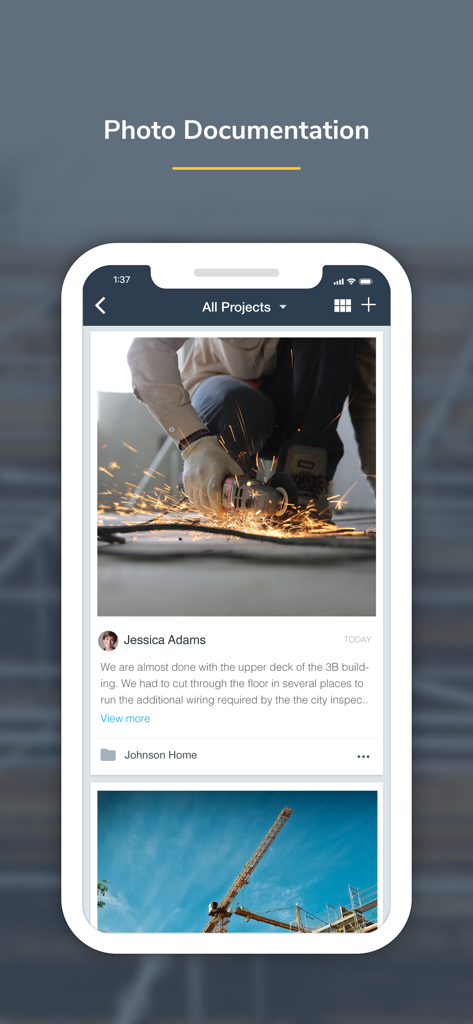
건설 현장 사진 기록을 위한 busybusy 모바일 앱 인터페이스
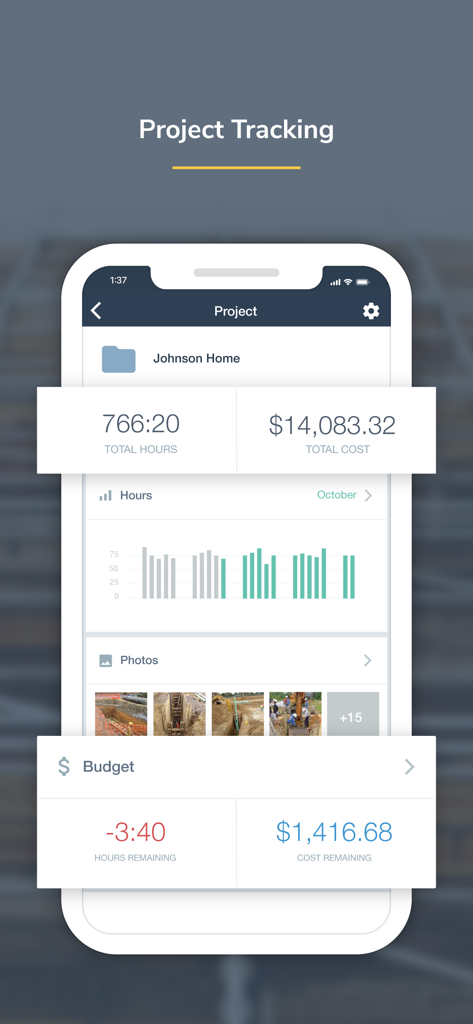
건설 프로젝트에 대한 총 노동 시간 비용 및 현장 사진을 보여주는 busybusy 앱의 프로젝트 추적 화면
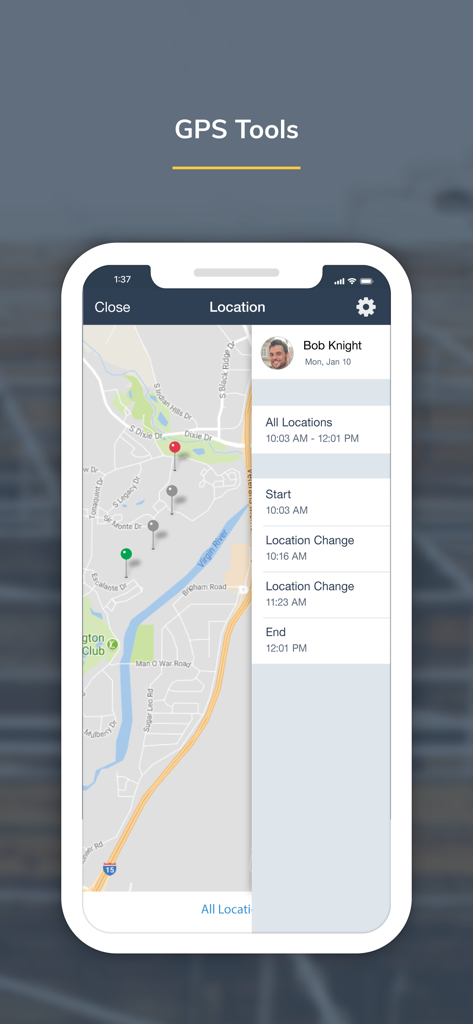
직원 GPS 추적 위치와 이동 경로 기록을 보여주는 지도인 busybusy 앱 화면
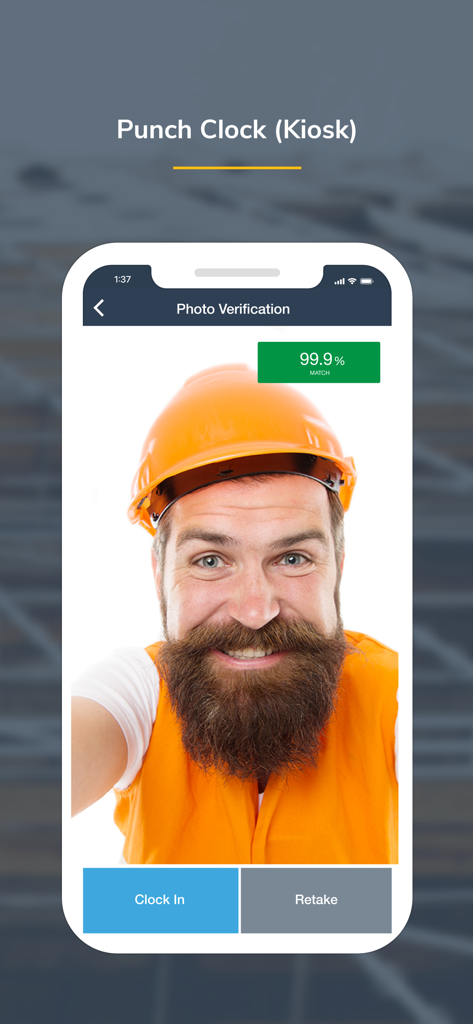
건설 작업자가 busybusy 키오스크 근태 관리기의 사진 확인 기능을 사용하여 출근하는 모습
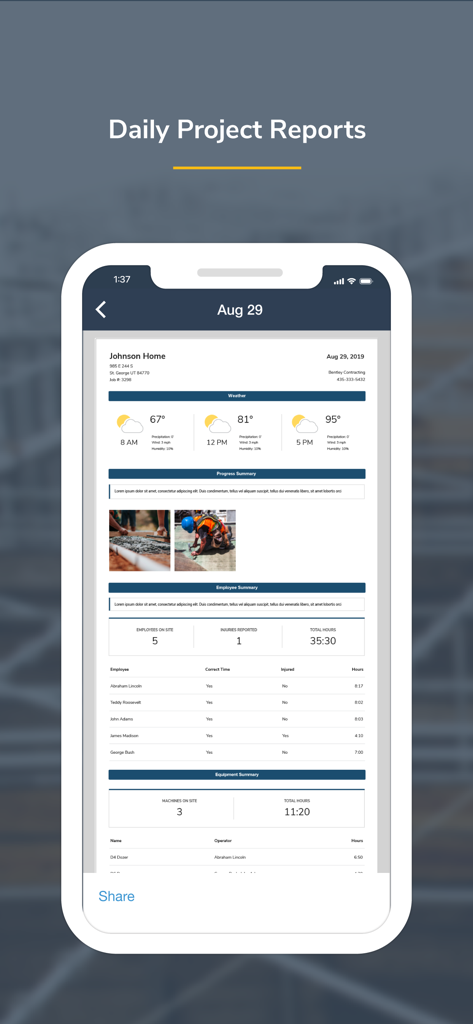
건설 관리를 위한 종합적인 일일 프로젝트 보고서를 보여주는 busybusy 앱 인터페이스
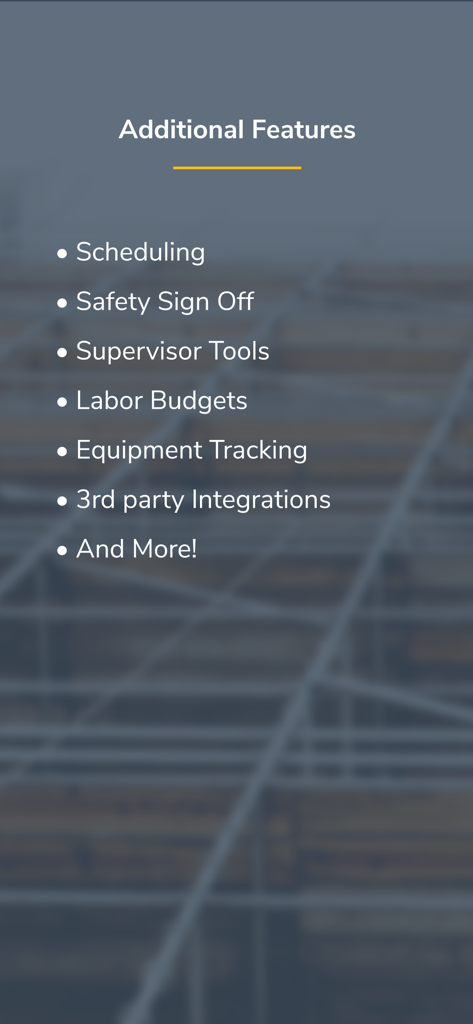
일정 관리, 안전 서명, 감독관 도구 등 busybusy 앱의 추가 기능 목록
현장에서 모든 시간을 최적화하세요
이 앱을 돋보이게 하는 도구, 81K+ 명의 사용자가 선택.
⏱️
스마트 근태 추적
GPS 알림과 사용자 친화적인 인터페이스로 정확한 출퇴근 기록을 확보하세요. 셀룰러 서비스가 없는 원격 지역에서도 작동합니다.
📈
즉각적인 공사 원가 관리
추측은 이제 그만, 실시간 노동 시간 데이터를 통해 프로젝트 예산 및 급여에 직접 동기화하여 마진을 정확히 파악하세요.
⚖️
책임 및 안전 가드
일일 부상 서명, 타임스탬프가 찍힌 사진, 보안 디지털 서명을 통해 사기성 청구로부터 비즈니스를 보호하세요.
앱 소개
에 대해 알아야 할 모든 것 busybusy GPS Time Clock Mobile.
설명
busybusy is a cloud-based time tracking and job costing app designed for construction and field employees. Collect real-time data and generate powerful automated reports–enabling smarter decisions, saving valuable office time, and simplifying labor, project, and schedule management.
Field employees can easily track labor, materials, and heavy equipment all within an easy-to-use mobile app. Jobsite data is organized by project and is instantly available to your team, allowing you to see what’s going on anytime, anywhere.
Features:
Time Tracking
-Clock in/out, offline mode
-Kiosk mode digital punch clock
-Supervisor tools allow supervisors to clock in/out crews, edit time, assign cost codes and projects, and split time entries
-GPS map showing employees on the clock, equipment, & projects
-GPS-based notifications to remind employees to clock in/out on the jobsite
Equipment
-View employees using each piece of equipment
-Easy access to a detailed equipment list
-Performance report (operator vs machine)
-View equipment location on map
Job Costing
-Assign time to projects, sub-projects, cost codes, and equipment- easily switch throughout the day
-Projected labor budgets vs actual labor costs
-Employee labor burden broke down by projects
-Activity reports
-Easily add missing job costs and cost codes with the job costing tool
-Quickly export to CSV
Liability Protection
-Jobsite photos are time, location, and employee stamped, easily searched, and grouped by project.
-Overtime & break reports
-Employee and supervisor digital signatures
-End-of-day injury/non-injury verification
-Kiosk photo verification
Products:
-Progress Tracking
-Accurate material and quantity reporting
-View crew progress in real-time and see work accomplished
-Easily submit photos showing job site progress
-Get detailed progress reports
Daily Reports
-Auto-generate weather reporting, job costing, and injury reports
-Detailed summary of project progress and equipment insights
-Automate job site checklists with start and end times
-Safety sign-offs
Documents
-Easily upload files, including job site plans, permits, building codes, and more
-Attach documents and descriptions to a specific project
-Upload fillable forms and documents in Offline mode, no matter the location
Scheduling
-Schedule one employee or the whole crew
-Assign project, cost code, or equipment from a schedule
-Automatically notify employees of changes
-Submit and manage time off requests
BusyPayroll
-Instantly run payroll and pay employees
-Reduce payroll time by 67%
-Automatically scan for signatures, time-off requests, time-entry conflicts, and more
-Set lock dates to prevent editing
Integrations
busybusy seamlessly integrates with Procore, QuickBooks, CompanyCam, Zapier, Foundation, Sage, and many more…
Hear what our customers have to say:
“We tried three other time tracking apps before switching to busybusy. Switching to busybusy is the single best thing we have done for our employees in years. I can't think of the last time they were all this happy.” Austin - Certified Fire and Security
“It can be used anywhere. We have construction crews in the field and it's great that they can use it wherever they are and we can have real-time data without having to wait for the end of the week for paper timecards. It takes a lot of the burden off of our foremen and frees them up for more important work. Plus, their customer service is outstanding!” Melinda - Klingelhofer Management
Get support from our easy-going, friendly customer support team who offers online and in-app chat, telephone, and email support 24/7. Se habla Espanol.
*We respect your privacy. Your data is never shared, sold, or used for any marketing purposes.
**Please note that GPS is used to obtain accurate clock in/out locations. In order to provide accurate locations, GPS operates for a short duration in the background after pressing clock in/out.
최신 버전
2026.1.1
크기
252.3 MB
출시일
2015년 9월 14일
더 수익성 있는 비즈니스를 구축할 준비가 되셨나요?
종이 타임카드 대신 busybusy를 사용하여 급여를 자동화하고, 실시간으로 공사 원가를 추적하며, 수익을 보호하는 80,000명 이상의 전문가와 함께하세요. 지금 앱을 다운로드하고 차이를 경험하세요.
App information, icons, screenshots, and descriptions displayed on this page are sourced from the Apple App Store and are the property of their respective developers. Download estimates and rankings are based on MWM's proprietary models and may not reflect actual figures. This page is provided for informational and analytical purposes only.
Believe this page infringes your intellectual property? File a dispute