CamSCAN PDF・Document Scanner
다운로드: App Store

이 페이지는 앱이나 개발자의 공식 페이지가 아니며, 정보 제공 및 논평을 목적으로 작성된 독립 편집 간행물입니다. 명시적으로 달리 언급되지 않는 한, 해당 앱이나 개발자는 MWM, Apple, Google Play, 앱 퍼블리셔 또는 앱 개발자와 제휴, 보증, 후원, 승인 또는 공식적으로 연결되어 있지 않으며, 이 페이지의 어떤 내용도 해당 앱이 MWM의 서비스를 사용하여 개발되었음을 의미하지 않습니다. 모든 상표, 로고, 스크린샷 및 기타 콘텐츠는 해당 소유자의 자산입니다.

로고: CamSCAN PDF・Document Scanner
다운로드: App Store

CamSCAN PDF・Document Scanner

기기를 전문가 수준의 스캐너로 바꾸세요. 문서를 손쉽게 디지털화하고, OCR로 텍스트를 추출하고, Face ID 보안으로 파일을 비공개로 유지하세요.

주요 수치

다운로드

45K+

사용자 평점

4.6/5

총 평가 수

100

개발사

Dhrumit Mathukiya

카테고리

Business

지원 언어

1

최신 버전

2.6

크기

15.8 MB

출시일

2025년 7월 17일
기능

전문가 도구로 워크플로우를 마스터하세요

선명한 스캔부터 즉각적인 텍스트 인식까지, Camdocs Pro는 삶을 디지털화하고 생산성을 높이는 데 필수적인 기능을 제공합니다.

선명한 OCR

이미지를 편집 가능한 텍스트로 즉시 변환합니다. 메모, 계약서, 양식을 정확하게 디지털화하는 데 완벽합니다.

안전한 디지털 보관함

Face ID 및 Touch ID로 민감한 문서를 보호하세요. 로컬 저장소와 개인 문서 관리로 안심하세요.

다음 스크린샷과 설명은 앱의 공식 스토어 목록에서 직접 가져온 것이며 앱 개발자의 자산입니다.

앱 스토어

스크린샷
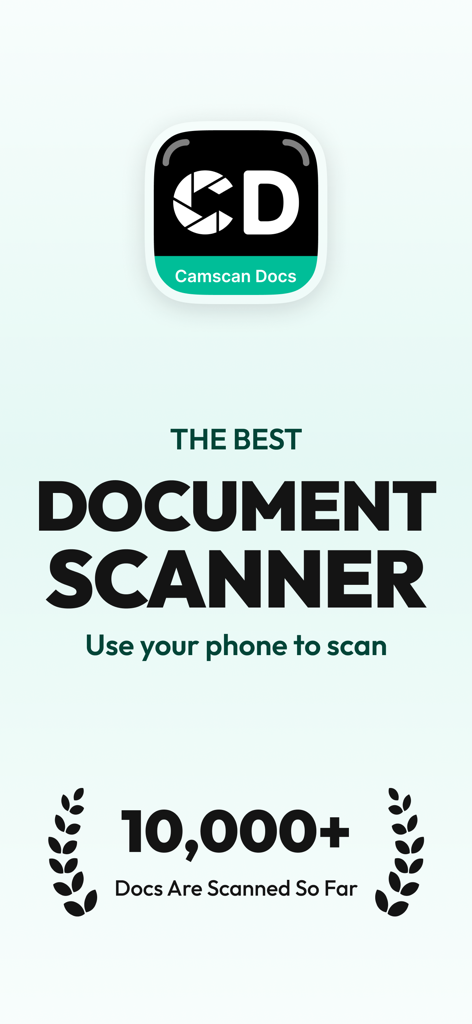
CamSCAN PDF・Document Scanner - CamSCAN PDF Document Scanner의 소개 화면, 10,000개 이상의 문서 스캔 마일스톤을 강조합니다.
CamSCAN PDF Document Scanner의 소개 화면, 10,000개 이상의 문서 스캔 마일스톤을 강조합니다.

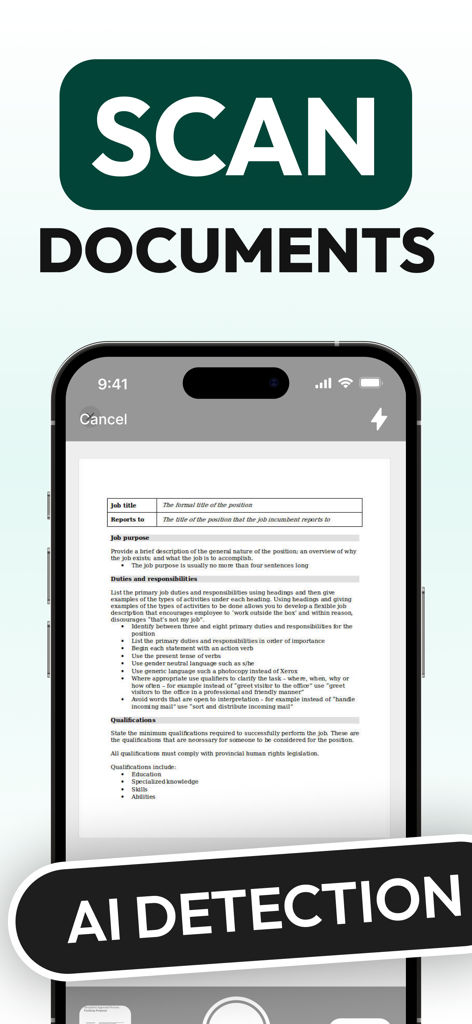
CamSCAN PDF・Document Scanner - AI 감지 기술로 문서를 스캔하는 CamSCAN 앱 인터페이스

AI 감지 기술로 문서를 스캔하는 CamSCAN 앱 인터페이스

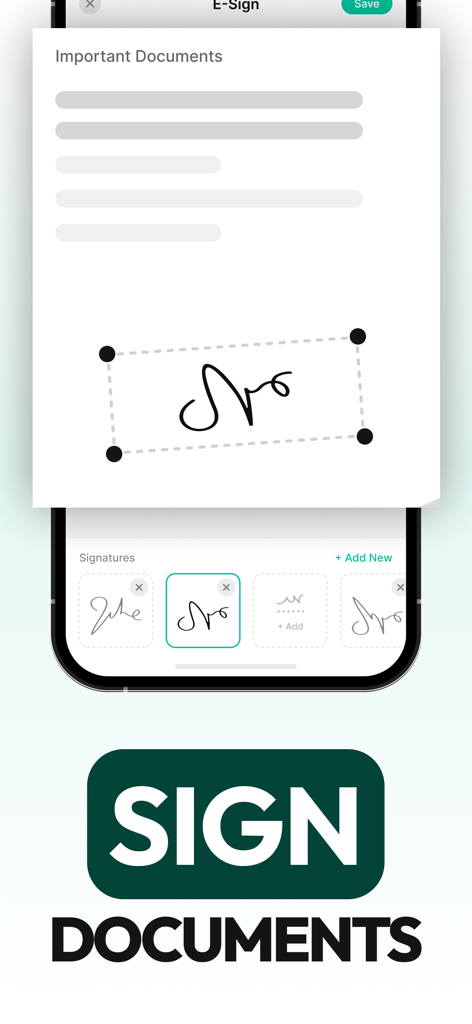
CamSCAN PDF・Document Scanner - CamSCAN PDF 앱에서 디지털 문서에 서명하기 위한 전자 서명 기능 인터페이스
CamSCAN PDF 앱에서 디지털 문서에 서명하기 위한 전자 서명 기능 인터페이스

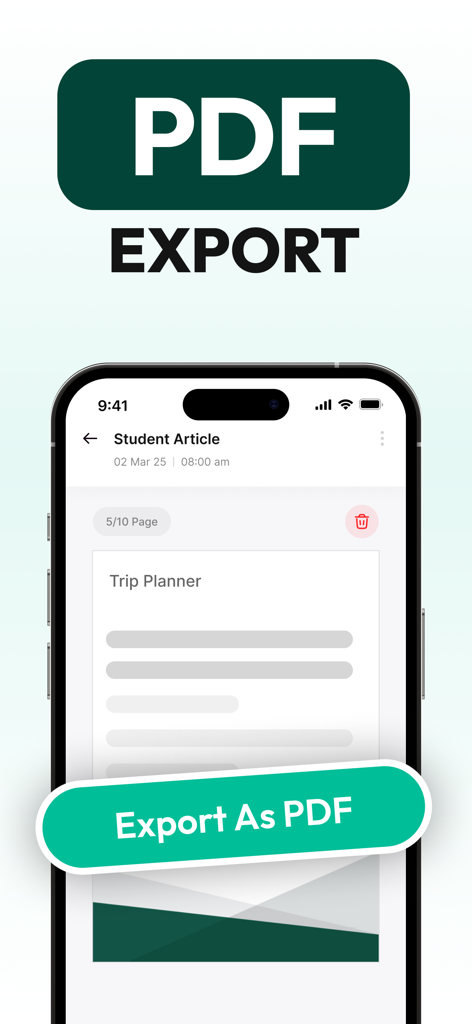
CamSCAN PDF・Document Scanner - CamSCAN 모바일 앱 인터페이스, 스캔된 문서를 PDF 파일로 내보내는 옵션을 보여줍니다.
CamSCAN 모바일 앱 인터페이스, 스캔된 문서를 PDF 파일로 내보내는 옵션을 보여줍니다.

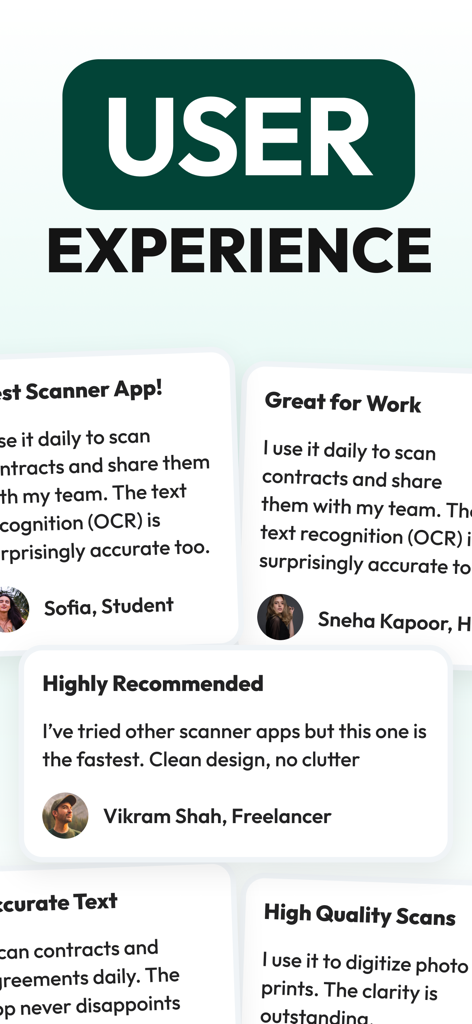
CamSCAN PDF・Document Scanner - 학생 및 프리랜서의 OCR 정확도와 속도를 강조하는 CamSCAN PDF 스캐너 앱의 사용자 평가 및 리뷰

학생 및 프리랜서의 OCR 정확도와 속도를 강조하는 CamSCAN PDF 스캐너 앱의 사용자 평가 및 리뷰

설명

Scan, Extract Text, Save & Organise Documents with Ease Camdocs Pro is your ultimate mobile document scanner and organizer. Whether you're scanning receipts, contracts, handwritten notes, or ID cards, Camdocs Pro transforms your iPhone or iPad into a powerful, portable document management tool. Key Features: - Ultra-Clear Scanning Capture high-quality scans using your device's camera. Auto-edge detection and smart enhancement ensure crisp, professional-looking documents every time. - Easy Organisation Create folders, tag documents, and sort them effortlessly. Keep your digital workspace neat and searchable. - Secure & Private Your documents are yours alone. With local storage and Face ID/Touch ID support, your data stays private and protected. - Cloud Sync & Backup Seamlessly sync your documents with iCloud, Google Drive, Dropbox, or OneDrive. Access your files anytime, anywhere. - OCR & Text Recognition Convert scanned documents into editable and searchable text. Perfect for digitizing notes, forms, and printed documents. - Quick Sharing Export as PDF or image files and share instantly via email, AirDrop, or your favorite apps. - Offline Access No internet? No problem. Scan, save, and organize documents offline—Camdocs Pro works wherever you do. Why Camdocs Pro? Whether you're a student, freelancer, small business owner, or just staying organized at home, Camdocs Pro makes document handling fast, easy, and secure. Download Camdocs Pro today and take control of your paperwork—digitally. Privacy Policy :- https://sites.google.com/view/virat-savaliya-apps/privacy-policy Terms & Conditions :- https://sites.google.com/view/virat-savaliya-apps/terms-and-condition

Download

다운로드: App Store

이 페이지는 앱이나 개발자의 공식 페이지가 아니며, 정보 제공 및 논평을 목적으로 작성된 독립 편집 간행물입니다. 명시적으로 달리 언급되지 않는 한, 해당 앱이나 개발자는 MWM, Apple, Google Play, 앱 퍼블리셔 또는 앱 개발자와 제휴, 보증, 후원, 승인 또는 공식적으로 연결되어 있지 않으며, 이 페이지의 어떤 내용도 해당 앱이 MWM의 서비스를 사용하여 개발되었음을 의미하지 않습니다. 모든 상표, 로고, 스크린샷 및 기타 콘텐츠는 해당 소유자의 자산입니다.