Clarity by Broadcom

Clarity by Broadcom

다운로드: App Store
로고: Clarity by Broadcom

Broadcom Clarity: 주머니 속 엔터프라이즈 프로젝트 관리

관리상의 마찰을 없애고 프로젝트를 계속 진행하세요. 보안이 강화된 모바일 우선 효율성을 통해 이동 중에도 타임시트, 체크리스트 및 중요 승인을 관리할 수 있습니다.

다운로드: App Store

개발사

CA, Inc

카테고리

Business

다운로드

1K+

사용자 평점

4.8/5

총 평가 수

0

지원 언어

1

Clarity 작동 모습

이 인터페이스를 사용하는 1K+ 명의 사용자.

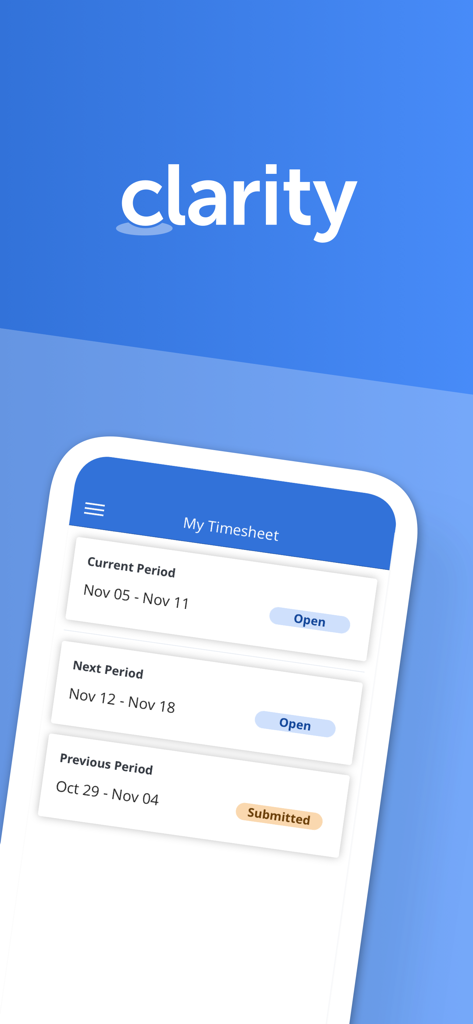
Broadcom Clarity 앱의 인터페이스로 현재 및 이전 보고 기간이 표시된 내 타임시트 개요.
Broadcom Clarity 앱의 인터페이스로 현재 및 이전 보고 기간이 표시된 내 타임시트 개요.

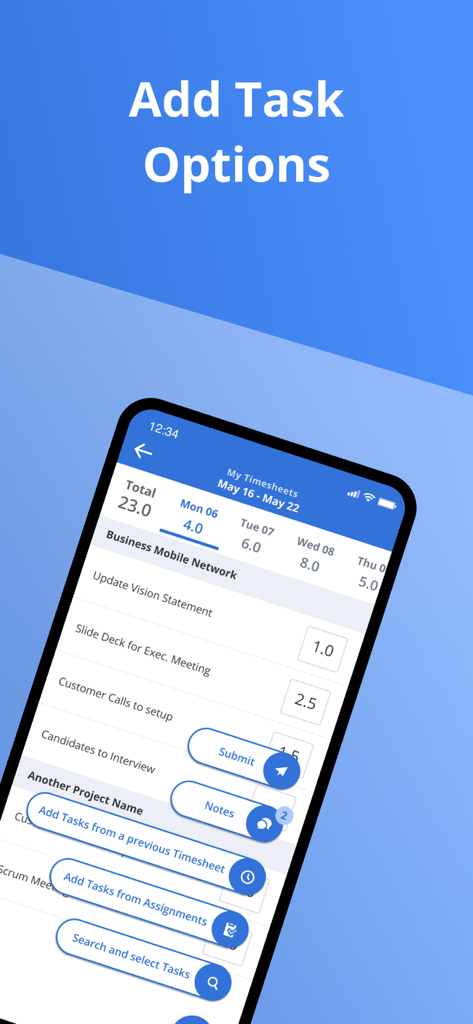
타임시트에 작업을 추가하는 옵션을 보여주는 Clarity 앱 인터페이스
타임시트에 작업을 추가하는 옵션을 보여주는 Clarity 앱 인터페이스

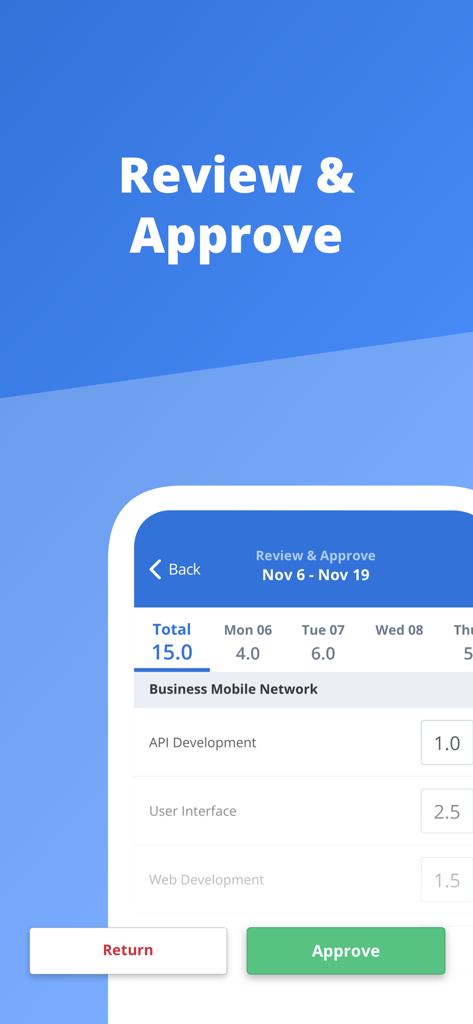
Clarity 모바일 앱의 검토 및 승인 화면으로 프로젝트 작업에 기록된 시간 표시
Clarity 모바일 앱의 검토 및 승인 화면으로 프로젝트 작업에 기록된 시간 표시

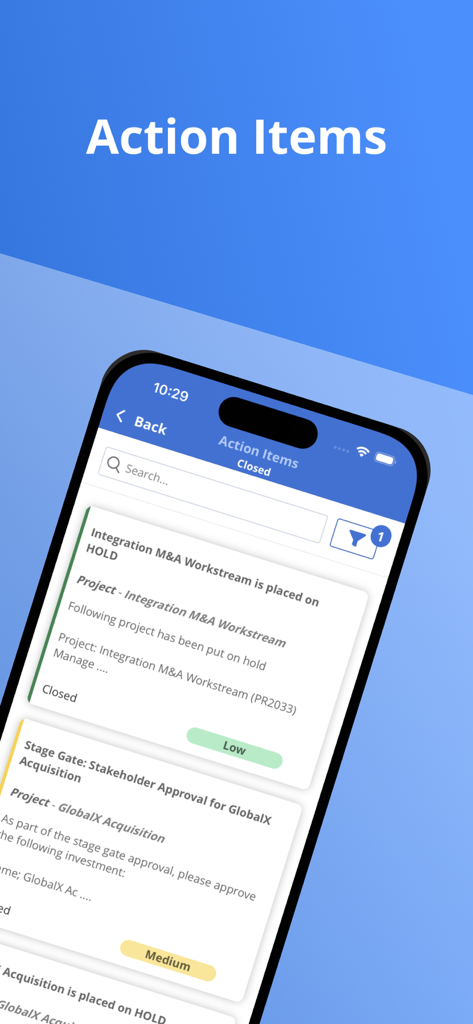
프로젝트 작업 항목 목록을 표시하는 Broadcom Clarity 앱의 모바일 화면
프로젝트 작업 항목 목록을 표시하는 Broadcom Clarity 앱의 모바일 화면

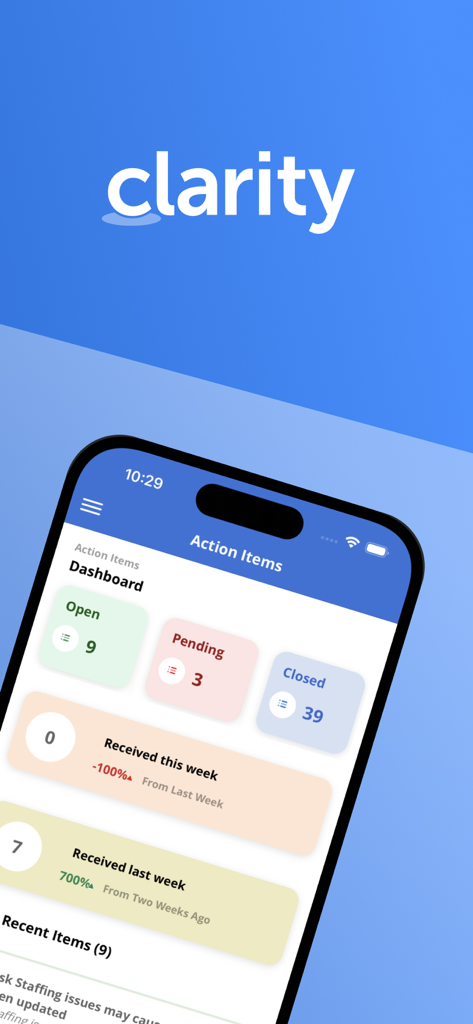
프로젝트 작업 항목 및 주간 작업 상태 요약을 보여주는 Clarity 앱 대시보드
프로젝트 작업 항목 및 주간 작업 상태 요약을 보여주는 Clarity 앱 대시보드

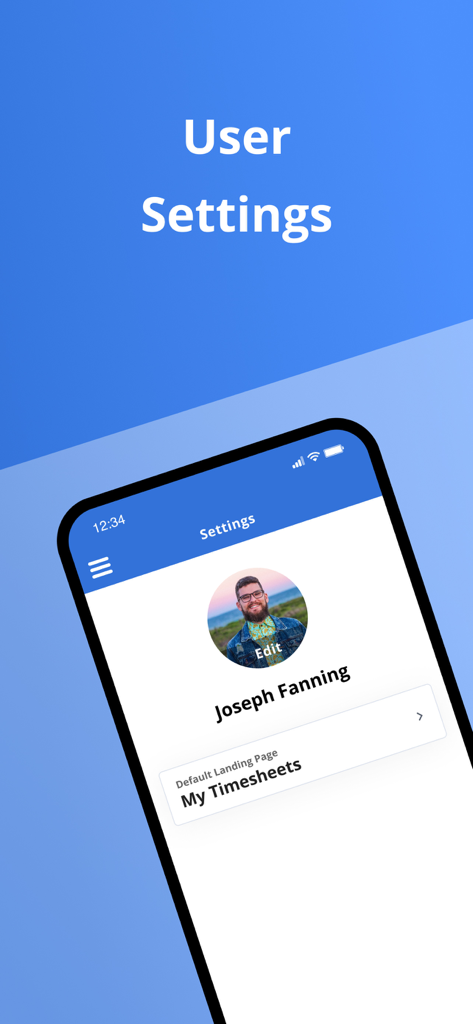
프로필 세부 정보 및 기본 랜딩 페이지 옵션을 보여주는 Clarity 앱의 사용자 설정 화면
프로필 세부 정보 및 기본 랜딩 페이지 옵션을 보여주는 Clarity 앱의 사용자 설정 화면

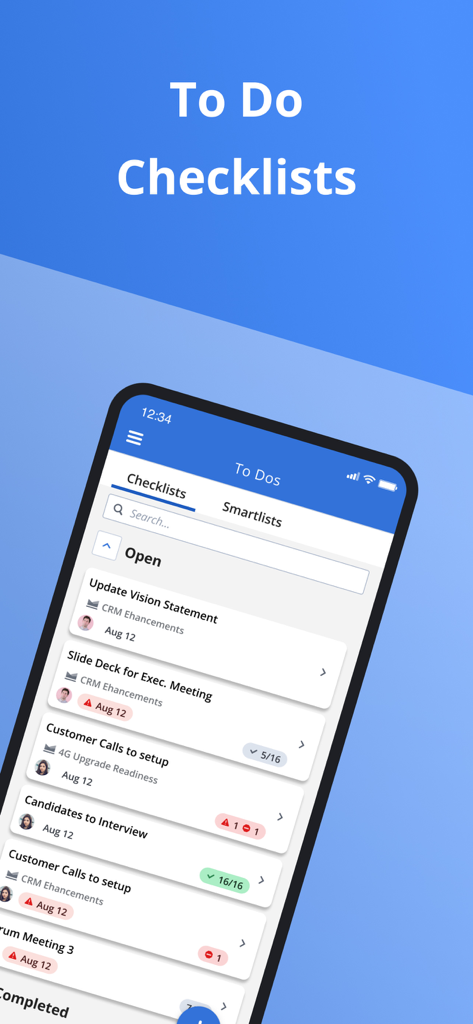
기업 할 일 목록 및 프로젝트 체크리스트를 보여주는 Broadcom Clarity 모바일 앱 인터페이스
기업 할 일 목록 및 프로젝트 체크리스트를 보여주는 Broadcom Clarity 모바일 앱 인터페이스

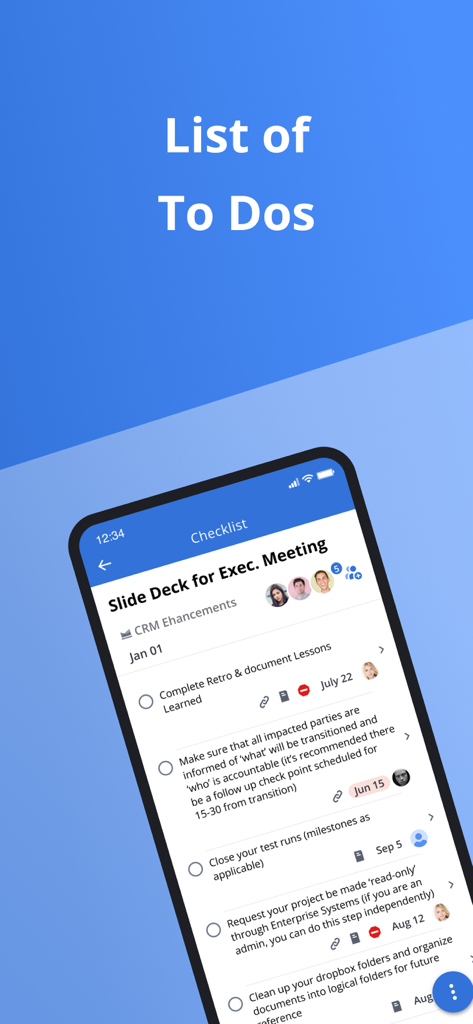
작업 설명 및 마감일이 표시된 프로젝트 할 일 목록을 보여주는 Clarity 앱 화면
작업 설명 및 마감일이 표시된 프로젝트 할 일 목록을 보여주는 Clarity 앱 화면

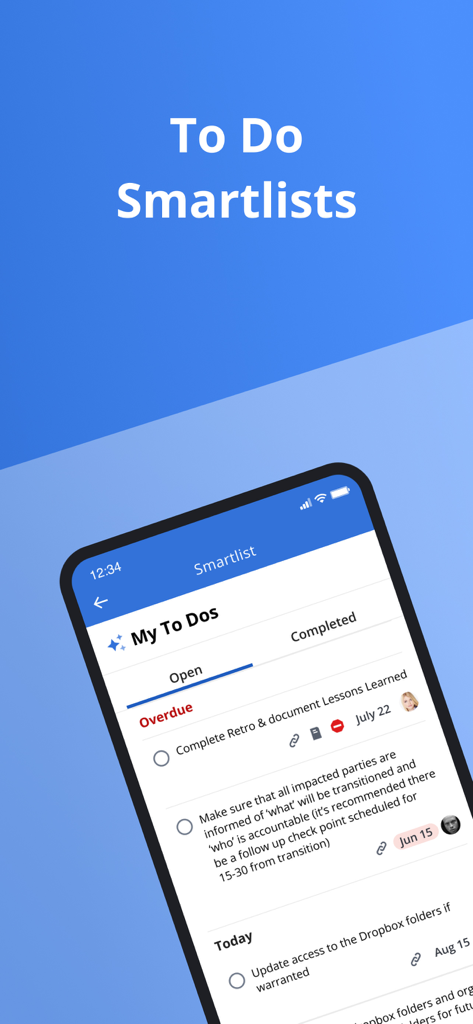
프로젝트 관리를 위한 열려 있거나 기한이 지난 작업을 보여주는 할 일 스마트 목록인 Broadcom Clarity 모바일 앱의 인터페이스

프로젝트 관리를 위한 열려 있거나 기한이 지난 작업을 보여주는 할 일 스마트 목록인 Broadcom Clarity 모바일 앱의 인터페이스

이동 중에도 워크플로우 마스터

이 앱을 돋보이게 하는 도구, 1K+ 명의 사용자가 선택.

⏱️

마찰 없는 시간 추적

몇 초 만에 타임시트를 제출하여 관리 부담을 없애세요. 보안 SSO 액세스로 이동 중에 실제 시간과 메모를 기록하세요.

즉각적인 작업 및 승인

병목 현상이 되지 마세요. 대시보드에서 직접 작업 항목을 검토, 승인 또는 반려하여 중요한 프로젝트를 계속 진행하세요.

📋

전략적 작업 구성

스마트 체크리스트 및 첨부 파일을 사용하여 복잡한 할 일을 관리하세요. 통합 프로젝트 대화를 통해 팀과 계속 연결하세요.

앱 소개

에 대해 알아야 할 모든 것 Clarity by Broadcom.

설명

In today's to-go economy team members are always looking for more convenient ways to access their application from anywhere. The Clarity mobile app is single sign-on enabled, which means users may log into it by simply reentering the same username and password they use to access other SSO-enabled corporate accounts. Time management functionality - View past and future time reporting periods - Add or remove work from timesheet - Ability to enter total actuals for entire time period for tasks instead of each day - Split task within a timesheet for different codes - Add notes to timesheet as well as timesheet task - Ability to enter notes date at timesheet and task level within timesheet - Return own timesheet - View timesheet rules error within a error panel under “My Timesheet” and “Review and Approve Timesheet” - Support time entry increments - Submit timesheet for approval Time review and approval functionality - View open, submitted, returned, and approved time for previous, current, and next period. - Ability to approve or return submitted time. - View submitted time details Respond to Action Items - Action Item dashboard to display action items based on received date and status. - Quickly access pre-filtered action items. - Ability to filter for action items based on multiple criteria. - View action item history and act on actions items as needed. Manage Checklists - View all checklists available within My Workspace - To Do - Create/Edit/Complete/Share/Copy/Delete Checklists - View and manage sections within Checklist - Manage To Dos within a Checklist - Upload attachments within To Dos - Reorder To Dos and sections View Smartlists - View all smartlist available within My Workspace - To Do - Filter smartlist based on name - View To Dos within the smartlist and sort them by Date, Name, and Owner - Manage To Dos within a smartlist Conversations - View existing conversations that were started within Clarity - Respond to existing conversations - Upload supported documents, images, or camera shots to conversations.   General Setting - Ability for the user to define their app default landing page. - Ability to open Clarity app in mobile when clicking on a link

최신 버전

3.3.1

크기

31.4 MB

출시일

2018년 11월 16일

이동 중에도 유지되는 생산성

Clarity 모바일 경험으로 워크플로우에 힘을 실어주세요. 손안에서 타임시트 보안 관리, 작업 항목 승인, 팀 업무 지연 해소를 모두 할 수 있습니다.

다운로드: App Store

App information, icons, screenshots, and descriptions displayed on this page are sourced from the Apple App Store and are the property of their respective developers. Download estimates and rankings are based on MWM's proprietary models and may not reflect actual figures. This page is provided for informational and analytical purposes only.

Believe this page infringes your intellectual property? File a dispute