Clicha: Save Videos Offline
다운로드: App Store

이 페이지는 앱이나 개발자의 공식 페이지가 아니며, 정보 제공 및 논평을 목적으로 작성된 독립 편집 간행물입니다. 명시적으로 달리 언급되지 않는 한, 해당 앱이나 개발자는 MWM, Apple, Google Play, 앱 퍼블리셔 또는 앱 개발자와 제휴, 보증, 후원, 승인 또는 공식적으로 연결되어 있지 않으며, 이 페이지의 어떤 내용도 해당 앱이 MWM의 서비스를 사용하여 개발되었음을 의미하지 않습니다. 모든 상표, 로고, 스크린샷 및 기타 콘텐츠는 해당 소유자의 자산입니다.


로고: Clicha: Save Videos Offline
다운로드: App Store

Clicha: Save Videos Offline

동영상 컬렉션을 완벽하게 제어하세요. 즉시 오프라인 액세스로 데이터를 절약하고, Picture-in-Picture로 멀티태스킹하며, 좋아하는 콘텐츠를 안전하고 개인적인 폴더로 정리하세요.

주요 수치

다운로드

1M+

사용자 평점

4.4/5

총 평가 수

44K+

개발사

Yuichi Matsuoka

카테고리

Photo & Video

지원 언어

2

최신 버전

1.9.49

크기

114.7 MB

출시일

2019년 12월 5일
기능

동영상 라이브러리를 완벽하게 제어하세요

현대적인 멀티태스커를 위해 설계되었습니다. 오프라인 시청부터 백그라운드 재생까지, Clicha는 콘텐츠를 원하는 방식으로 즐길 수 있는 최고의 자유를 제공합니다.

백그라운드 & PiP 재생

모든 동영상을 팟캐스트로 변환하거나, 문자를 보내거나, 게임을 하거나, 소셜 미디어를 스크롤하는 동안 떠 있는 창에서 계속 시청하세요.

오프라인 자유, 데이터 제로

지하철, 헬스장 또는 다음 비행을 위해 좋아하는 콘텐츠를 저장하세요. Wi-Fi나 데이터 제한에 대한 걱정 없이 부드러운 재생을 즐기세요.

다음 스크린샷과 설명은 앱의 공식 스토어 목록에서 직접 가져온 것이며 앱 개발자의 자산입니다.

앱 스토어

스크린샷
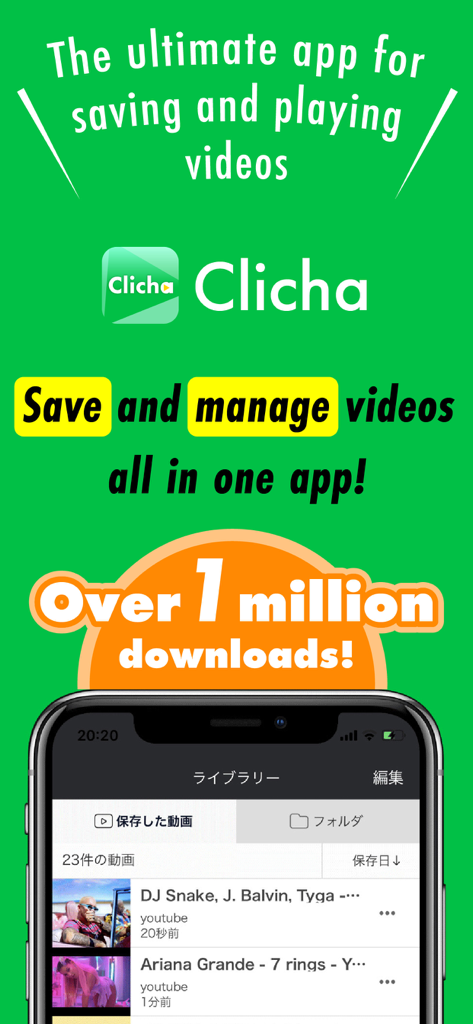
Clicha: Save Videos Offline - Clicha 앱의 홍보 화면으로, 동영상 라이브러리 관리와 백만 다운로드 이정표를 보여줍니다.
Clicha 앱의 홍보 화면으로, 동영상 라이브러리 관리와 백만 다운로드 이정표를 보여줍니다.

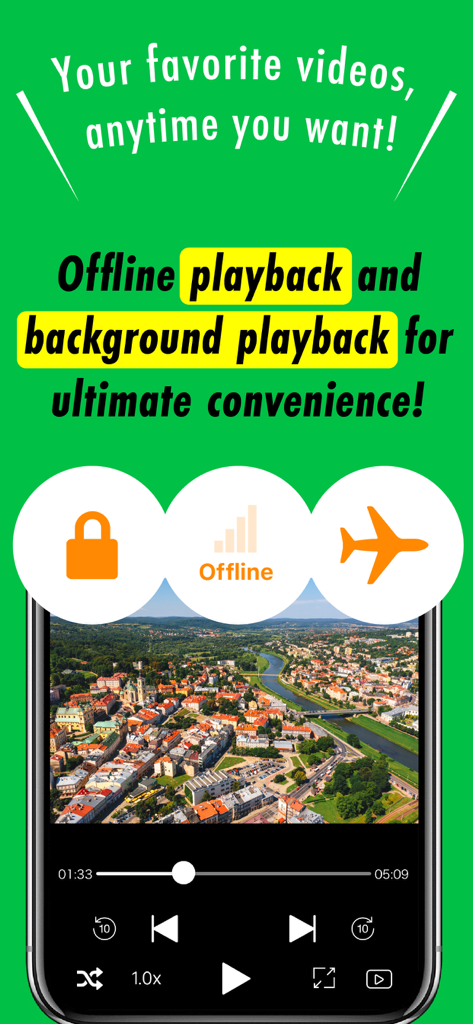
Clicha: Save Videos Offline - Clicha 앱이 오프라인 및 백그라운드 동영상 재생 기능을 보여주는 스마트폰 화면
Clicha 앱이 오프라인 및 백그라운드 동영상 재생 기능을 보여주는 스마트폰 화면

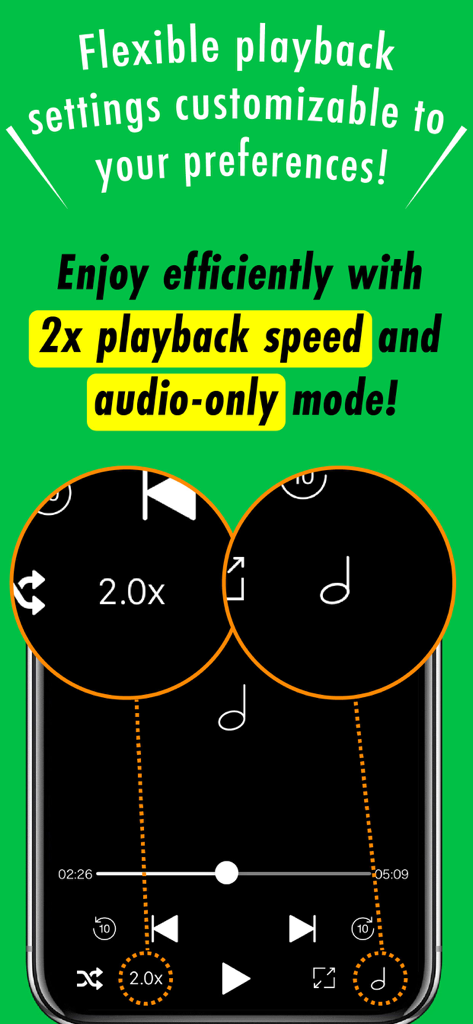
Clicha: Save Videos Offline - Clicha 앱 화면에서 2배속 재생 및 오디오 전용 모드 기능 표시
Clicha 앱 화면에서 2배속 재생 및 오디오 전용 모드 기능 표시

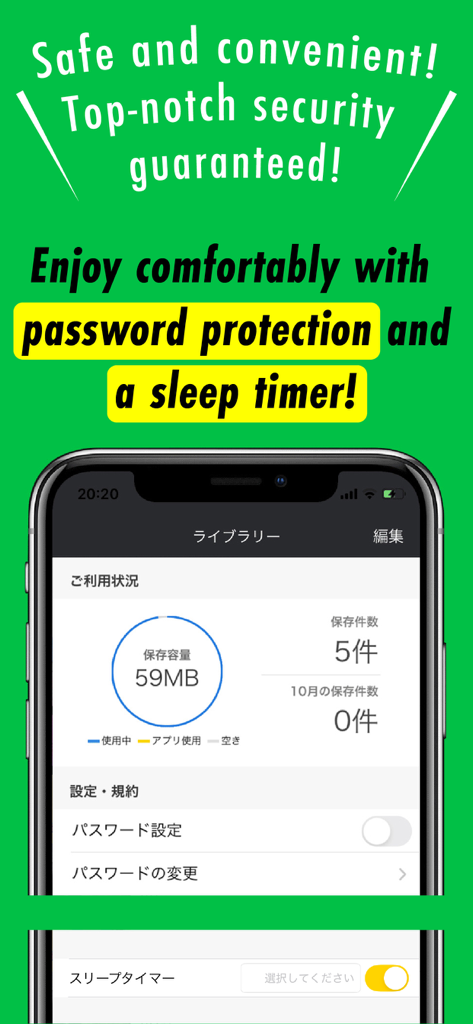
Clicha: Save Videos Offline - iPhone에서 Clicha 앱 인터페이스가 저장 공간 관리 암호 보호 설정 및 취침 타이머 옵션을 보여줍니다
iPhone에서 Clicha 앱 인터페이스가 저장 공간 관리 암호 보호 설정 및 취침 타이머 옵션을 보여줍니다

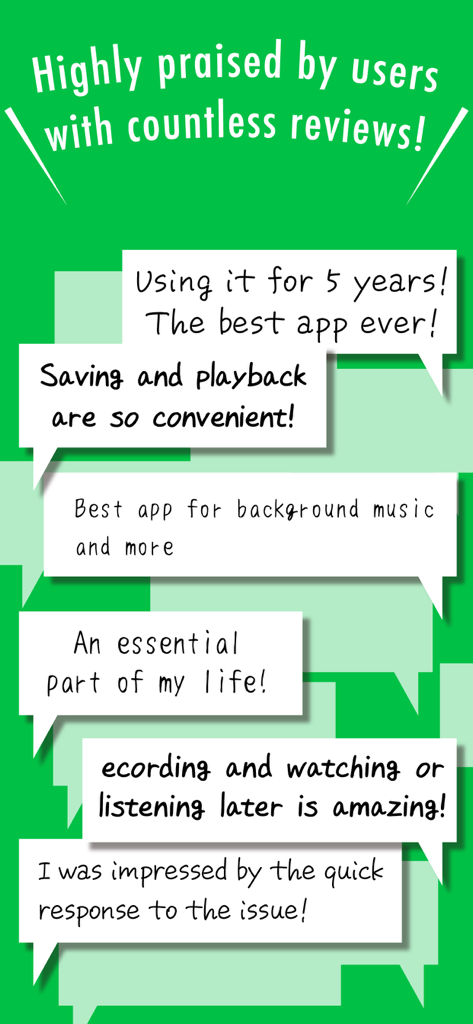
Clicha: Save Videos Offline - Clicha 오프라인 동영상 플레이어 앱에 대한 긍정적인 사용자 리뷰 및 추천사 모음.

Clicha 오프라인 동영상 플레이어 앱에 대한 긍정적인 사용자 리뷰 및 추천사 모음.

설명

Watch your saved videos anytime, anywhere. Clicha lets you store your videos in a personal library and enjoy smooth offline playback and background play. Stay organized, secure, and in control of your video collection. ◆ Features ◆ • Save videos and watch them offline anytime • Play both video and audio in the background • Use Auto-Play with next/previous controls from Control Center • Organize videos with folders and playlists • Sort and reorder videos as you like • Use repeat, speed control, and other advanced playback options • Import videos from Photos, iCloud Drive, or other apps • Record videos directly from the built-in camera • Protect your videos with a passcode lock • Set a sleep timer for playback • Use Picture-in-Picture to watch while using other apps • Enjoy background playback on iPad when PiP is turned off • Play videos from your Apple Watch • Access videos instantly with home screen widgets • Stream to your TV with AirPlay ◆ Recommended for ◆ • People who watch videos frequently • Anyone who wants instant offline playback • Users who enjoy listening to videos like music • Those who want to avoid data limits • Anyone who wants clean folder-based video management ◆ How to organize videos ◆ 1. Tap “Edit” on the Library screen 2. Select one or more videos 3. Tap “Move to Folder” 4. Create a new folder 5. Select the folder and finish 6. Open the folder tab to browse 7. Tap a video to start playback ◆ Premium Subscription ◆ • Unlimited video saving • No ads • Minimize videos while using other apps • New features added regularly Payment will be charged to your iTunes account at confirmation. Subscription renews automatically unless turned off at least 24 hours before the renewal date. You can manage your subscription and turn off auto-renewal in Settings. We appreciate your feedback. Terms of Use https://sites.google.com/view/clicha/terms-of-use Privacy Policy https://sites.google.com/view/clicha/privacy-policy

Download

다운로드: App Store

이 페이지는 앱이나 개발자의 공식 페이지가 아니며, 정보 제공 및 논평을 목적으로 작성된 독립 편집 간행물입니다. 명시적으로 달리 언급되지 않는 한, 해당 앱이나 개발자는 MWM, Apple, Google Play, 앱 퍼블리셔 또는 앱 개발자와 제휴, 보증, 후원, 승인 또는 공식적으로 연결되어 있지 않으며, 이 페이지의 어떤 내용도 해당 앱이 MWM의 서비스를 사용하여 개발되었음을 의미하지 않습니다. 모든 상표, 로고, 스크린샷 및 기타 콘텐츠는 해당 소유자의 자산입니다.