ClickMobile Touch
ClickMobile Touch
다운로드: App Store

이 페이지는 앱이나 개발자의 공식 페이지가 아니며, 정보 제공 및 논평을 목적으로 작성된 독립 편집 간행물입니다. 명시적으로 달리 언급되지 않는 한, 해당 앱이나 개발자는 MWM, Apple, Google Play, 앱 퍼블리셔 또는 앱 개발자와 제휴, 보증, 후원, 승인 또는 공식적으로 연결되어 있지 않으며, 이 페이지의 어떤 내용도 해당 앱이 MWM의 서비스를 사용하여 개발되었음을 의미하지 않습니다. 모든 상표, 로고, 스크린샷 및 기타 콘텐츠는 해당 소유자의 자산입니다.


로고: ClickMobile Touch
다운로드: App Store

ClickMobile Touch

실시간 작업 관리, 거리 수준 경로 안내, 오프라인 데이터 동기화를 통해 현장 팀 생산성을 극대화하세요. 현장 팀에게 안전하고 규정을 준수하며 예정보다 앞서 나가는 데 필요한 디지털 도구 상자를 제공하세요.

주요 수치

다운로드

6K+

사용자 평점

1.4/5

총 평가 수

0

개발사

ClickSoftware Technologies Ltd

카테고리

Business

지원 언어

1

최신 버전

20.5.15

크기

53.4 MB

출시일

2018년 1월 29일
기능

모든 작업 현장에서의 효율성

작업을 간소화하고, 교통 체증을 탐색하고, 언제 어디서든 완전한 가시성을 유지할 수 있는 최고의 디지털 툴킷으로 현장 기술자에게 장비를 제공하세요.

첫 번째에 올바르게 완료하세요

사무실 지원 없이 모든 서비스 통화를 성공적으로 완료하기 위해 고객 데이터, 작업 기록 및 재고에 즉시 액세스하세요.

중단 없이 작업하기

다시 연결하는 즉시 데이터를 동기화하는 완전한 오프라인 기능으로 지하실이나 원격 위치에서 생산성을 유지하세요.

다음 스크린샷과 설명은 앱의 공식 스토어 목록에서 직접 가져온 것이며 앱 개발자의 자산입니다.

앱 스토어

스크린샷
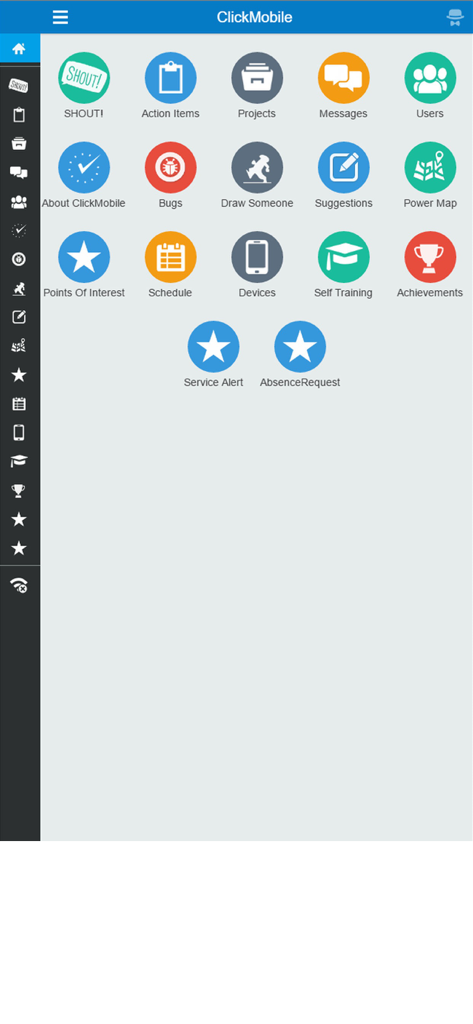
ClickMobile Touch - 작업 관리 및 예약 아이콘이 있는 ClickMobile Touch 앱의 메인 대시보드
작업 관리 및 예약 아이콘이 있는 ClickMobile Touch 앱의 메인 대시보드

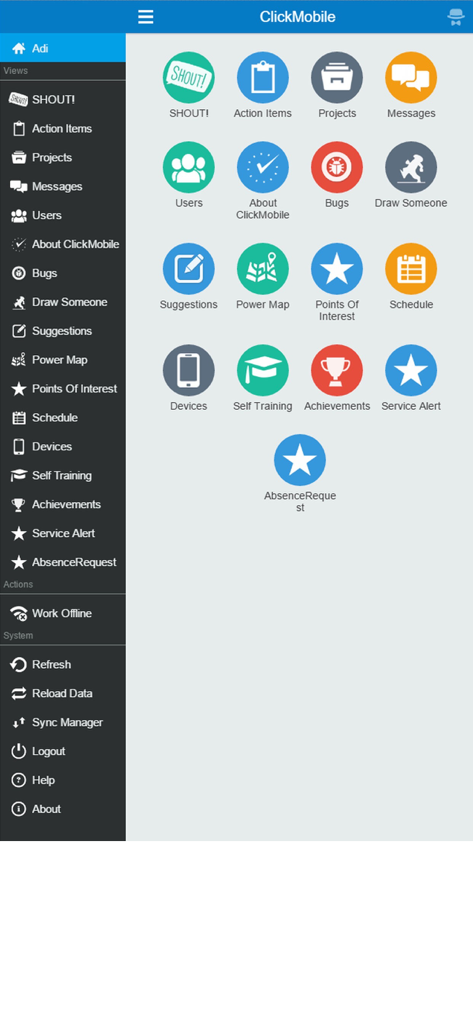
ClickMobile Touch - 현장 서비스 작업 및 탐색 사이드바의 아이콘 그리드가 있는 ClickMobile Touch 애플리케이션 대시보드
현장 서비스 작업 및 탐색 사이드바의 아이콘 그리드가 있는 ClickMobile Touch 애플리케이션 대시보드

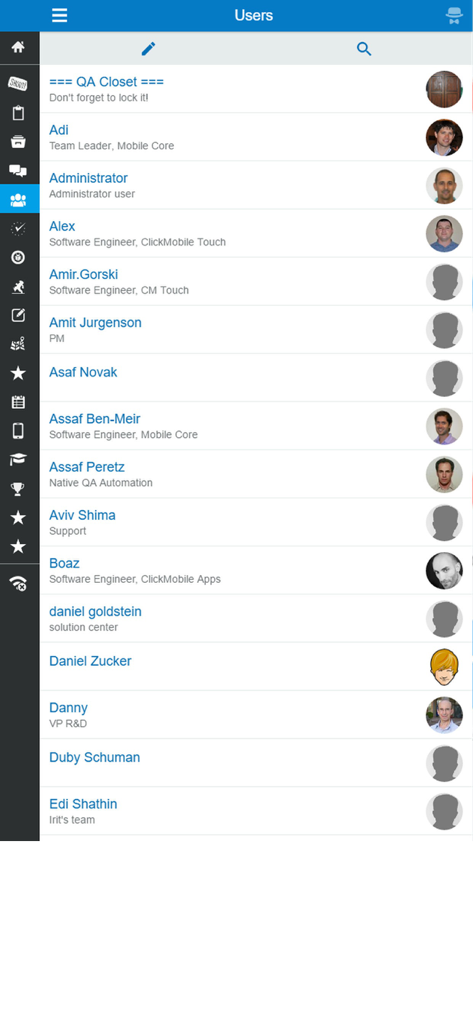
ClickMobile Touch - 이름과 직책이 있는 팀원 목록을 보여주는 ClickMobile Touch의 사용자 디렉토리 화면

이름과 직책이 있는 팀원 목록을 보여주는 ClickMobile Touch의 사용자 디렉토리 화면

설명

ClickSoftware’s ClickMobile Touch is a mobile application for the field service sector. It is used by the field resources to communicate with their back office and with their peers using the Field Service Edge system. ClickSoftware’s enterprise solution uses innovative and collaborative mobile tools, improving field workforce productivity and efficiency, enhancing customer experience, and meeting compliance and regulation requirements. The solution enables field supervisors and back office staff to have visibility and control, helping them make real-time decisions continuously throughout the day of service. ClickMobile Touch empowers field service professionals with all the information they need to complete the job the first time. Work is executed with maximum productivity, safety and compliance, and focuses on customer satisfaction. The application includes the following capabilities: * Task management – Manage the entire task execution process, view the customer’s information, report the status of the task as it progresses * Time and attendance management – Report and track the time and attendance of a field resource or a crew, including the ability to view and manage your shifts * Inventory management – Manage your inventory, scan barcodes and requests parts from the field * Power map – View your tasks and schedule on a map to help visualize your day * Dynamic forms – Forms can include file attachments and signature capturing * Internal messaging system – Share knowledge with peers using instant messaging and file sharing * Dynamic location services – Allows Street Level Routing to avoid traffic congestions during the day of service, automatic status transition based on location * Supervisor app – Scheduling interface for continuous operational insight and real-time visibility into the field The ClickMobile Touch user can carry on working even when the application is offline. When the application is back online, all of the information will be synchronized automatically. In addition, the back office can update the assignments for the user, which will be updated when the user is online again. This online/offline connectivity ensures maximum data exchange and visibility of workday progress, allowing increased work efficiency.

Download

다운로드: App Store

이 페이지는 앱이나 개발자의 공식 페이지가 아니며, 정보 제공 및 논평을 목적으로 작성된 독립 편집 간행물입니다. 명시적으로 달리 언급되지 않는 한, 해당 앱이나 개발자는 MWM, Apple, Google Play, 앱 퍼블리셔 또는 앱 개발자와 제휴, 보증, 후원, 승인 또는 공식적으로 연결되어 있지 않으며, 이 페이지의 어떤 내용도 해당 앱이 MWM의 서비스를 사용하여 개발되었음을 의미하지 않습니다. 모든 상표, 로고, 스크린샷 및 기타 콘텐츠는 해당 소유자의 자산입니다.








