ClipOCR2
ClipOCR2
다운로드: App Store

이 페이지는 앱이나 개발자의 공식 페이지가 아니며, 정보 제공 및 논평을 목적으로 작성된 독립 편집 간행물입니다. 명시적으로 달리 언급되지 않는 한, 해당 앱이나 개발자는 MWM, Apple, Google Play, 앱 퍼블리셔 또는 앱 개발자와 제휴, 보증, 후원, 승인 또는 공식적으로 연결되어 있지 않으며, 이 페이지의 어떤 내용도 해당 앱이 MWM의 서비스를 사용하여 개발되었음을 의미하지 않습니다. 모든 상표, 로고, 스크린샷 및 기타 콘텐츠는 해당 소유자의 자산입니다.


로고: ClipOCR2
다운로드: App Store

ClipOCR2

인쇄물과 필기 노트를 즉시 디지털화하세요. 세로 쓰기 일본어든 복잡한 필기체든, AI가 아날로그 텍스트를 Evernote, Google Drive, Notion과 같은 즐겨 찾는 생산성 앱과 직접 동기화되는 편집 가능한 데이터로 변환합니다.

주요 수치

다운로드

197K+

사용자 평점

4.2/5

총 평가 수

1K+

개발사

Mitsuhiro Hashimoto

카테고리

Business

지원 언어

12

최신 버전

1.9.4

크기

9.1 MB

출시일

2016년 12월 15일
기능

아날로그를 활용 가능한 데이터로 전환

복잡한 레이아웃과 필기 노트를 위해 설계된 AI 기반 OCR로 물리적 서재와 디지털 작업 공간 사이의 간극을 메우세요.

고급 일본어 OCR

일본어 스크립트에 맞춤화된 고정밀 AI 인식을 통해 만화, 소설, 문서의 세로 및 가로 텍스트를 완벽하게 캡처하세요.

필기 노트를 디지털로

필기 일기와 학습 노트를 즉시 편집 가능한 텍스트로 변환하여 아날로그 기록을 검색 가능하고 체계적으로 관리하세요.

다음 스크린샷과 설명은 앱의 공식 스토어 목록에서 직접 가져온 것이며 앱 개발자의 자산입니다.

앱 스토어

스크린샷
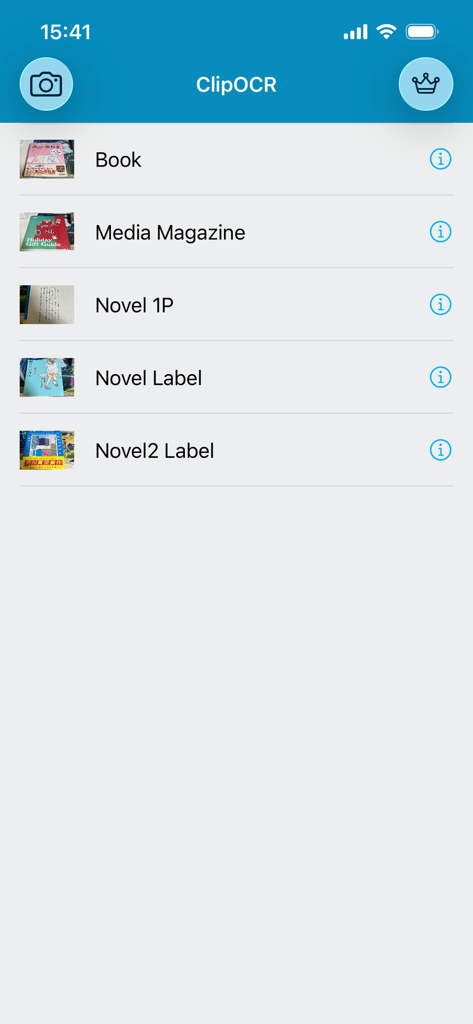
ClipOCR2 - ClipOCR 앱 인터페이스 내 디지털화된 서적 및 잡지 목록

ClipOCR 앱 인터페이스 내 디지털화된 서적 및 잡지 목록

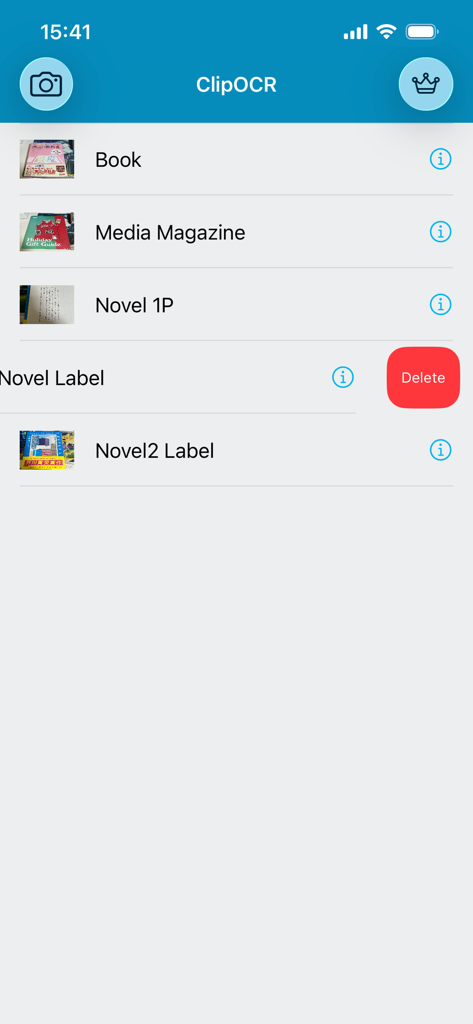
ClipOCR2 - Book, Media Magazine 등의 제목과 삭제 버튼이 보이는 ClipOCR2 앱의 저장된 스캔 목록
Book, Media Magazine 등의 제목과 삭제 버튼이 보이는 ClipOCR2 앱의 저장된 스캔 목록

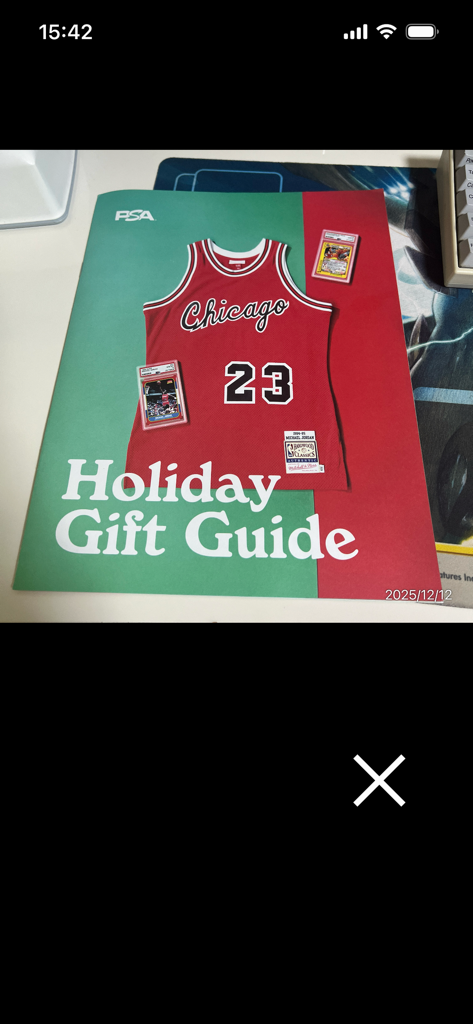
ClipOCR2 - 텍스트 인식을 위해 농구 저지가 있는 홀리데이 기프트 가이드 잡지 표지를 스캔하는 과정을 보여주는 모바일 앱 스크린샷
텍스트 인식을 위해 농구 저지가 있는 홀리데이 기프트 가이드 잡지 표지를 스캔하는 과정을 보여주는 모바일 앱 스크린샷

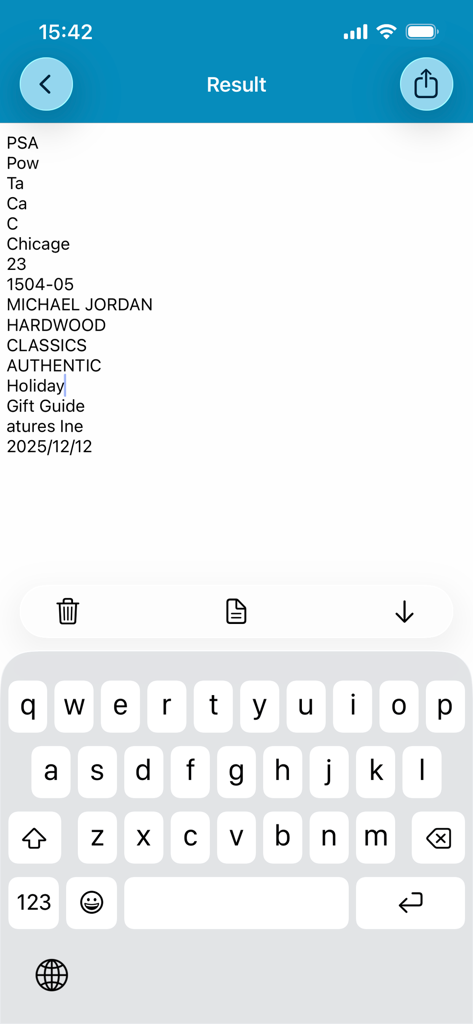
ClipOCR2 - 스캔에서 추출된 디지털화된 텍스트 결과와 편집을 위한 활성 키보드를 보여주는 ClipOCR2 앱 인터페이스
스캔에서 추출된 디지털화된 텍스트 결과와 편집을 위한 활성 키보드를 보여주는 ClipOCR2 앱 인터페이스

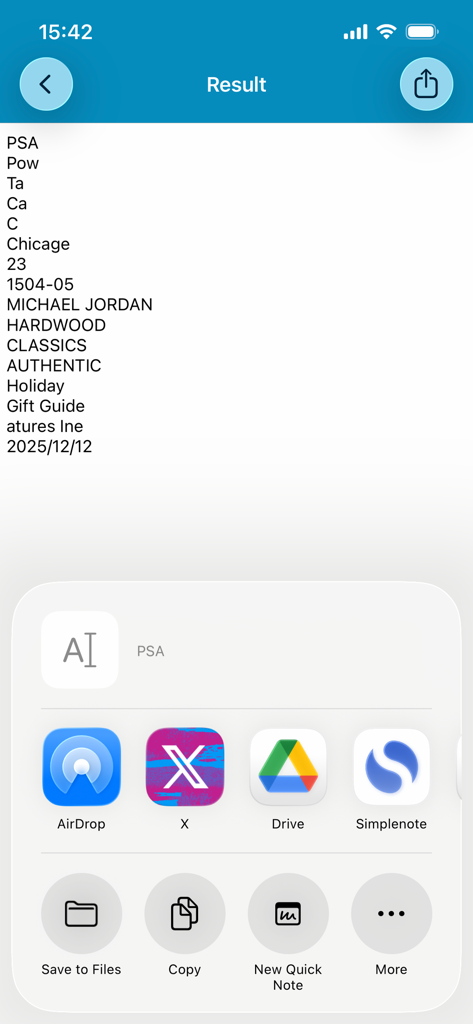
ClipOCR2 - OCR 텍스트 결과와 Google Drive 및 X 통합 공유 옵션을 보여주는 ClipOCR2 앱 스크린샷

OCR 텍스트 결과와 Google Drive 및 X 통합 공유 옵션을 보여주는 ClipOCR2 앱 스크린샷

설명

The definitive version of the OCR Japanese app is back with a power-up! ClipOCR is an app that uses a camera to read analog text such as printed materials and handwritten characters through "Artificial Intelligence", converts it into editable digital data text, and can be shared. It supports almost all languages, including vertical and horizontal Japanese and English. - How to use - ・Press the camera button on the top left from the top page. ・Take a photo from the camera or select a photo from the photo album. ・On the next screen, crop the sentence you want to recognize from the selected photo. ・Artificial Intelligence automatically determines the language of the text. ・Press the Done button. ・Once the conversion process is complete, the digitized sentence will be displayed. ・Editing is possible. Furthermore, the keyboard can be put away with the button on the far right displayed with the keyboard out, and the image can be seen with the middle button. The button on the far left is a delete button. ・You can delete from the list by swiping left. - Features and characteristics - ・With automatic save function ・You can copy the converted text and share it on Twitter, Facebook, email, etc. ・You can also share with other apps such as Evernote, LINE, Simplenote, Dropbox, and Google Drive. ・Supports both vertical and horizontal Japanese, English, and other languages. ・Save the original image as a .png photo file and text data as a .txt file. ・You can recognize and edit Japanese and other characters with simple operation! - We recommend this to those who - ・Those who want to take notes of the contents of newspapers and magazines ・Those who are studying a foreign language and want to text from books ・Those who want to share the characters of printed materials as digital data ・Those who want to recognize handwritten characters ・Those who want to copy text from photos - Points to note - ・Artificial intelligence requires an internet connection. Please use it while connected to the network. ・If the camera becomes completely dark on iOS, Please confirm that "ClipOCR" is turned "On" by going to [Settings App]> [Privacy]> [Camera]. A subscription for automatic renewal is required to unlock all features. Support Site http://adolfoi.info

Download

다운로드: App Store

이 페이지는 앱이나 개발자의 공식 페이지가 아니며, 정보 제공 및 논평을 목적으로 작성된 독립 편집 간행물입니다. 명시적으로 달리 언급되지 않는 한, 해당 앱이나 개발자는 MWM, Apple, Google Play, 앱 퍼블리셔 또는 앱 개발자와 제휴, 보증, 후원, 승인 또는 공식적으로 연결되어 있지 않으며, 이 페이지의 어떤 내용도 해당 앱이 MWM의 서비스를 사용하여 개발되었음을 의미하지 않습니다. 모든 상표, 로고, 스크린샷 및 기타 콘텐츠는 해당 소유자의 자산입니다.