Color Widgets Kit - iWidgets
다운로드: App Store

이 페이지는 앱이나 개발자의 공식 페이지가 아니며, 정보 제공 및 논평을 목적으로 작성된 독립 편집 간행물입니다. 명시적으로 달리 언급되지 않는 한, 해당 앱이나 개발자는 MWM, Apple, Google Play, 앱 퍼블리셔 또는 앱 개발자와 제휴, 보증, 후원, 승인 또는 공식적으로 연결되어 있지 않으며, 이 페이지의 어떤 내용도 해당 앱이 MWM의 서비스를 사용하여 개발되었음을 의미하지 않습니다. 모든 상표, 로고, 스크린샷 및 기타 콘텐츠는 해당 소유자의 자산입니다.

로고: Color Widgets Kit - iWidgets
다운로드: App Store

Color Widgets Kit - iWidgets

원클릭 iOS 16 위젯으로 당신만의 독특한 분위기를 표현하세요. 빈티지 시계부터 감성적인 사진 슬라이드쇼, 테크-시크 X-패널까지, iPhone을 curated된 명작으로 변환하세요.

주요 수치

다운로드

4K+

사용자 평점

4.2/5

총 평가 수

0

개발사

ZhengZhou Atlas Information Technology Co., Ltd

카테고리

Graphics & Design

지원 언어

1

최신 버전

1.0.3

크기

223.7 MB

출시일

2023년 4월 17일
기능

당신의 iPhone, 재탄생하다

표준 레이아웃에 만족하지 마세요. iWidgets를 사용하면 당신의 독특한 미학을 반영하고 당신의 세상을 원클릭으로 정리된 상태로 유지하는 개인화된 디지털 공간을 curated할 수 있습니다.

Curated 미학 테마

Y2K, 미니멀리스트부터 빈티지 스타일까지, 당신의 기분과 TikTok에 어울리는 미학에 맞춰 홈 화면을 즉시 변환하세요.

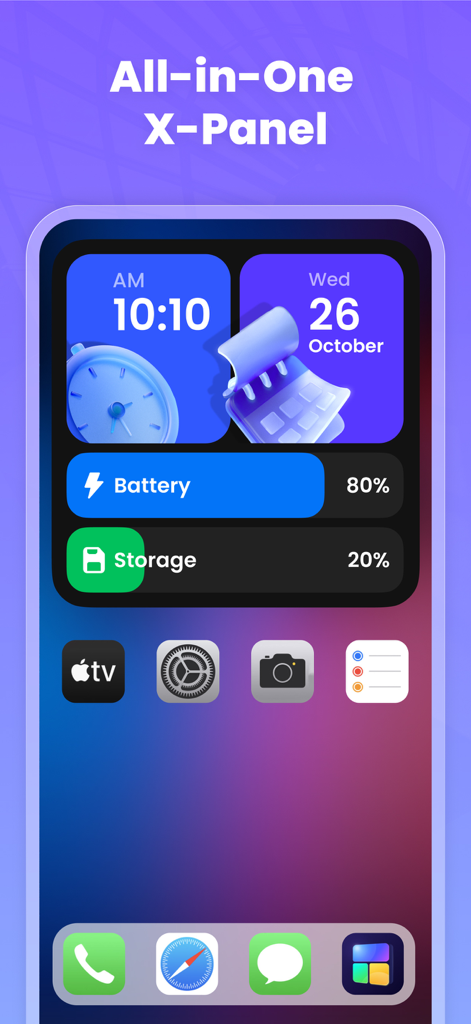
올인원 X-패널

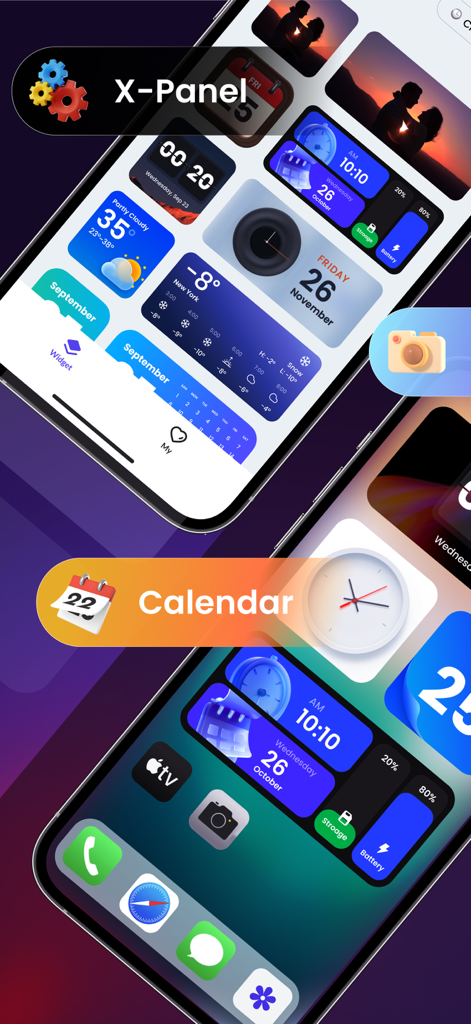
배터리 수명, 저장 공간, 시스템 상태를 손끝에서 멋지게 확인할 수 있는 세련된 대시보드로 당신의 테크-시크 게임을 한 단계 업그레이드하세요.

다음 스크린샷과 설명은 앱의 공식 스토어 목록에서 직접 가져온 것이며 앱 개발자의 자산입니다.

앱 스토어

스크린샷
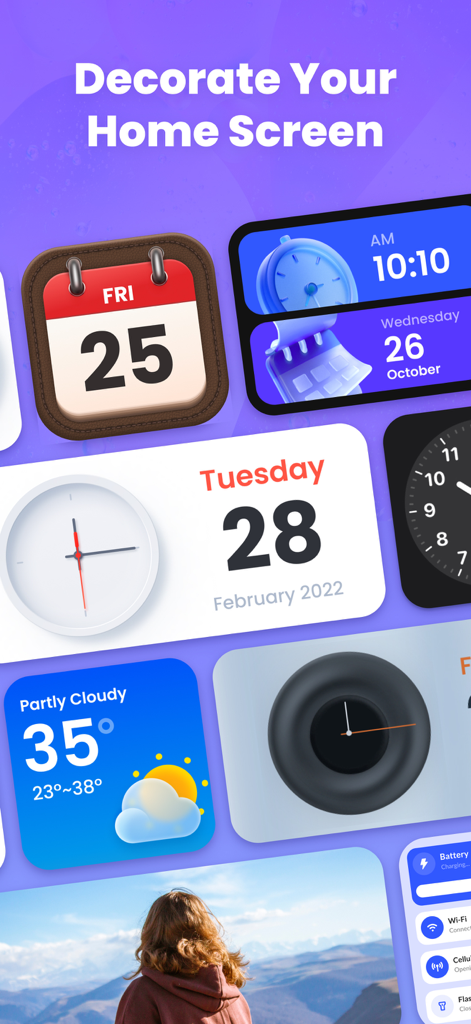
Color Widgets Kit - iWidgets - 다양한 컬러풀하고 미학적인 iOS 위젯, 시계, 캘린더, 날씨 등이 보라색 배경에 표시됩니다.
다양한 컬러풀하고 미학적인 iOS 위젯, 시계, 캘린더, 날씨 등이 보라색 배경에 표시됩니다.

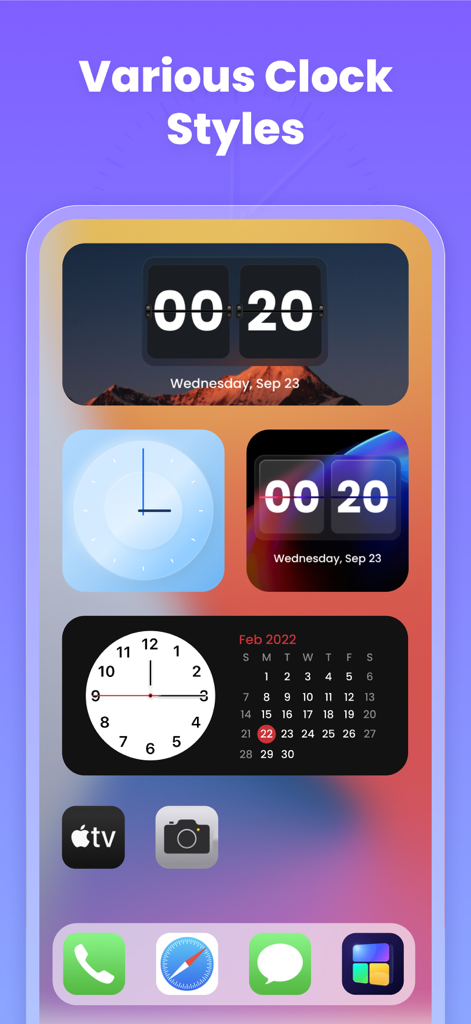
Color Widgets Kit - iWidgets - iPhone 홈 화면에 표시되는 다양한 미학적인 디지털 및 아날로그 시계 위젯
iPhone 홈 화면에 표시되는 다양한 미학적인 디지털 및 아날로그 시계 위젯

Color Widgets Kit - iWidgets - iPhone 홈 화면에 시스템 상태를 표시하는 미학적인 X-패널 위젯
iPhone 홈 화면에 시스템 상태를 표시하는 미학적인 X-패널 위젯

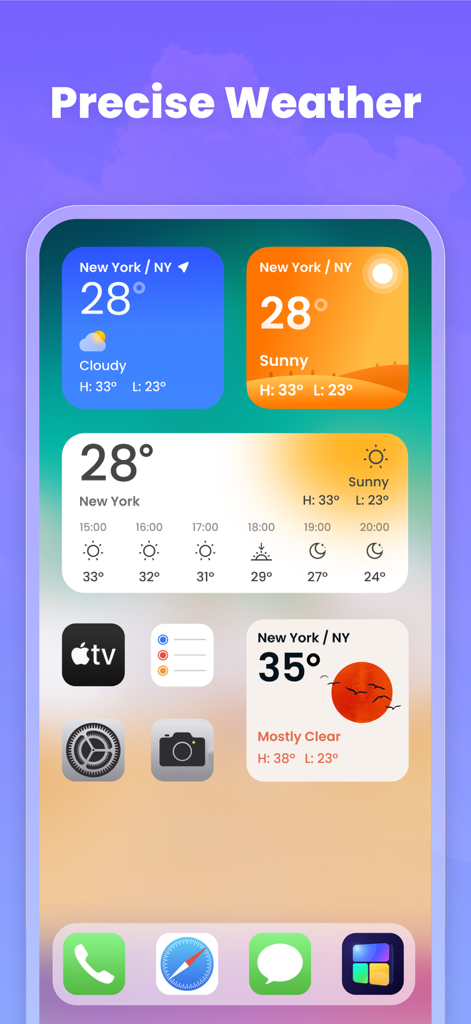
Color Widgets Kit - iWidgets - iPhone 홈 화면에 표시되는 다양한 컬러풀하고 미학적인 날씨 위젯
iPhone 홈 화면에 표시되는 다양한 컬러풀하고 미학적인 날씨 위젯

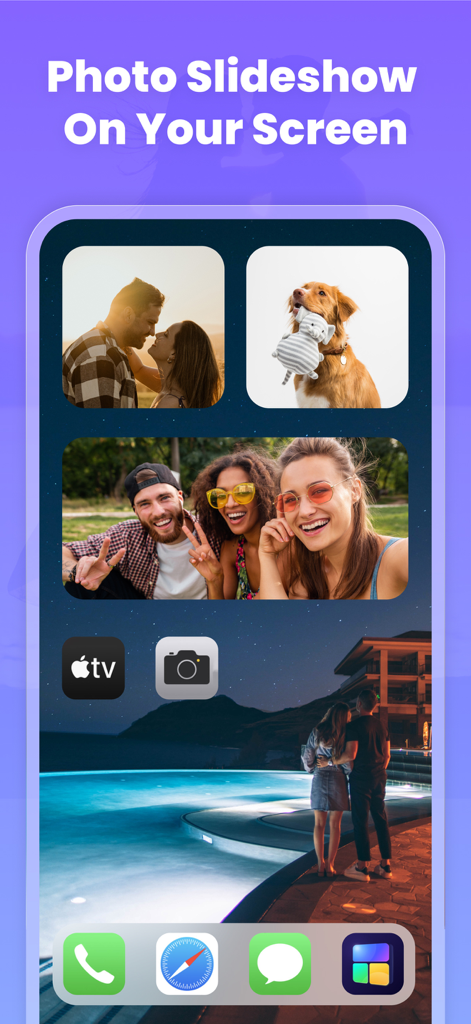
Color Widgets Kit - iWidgets - 개인 사진이 포함된 미학적인 사진 슬라이드쇼 위젯을 표시하는 iPhone 홈 화면
개인 사진이 포함된 미학적인 사진 슬라이드쇼 위젯을 표시하는 iPhone 홈 화면

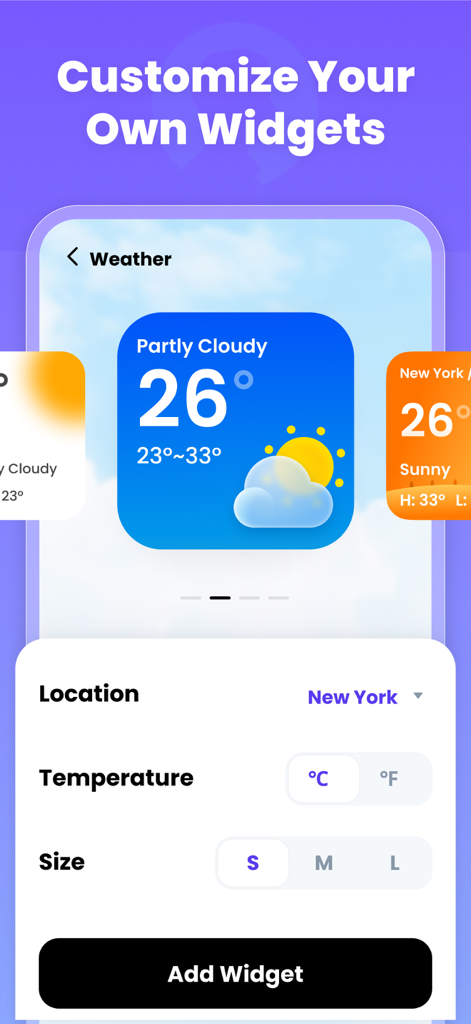
Color Widgets Kit - iWidgets - iWidgets 앱에서 날씨 위젯을 사용자 정의하는 인터페이스

iWidgets 앱에서 날씨 위젯을 사용자 정의하는 인터페이스

Color Widgets Kit - iWidgets - 시계, 캘린더, 기기 정보를 위한 미학적인 위젯이 포함된 사용자 정의 iPhone 홈 화면
시계, 캘린더, 기기 정보를 위한 미학적인 위젯이 포함된 사용자 정의 iPhone 홈 화면

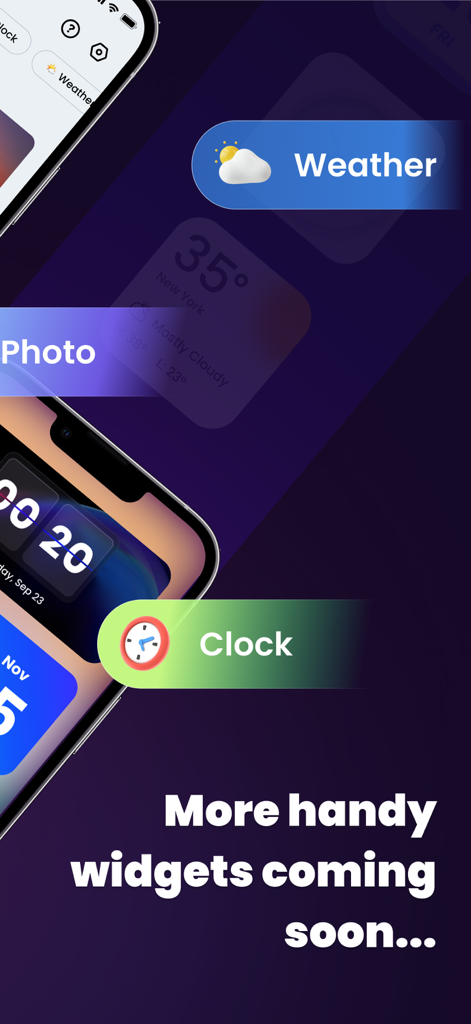
Color Widgets Kit - iWidgets - 어두운 보라색 배경의 iPhone 화면에 날씨, 시계, 사진 위젯을 보여주는 앱 미리보기

어두운 보라색 배경의 iPhone 화면에 날씨, 시계, 사진 위젯을 보여주는 앱 미리보기

설명

iWidgets has kinds of color widgets for iPhone & iPad. It provides you with abundant aesthetic widgets such as clock, photo, X-panel, calendar, and weather, allowing you to customize your home screen with one click! You can add widgets to decorate your home screen and keep information at your fingertips - weather conditions, battery level, or upcoming calendar events. Multiple widget sizes are available. Personalize your home screen with stylish and practical widgets now! Highlights of iWidgets: ⁕ Aesthetic iOS 16 style ⁕ Works on iPhone & iPad ⁕ One-click to save widgets ⁕ Add small/medium/large widgets ⁕ Multiple widgets & diverse widget styles ⁕ Make your screen unique and exclusive X-Panel Widget - A collection of shortcuts on your home screen - Check your device’s status in one place, current date & time, battery level, storage, etc. Photo Widget - Decorate your home screen with your cherished photos - Support photo slideshow, recording your fond memories with family, friends or pets Clock Widget - Exquisite clock widgets to make your home screen more brilliant - Analog and digital clock widgets for your choice - A variety of aesthetic clock widget styles Weather Widget - Local weather information at your fingertips - real-time temperature, weather conditions, etc. - Simple and elegant display interface Calendar Widget - You can set the widget to display the current date or the entire month - Creative and vintage styles for you to choose from Upcoming Widget Types: √ To do list - Simple & straightforward way to to maintain self-discipline, improve your study and work efficiency √ Notes - Record your mood or important matters anytime, anywhere Upcoming Features: √ Change app icon - Change app icons as you like √ Exquisite themes - Various themes for you to create your exclusive style Required Permissions: Photos permission is required to display photos Location permission is required to show weather conditions We support multiple color widgets to meet your diverse needs. With this powerful widgetsmith tool, you can easily personalize your home screen. One-click to add a widget, customize your home screen with the top widgets. About Subscription • Your payment will be processed through your iTunes Account immediately upon purchase confirmation. • Subscription automatically renews unless auto-renew is turned off at least 24-hours before the end of the current period. • You can manage your subscription and deactivate auto-renewal in your Account Settings after the purchase. • The renewal fee will be applied to your account within 24 hours before the current subscription term concludes. • If applicable, any unused portion of a free trial will be forfeited upon the user's subscription purchase to the publication. Privacy Policy: https://iwidgets.atlaszz.com/privacypolicy.html Terms of Use: https://iwidgets.atlaszz.com/terms.html Your support is our greatest motivation. If you have any questions or suggestions, please contact us at widgetsfeedback@gmail.com.

Download

다운로드: App Store

이 페이지는 앱이나 개발자의 공식 페이지가 아니며, 정보 제공 및 논평을 목적으로 작성된 독립 편집 간행물입니다. 명시적으로 달리 언급되지 않는 한, 해당 앱이나 개발자는 MWM, Apple, Google Play, 앱 퍼블리셔 또는 앱 개발자와 제휴, 보증, 후원, 승인 또는 공식적으로 연결되어 있지 않으며, 이 페이지의 어떤 내용도 해당 앱이 MWM의 서비스를 사용하여 개발되었음을 의미하지 않습니다. 모든 상표, 로고, 스크린샷 및 기타 콘텐츠는 해당 소유자의 자산입니다.