Console Link
Console Link
다운로드: App Store

이 페이지는 앱이나 개발자의 공식 페이지가 아니며, 정보 제공 및 논평을 목적으로 작성된 독립 편집 간행물입니다. 명시적으로 달리 언급되지 않는 한, 해당 앱이나 개발자는 MWM, Apple, Google Play, 앱 퍼블리셔 또는 앱 개발자와 제휴, 보증, 후원, 승인 또는 공식적으로 연결되어 있지 않으며, 이 페이지의 어떤 내용도 해당 앱이 MWM의 서비스를 사용하여 개발되었음을 의미하지 않습니다. 모든 상표, 로고, 스크린샷 및 기타 콘텐츠는 해당 소유자의 자산입니다.


로고: Console Link
다운로드: App Store

Console Link

120fps의 부드러운 렌더링, 네이티브 업스케일링, 전문가 수준의 색상 정확도로 PS5, Xbox, Switch의 끊김 없는 콘솔 게임을 경험하세요. 이미 소유하고 있는 최고의 화면에서 즐기세요.

주요 수치

다운로드

5K+

사용자 평점

4.5/5

총 평가 수

0

개발사

莼乾 沈

카테고리

Entertainment

지원 언어

2

최신 버전

26.0.16

크기

0.9 MB

출시일

2023년 6월 2일
기능

iPad, 이제 프로 게이밍 디스플레이

초저지연 및 놀라운 5K 업스케일링으로 iPad의 Liquid Retina 화면의 잠재력을 최대한 활용하여 PlayStation, Xbox 또는 Switch를 즐기세요.

초저지연 엔진

Apple Metal 기반 동기화 엔진으로 거의 제로에 가까운 지연 시간을 경험하고, 격렬한 경쟁 플레이 중에도 입력이 완벽하게 부드럽게 유지되도록 하세요.

네이티브 5K 업스케일링

표준 HD를 넘어 시각적인 경험을 향상시키세요. 고급 이미지 업샘플링 기술이 콘솔 신호를 숨 막힐 듯한 5K 선명도로 변환하여 프리미엄 모니터 경험을 제공합니다.

다음 스크린샷과 설명은 앱의 공식 스토어 목록에서 직접 가져온 것이며 앱 개발자의 자산입니다.

앱 스토어

스크린샷
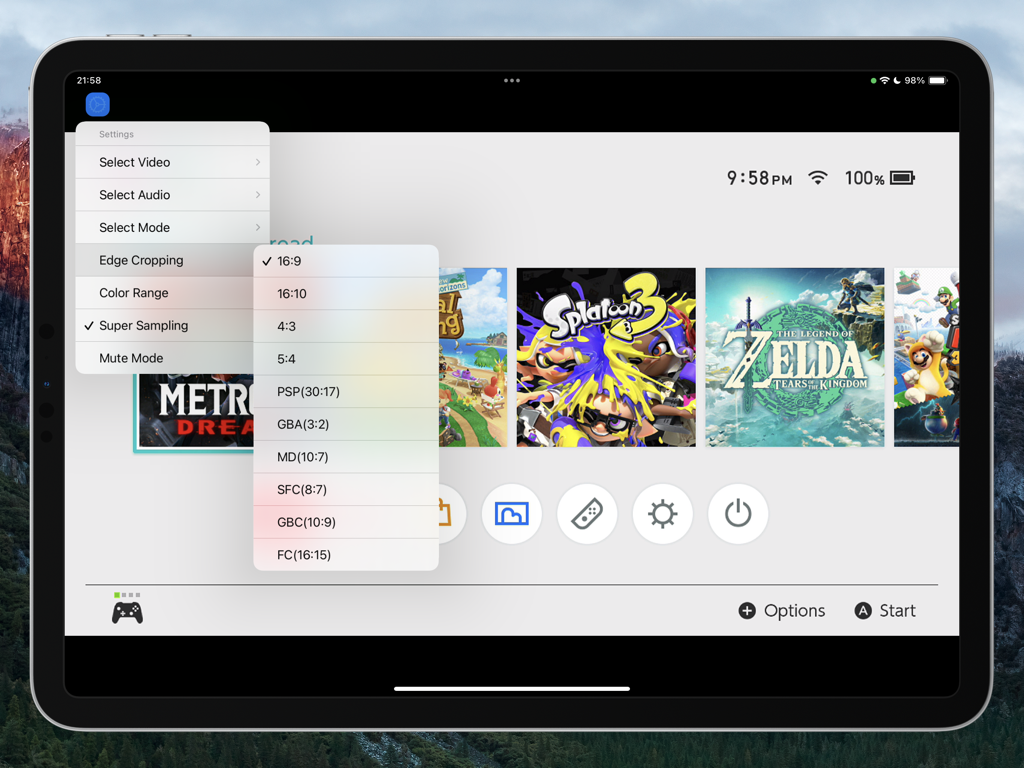
Console Link - 콘솔 링크 앱이 iPad에서 Nintendo Switch 인터페이스와 함께 가로 세로 비율 및 가장자리 자르기 설정 메뉴가 열린 상태로 표시됩니다.
콘솔 링크 앱이 iPad에서 Nintendo Switch 인터페이스와 함께 가로 세로 비율 및 가장자리 자르기 설정 메뉴가 열린 상태로 표시됩니다.

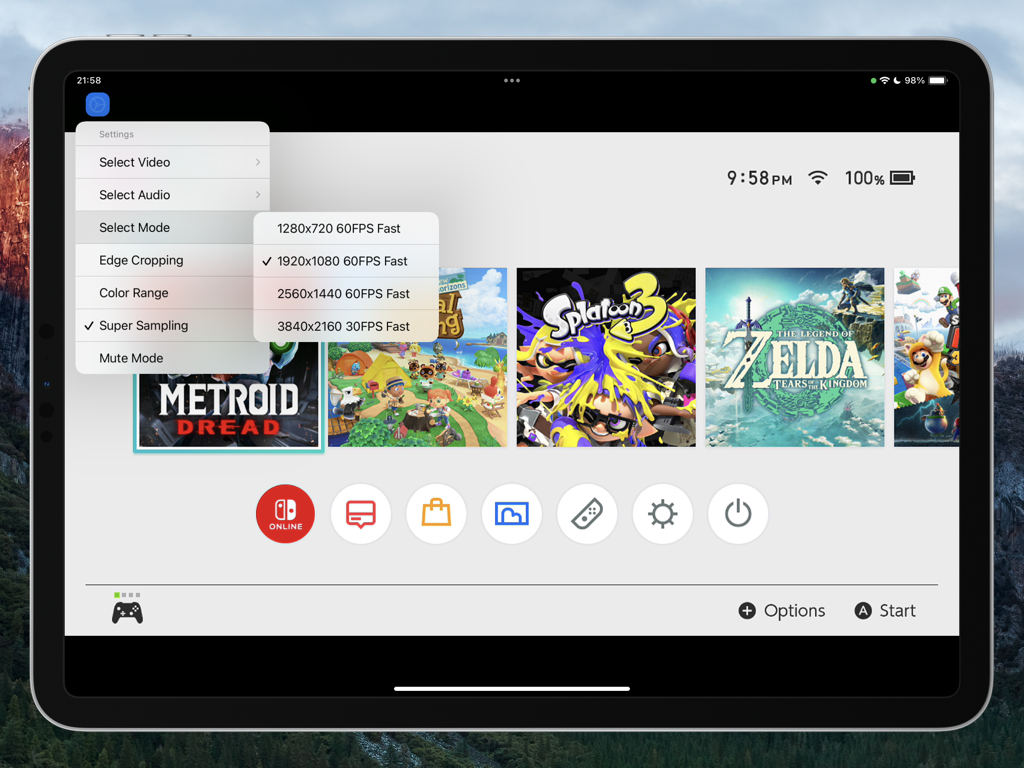
Console Link - iPad 화면에 Nintendo Switch 인터페이스 위에 비디오 해상도 및 프레임 속도 설정이 있는 콘솔 링크 앱 메뉴가 표시됩니다.
iPad 화면에 Nintendo Switch 인터페이스 위에 비디오 해상도 및 프레임 속도 설정이 있는 콘솔 링크 앱 메뉴가 표시됩니다.

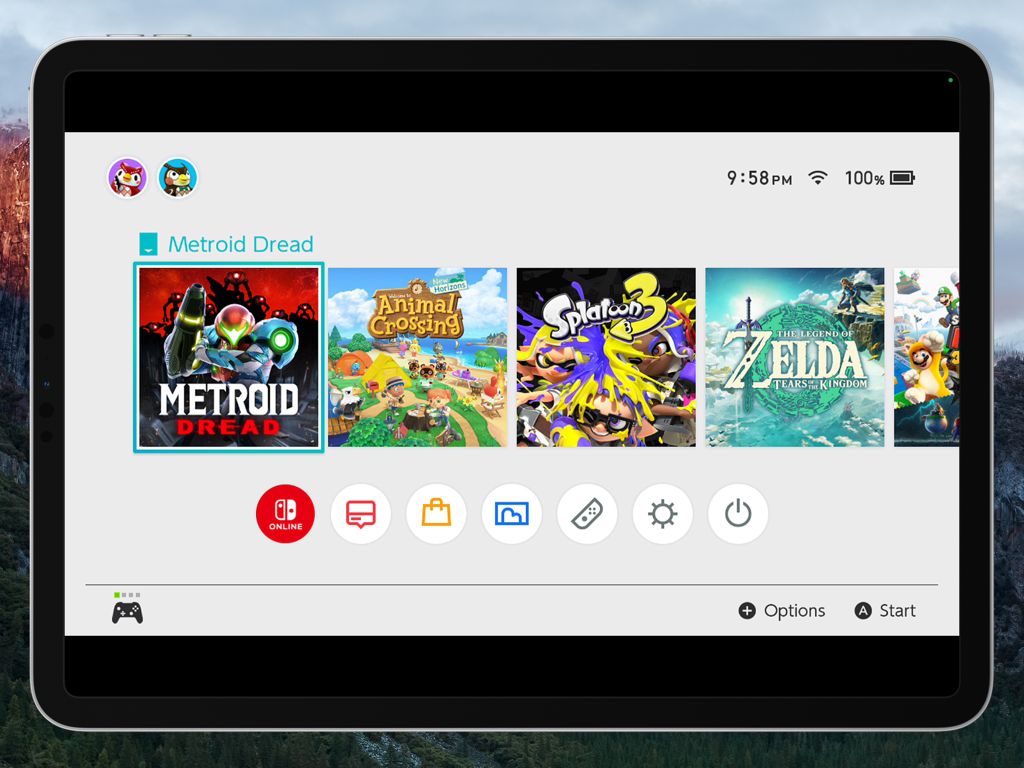
Console Link - 콘솔 링크를 통해 Metroid Dread가 선택된 상태에서 Nintendo Switch 홈 메뉴를 보여주는 iPad Pro 화면
콘솔 링크를 통해 Metroid Dread가 선택된 상태에서 Nintendo Switch 홈 메뉴를 보여주는 iPad Pro 화면

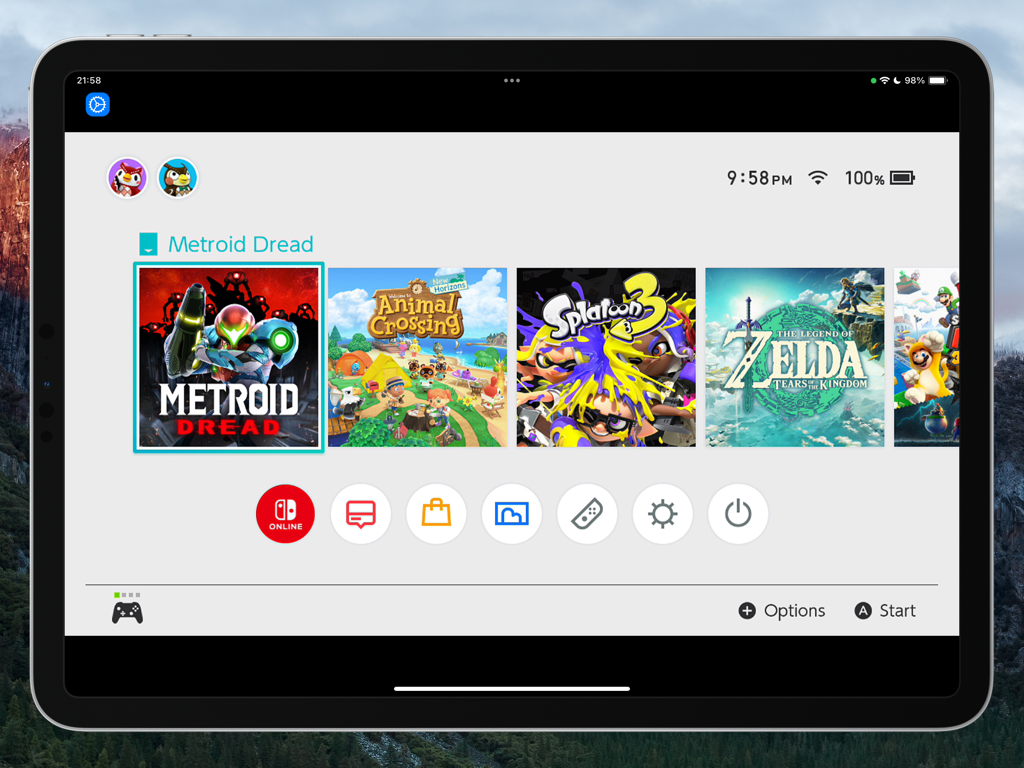
Console Link - 콘솔 링크 앱을 사용하여 iPad에 표시되는 Nintendo Switch 홈 화면

콘솔 링크 앱을 사용하여 iPad에 표시되는 Nintendo Switch 홈 화면

설명

Turn Your iPad into a True Gaming Display! Console Link transforms your iPad into a high-performance gaming monitor. With ultra-low latency, native 5K upscaling, and full HDMI input support via capture cards, your iPad becomes the ultimate display for any console. Whether you are using a PlayStation, Xbox, Nintendo Switch, or any HDMI-compatible device, Console Link delivers a seamless, high-quality gameplay preview-directly on your iPad. Key Features Ultra-Low Latency Mode New synchronization engine, experience near-zero delay. Perfect sync with iPad refresh rate for smooth, responsive gameplay. Native 5K Video Output Enhances HDMI input signals up to native 5K resolution, powered by advanced super-resolution and image upsampling technologies. Optimized Rendering Engine Built on Apple Metal and Audio Unit for high-performance video and audio rendering with reduced power consumption. 4K 120fps Rendering Smooth, fluid gameplay with support for 4K at up to 120 frames per second. Includes crop-to-edge features and sharp frame rendering. Advanced Upscaling & Sampling Choose from low, medium, or high sampling modes to boost image clarity without sacrificing performance. Professional Color Space Support Switch between sRGB, Display P3, and Adobe RGB for accurate color tuning based on your screen. AirPods Optimized Audio Enjoy stable, low-latency wireless audio with seamless AirPods integration. Requirements Any HDMI-compatible device can stream to your iPad via a supported USB 3.0 video capture card. Console Link leverages Apple Metal graphics technology to deliver fast, efficient rendering-without dropped frames or stutters. Devices HDMI output device (e.g., PS5, Xbox Series X|S, Nintendo Switch) USB 3.0 video capture card supporting the UVC protocol Systems iPad running iPadOS 17.0 or higher, can work perfectly. Terms of Service https://www.apple.com/legal/internet-services/itunes/dev/stdeula/ Disclaimer PlayStation, Xbox, Nintendo Switch, and related trademarks are the property of their respective owners. Console Link is not affiliated with, endorsed by, or authorized by Sony, Microsoft, Nintendo, or any of their subsidiaries.

Download

다운로드: App Store

이 페이지는 앱이나 개발자의 공식 페이지가 아니며, 정보 제공 및 논평을 목적으로 작성된 독립 편집 간행물입니다. 명시적으로 달리 언급되지 않는 한, 해당 앱이나 개발자는 MWM, Apple, Google Play, 앱 퍼블리셔 또는 앱 개발자와 제휴, 보증, 후원, 승인 또는 공식적으로 연결되어 있지 않으며, 이 페이지의 어떤 내용도 해당 앱이 MWM의 서비스를 사용하여 개발되었음을 의미하지 않습니다. 모든 상표, 로고, 스크린샷 및 기타 콘텐츠는 해당 소유자의 자산입니다.








