Convert PDF to Word.

Convert PDF to Word.

다운로드: App Store
로고: Convert PDF to Word.

PDF를 Word로 변환. 전문가 수준의 문서 변환을 손안에서.

PDF를 편집 가능한 Word, Excel, PowerPoint 파일로 즉시 변환하세요. 빠르고 고품질의 변환과 원활한 클라우드 통합을 경험하세요. 등록은 필요 없습니다.

개발사

CONTENT ARCADE (UK) LTD.

카테고리

Utilities

다운로드

216K+

사용자 평점

4.4/5

총 평가 수

1K+

지원 언어

12

원활한 문서 흐름

이 인터페이스를 사용하는 216K+ 명의 사용자.

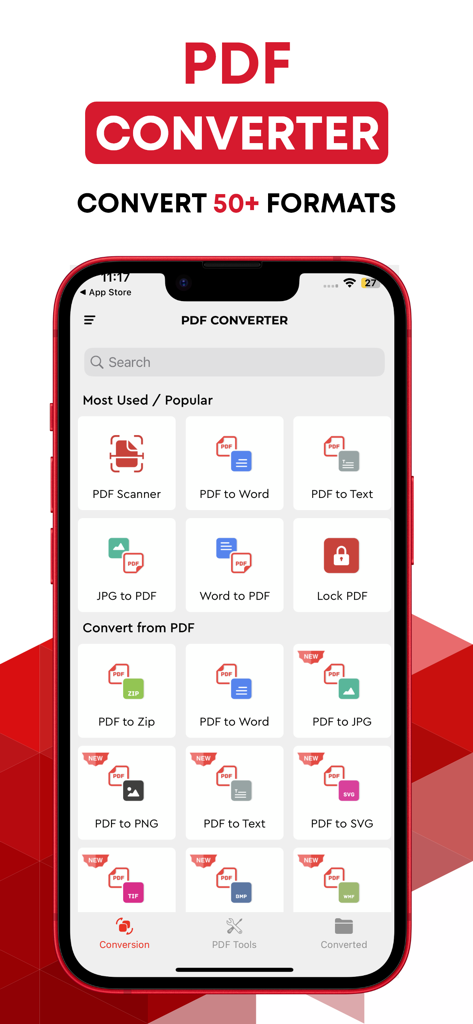
iPhone의 PDF 변환기 앱 메인 화면으로, PDF, Word, 이미지 형식 간 파일 변환에 대한 다양한 옵션을 보여줍니다.
iPhone의 PDF 변환기 앱 메인 화면으로, PDF, Word, 이미지 형식 간 파일 변환에 대한 다양한 옵션을 보여줍니다.

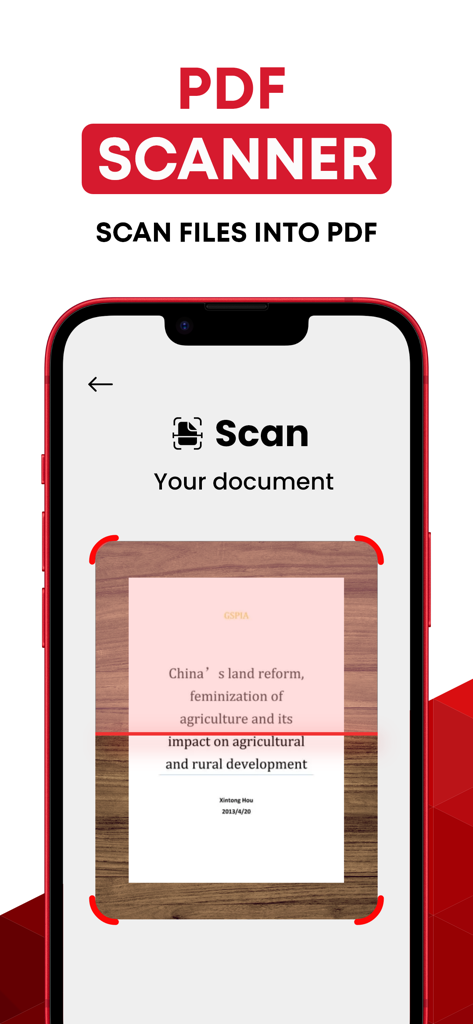
PDF 파일로 스캔되는 문서를 보여주는 PDF 스캐너 앱의 인터페이스
PDF 파일로 스캔되는 문서를 보여주는 PDF 스캐너 앱의 인터페이스

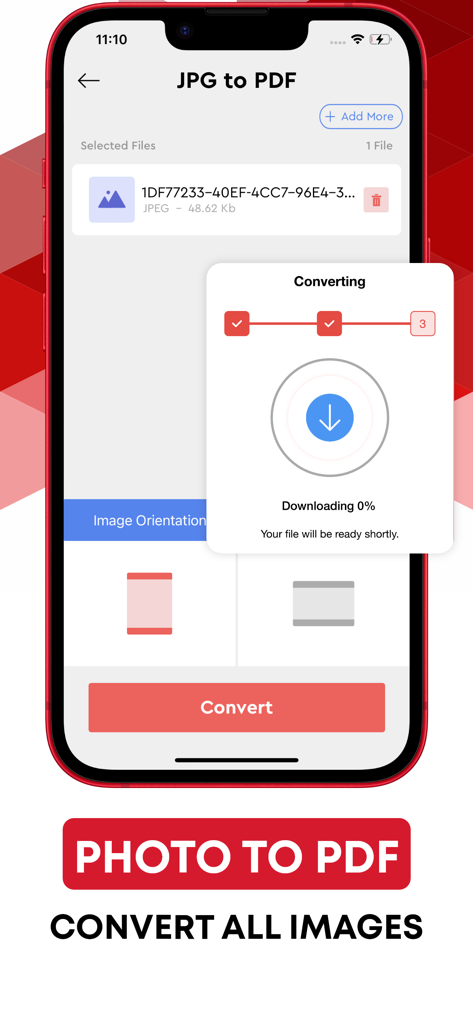
JPG 사진을 PDF 파일로 변환하는 과정을 보여주는 모바일 앱 화면
JPG 사진을 PDF 파일로 변환하는 과정을 보여주는 모바일 앱 화면

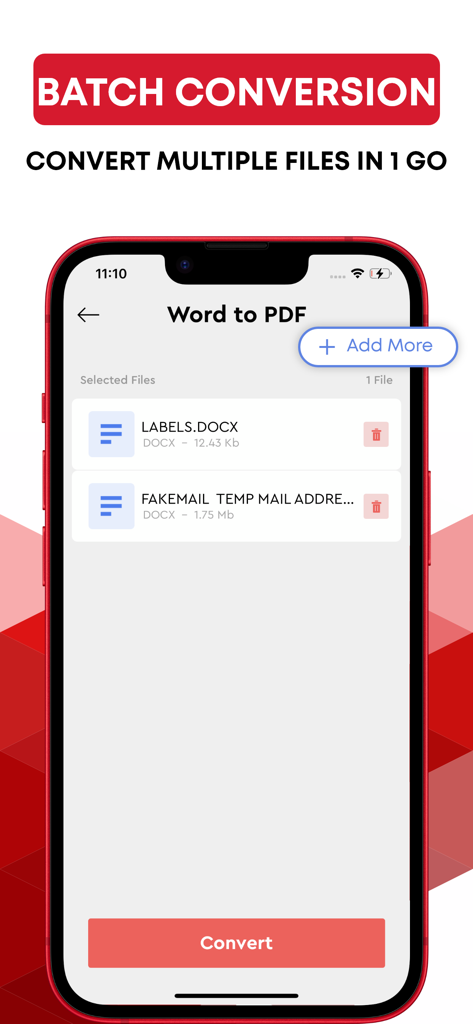
여러 Word 문서를 동시에 PDF 파일로 변환하는 일괄 변환 기능을 보여주는 모바일 앱 화면
여러 Word 문서를 동시에 PDF 파일로 변환하는 일괄 변환 기능을 보여주는 모바일 앱 화면

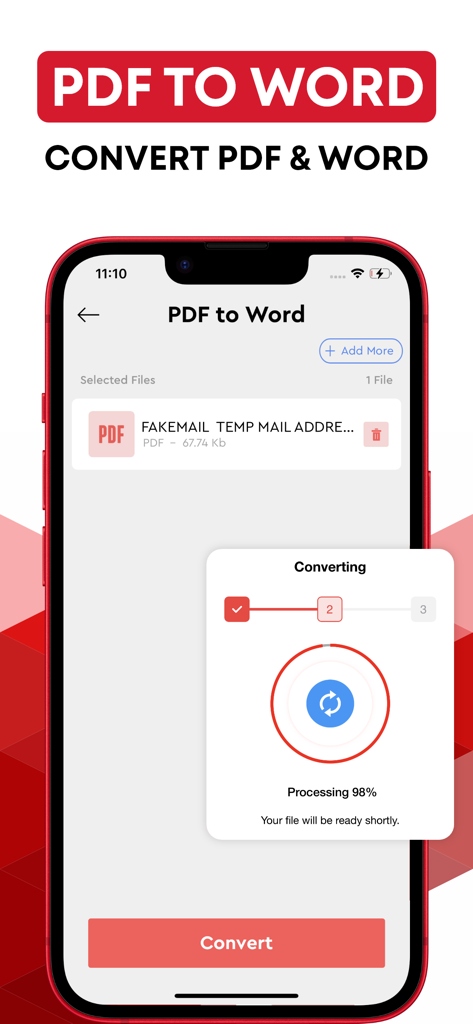
진행률 표시줄이 98%인 PDF 파일을 Word 문서로 변환하는 과정을 보여주는 모바일 앱 인터페이스
진행률 표시줄이 98%인 PDF 파일을 Word 문서로 변환하는 과정을 보여주는 모바일 앱 인터페이스

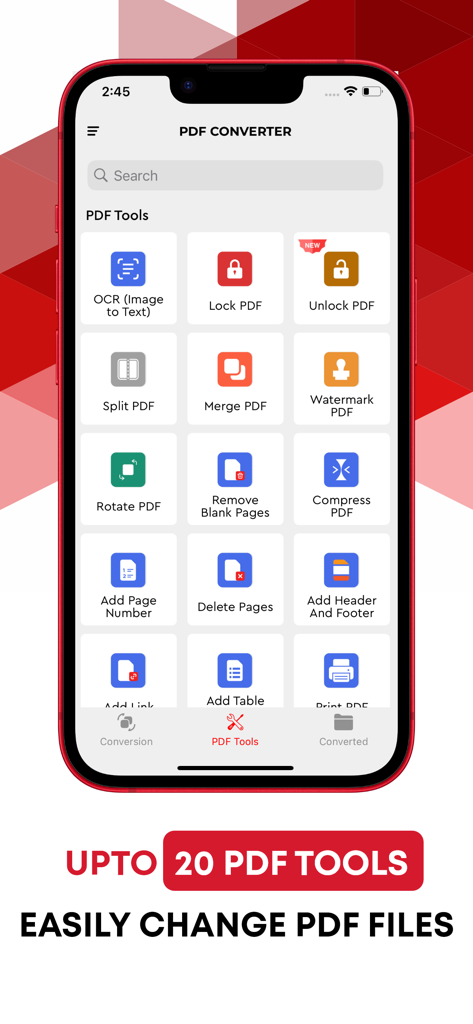
OCR, PDF 잠금, 병합, 분할과 같은 다양한 PDF 편집 도구를 표시하는 모바일 앱 인터페이스
OCR, PDF 잠금, 병합, 분할과 같은 다양한 PDF 편집 도구를 표시하는 모바일 앱 인터페이스

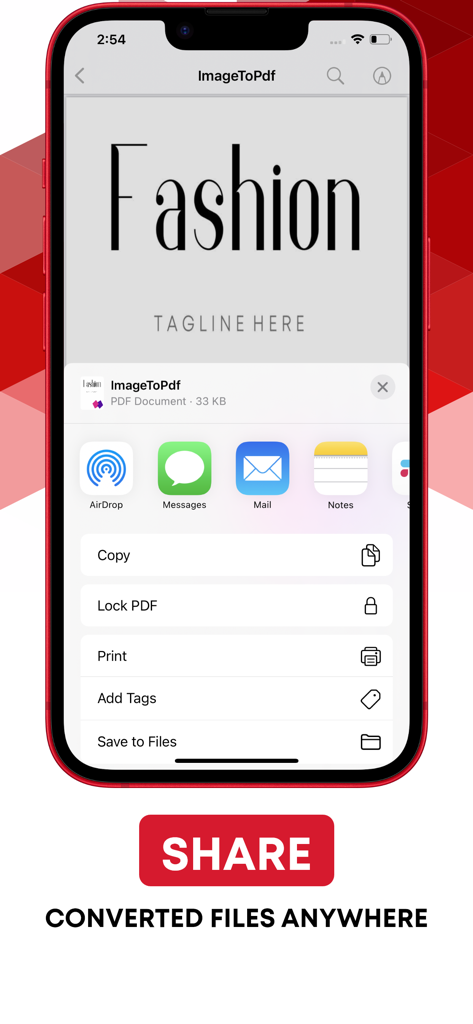
iPhone에서 변환된 PDF 문서의 공유 옵션을 보여주는 모바일 앱 인터페이스

iPhone에서 변환된 PDF 문서의 공유 옵션을 보여주는 모바일 앱 인터페이스

어디서든 문서를 마스터하세요

이 앱을 돋보이게 하는 도구, 216K+ 명의 사용자가 선택.

🚀

즉각적인 모바일 편집

PDF를 Word, Excel 또는 PowerPoint로 즉시 변환하여 영감이나 마감 기한이 촉박할 때 계약서와 보고서를 편집할 수 있습니다.

☁️

직접적인 클라우드 워크플로

Google Drive 또는 Dropbox를 연결하여 앱을 종료하거나 로컬 저장 공간을 어지럽히지 않고 파일을 원활하게 가져오고 저장합니다.

🛡️

개인 정보 보호 우선 유틸리티

마찰 없이 전문가 수준의 변환을 얻으세요. 계정, 가입, 저장된 데이터 없이 순수하고 안전한 생산성만 제공합니다.

리뷰 분석

사용자 리뷰 인사이트.

감정 점수

26%
부정적

요약

This mobile app receives overwhelmingly negative feedback from users, reflected in a low sentiment score of 26. Many users report being subjected to fraudulent charges during "free trials" and automatic, unconsented subscriptions, with significant difficulties in obtaining refunds or canceling services. Critical functionality, such as converting various document types or handling large files, is often reported as not working or resulting in corrupted formatting. Additionally, users frequently describe the app as useless, difficult to navigate, and burdened by a constant demand to upgrade to a paid version, though one positive mention highlighted the impressive speed of its scanning feature.

주요 테마

Pricing and Subscription Cost(14)
Core Conversion Functionality(12)
Free Trial and Unauthorized Charges(10)
Ease of Use and Interface(9)
Refund and Cancellation Issues(8)
Scanning Performance(1)

앱 소개

에 대해 알아야 할 모든 것 Convert PDF to Word..

설명

The best PDF converter to jpeg and word app are now available to you right on your iOS device. Convert quickly jpg, Word, Excel and PowerPoint documents Easy jpeg to PDF Converter is a new addition to our growing list of helpful apps. PDF converter, PDF reader, PDF viewer or PDF Creator, whatever you may call it, this app is your ultimate one-stop destination for all PDF-related issues. Whether you want to convert PDF to Word or Doc to PDF online, PDF to images or text to PDF, Easy Word to PDF Converter is the best Doc to PDF converter and vice versa. Have you been looking for a free yet efficient online PDF converter, PDF reader, PDF maker, or PDF generator app? Then you’ve just found one! You can easily find PDF converter and convert pdf to jpeg apps but unlike many, Easy Word to PDF Converter is a FREE iOS app for you if you need to convert your PDF to jpeg, word or Doc to PDF online. All you have to do is install the app on your iOS device, and you are good to go. Converting documents from one format to another can sometimes be a little tricky. That’s when you don’t know what to do or how to do it. Same is the case with PDF; if you want to convert PDF to other formats such as Word, Image or TXT then you should know how to do it properly to avoid any difficulty. That’s when an online PDF converter or PDF maker comes into play. With our PDF conversion app, now you can finish your office jobs like convert Word to PDF online, PDF to Word, PDF to Image or TXT right on your iPhone or iPad. After you have installed the app, you just have to sign in to your DropBox or Google Drive account and download a particular file. Word and PDF files will be downloaded into Word to PDF and PDF to Word/Image categories respectively. To convert Text to PDF, type the text into the text box, and tap the save icon on the top right, newly generated PDF file will be saved in the PDF to Word/Image section. Highlights of Easy Word to PDF Converter app: • A straightforward and friendly user interface • Download files from DropBox or Google Drive • Quickly and easily convert a file to PDF • Free PDF-creator, PDF viewer or PDF file reader • Change Doc to PDF • Convert PDF to Word/Image • Convert Text to PDF • PDF creator online for creating PDF files • Quality output images for PDF to Image conversion • Free app with no registration or sign up required In addition to being free, this Word to PDF converter or PDF to Word converter online is also exceptionally fast, stable and lightweight, so you need not to worry about the storage memory of your device. The app is also very simple and easy to use. The reason for keeping the app user-friendly is to allow someone even with a little know-how to use this app without any trouble. --------------- Note: The privacy of our users is our priority. We respect your privacy, and therefore we make sure that none of the files you upload on our app for the conversion is stored or shared with anywhere else. Payment will be charged to your iTunes account at confirmation of purchase. Your subscription will automatically renew unless auto-renew is turned off at least 24-hours before the end of the current subscription period. Your account will be charged for renewal within 24-hours prior to the end of the current subscription period. Automatic renewals will cost the same price you were originally charged for the subscription. You can manage your subscriptions and turn off auto-renewal by going to your Account Settings on the App Store after purchase. Read our terms of service and Privacy Policy for more information. Privacy Policy: https://www.contentarcade.com/pdf-converter-privacy-poilcy Terms of Use: https://www.contentarcade.com/pdf-converter-terms-of-use

최신 버전

8.9

크기

58.3 MB

출시일

2018년 1월 23일

iPhone에서 더 스마트하게 일할 준비가 되셨나요?

216,000명 이상의 전문가와 학생들과 함께 모바일 문서 병목 현상을 해결하세요. 가입 없이, 번거로움 없이, 단 몇 초 만에 첫 변환을 시작하세요. 결과만 있을 뿐입니다.

다운로드: App Store

App information, icons, screenshots, and descriptions displayed on this page are sourced from the Apple App Store and are the property of their respective developers. Download estimates and rankings are based on MWM's proprietary models and may not reflect actual figures. This page is provided for informational and analytical purposes only.

Believe this page infringes your intellectual property? File a dispute