Crayon – Create a website
다운로드: App Store

이 페이지는 앱이나 개발자의 공식 페이지가 아니며, 정보 제공 및 논평을 목적으로 작성된 독립 편집 간행물입니다. 명시적으로 달리 언급되지 않는 한, 해당 앱이나 개발자는 MWM, Apple, Google Play, 앱 퍼블리셔 또는 앱 개발자와 제휴, 보증, 후원, 승인 또는 공식적으로 연결되어 있지 않으며, 이 페이지의 어떤 내용도 해당 앱이 MWM의 서비스를 사용하여 개발되었음을 의미하지 않습니다. 모든 상표, 로고, 스크린샷 및 기타 콘텐츠는 해당 소유자의 자산입니다.


로고: Crayon – Create a website
다운로드: App Store

Crayon – Create a website

바쁜 1인 사업가를 위한 가장 빠른 웹사이트 빌더입니다. 스마트폰 사진을 멋진 사이트로 바꾸고, 리드를 수집하고, 컴퓨터 없이 지역 비즈니스를 성장시키세요.

주요 수치

다운로드

106K+

사용자 평점

4.3/5

총 평가 수

1K+

개발사

Hands, Inc.

카테고리

Productivity

지원 언어

25

최신 버전

1.5.0

크기

5.0 MB

출시일

2015년 5월 27일
기능

iPhone에서 구축하는 비즈니스 웹사이트

복잡한 데스크톱 편집기로 씨름하는 것을 멈추세요. 현대 1인 사업가의 이동이 잦은 라이프스타일에 맞춰 특별히 설계된 전문 웹사이트를 몇 분 만에 만들고 관리하세요.

탭하여 편집하는 간편함

기술 용어나 코딩은 잊어버리세요. 현장에서 텍스트를 업데이트하거나, 사진을 바꾸거나, 색상을 즉시 변경하려면 사이트의 아무 부분을 탭하기만 하면 됩니다.

리드로 전환

내장된 '지금 전화하기' 버튼, 대화형 Google 지도, 서비스 기반 비즈니스에 맞춰진 맞춤 설정 가능한 연락처 양식을 사용하여 방문자를 고객으로 전환하세요.

다음 스크린샷과 설명은 앱의 공식 스토어 목록에서 직접 가져온 것이며 앱 개발자의 자산입니다.

앱 스토어

스크린샷
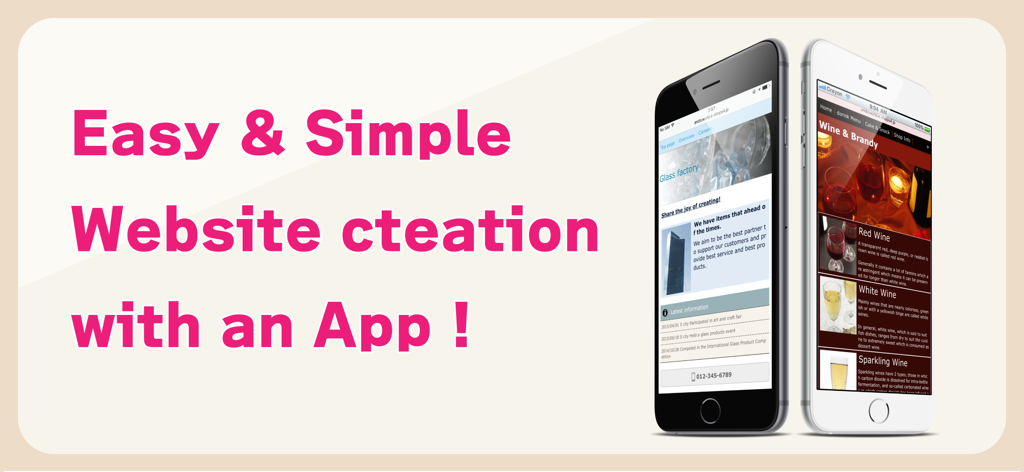
Crayon – Create a website - 간편하고 쉬운 웹사이트 제작 앱 홍보 배너. 유리 공장과 와인 가게의 모바일 웹사이트가 특징이며 '앱으로 간편하고 쉬운 웹사이트 제작'이라는 문구가 있습니다.
간편하고 쉬운 웹사이트 제작 앱 홍보 배너. 유리 공장과 와인 가게의 모바일 웹사이트가 특징이며 '앱으로 간편하고 쉬운 웹사이트 제작'이라는 문구가 있습니다.

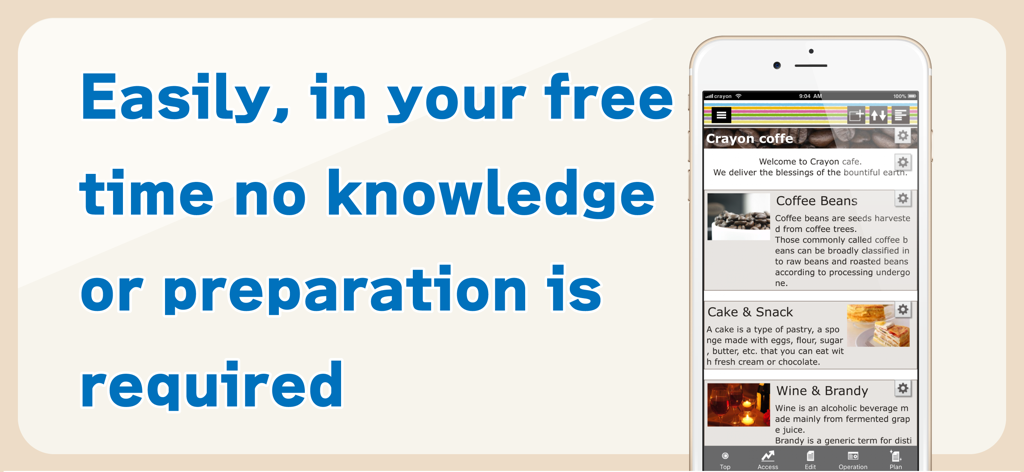
Crayon – Create a website - 기술 지식 없이도 쉽게 웹사이트를 구축할 수 있는 Crayon 앱 인터페이스를 보여주는 스마트폰
기술 지식 없이도 쉽게 웹사이트를 구축할 수 있는 Crayon 앱 인터페이스를 보여주는 스마트폰

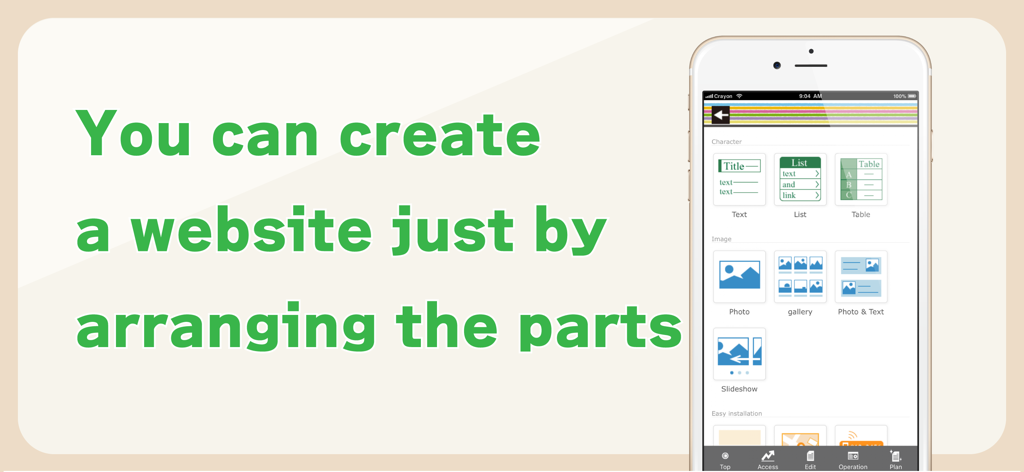
Crayon – Create a website - 텍스트 및 사진 배치와 같은 구성 요소를 배치하여 웹사이트를 구축하는 Crayon 앱 인터페이스를 보여주는 스마트폰 화면
텍스트 및 사진 배치와 같은 구성 요소를 배치하여 웹사이트를 구축하는 Crayon 앱 인터페이스를 보여주는 스마트폰 화면

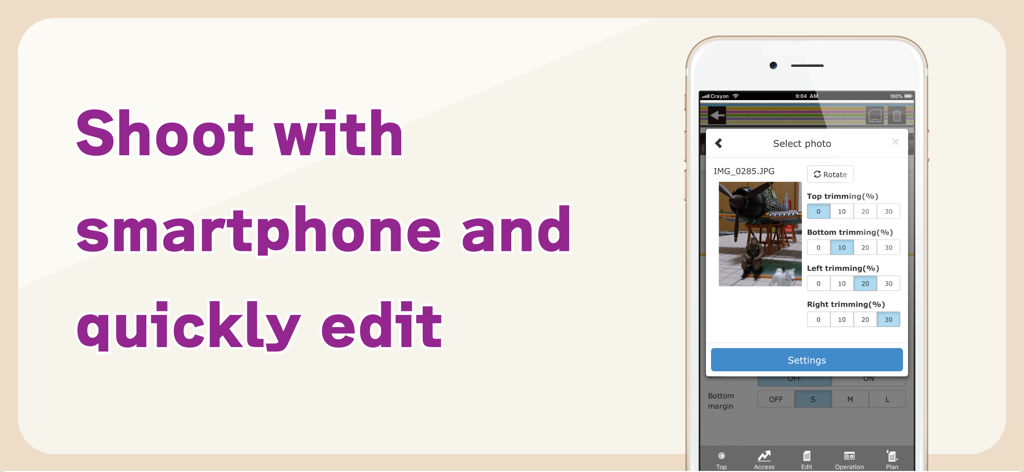
Crayon – Create a website - Crayon 웹사이트 빌더 앱 내에서 사진 자르기 및 편집 도구를 보여주는 스마트폰 화면
Crayon 웹사이트 빌더 앱 내에서 사진 자르기 및 편집 도구를 보여주는 스마트폰 화면

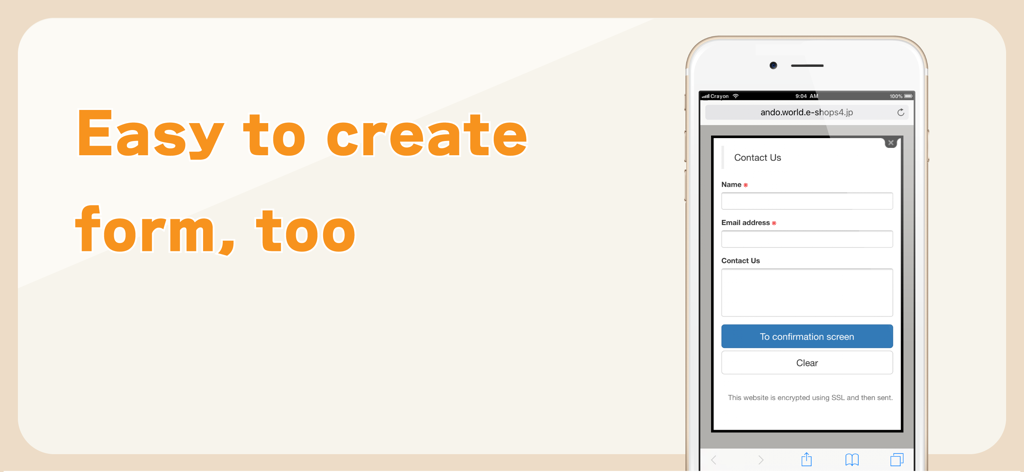
Crayon – Create a website - Crayon 웹사이트 빌더 앱으로 생성된 이름과 이메일 필드가 있는 간단한 연락처 양식을 표시하는 모바일 인터페이스.

Crayon 웹사이트 빌더 앱으로 생성된 이름과 이메일 필드가 있는 간단한 연락처 양식을 표시하는 모바일 인터페이스.

설명

You can create a fully-fledged website and update it with simple operations. Complete the website just by arranging the selected photos, text and maps. You can tap the portion you want to modify or revise while viewing the website and change it on the spot. You can make these websites for stores, companies, groups, unions as well as websites for your hobbies. Many websites are created under the "Free plan", however if you upgrade to the "Paid plan", you will be able to utilize many useful functions. You can also use your own domain. -------------- We recently celebrated our second anniversary. Thank you to all of you. We are getting approximately 6000 new users monthly. -------------- [How to create a website] Arrange the parts and create a website. When writing any text, just place the text parts and set the sentences in those parts. Select font color, background color, font size and design. A screen is also simple to make. When you want to post photos, just select the photo parts and photos taken with your smartphone. Trimming (cutting) and rotation can be done after selecting a photo. You can change the order, or replicate and delete parts that you have placed. [Recommendations] ◊ Contact You can receive queries and contacts from users who are viewing your website. You can use it as an application form for products and services as well. You can easily change and add the input form and use it as a questionnaire as well. ◊ Phone number You can set a phone call button. This is useful in case of contact by phone. ◊ Slideshow You can display multiple images in a specific order. Recommended to use this on the HOME page to make it better. ◊ Map You can easily add a map (GoogleMAP). It is a highly functional map where you can zoom-in/ zoom-out and move with your fingers. ◊ HTML (Paid plan) This part is for advanced users who can write HTML code. You can place a blog part such as Twitter's timeline. [Free plan] With this plan, you can use our service for free. Most websites are available on the "Free plan". [Paid plan](Light) This plan offers you the use of multiple images and pages. You can write HTML code on your own and you can also use Google Analytics. The amount will vary by country. Paid plan subscriptions purchased in-app renew Every 3 months depending. Paid plans are priced at $39.99USD 3 months (pricing may vary in countries other than the U.S.). Payment will be charged to iTunes Account at confirmation of purchase. Subscription automatically renews unless auto-renew is turned off at least 24-hours before the end of the current period. Account will be charged for renewal within 24-hours prior to the end of the current period, and identify the cost of the renewal. Subscriptions may be managed by the user and auto-renewal may be turned off by going to the user’s Account Settings after purchase. [Own domain] If you change to "Paid plan", you can set already owned domains. You can choose a domain by yourself. [Future version-up] We are planning to add many more functions and designs, and improve usability of the management screen. Terms of service https://crayonsite.e-shops.jp/kiyaku_en.html privacy policy https://crayonsite.e-shops.jp/privacy_en.html

Download

다운로드: App Store

이 페이지는 앱이나 개발자의 공식 페이지가 아니며, 정보 제공 및 논평을 목적으로 작성된 독립 편집 간행물입니다. 명시적으로 달리 언급되지 않는 한, 해당 앱이나 개발자는 MWM, Apple, Google Play, 앱 퍼블리셔 또는 앱 개발자와 제휴, 보증, 후원, 승인 또는 공식적으로 연결되어 있지 않으며, 이 페이지의 어떤 내용도 해당 앱이 MWM의 서비스를 사용하여 개발되었음을 의미하지 않습니다. 모든 상표, 로고, 스크린샷 및 기타 콘텐츠는 해당 소유자의 자산입니다.