
이 페이지는 앱이나 개발자의 공식 페이지가 아니며, 정보 제공 및 논평을 목적으로 작성된 독립 편집 간행물입니다. 명시적으로 달리 언급되지 않는 한, 해당 앱이나 개발자는 MWM, Apple, Google Play, 앱 퍼블리셔 또는 앱 개발자와 제휴, 보증, 후원, 승인 또는 공식적으로 연결되어 있지 않으며, 이 페이지의 어떤 내용도 해당 앱이 MWM의 서비스를 사용하여 개발되었음을 의미하지 않습니다. 모든 상표, 로고, 스크린샷 및 기타 콘텐츠는 해당 소유자의 자산입니다.

Diamond Painting: Antistress
가장 사실적인 디지털 공예 취미를 경험하세요. 스트레스를 해소하도록 설계된 보석의 부드러운 빛으로 멋지고 깔끔한 걸작을 만드세요.
다운로드
75K+사용자 평점
총 평가 수
400개발사
카테고리
Lifestyle지원 언어
11최신 버전
1.51.0크기
349.3 MB출시일
2025년 7월 2일창의적인 차분함의 개인적인 오아시스
가장 사실적인 디지털 다이아몬드 페인팅 경험으로 긴장을 풀고, 깔끔함 없이 스트레스를 해소하고 창의력을 발휘하도록 설계되었습니다.
놀라운 3D 반짝임
화면을 기울일 때 실제와 같은 광택을 경험하고, 각 보석이 실제 걸작처럼 반짝이게 하세요.
순수한 스트레스 없는 흐름
스마트 색상 강조 표시와 정밀 도구로 좌절감에 작별을 고하고 편안하고 명상적인 상태를 유지하세요.
자주 묻는 질문
에 대해 알아야 할 모든 것 Diamond Painting: Antistress
다이아몬드 페인팅: 안티스트레스는 무엇인가요?
다이아몬드 페인팅: 안티스트레스는 디지털 다이아몬드 색칠 앱입니다. 수제 콘텐츠로 사실적이고 편안한 경험을 제공하며, 사용자가 긴장을 풀고 창의력을 발휘하도록 돕도록 설계되었습니다.
다이아몬드 페인팅: 안티스트레스에서 Apple Pencil을 사용할 수 있나요?
네, 다이아몬드 페인팅: 안티스트레스에서 Apple Pencil을 다이아몬드 도구로 사용할 수 있습니다. 더블 탭하여 하나의 다이아몬드 배치와 여러 다이아몬드 팁 사용 간에 전환할 수 있습니다.
다이아몬드 페인팅: 안티스트레스에서 색상을 어디에 배치해야 하는지 어떻게 알 수 있나요?
다이아몬드 페인팅: 안티스트레스에서 팔레트의 색상을 탭하면 해당 색상의 배치 영역이 강조 표시됩니다. 캔버스의 한 지점을 탭하면 일치하는 모든 영역이 즉시 표시됩니다. Apple Pencil의 더블 탭도 이 기능을 제공합니다.
다이아몬드 페인팅: 안티스트레스 앱은 무료인가요?
네, 다이아몬드 페인팅: 안티스트레스의 거의 모든 것이 무료입니다. 사용자는 그림을 그리고, 별을 얻고, 레벨을 올리거나 코인을 수집하여 더 많은 콘텐츠를 잠금 해제합니다. 구독은 추가적인 보너스를 제공합니다.
다이아몬드 페인팅: 안티스트레스는 얼마나 자주 새로운 아트워크를 추가하나요?
다이아몬드 페인팅: 안티스트레스에는 매일 새로운 아트워크가 추가됩니다. 사용자는 신선할 때 이를 청구할 수 있지만, 구독자만 이전의 일일 콘텐츠에 액세스할 수 있습니다.
다이아몬드 페인팅: 안티스트레스 구독자는 어떤 혜택을 받나요?
다이아몬드 페인팅: 안티스트레스 구독자는 수많은 보너스에 액세스할 수 있습니다. 여기에는 독점 그림, 모든 일일 콘텐츠 액세스, 광고 없는 경험이 포함됩니다.
다이아몬드 페인팅: 안티스트레스의 월간 구독 가격은 얼마인가요?
다이아몬드 페인팅: 안티스트레스의 월간 구독 플랜은 $14.99부터 시작합니다. 이 금액은 한 달에 한 번 청구됩니다. 가격과 이용 가능 여부는 달라질 수 있습니다.
다이아몬드 페인팅: 안티스트레스 구독을 어떻게 취소하나요?
다이아몬드 페인팅: 안티스트레스 구독 또는 무료 체험판은 언제든지 iTunes 계정 설정을 통해 취소할 수 있습니다. 취소는 현재 기간이 종료되기 최소 24시간 전에 이루어져야 합니다.
다이아몬드 페인팅: 안티스트레스는 사실적인 다이아몬드 반짝임 효과를 제공하나요?
네, 다이아몬드 페인팅: 안티스트레스는 사실적인 반짝임 효과를 특징으로 합니다. 사용자는 기기를 기울여 디지털 다이아몬드가 실제 다이아몬드처럼 빛나는 것을 볼 수 있습니다.
다음 스크린샷과 설명은 앱의 공식 스토어 목록에서 직접 가져온 것이며 앱 개발자의 자산입니다.
앱 스토어
스크린샷
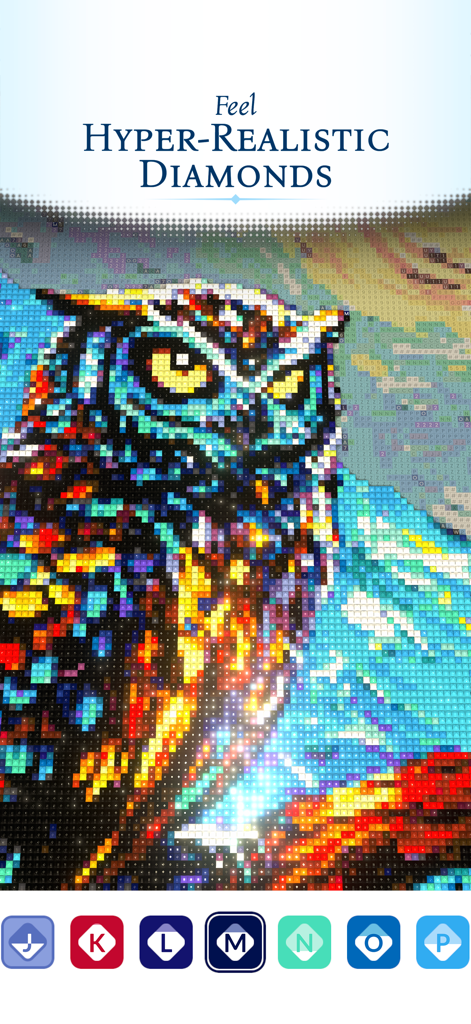
반짝이는 효과와 색상 아이콘이 있는 다채로운 올빼미 다이아몬드 페인팅
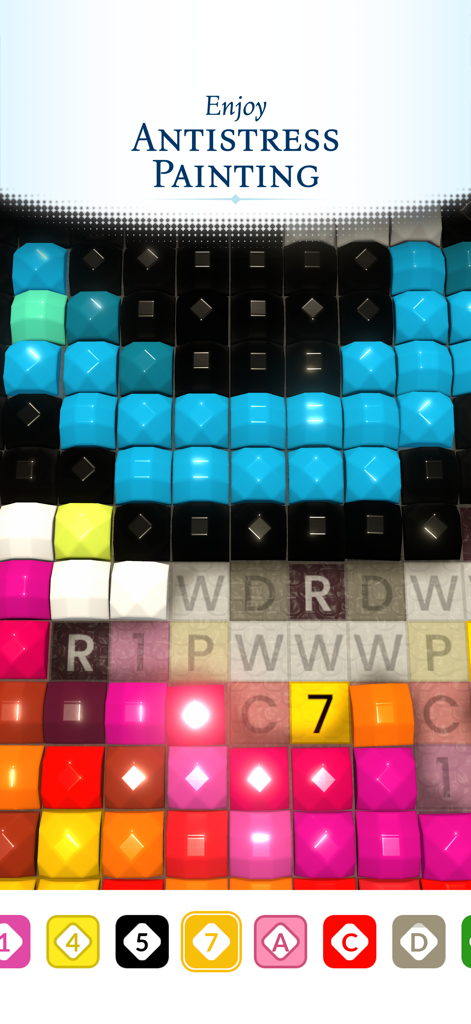
문자가 있는 그리드에 다채로운 3D 보석이 배치되는 것을 보여주는 디지털 다이아몬드 페인팅 인터페이스
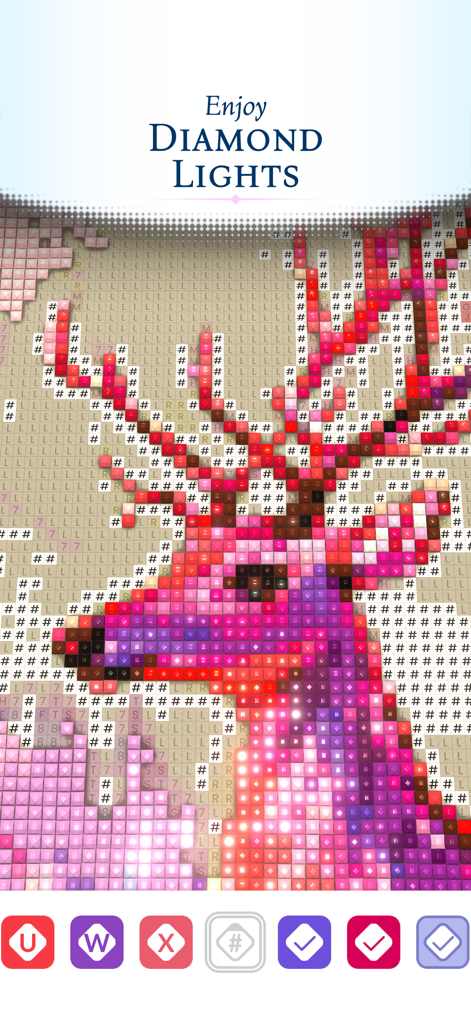
다채로운 사슴 머리를 보여주는 반짝이는 디지털 다이아몬드 페인팅 클로즈업
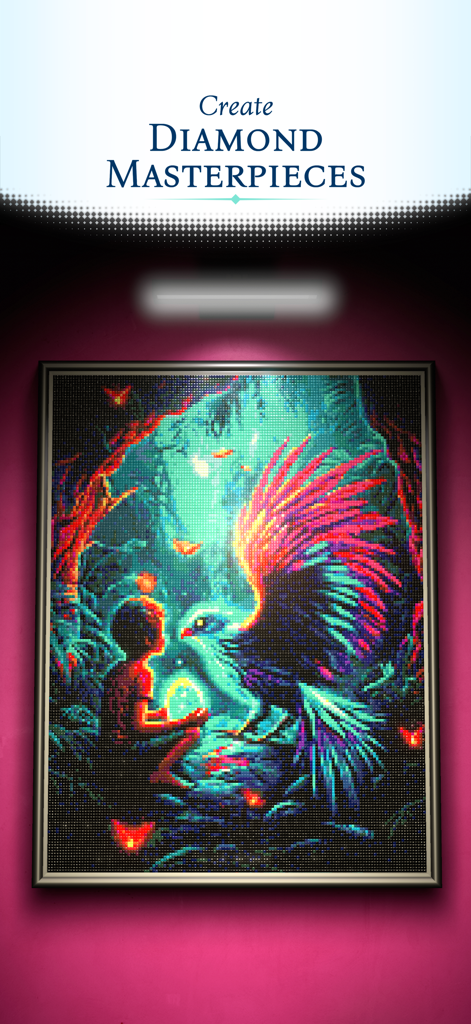
소년과 생생한 새를 보여주는 다채로운 다이아몬드 페인팅 걸작.
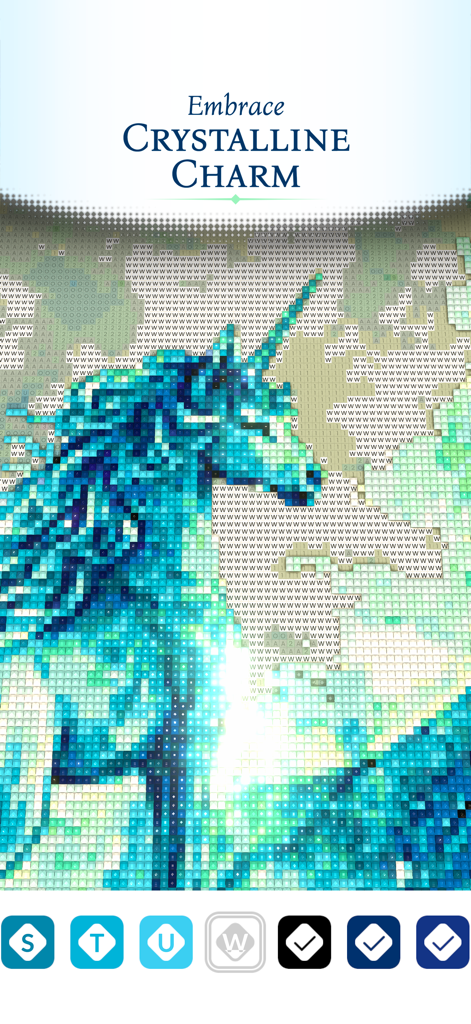
결정적인 반짝임 효과가 있는 파란색 유니콘의 디지털 다이아몬드 페인팅
설명
Download
비슷한 앱
유사한 기능과 사용자 경험을 가진 앱
Happy Color by Numbers Game
X-FLOW LTD
Zen Color - Color By Number
OAKEVER GAMES PTE. LTD.
Color Oasis - Color by Number
Talefun Technologies Limited
Color Up: Color By Number
CQGAMING INTERACTIVE (HONG KONG) LIMITED
Meme Color: Paint by Number
WOOHOO LIMITED

Color Therapy Coloring Number
Miinu Limited
Paint by Number: Coloring Game
Wildlife Studios, Inc
Mandala Coloring Book Game
少婷 余
Diamond Painting by Number
EYEWIND LIMITED.
이 페이지는 앱이나 개발자의 공식 페이지가 아니며, 정보 제공 및 논평을 목적으로 작성된 독립 편집 간행물입니다. 명시적으로 달리 언급되지 않는 한, 해당 앱이나 개발자는 MWM, Apple, Google Play, 앱 퍼블리셔 또는 앱 개발자와 제휴, 보증, 후원, 승인 또는 공식적으로 연결되어 있지 않으며, 이 페이지의 어떤 내용도 해당 앱이 MWM의 서비스를 사용하여 개발되었음을 의미하지 않습니다. 모든 상표, 로고, 스크린샷 및 기타 콘텐츠는 해당 소유자의 자산입니다.