이 페이지는 앱이나 개발자의 공식 페이지가 아니며, 정보 제공 및 논평을 목적으로 작성된 독립 편집 간행물입니다. 명시적으로 달리 언급되지 않는 한, 해당 앱이나 개발자는 MWM, Apple, Google Play, 앱 퍼블리셔 또는 앱 개발자와 제휴, 보증, 후원, 승인 또는 공식적으로 연결되어 있지 않으며, 이 페이지의 어떤 내용도 해당 앱이 MWM의 서비스를 사용하여 개발되었음을 의미하지 않습니다. 모든 상표, 로고, 스크린샷 및 기타 콘텐츠는 해당 소유자의 자산입니다.
Drambo
현대 모바일 프로듀서를 위해 설계된 강력한 케이블 없는 모듈러 환경으로 사용자 지정 신디사이저를 제작하고, 복잡한 비트를 만들고, 워크플로우를 혁신하세요.
Drambo is your all-in-one sound laboratory that adapts to your workflow: build beats as a groovebox, design synths, or transform audio with effects — standalone or inside your favorite DAW.
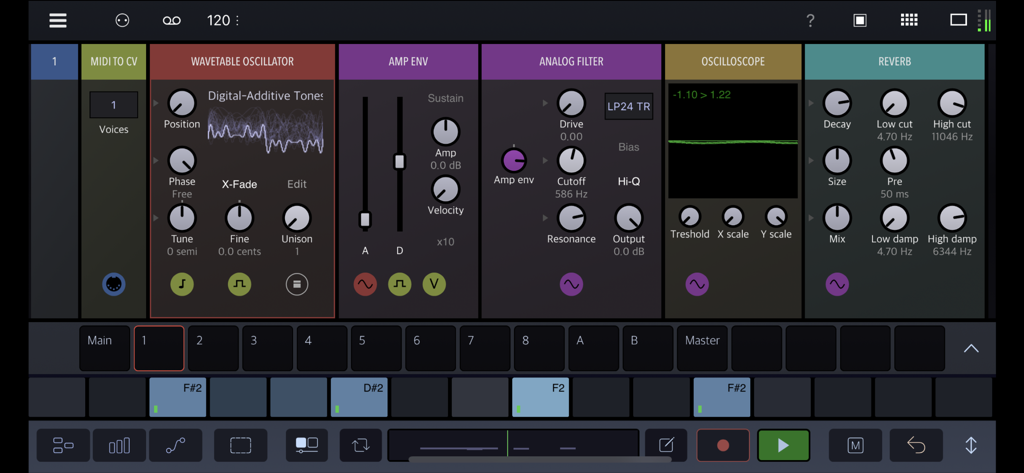
At the core of Drambo is a fresh approach to modular design that makes creating with modules easy, fun, and accessible. Connections happen automatically as you add or move modules, so there are no messy cables to slow you down. The interface adapts to your workflow, generating modulation controls when you need them, and even lets modules contain other modules for perfect organization. You’re always free to override the automatic connections — but most of the time, you can just dive in, experiment, and shape sounds without getting tangled in wires.
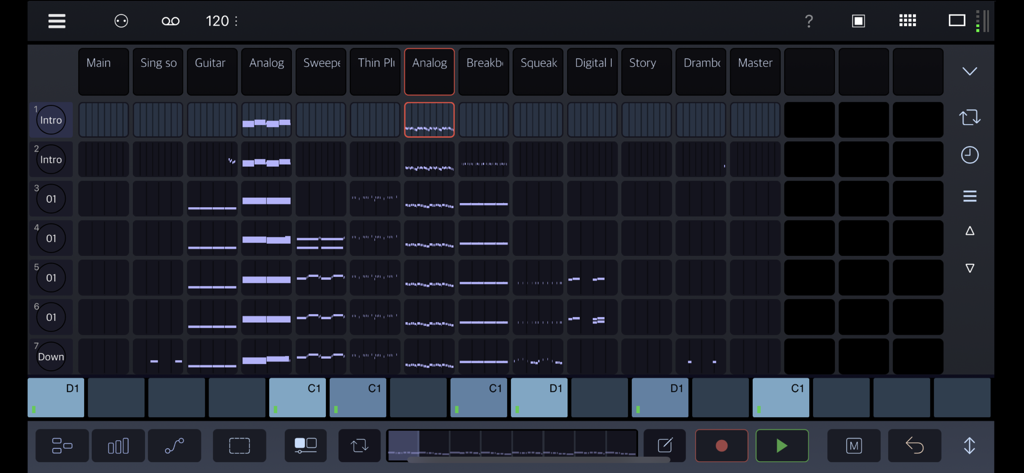
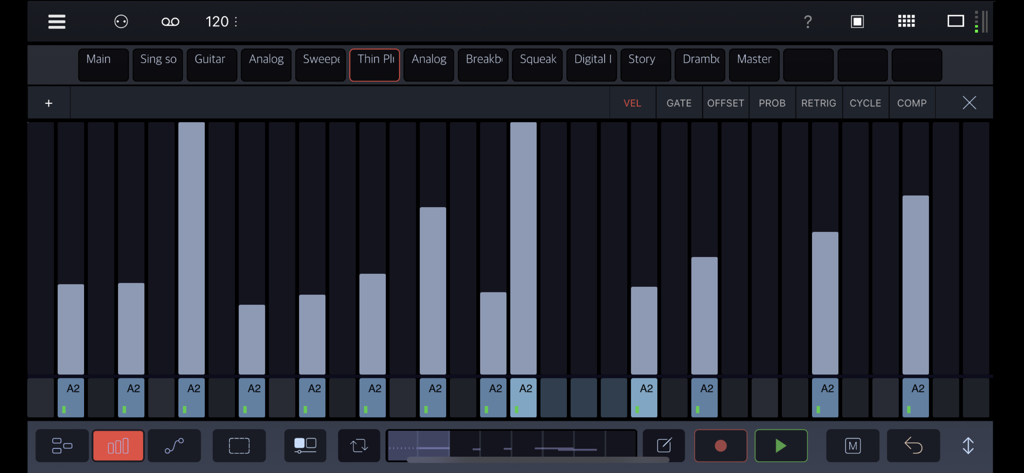
Use a deep and innovative sequencer to compose patterns and whole tracks, for production or live performance. Go beyond simple looping sequences with parameter locking, conditional step components, parameters automation and powerful scene morphing. Drambo works equally well as a self-contained standalone app or audio unit plugin with audio and MIDI connectivity as an AUV3 instrument, audio effect and MIDI effect. No modular experience necessary to get started playing with preset sounds and effects.
"Drambo changes the face of iOS music apps." Cult of Mac
You can use Drambo as
• A complete music production and performance environment
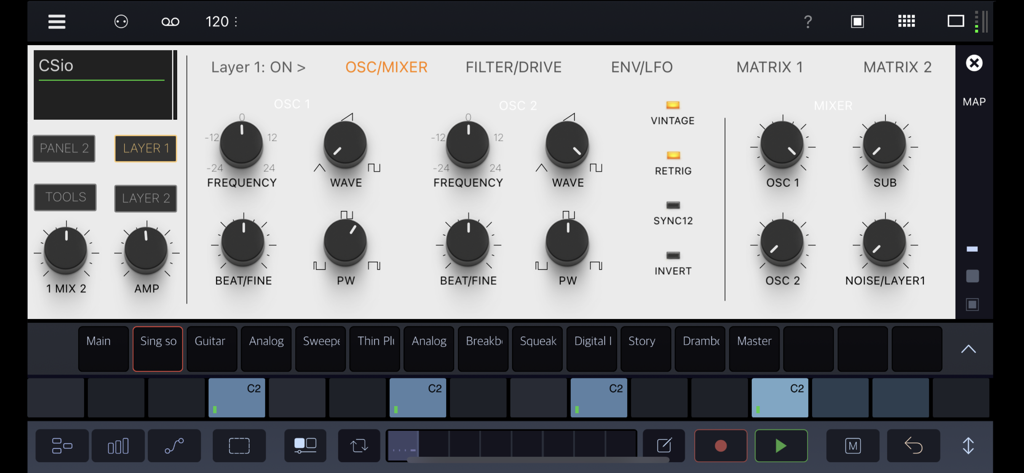
• Endless modular playground, that allows you to build, modify and store custom instruments and effects. For instance: build a custom synth, sample and resample, build a Theremin using a gyroscope module, or turn your table into a playable surface, by processing microphone input with physical modelling modules. Get weird or make functional instruments and tools.
• MIDI sequencer, that works with hardware and AUv3 instruments (e.g. Drambo sequences other instruments in an AU host app). Moreover Drambo can generate custom MIDI CC messages or modulation signals to control modular synths via DC coupled interfaces.
• AUv3 synthesizer, effect or sequencer in other DAWs. Drambo can replace a lot of audio plugins. For instance: you may use it as a chorus, phaser, reverb, filter, equalizer, complex modular delay, decimator, frequency shifter, MIDI effect or complex modulator for other synths. You may combine, modulate and sequence them in no time.
Features:
• Polyphonic, stereo processing and audio-rate modulation. All signals are equal. Up to 16 voices per modular instrument rack.
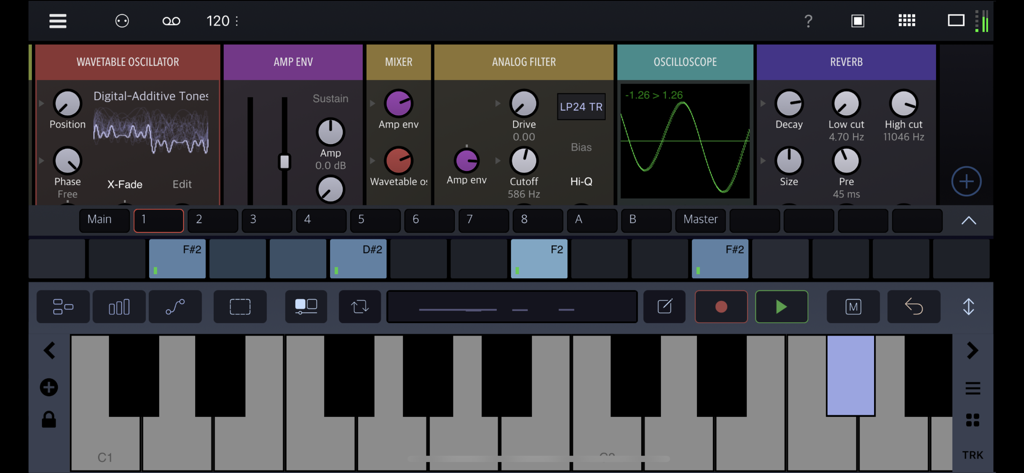
• Unique modular concept: cable-less, drag'n'drop, color coding dynamic interface, automatic connections, and customizable compact, rack views.
• Directional flow makes Drambo routing and patching straightforward. Signal flows only left to right, so there are no instant feedback routings in Drambo. Delayed feedback is possible using certain modules.
• Simple and clean interface, that scales to every size and device orientation
• Over 140 modules available, such as: oscillators, samplers, physical modelling modules, LFOs, envelope generators, filters, audio effects, mixers, MIDI processors, sequencers and math functions. (Includes a macro oscillator based on the famous Eurorack Plaits module, with 24 synth engines)
• Custom modular racks that can be nested, with presets at the track, rack, and module level.
• Clip launcher / song arrager.
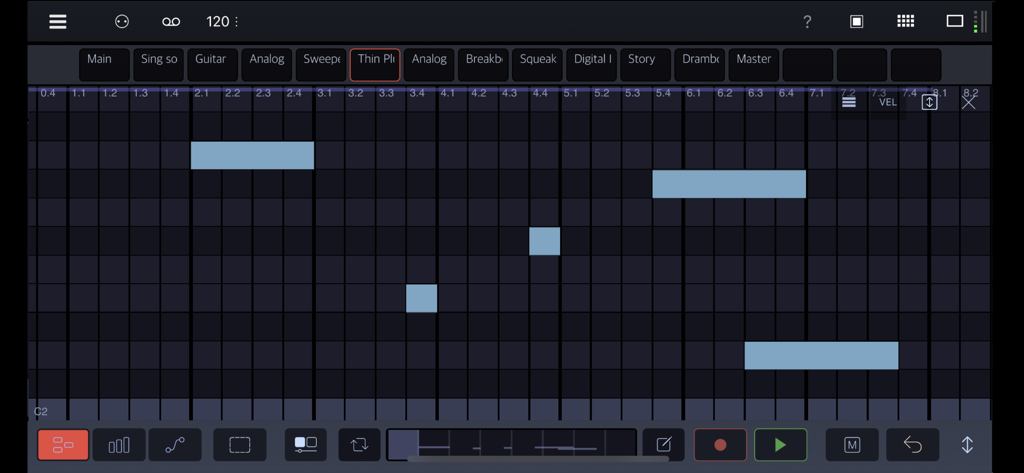
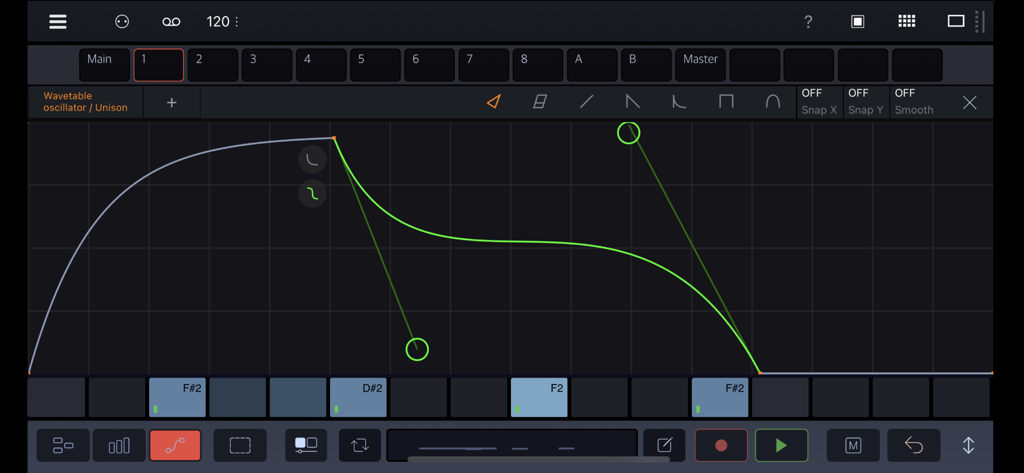
• 16-tracks, polyphonic sequencer with parameter locks, automation and step components. 8 dedicated step sequence editor types, piano-roll, powerful automation designer with drawing modes and cubic Bezier curves.
• Audio Units hosting ( standalone app only )
• Morph groups: you can morph many parameters using a single slider.
• Available as a standalone app, AUv3 instrument, effect and MIDI effect.
• MIDI, MPE and Ableton Link support
With Drambo, you are in charge. Create the music from your vision to reality.
Visit the BeepStreet page for help and tutorials, and Patchstorage for community content.
이 페이지는 앱이나 개발자의 공식 페이지가 아니며, 정보 제공 및 논평을 목적으로 작성된 독립 편집 간행물입니다. 명시적으로 달리 언급되지 않는 한, 해당 앱이나 개발자는 MWM, Apple, Google Play, 앱 퍼블리셔 또는 앱 개발자와 제휴, 보증, 후원, 승인 또는 공식적으로 연결되어 있지 않으며, 이 페이지의 어떤 내용도 해당 앱이 MWM의 서비스를 사용하여 개발되었음을 의미하지 않습니다. 모든 상표, 로고, 스크린샷 및 기타 콘텐츠는 해당 소유자의 자산입니다.