Draw Board on whiteboard pad
다운로드: App Store

이 페이지는 앱이나 개발자의 공식 페이지가 아니며, 정보 제공 및 논평을 목적으로 작성된 독립 편집 간행물입니다. 명시적으로 달리 언급되지 않는 한, 해당 앱이나 개발자는 MWM, Apple, Google Play, 앱 퍼블리셔 또는 앱 개발자와 제휴, 보증, 후원, 승인 또는 공식적으로 연결되어 있지 않으며, 이 페이지의 어떤 내용도 해당 앱이 MWM의 서비스를 사용하여 개발되었음을 의미하지 않습니다. 모든 상표, 로고, 스크린샷 및 기타 콘텐츠는 해당 소유자의 자산입니다.


로고: Draw Board on whiteboard pad
다운로드: App Store

Draw Board on whiteboard pad

프로젝트 매니저, 교육자, 가족을 위한 미니멀한 도구입니다. 복잡함 없이 사진에 주석을 달고, 명확한 다이어그램을 만들고, 비전을 즉시 공유하세요.

주요 수치

다운로드

20K+

사용자 평점

4.3/5

총 평가 수

500

개발사

勇强 温

카테고리

Business

지원 언어

2

최신 버전

3.3

크기

11.2 MB

출시일

2016년 11월 28일
기능

모든 아이디어를 시각적 현실로 바꾸세요

전문가와 가족 모두를 위해 설계된 그리기 보드는 강력한 주석 도구와 방해 요소가 없는 캔버스를 결합하여 명확하고 창의적인 소통을 돕습니다.

전문적인 사진 주석

사진에 정밀한 화살표, 도형, 텍스트를 간편하게 추가하세요. 현장 점검, 프로젝트 피드백 또는 주요 세부 사항을 몇 초 만에 강조하는 데 적합합니다.

방해 요소 없는 화이트보드

아이디어를 최우선으로 생각하는 미니멀한 캔버스입니다. 브러시 크기와 알파 투명도를 사용자 정의하여 복잡함 없이 스케치, 다이어그램 작성 또는 교육을 진행하세요.

다음 스크린샷과 설명은 앱의 공식 스토어 목록에서 직접 가져온 것이며 앱 개발자의 자산입니다.

앱 스토어

스크린샷
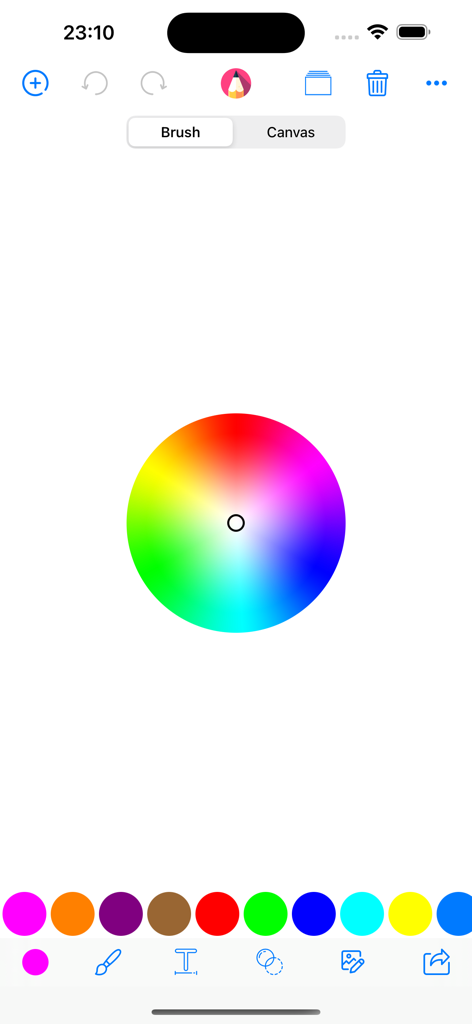
Draw Board on whiteboard pad - 중앙의 컬러 휠과 다양한 브러시 도구 옵션을 보여주는 그리기 보드 앱의 색상 선택 인터페이스
중앙의 컬러 휠과 다양한 브러시 도구 옵션을 보여주는 그리기 보드 앱의 색상 선택 인터페이스

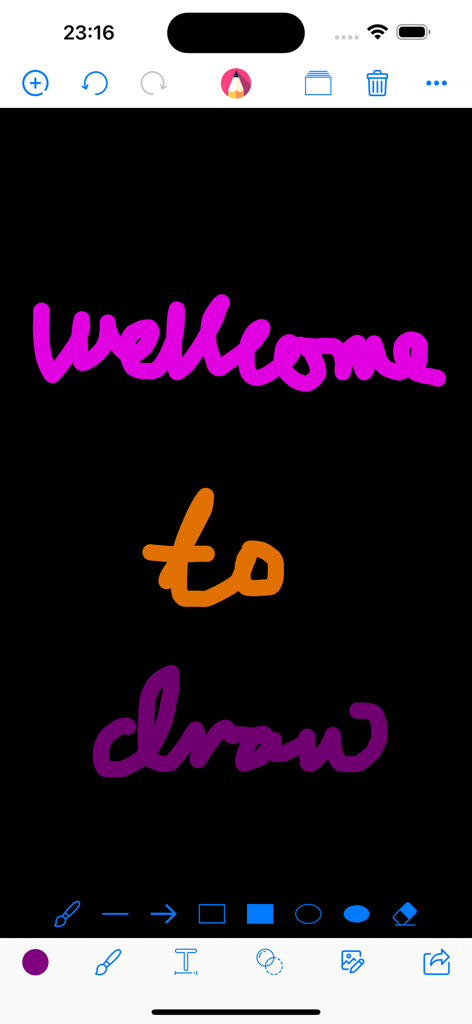
Draw Board on whiteboard pad - 상단과 하단에 드로잉 도구가 있고 다채로운 손글씨 텍스트가 적힌 검은색 캔버스를 보여주는 디지털 드로잉 앱 인터페이스
상단과 하단에 드로잉 도구가 있고 다채로운 손글씨 텍스트가 적힌 검은색 캔버스를 보여주는 디지털 드로잉 앱 인터페이스

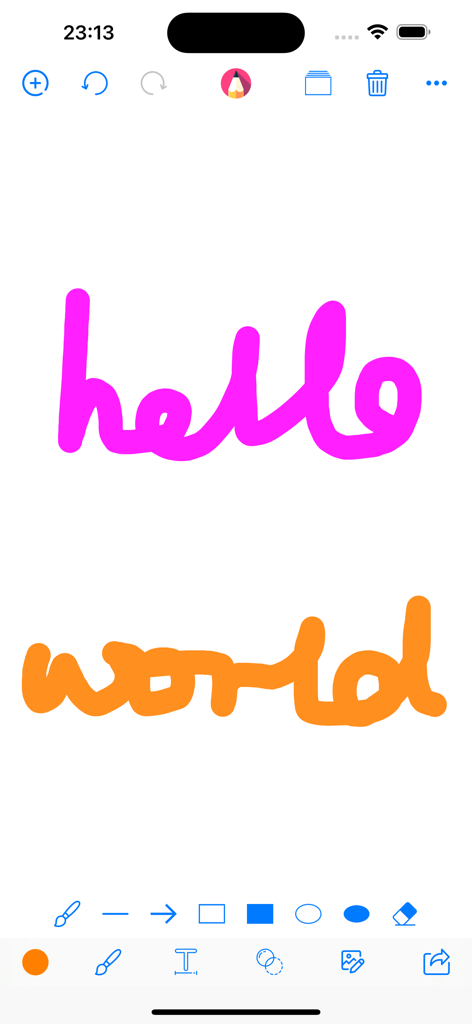
Draw Board on whiteboard pad - 드로잉 도구가 있는 디지털 화이트보드 캔버스에 손으로 쓴 hello world 텍스트
드로잉 도구가 있는 디지털 화이트보드 캔버스에 손으로 쓴 hello world 텍스트

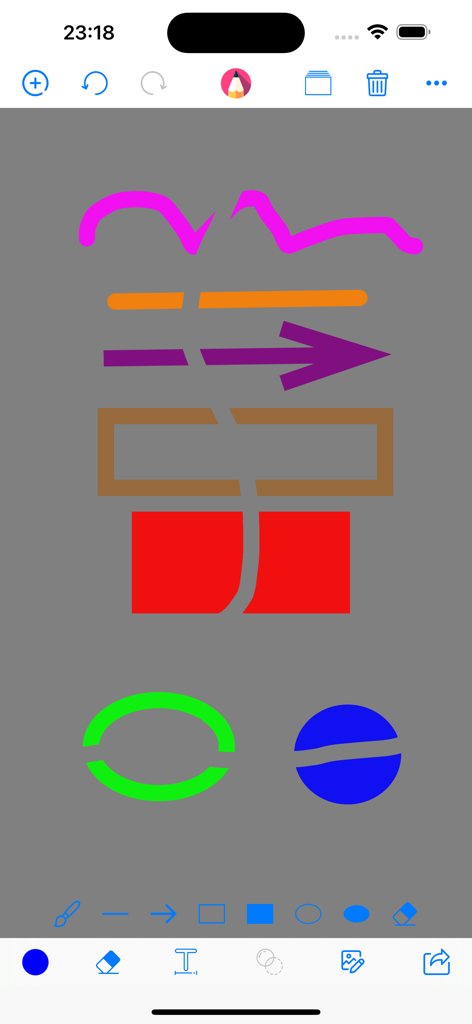
Draw Board on whiteboard pad - 회색 배경에 다채로운 도형과 지우개 도구를 보여주는 그리기 보드 앱의 드로잉 인터페이스
회색 배경에 다채로운 도형과 지우개 도구를 보여주는 그리기 보드 앱의 드로잉 인터페이스

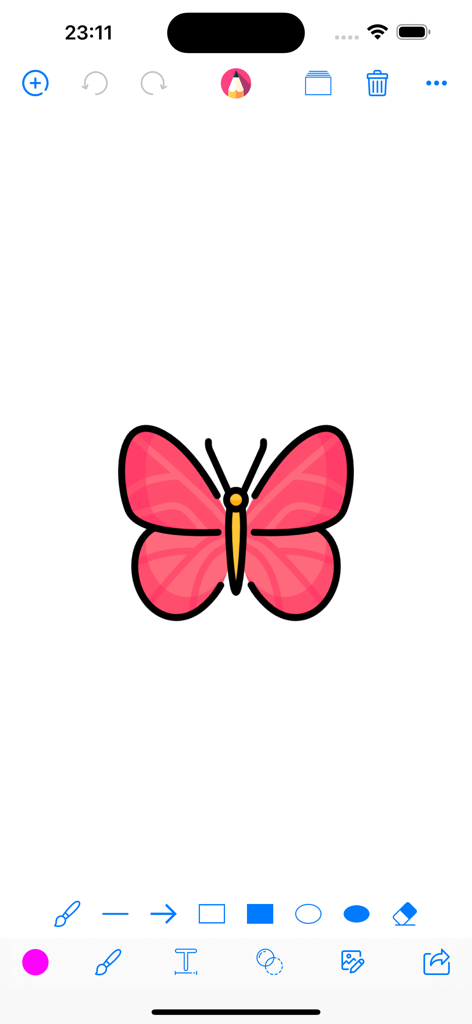
Draw Board on whiteboard pad - 화면 상단과 하단에 다양한 일러스트레이션 도구가 있고 분홍색 나비 그림이 그려진 디지털 화이트보드 인터페이스

화면 상단과 하단에 다양한 일러스트레이션 도구가 있고 분홍색 나비 그림이 그려진 디지털 화이트보드 인터페이스

설명

Draw Board Key Features: * Draw on whiteboard, blank canvas or your photos, pictures & images with Pen, Line, Arrow, Rect(Stroke), Rect(Fill), Ellipse(Stroke), Ellipse(Fill), Eraser. * Edit your photos, pictures & images with Filter, Adjustment, Effect, Blur & Focus, Rotate, Draw, Splash, Crop, Resize, ToneCurve, Sticker, Emotions, Text. * Draw everything what you want with the tools and colors what you like. * Custom the size(0-50) of your drawing tools. * Custom the alpha(0-1) of your drawing colors. * Undo, Redo, Clear and Wipe off drawing actions. * Add blank paper to your canvas restart your drawings. * Change the background color by pressing on the ColorsPicker. * Remember your last used marker colors and sizes and your canvas color. * Import photos from your album or take pictures through camera or choose images from template to trace, annotate, and have fun with them. * Save your drawings to your Photos Library. * Print your drawings to AirPrint enabled printers. * Draw together and share with your friends and family through the social media app. Just send your drawing to them and they can open it and draw on it too and then send it back. We just think that everybody love it so much because it's no extra stuff to get in the way, everyone just can be totally immersed in drawing and editing. Our simple goal is just to make the funny and easy to use this drawing and editing app for kids and everyone who like drawing and editing. We will go on to improve it with your reviews, feedbacks, supports. We will be so happy if you and someone you know who both enjoy using it. Please rate it to support us to do better and for more people can find, download, use and enjoy it. Please share it with your friends and family members to help for getting the word out. Please send email to us and let us know how you use it, also send us your drawings, questions, concerns and feedbacks.

Download

다운로드: App Store

이 페이지는 앱이나 개발자의 공식 페이지가 아니며, 정보 제공 및 논평을 목적으로 작성된 독립 편집 간행물입니다. 명시적으로 달리 언급되지 않는 한, 해당 앱이나 개발자는 MWM, Apple, Google Play, 앱 퍼블리셔 또는 앱 개발자와 제휴, 보증, 후원, 승인 또는 공식적으로 연결되어 있지 않으며, 이 페이지의 어떤 내용도 해당 앱이 MWM의 서비스를 사용하여 개발되었음을 의미하지 않습니다. 모든 상표, 로고, 스크린샷 및 기타 콘텐츠는 해당 소유자의 자산입니다.








