DTNEXT
DTNEXT
다운로드: App Store

이 페이지는 앱이나 개발자의 공식 페이지가 아니며, 정보 제공 및 논평을 목적으로 작성된 독립 편집 간행물입니다. 명시적으로 달리 언급되지 않는 한, 해당 앱이나 개발자는 MWM, Apple, Google Play, 앱 퍼블리셔 또는 앱 개발자와 제휴, 보증, 후원, 승인 또는 공식적으로 연결되어 있지 않으며, 이 페이지의 어떤 내용도 해당 앱이 MWM의 서비스를 사용하여 개발되었음을 의미하지 않습니다. 모든 상표, 로고, 스크린샷 및 기타 콘텐츠는 해당 소유자의 자산입니다.

로고: DTNEXT
다운로드: App Store

DTNEXT

The Daily Thanthi Group의 신뢰받는 유산을 현대적인 e-페이퍼로 경험해 보세요. 속보부터 심층 분석까지, 디지털 복제판, 오디오 뉴스, 365일 아카이브를 통해 고향과 소통하세요. 모든 콘텐츠는 영어로 제공됩니다.

주요 수치

다운로드

4K+

사용자 평점

4.9/5

총 평가 수

100

개발사

The Daily Thanthi

카테고리

News

지원 언어

1

최신 버전

11.1

크기

54.0 MB

출시일

2016년 4월 1일
기능

타밀나두와의 매일의 연결

미국에서의 삶과 고향 사이의 거리를 좁혀주는 첸나이의 가장 신뢰받는 영문 뉴스 소스로 최신 정보를 받아보세요.

정통 신문 경험

전통 신문의 친숙한 느낌과 현대적인 디지털 내비게이션을 제공하는 고화질 e-페이퍼 복제판으로 아침 루틴을 유지하세요.

출퇴근길을 위한 핸즈프리 뉴스

운전 시간을 생산적인 업데이트 시간으로 바꾸세요. 'Listen to Your Paper' 기능을 사용해 그날의 주요 헤드라인과 정치 분석을 전문적인 내레이션으로 들어보세요.

다음 스크린샷과 설명은 앱의 공식 스토어 목록에서 직접 가져온 것이며 앱 개발자의 자산입니다.

앱 스토어

스크린샷
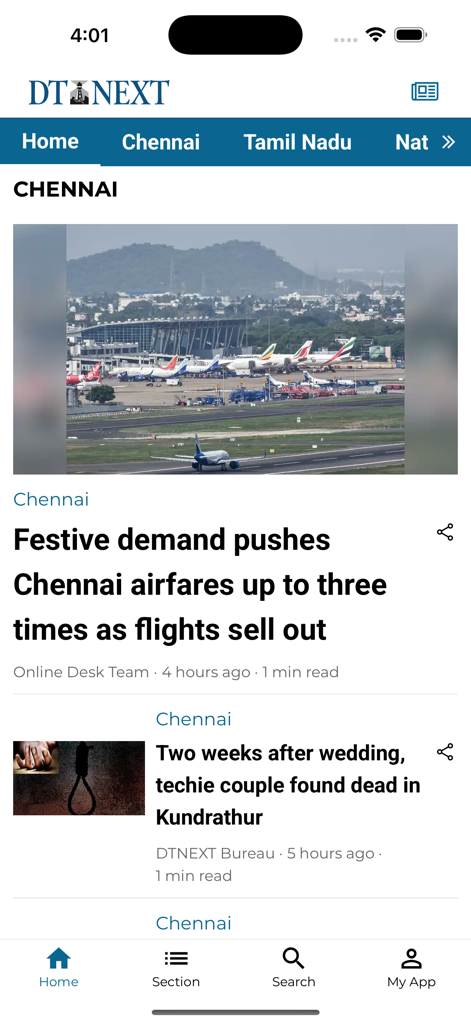
DTNEXT - 첸나이 지역 뉴스 헤드라인과 공항 이미지를 보여주는 DTNEXT 모바일 앱 인터페이스
첸나이 지역 뉴스 헤드라인과 공항 이미지를 보여주는 DTNEXT 모바일 앱 인터페이스

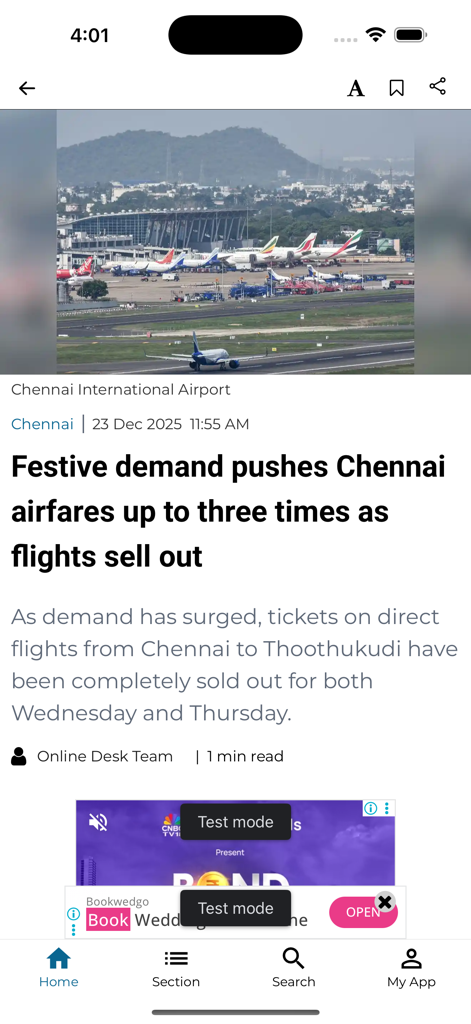
DTNEXT - 첸나이 국제공항 항공권 가격에 관한 기사를 보여주는 DTNEXT 뉴스 앱
첸나이 국제공항 항공권 가격에 관한 기사를 보여주는 DTNEXT 뉴스 앱

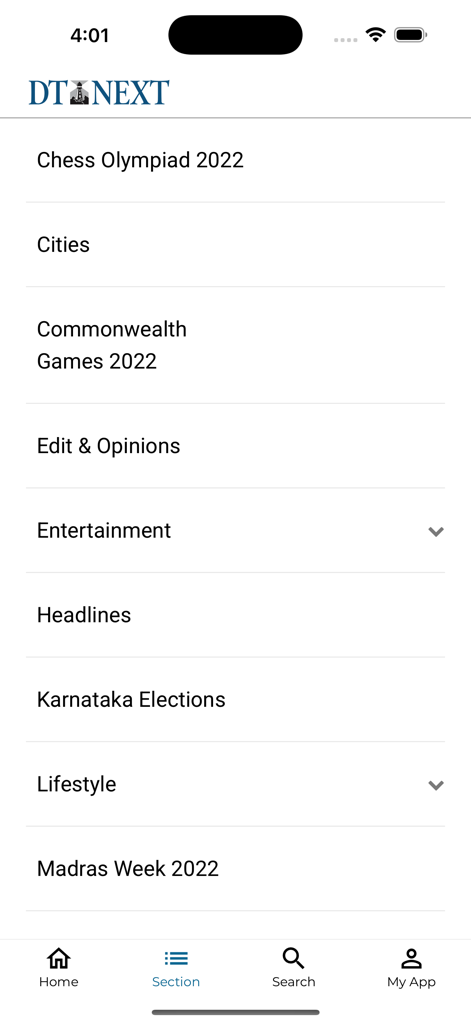
DTNEXT - 엔터테인먼트와 헤드라인을 포함한 뉴스 카테고리 목록을 보여주는 DTNEXT 앱 인터페이스
엔터테인먼트와 헤드라인을 포함한 뉴스 카테고리 목록을 보여주는 DTNEXT 앱 인터페이스

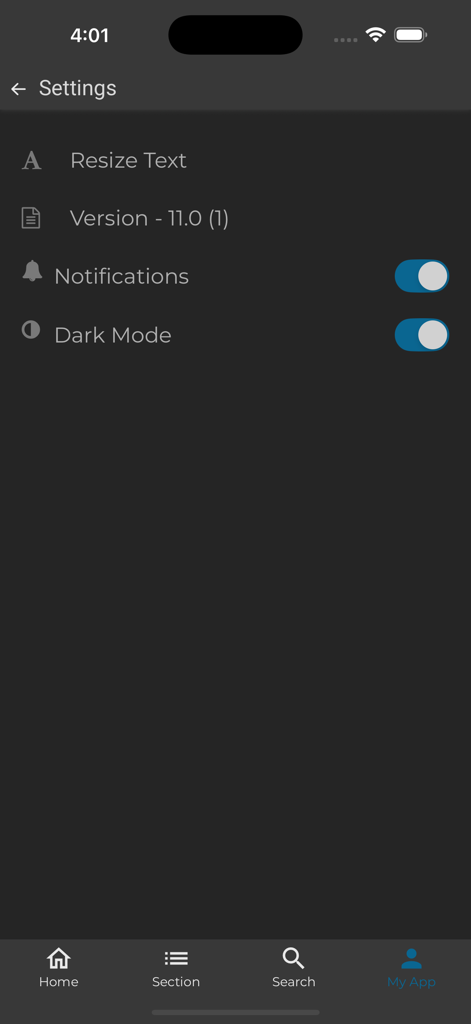
DTNEXT - 다크 모드 알림 토글과 텍스트 크기 조절 옵션이 있는 DTNEXT 앱 설정 화면

다크 모드 알림 토글과 텍스트 크기 조절 옵션이 있는 DTNEXT 앱 설정 화면

설명

DT Next is your daily source for English news across politics, sports, films and features. Part of the Daily Thanthi Group, we bring you everything Chennai and Tamil Nadu – from the latest headlines to in-depth political analysis, from where the city eats to the stories that capture its pulse. Stay informed with all things Tamil Nadu at your fingertips. The highly interactive new DT Next e-paper and app is a full-featured print replica with digital elements intact. The easy-to-use interface lets you flip leisurely through the pages like a newspaper, search and share articles easily. A glimpse of DT Next e-paper's new features: 1. Page View Pageview presents your content in the same format as the original paper in print. You can jump to different newspaper sections with the use of the index located at the bottom of the screen. To make reading easier in this mode, scroll up to zoom in and down to zoom out over the desired article. 2. Browse Through Old Issues Remember that great article you read but forgot to bookmark? You can still now browse through 365 days of archives using the calendar located in the e-paper section. You can select any newspaper you want to read by date. 5. Smart Flow SmartFlow mode makes it easier for you to read content on your devices. The horizontal flow allows for seamless reading. 6. Listen to Your Paper Have individual articles or full issues read out loud to you if you are travelling or on the go. 7. Adjust the size or font type with one touch. You can adjust the brightness too. The hybrid app combines the ease-of-use of any news app, presenting news articles and updates by the minute. Download the free app today. Follow us for the latest news on DT Next official and verified social media handles: Twitter: https://twitter.com/dt_next Instagram: https://www.instagram.com/dt_next/?hl=en YouTube: https://www.youtube.com/c/DTNextNews Facebook: https://www.facebook.com/dtnext/

Download

다운로드: App Store

이 페이지는 앱이나 개발자의 공식 페이지가 아니며, 정보 제공 및 논평을 목적으로 작성된 독립 편집 간행물입니다. 명시적으로 달리 언급되지 않는 한, 해당 앱이나 개발자는 MWM, Apple, Google Play, 앱 퍼블리셔 또는 앱 개발자와 제휴, 보증, 후원, 승인 또는 공식적으로 연결되어 있지 않으며, 이 페이지의 어떤 내용도 해당 앱이 MWM의 서비스를 사용하여 개발되었음을 의미하지 않습니다. 모든 상표, 로고, 스크린샷 및 기타 콘텐츠는 해당 소유자의 자산입니다.