
이 페이지는 앱이나 개발자의 공식 페이지가 아니며, 정보 제공 및 논평을 목적으로 작성된 독립 편집 간행물입니다. 명시적으로 달리 언급되지 않는 한, 해당 앱이나 개발자는 MWM, Apple, Google Play, 앱 퍼블리셔 또는 앱 개발자와 제휴, 보증, 후원, 승인 또는 공식적으로 연결되어 있지 않으며, 이 페이지의 어떤 내용도 해당 앱이 MWM의 서비스를 사용하여 개발되었음을 의미하지 않습니다. 모든 상표, 로고, 스크린샷 및 기타 콘텐츠는 해당 소유자의 자산입니다.


Family Tree Maker Offline
클라우드 없이 사진으로 채워진 아름다운 가족 관계도를 만드세요. 고품질 PDF로 내보내 다음 가족 모임 시 인쇄하고 역사를 기기에 안전하게 보관하세요.
다운로드
2K+사용자 평점
총 평가 수
0개발사
카테고리
Lifestyle지원 언어
1최신 버전
1.029크기
7.9 MB출시일
2025년 2월 2일가족 유산 보존
완벽한 오프라인 개인 정보 보호로 유산을 기록하고, 사진을 정리하고, 아름다운 인쇄 기념품을 만드는 가장 쉬운 방법입니다.
항상 오프라인, 완벽한 개인 정보 보호
가족의 역사는 당신의 것입니다. 인터넷 연결 없이 전체 관계도를 구축하여 민감한 데이터가 기기를 벗어나지 않도록 하세요.
아름다운 인쇄 기념품 만들기
사용자 지정 가능한 크기와 색상으로 관계도를 PDF로 내보내세요. 다음 가족 모임에서 인쇄, 액자, 선물하기에 완벽합니다.
다음 스크린샷과 설명은 앱의 공식 스토어 목록에서 직접 가져온 것이며 앱 개발자의 자산입니다.
앱 스토어
스크린샷
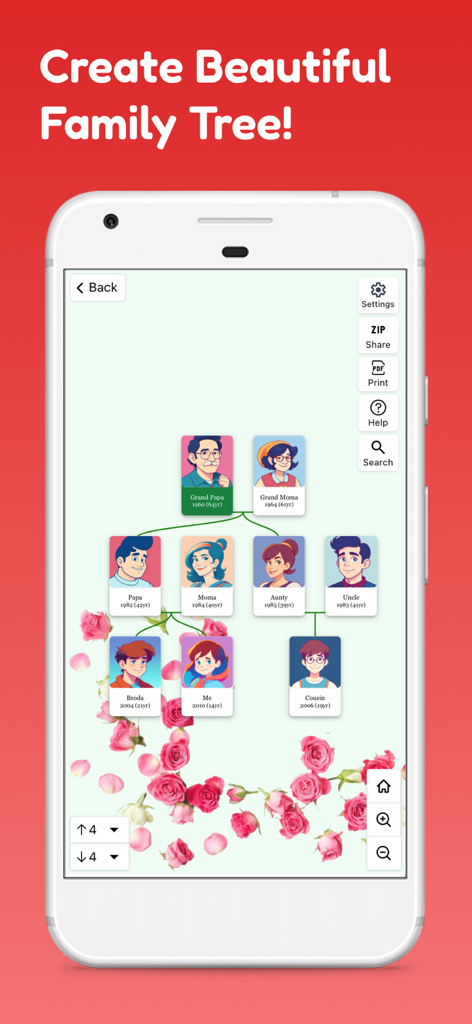
사진과 꽃 배경이 있는 여러 세대의 가족 관계도를 보여주는 모바일 앱 인터페이스
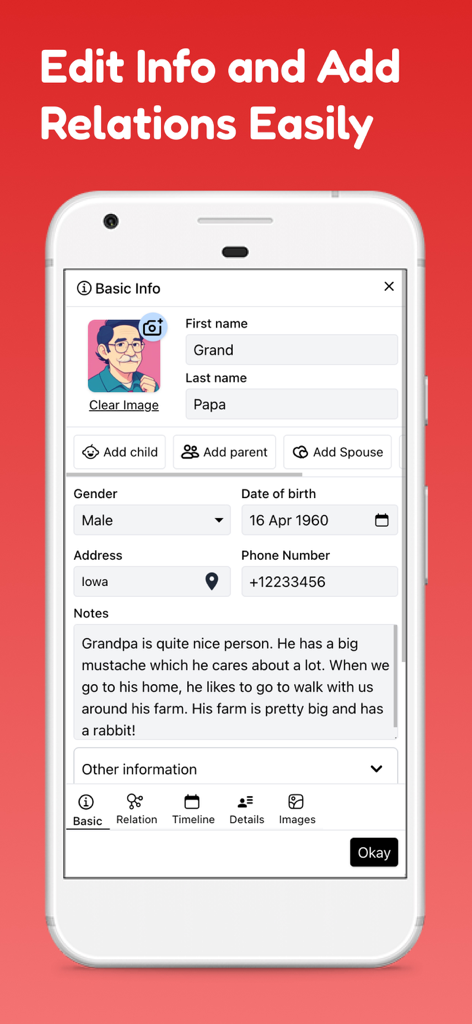
이름, 관계, 개인 메모가 포함된 회원 프로필 편집을 보여주는 Family Tree Maker Offline 앱 인터페이스
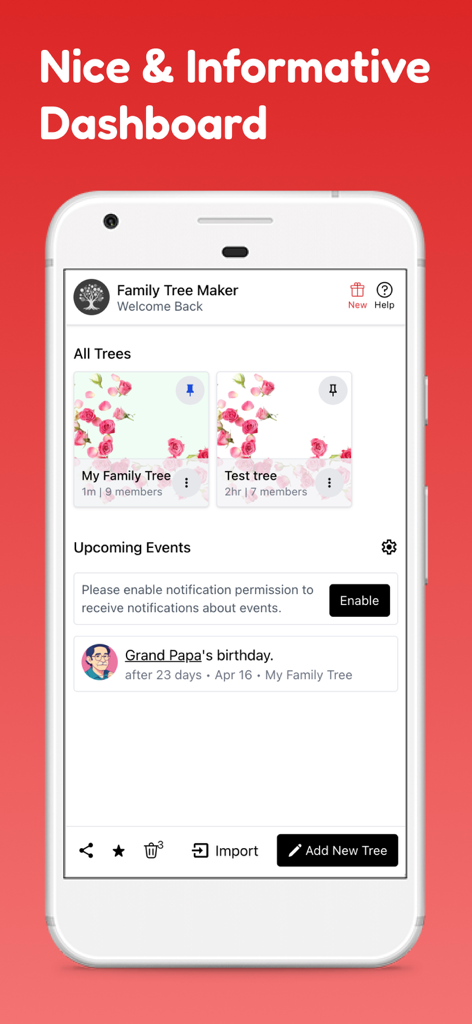
다양한 가족 관계도와 다가오는 생일 이벤트를 보여주는 Family Tree Maker Offline 앱 대시보드
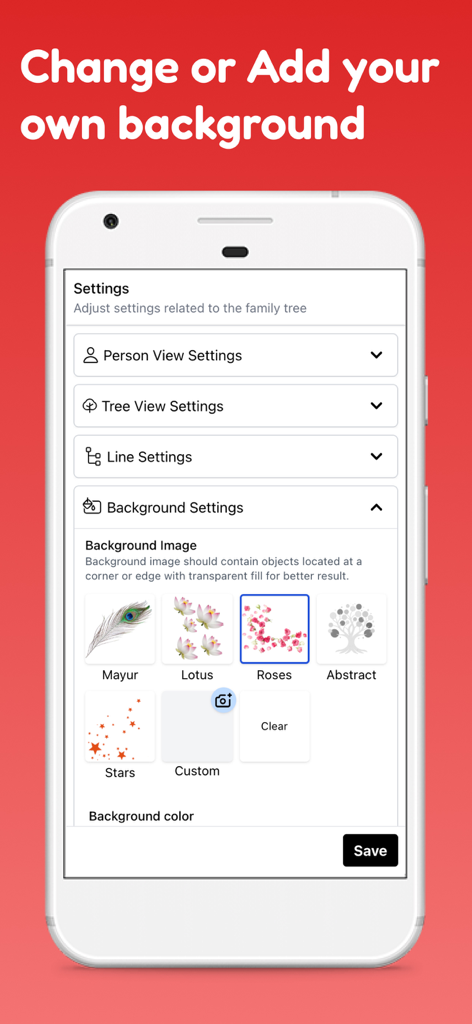
가족 관계도를 위한 다양한 장식 이미지 및 색상 옵션을 보여주는 Family Tree Maker Offline 앱의 배경 설정 화면
설명
Download
비슷한 앱
같은 카테고리의 상위 앱

Pinterest, Inc.

Alipay - Simplify Your Life
Alipay (Hangzhou) Technology Co., Ltd.

美团-美好生活小帮手
Sankuai Technology Co., Ltd.

Dianping: Discover Good Places
Hanhai Information Technology (Shanghai) Co.Ltd

Lemon8 - Lifestyle Community
TIKTOK PTE. LTD.

Xiaomi Home
Beijing Xiaomi Co., Ltd

Tinder Dating App: Date & Chat
Tinder LLC

VNeTraffic
GLOBAL TECHNOLOGY - TELECOMMUNICATIONS CORPORATION

SmartThings
Samsung Electronics Co., Ltd.
이 페이지는 앱이나 개발자의 공식 페이지가 아니며, 정보 제공 및 논평을 목적으로 작성된 독립 편집 간행물입니다. 명시적으로 달리 언급되지 않는 한, 해당 앱이나 개발자는 MWM, Apple, Google Play, 앱 퍼블리셔 또는 앱 개발자와 제휴, 보증, 후원, 승인 또는 공식적으로 연결되어 있지 않으며, 이 페이지의 어떤 내용도 해당 앱이 MWM의 서비스를 사용하여 개발되었음을 의미하지 않습니다. 모든 상표, 로고, 스크린샷 및 기타 콘텐츠는 해당 소유자의 자산입니다.