
이 페이지는 앱이나 개발자의 공식 페이지가 아니며, 정보 제공 및 논평을 목적으로 작성된 독립 편집 간행물입니다. 명시적으로 달리 언급되지 않는 한, 해당 앱이나 개발자는 MWM, Apple, Google Play, 앱 퍼블리셔 또는 앱 개발자와 제휴, 보증, 후원, 승인 또는 공식적으로 연결되어 있지 않으며, 이 페이지의 어떤 내용도 해당 앱이 MWM의 서비스를 사용하여 개발되었음을 의미하지 않습니다. 모든 상표, 로고, 스크린샷 및 기타 콘텐츠는 해당 소유자의 자산입니다.


Feed Preview: Ig Grid Layout
크리에이터와 브랜드를 위한 최고의 그리드 플래너. 드래그 앤 드롭으로 꿈에 그리던 인스타그램 피드를 큐레이션하세요. 로그인이 필요 없어요.
다운로드
5M+사용자 평점
총 평가 수
51K+개발사
카테고리
Photo & Video지원 언어
20최신 버전
3.12.3크기
187.1 MB출시일
2019년 3월 2일완벽한 미적 감각 디자인하기
직관적인 비주얼 플래너로 인스타그램 피드를 계획, 미리보기, 완성하세요. 로그인 없이 순수한 창의적 제어권을 얻어 디지털 포트폴리오를 관리할 수 있습니다.
안전한 "로그인 없음" 액세스
비밀번호를 공유하지 않고도 공개 프로필을 미리 볼 수 있습니다. 계획하는 동안 계정을 100% 안전하게 유지하여 정지 및 해킹으로부터 보호하세요.
매끄러운 드래그 앤 드롭
게시물을 손쉽게 재정렬하여 완벽한 시각적 흐름을 찾으세요. 게시하기 전에 레이아웃과 모자이크를 실험해 보세요.
자주 묻는 질문
에 대해 알아야 할 모든 것 Feed Preview: Ig Grid Layout
Feed Preview는 내 인스타그램 피드를 계획하는 데 어떻게 도움이 될까요?
Feed Preview: Ig Grid Layout은 사진과 동영상을 추가, 삭제, 재정렬하여 인스타그램 피드를 시각적으로 계획합니다. 프로필이 어떻게 보일지 정확하게 보여주어 완벽한 미적 감각을 만드는 데 도움이 됩니다.
Feed Preview: Ig Grid Layout을 사용하려면 인스타그램 로그인이 필요한가요?
아니요, Feed Preview: Ig Grid Layout은 사용자가 인스타그램 계정에 로그인하지 않고도 인스타그램 피드를 시각적으로 계획할 수 있도록 하여 개인 정보 보호와 사용 편의성을 보장합니다.
Feed Preview로 여러 인스타그램 계정을 관리할 수 있나요?
예, Feed Preview: Ig Grid Layout을 통해 사용자는 여러 인스타그램 계정을 손쉽게 관리할 수 있습니다. 이 기능은 여러 프로필에 걸쳐 콘텐츠 계획 프로세스를 간소화합니다.
Feed Preview: Ig Grid Layout에는 어떤 편집 기능이 있나요?
Feed Preview: Ig Grid Layout은 스타일리시한 필터와 테두리가 있는 사진 편집 기능을 제공합니다. 사용자는 앱 내에서 이미지의 밝기, 대비, 채도, 선명도를 조정할 수도 있습니다.
Feed Preview: Ig Grid Layout을 사용하여 게시물을 예약할 수 있나요?
예, Feed Preview: Ig Grid Layout을 통해 사용자는 인스타그램 게시물을 미리 만들고 예약할 수 있습니다. 이렇게 하면 향후 게시를 위해 콘텐츠를 구성하고 일관성을 유지하는 데 도움이 됩니다.
Feed Preview는 인스타그램 캐러셀 계획을 지원하나요?
예, Feed Preview: Ig Grid Layout은 인스타그램 캐러셀을 만들고 계획하는 것을 지원합니다. 사용자는 여러 개의 사진을 추가하여 피드에 대한 포괄적인 여러 이미지 게시물을 디자인할 수 있습니다.
Feed Preview는 계획된 인스타그램 게시물을 어떻게 저장하나요?
Feed Preview: Ig Grid Layout에서 피드 미리 보기에 추가된 사진은 기기에 자동으로 로컬에 저장됩니다. 선택하면 인스타그램에 게시할 준비가 됩니다.
Feed Preview: Ig Grid Layout으로 어떤 인스타그램 피드든 미리 볼 수 있나요?
예, Feed Preview: Ig Grid Layout을 사용하면 사용자가 인스타그램 피드를 미리 볼 수 있습니다. 이 기능을 통해 다양한 프로필 미적 감각을 시각화하고 계획 전략을 개선할 수 있습니다.
Feed Preview는 인스타그램용 그리드 템플릿을 제공하나요?
예, Feed Preview: Ig Grid Layout은 인스타그램 피드를 사용자 정의하기 위한 그리드 템플릿을 제공합니다. 이를 통해 사용자는 고유한 시각적 레이아웃을 위해 사진을 디자인하고 배열할 수 있습니다.
Feed Preview: Ig Grid Layout에서 피드 미리 보기를 재설정할 수 있나요?
예, Feed Preview: Ig Grid Layout을 사용하면 사용자가 현재 인스타그램 피드와 일치하도록 미리 보기를 재설정할 수 있습니다. 이 기능은 앱의 레이아웃을 실시간 변경 사항을 반영하도록 즉시 업데이트합니다.
다음 스크린샷과 설명은 앱의 공식 스토어 목록에서 직접 가져온 것이며 앱 개발자의 자산입니다.
앱 스토어
스크린샷
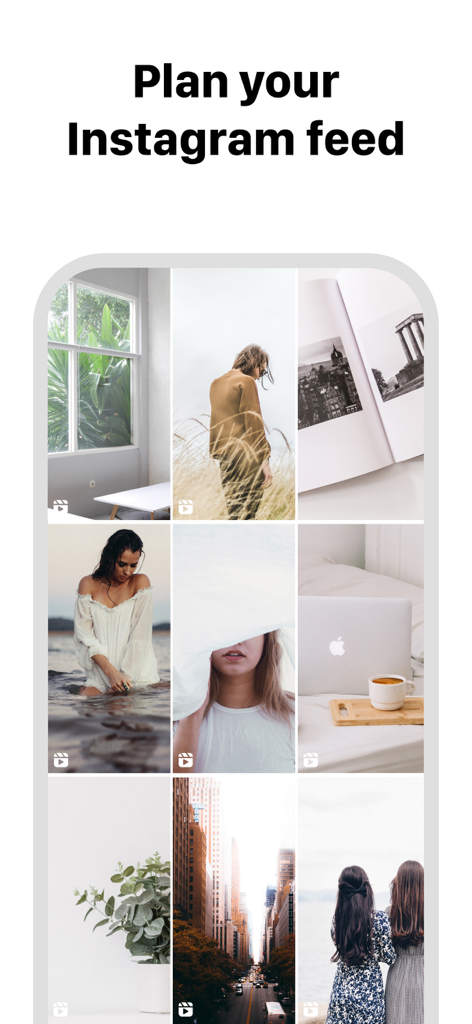
피드 계획을 위한 큐레이션된 인스타그램 그리드 레이아웃을 보여주는 모바일 인터페이스
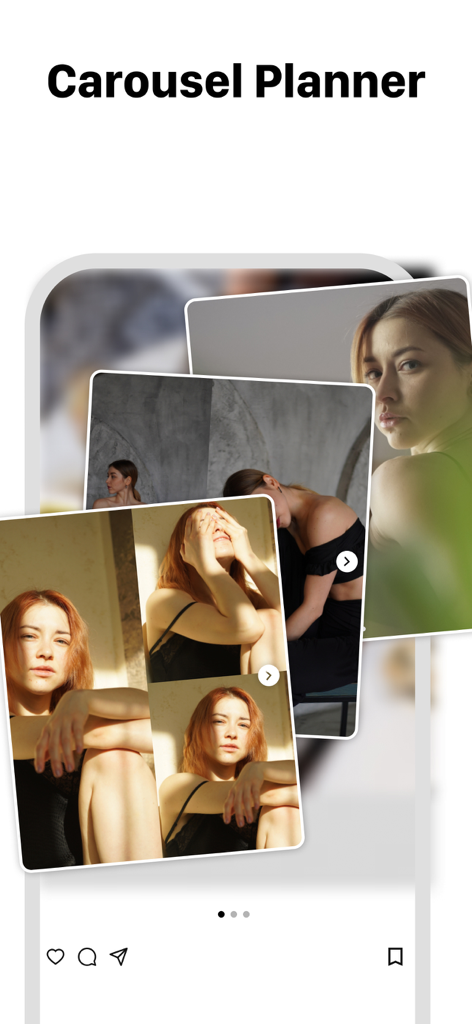
여러 개의 겹쳐진 사진이 있는 인스타그램 캐러셀 게시물 플래너를 보여주는 모바일 앱 인터페이스.
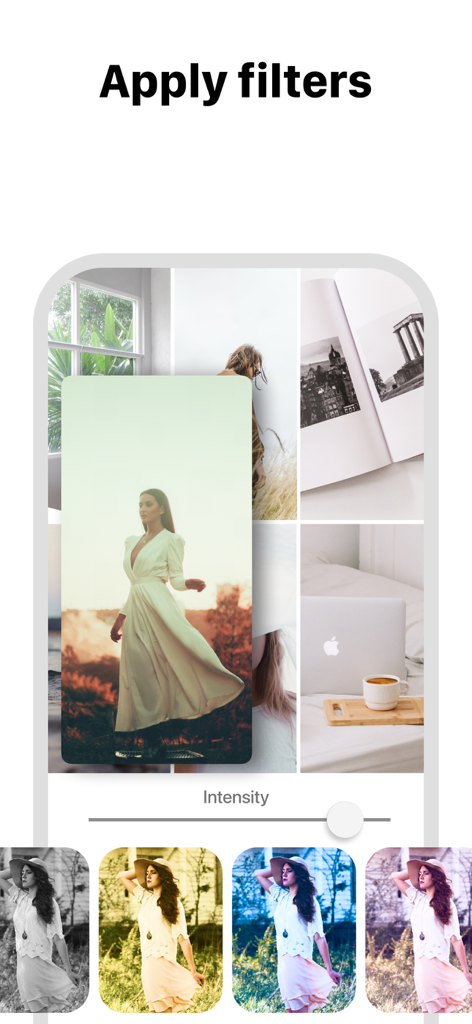
인스타그램 그리드 레이아웃 미리보기에 사진 필터를 적용하는 모습.
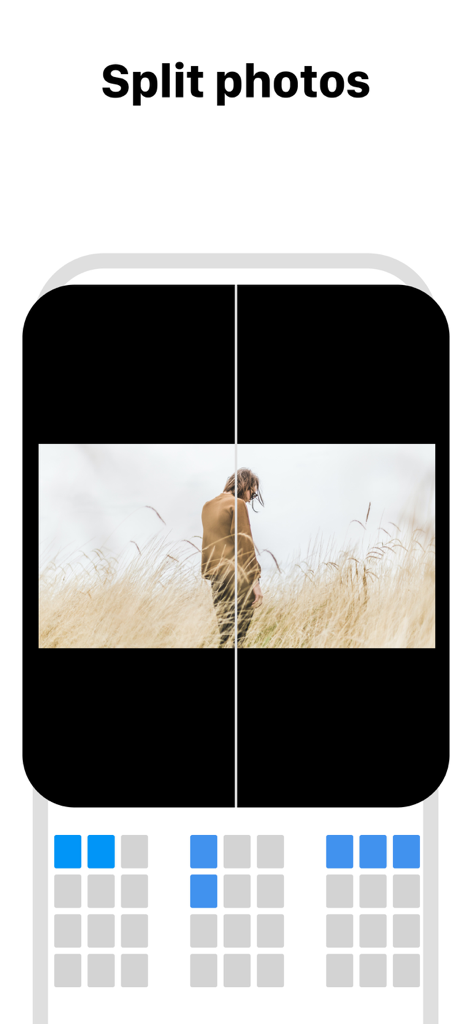
모자이크 인스타그램 그리드 레이아웃을 위해 사진을 여러 타일로 분할하는 방법을 보여주는 인터페이스
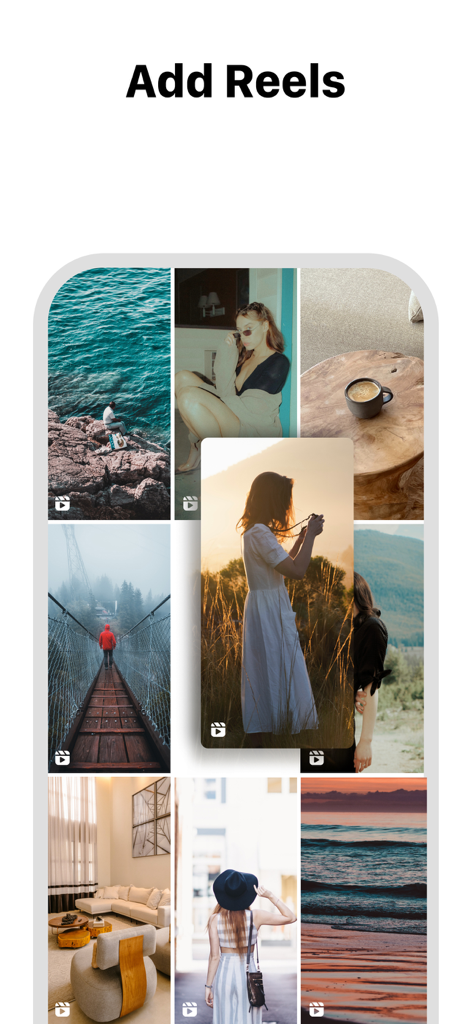
인스타그램 그리드 레이아웃에 릴을 추가하는 방법을 보여주는 Feed Preview 앱 인터페이스.
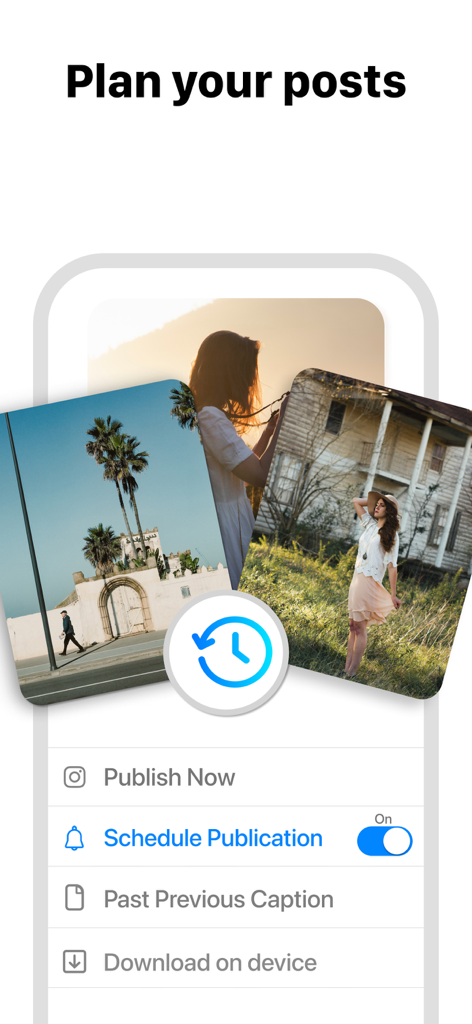
인스타그램 게시물 계획 및 예약 옵션을 보여주는 Feed Preview 앱 인터페이스.
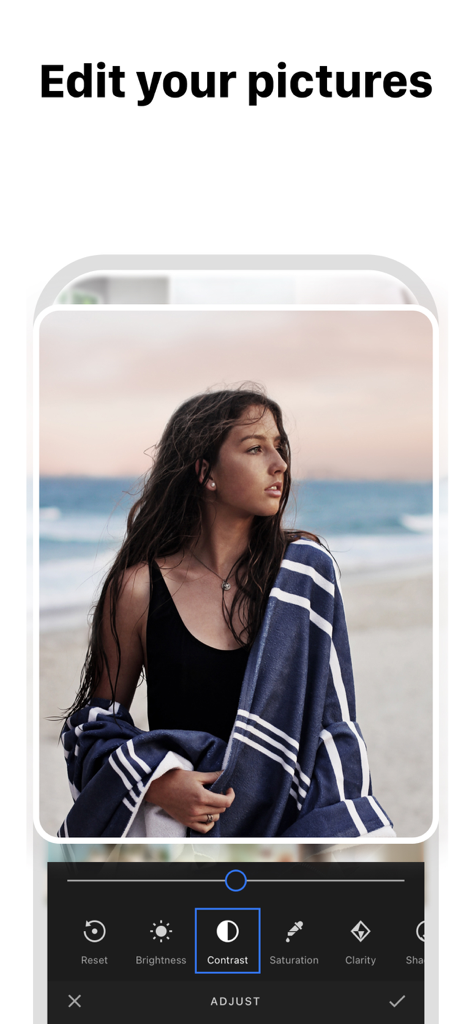
대비, 밝기, 채도와 같은 옵션이 있는 사진 편집 인터페이스를 보여주는 Feed Preview 앱의 스크린샷
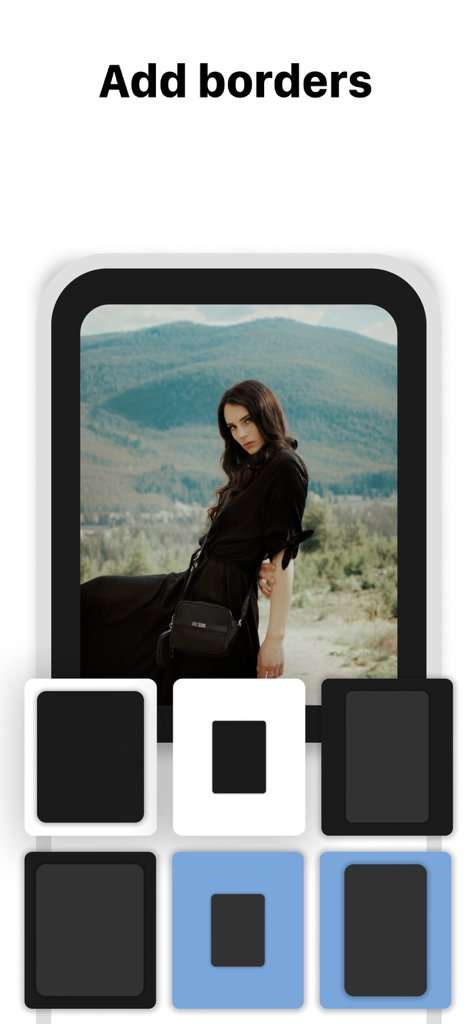
인스타그램 피드 계획 앱에서 세로 사진에 대한 다양한 테두리 옵션을 보여주는 스마트폰 인터페이스
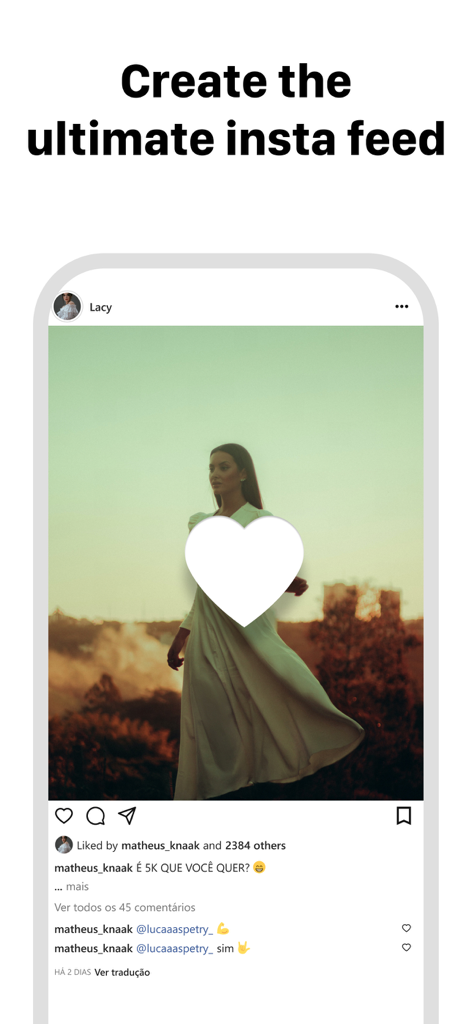
궁극의 인스타 피드를 만들라는 제목이 있는 미적 인스타그램 게시물 목업을 보여주는 스마트폰 디스플레이
설명
Download
비슷한 앱
유사한 기능과 사용자 경험을 가진 앱

Crsel: Carousel & Story Maker
Georgy Romelashvili

Layout for Instagram・Inpreview
Onelight Apps CY Ltd

Carousel Layout Maker・SwipeMix
Onelight Apps CY Ltd

PanoCut: Panorama Scroll Maker
Hashone Tech LLP

PhotoSplit for Instagram
Tech Positive Inc.

Setty: Photo Filters & Presets
A Color Story LLC

Preview Feed for Insta・Layout
Appslead Ltd

Feed Preview Planner IG・InPlan
Cubetix Ltd.

Feeds: Post & Template Maker
WNDR11 LTD
이 페이지는 앱이나 개발자의 공식 페이지가 아니며, 정보 제공 및 논평을 목적으로 작성된 독립 편집 간행물입니다. 명시적으로 달리 언급되지 않는 한, 해당 앱이나 개발자는 MWM, Apple, Google Play, 앱 퍼블리셔 또는 앱 개발자와 제휴, 보증, 후원, 승인 또는 공식적으로 연결되어 있지 않으며, 이 페이지의 어떤 내용도 해당 앱이 MWM의 서비스를 사용하여 개발되었음을 의미하지 않습니다. 모든 상표, 로고, 스크린샷 및 기타 콘텐츠는 해당 소유자의 자산입니다.