Flyer Maker · Poster Maker

Flyer Maker · Poster Maker

다운로드: App Store
로고: Flyer Maker · Poster Maker

Flyer Maker · Poster Maker: 몇 분 안에 전문가 수준의 비주얼 디자인

5,000개 이상의 멋진 템플릿으로 브랜드 또는 부업을 향상시키세요. 디자인 기술 없이도 iPhone에서 바로 인상적인 전단지, 영화 포스터, 소셜 미디어 콘텐츠를 만드세요.

다운로드: App Store

개발사

Tausif Akram

카테고리

Graphics & Design

다운로드

503K+

사용자 평점

4.5/5

총 평가 수

900

지원 언어

33

시선을 사로잡는 비주얼

이 인터페이스를 사용하는 503K+ 명의 사용자.

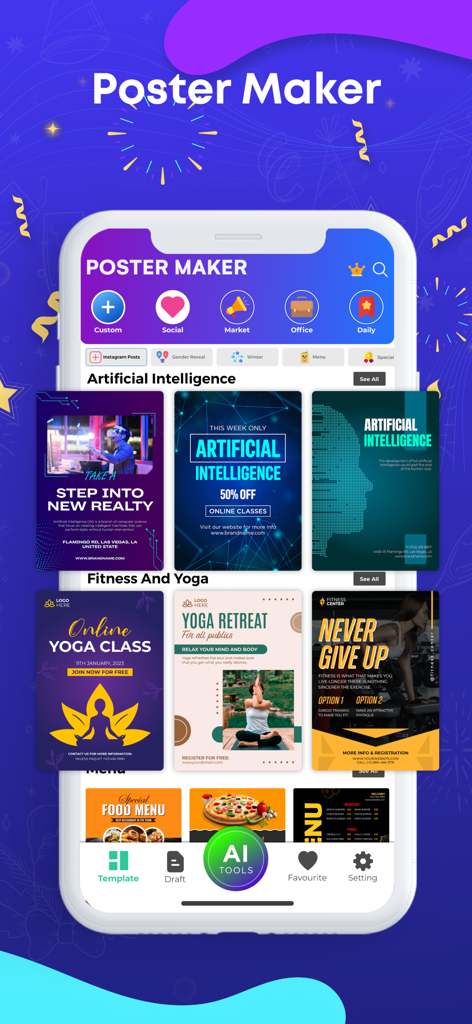
비즈니스 및 소셜 미디어 디자인 템플릿이 다양한 스마트폰 화면을 보여주는 Poster Maker 앱 인터페이스
비즈니스 및 소셜 미디어 디자인 템플릿이 다양한 스마트폰 화면을 보여주는 Poster Maker 앱 인터페이스

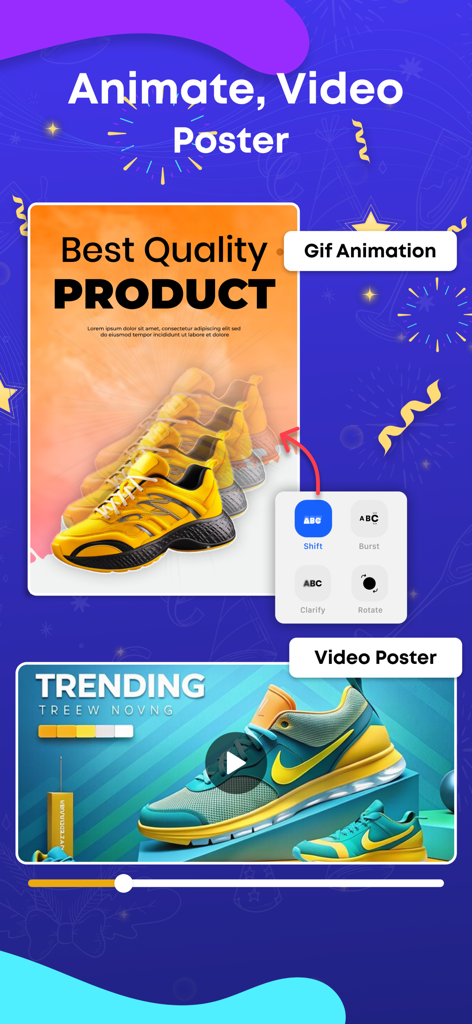
운동화가 등장하는 제품 광고를 위한 애니메이션 비디오 포스터 제작 방법을 보여주는 인터페이스
운동화가 등장하는 제품 광고를 위한 애니메이션 비디오 포스터 제작 방법을 보여주는 인터페이스

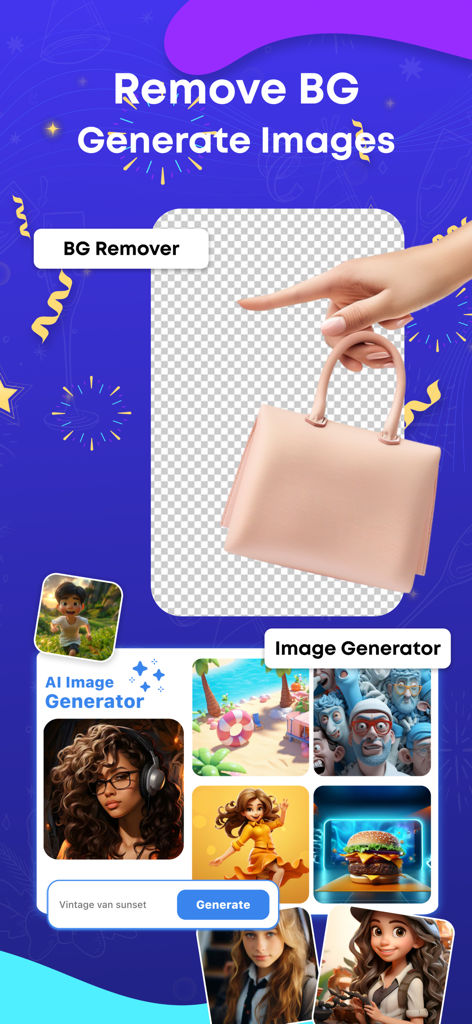
제품 배경 제거 및 창의적인 샘플이 포함된 AI 이미지 생성기를 보여주는 앱 화면
제품 배경 제거 및 창의적인 샘플이 포함된 AI 이미지 생성기를 보여주는 앱 화면

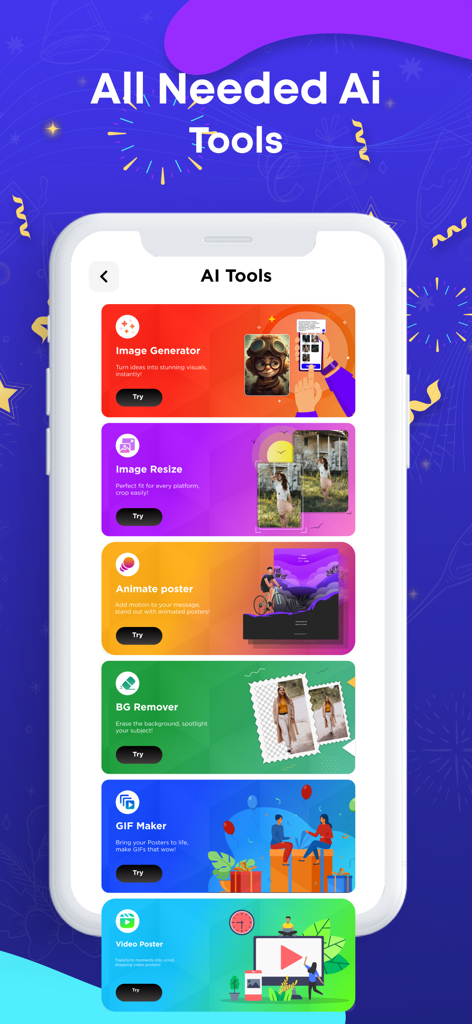
Image Generator 및 Background Remover와 같은 다양한 AI 도구를 보여주는 Flyer Maker 앱 인터페이스
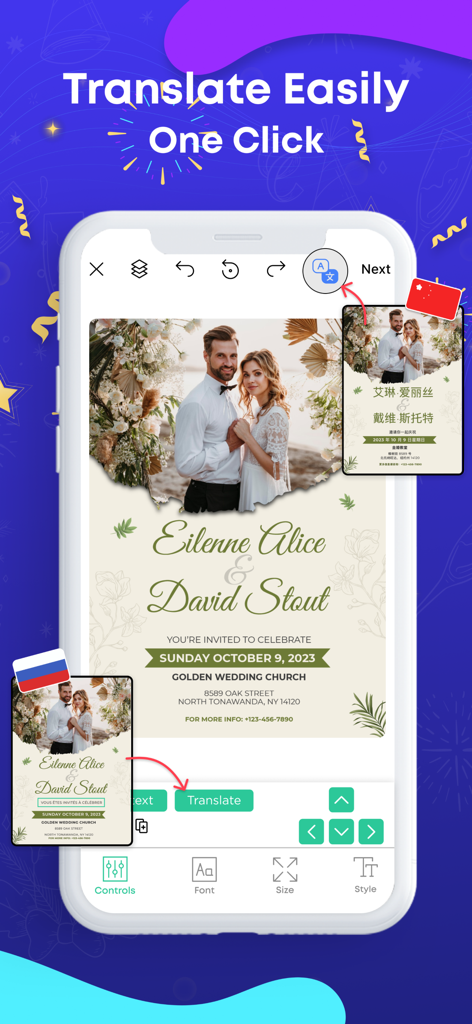
Image Generator 및 Background Remover와 같은 다양한 AI 도구를 보여주는 Flyer Maker 앱 인터페이스

결혼식 초대장에 대한 원클릭 번역 기능을 보여주는 포스터 제작 앱 인터페이스
결혼식 초대장에 대한 원클릭 번역 기능을 보여주는 포스터 제작 앱 인터페이스

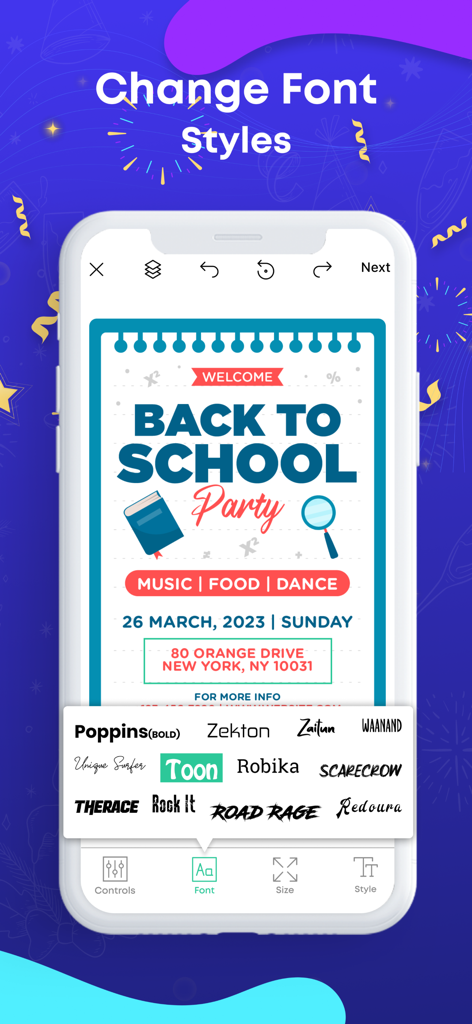
'다시 학교로' 파티 포스터 템플릿의 다양한 글꼴 선택 옵션을 보여주는 Flyer Maker 앱 인터페이스
'다시 학교로' 파티 포스터 템플릿의 다양한 글꼴 선택 옵션을 보여주는 Flyer Maker 앱 인터페이스

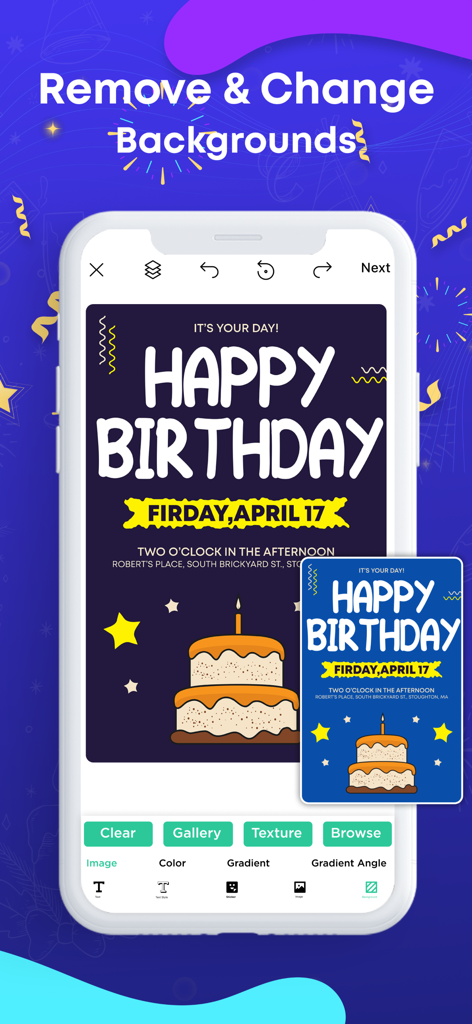
생일 포스터 템플릿의 배경 제거 및 맞춤 설정을 보여주는 모바일 앱 인터페이스
생일 포스터 템플릿의 배경 제거 및 맞춤 설정을 보여주는 모바일 앱 인터페이스

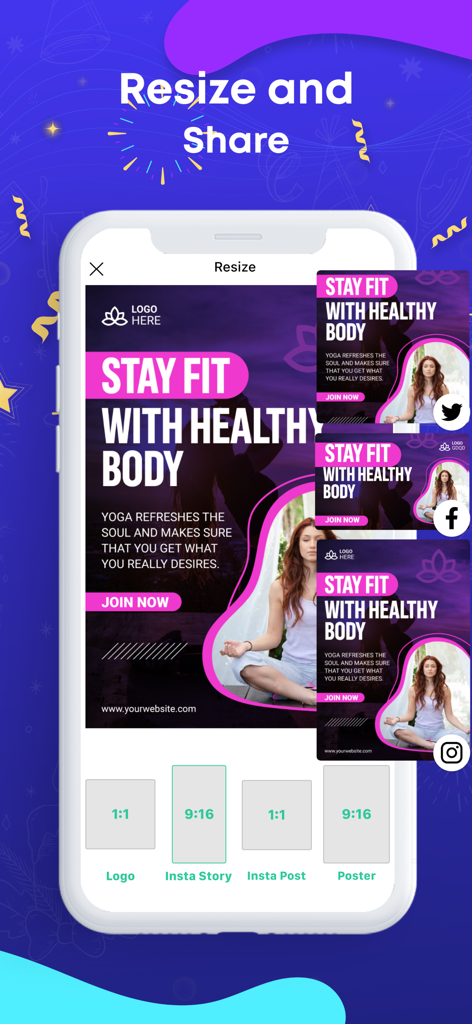
다양한 소셜 미디어 플랫폼에서 피트니스 포스터의 크기 조정 및 공유 기능을 보여주는 Flyer Maker 앱 스크린샷
다양한 소셜 미디어 플랫폼에서 피트니스 포스터의 크기 조정 및 공유 기능을 보여주는 Flyer Maker 앱 스크린샷

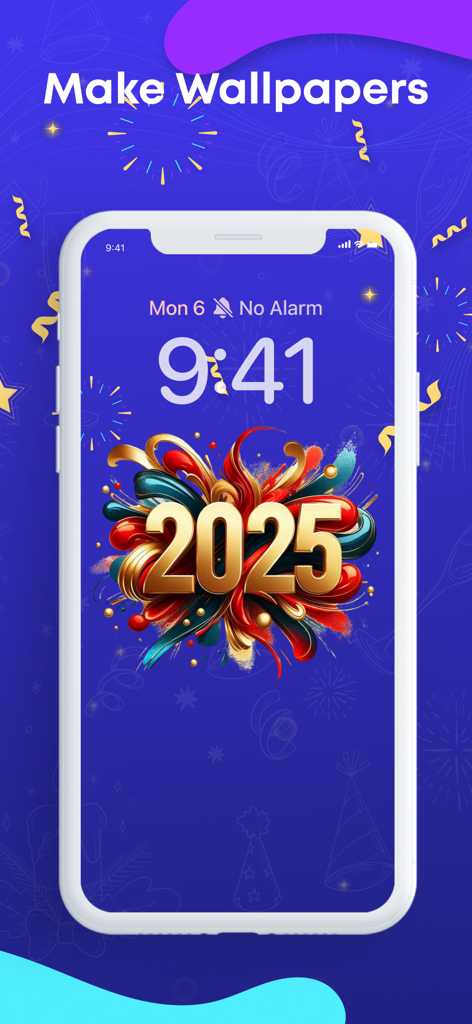
2025년 축하 맞춤 배경화면 디자인을 표시하는 iPhone 화면
2025년 축하 맞춤 배경화면 디자인을 표시하는 iPhone 화면

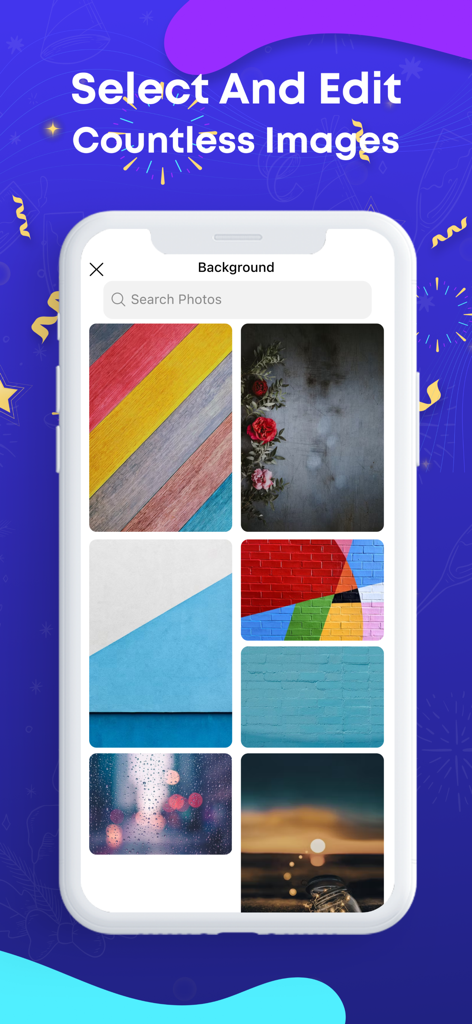
포스터용 다양한 배경 이미지 및 질감 라이브러리를 보여주는 Flyer Maker 앱의 화면

포스터용 다양한 배경 이미지 및 질감 라이브러리를 보여주는 Flyer Maker 앱의 화면

경험 없이도 전문가처럼 디자인하세요

이 앱을 돋보이게 하는 도구, 503K+ 명의 사용자가 선택.

🖼️

5,000개 이상의 전문가 템플릿

처음부터 시작할 필요가 없습니다. 모든 이벤트, 깜짝 세일 또는 커뮤니티 프로젝트를 위한 방대한 고품질 템플릿 라이브러리를 찾아보세요.

🛠️

간단한 편집 도구

몇 번의 탭만으로 사진에 쉽게 글을 쓰고, 색상을 바꾸고, 나만의 이미지를 가져와 모든 디자인을 독특하게 만드세요.

📲

즉시 소셜 공유

고품질로 제작물을 다운로드하고 Instagram, Facebook 또는 지역 커뮤니티 그룹에 직접 공유하세요.

리뷰 분석

사용자 리뷰 인사이트.

감정 점수

27%
부정적

요약

This app receives mixed feedback, with many users praising its ease of use and the availability of creative templates for designing posters and flyers. However, a significant number of critical reviews highlight severe issues, primarily concerning billing and subscriptions, where users report being charged for trials, subscriptions not being recognized, and difficulties with cancellation. The app is also frequently criticized for instability, including crashing during use and leading to data loss, alongside a general lack of essential usability features like copy/paste, text size/color changes, and comprehensive tutorials. Additionally, some users experience the app not opening or getting stuck after updates, and report poor customer support responsiveness.

주요 테마

Subscription & Billing Issues(18)
Ease of Use(10)
Missing Features & Usability(8)
Crashing & Data Loss(7)
Templates & Creative Options(4)
Customer Support(3)

앱 소개

에 대해 알아야 할 모든 것 Flyer Maker · Poster Maker.

설명

Poster Maker iOS App Using well-designed posters is becoming increasingly important in this competitive digital world. Posters, being an integral medium for advertisement and promotions, contain immense value for businesses. Just like many other people, you may also like to design posters on your own. For this purpose, we have brought the poster maker app to meet your needs. Whether you want to promote a product, service, or event, our brilliant poster maker machine has got you covered. With over 5000 poster templates in multiple categories, you can find the perfect poster design in this app that matches your requirements. Write on Photos with Ease When you create posters on your own, you often face difficulty in writing on them. You need the perfect text editing tools to execute this task efficiently. If you are struggling to write on photos, then you don’t need to worry anymore. The poster maker app allows you to write on photos with ease. How to Use a Poster Maker App? You don’t need to follow any intricate procedure to use the poster maker app. It allows you to create a poster design by following the simple steps given below: Firstly, select a poster template from the available options. After choosing a poster design, customize it as per your requirements. Finally, tap the save button to download the poster design on your device in desired quality. How to Change the Font Color on Poster Maker? You can change the font color on this poster maker app quite easily. On the selected poster template, you can simply tap the text on which you need to change color. Once it’s selected, the editing options will appear in the bottom bar. How Do You Add Photos on Poster Maker? You can add photos on poster maker through its import feature. The import feature is available to add photos of backgrounds or shapes. Types of Posters You Can Create with Poster Maker The poster maker covers a wide range of needs through its remarkable poster templates. Wanted The wanted poster maker provides you with a way to have fun with friends. You can create a wanted poster by adding a photo of your friend and share it easily on social media platforms. It will help you make your friends laugh through this witty poster idea. Movie Are you going to organize a movie night at your institute? If yes, then there won’t be a better way to spread its word by designing a stunning poster with our movie poster maker. The movie poster templates can help you make your movie night a success. Custom Our custom poster maker allows you to ditch the usage of templates and create a custom poster from scratch. Even if you choose this option for creating posters, it won’t take more than 15 minutes to complete this job on this canvas poster maker. The paid subscription plans for our Poster Maker application are offered in the following ways: — Weekly Subscription — Monthly Subscription with a 3-day free trial — Yearly Subscription Note: The price for each plan may vary according to the country from where a user gets subscribed. The actual cost of the plan may get converted to the currency of the country you’re residing in. Payment will be charged to your iTunes account at confirmation of purchase. Your subscription will automatically renew unless auto-renew is turned off at least 24-hours before the end of the current subscription period. Your account will be charged for renewal within 24-hours prior to the end of the current subscription period. Automatic renewals will cost the same price you were originally charged for the subscription. You can manage your subscriptions and turn off auto-renewal by going to your Account Settings on the App Store after purchase. Read our terms of service and Privacy Policy for more information. Privacy policy: https://contentarcade.com/poster-maker-privacy Terms of use: https://www.contentarcade.com/poster-maker-terms

최신 버전

9.9

크기

319.5 MB

출시일

2020년 11월 3일

브랜딩을 한 단계 끌어올릴 준비가 되셨나요?

500,000명 이상의 크리에이터 및 소상공인과 함께하세요. 지금 다운로드하여 15분 안에 아이디어를 전문가 수준의 전단지로 전환하세요.

다운로드: App Store

App information, icons, screenshots, and descriptions displayed on this page are sourced from the Apple App Store and are the property of their respective developers. Download estimates and rankings are based on MWM's proprietary models and may not reflect actual figures. This page is provided for informational and analytical purposes only.

Believe this page infringes your intellectual property? File a dispute