
이 페이지는 앱이나 개발자의 공식 페이지가 아니며, 정보 제공 및 논평을 목적으로 작성된 독립 편집 간행물입니다. 명시적으로 달리 언급되지 않는 한, 해당 앱이나 개발자는 MWM, Apple, Google Play, 앱 퍼블리셔 또는 앱 개발자와 제휴, 보증, 후원, 승인 또는 공식적으로 연결되어 있지 않으며, 이 페이지의 어떤 내용도 해당 앱이 MWM의 서비스를 사용하여 개발되었음을 의미하지 않습니다. 모든 상표, 로고, 스크린샷 및 기타 콘텐츠는 해당 소유자의 자산입니다.

HandyRecorder
선형 PCM 정밀도로 스튜디오급 사운드를 캡처하세요. 전문가 수준의 EQ, 마스터링 효과 및 원활한 클라우드 통합을 통해 iOS 기기를 강력한 현장 레코더로 변환하세요.
다운로드
161K+사용자 평점
총 평가 수
500개발사
카테고리
Music지원 언어
6최신 버전
5.6.0크기
25.2 MB출시일
2013년 9월 25일전문 현장 녹음, 간편하게
고품질 오디오 포맷, 실시간 효과 및 원활한 클라우드 통합을 통해 iPhone 또는 iPad를 고품질 제작 스위트로 변환하세요.
스튜디오급 음질
표준 모바일 음성 메모보다 훨씬 뛰어난 품질의 무손실 선형 PCM 및 고품질 AAC 포맷으로 모든 디테일을 캡처하세요.
통합 마스터링 스위트
6밴드 EQ, 전문가 수준의 리버브 및 Maximize와 같은 마스터링 도구를 사용하여 이동 중에도 오디오를 다듬고 트랙을 즉시 라디오 준비 상태로 만드세요.
자주 묻는 질문
에 대해 알아야 할 모든 것 HandyRecorder
HandyRecorder 앱은 무엇인가요?
HandyRecorder 앱은 iOS 기기에서 고품질 오디오 녹음을 가능하게 합니다. 선형 PCM 및 AAC 형식을 지원하며, 편집, 효과, 클라우드 서비스로의 직접 업로드 기능을 제공합니다.
HandyRecorder는 녹음 시 어떤 오디오 형식을 지원하나요?
HandyRecorder 앱은 녹음 시 고품질 선형 PCM 및 AAC 형식을 지원합니다. AAC 비트 전송률은 64, 128 또는 160kbps를 포함합니다.
HandyRecorder에서 녹음을 자동으로 시작하고 중지할 수 있나요?
예, HandyRecorder 앱에는 AUTO REC 기능이 포함되어 있습니다. 이 기능은 입력 신호 레벨에 따라 녹음을 자동으로 시작하고 중지합니다.
HandyRecorder 앱에서 사용할 수 있는 오디오 효과는 무엇인가요?
HandyRecorder 앱은 6 BAND EQ, 다양한 룸 타입(ROOM, JAZZ CLUB)의 REVERB, MASTERING 효과(MAXIMIZE, ULTRA MAXIMIZE)를 제공합니다. 처리된 녹음은 별도 파일로 저장됩니다.
HandyRecorder에서 녹음 파일을 클라우드 서비스로 직접 업로드할 수 있나요?
예, HandyRecorder는 iCloud 및 SoundCloud로의 직접 업로드를 지원합니다. 또한 iCloud의 "Auto Sync" 기능을 지원하여 녹음 완료 후 자동으로 녹음 파일을 업로드합니다.
HandyRecorder에 오디오 파일 편집 기능이 있나요?
예, HandyRecorder 앱에는 파일 편집 기능이 포함되어 있습니다. 사용자는 녹음을 삭제하고 divide 기능을 사용하여 지정된 지점에서 파일을 분할할 수 있습니다.
HandyRecorder는 ZOOM iQ 시리즈 마이크에 최적화되어 있나요?
예, HandyRecorder는 ZOOM iQ 시리즈 마이크에 최적화되어 있습니다. MS 녹음 모드에서 스테레오 폭을 조절할 수 있으며 iQ5에 대한 특정 AUTO GAIN 설정을 제공합니다.
HandyRecorder와 iQ 시리즈 마이크를 사용하여 지연 없이 오디오 입력을 모니터링할 수 있나요?
예, HandyRecorder 앱의 DIRECT MONITOR 기능은 iQ 시리즈 마이크를 사용할 때 헤드폰 잭을 통해 지연 없이 입력 신호를 모니터링할 수 있도록 합니다.
HandyRecorder에서 normalize 기능의 목적은 무엇인가요?
HandyRecorder의 normalize 기능은 녹음된 오디오 파일의 볼륨을 최적화합니다. 이를 통해 녹음의 일관되고 적절한 음량 수준을 보장합니다.
HandyRecorder는 영화 파일에서 오디오를 가져오는 것을 지원하나요?
아니요, 영화 파일에서 오디오 트랙을 로드하고 처리된 오디오를 다시 쓰는 기능은 HandyRecorder PRO 버전에서만 독점적으로 사용할 수 있습니다.
다음 스크린샷과 설명은 앱의 공식 스토어 목록에서 직접 가져온 것이며 앱 개발자의 자산입니다.
앱 스토어
스크린샷
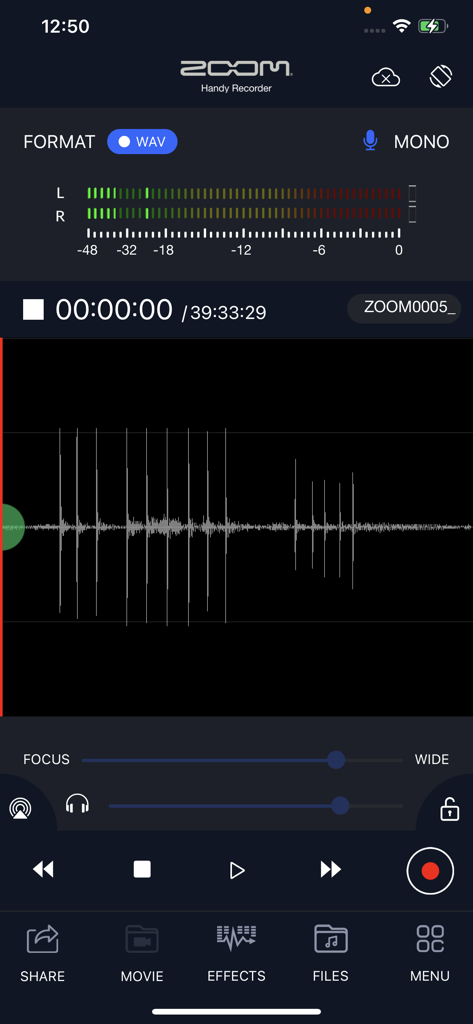
Zoom HandyRecorder 앱 녹음 화면, 오디오 파형 및 레벨 미터 표시
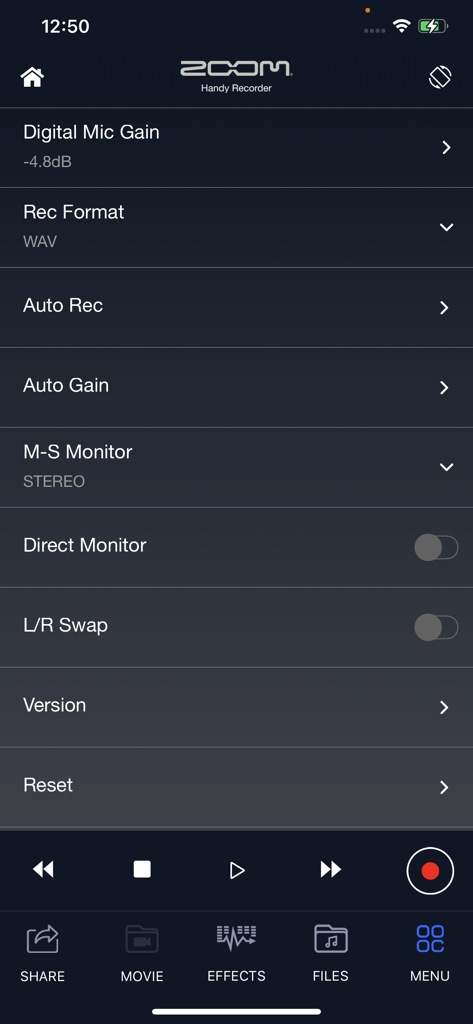
HandyRecorder 앱의 설정 메뉴, 디지털 마이크 게인, 녹음 형식, 자동 게인과 같은 고급 오디오 제어 표시
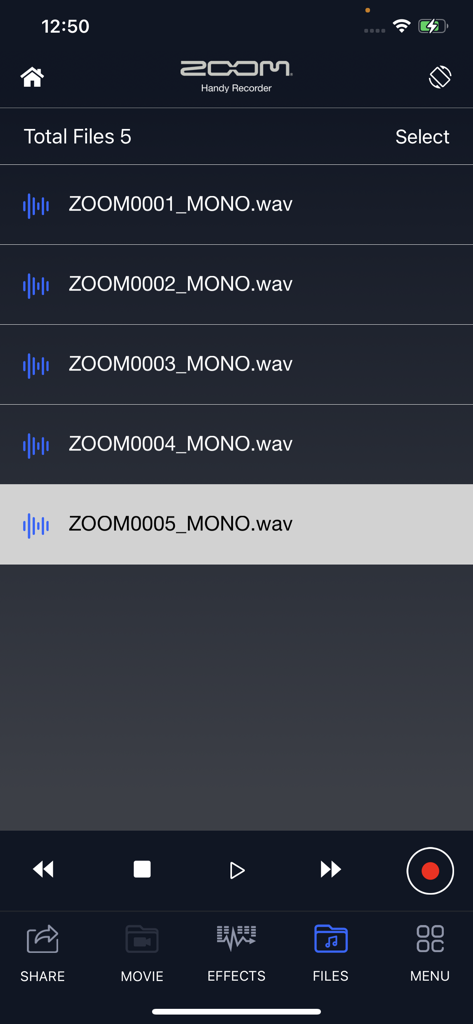
HandyRecorder 앱 인터페이스, 녹음된 오디오 파일 목록 및 재생 제어 표시
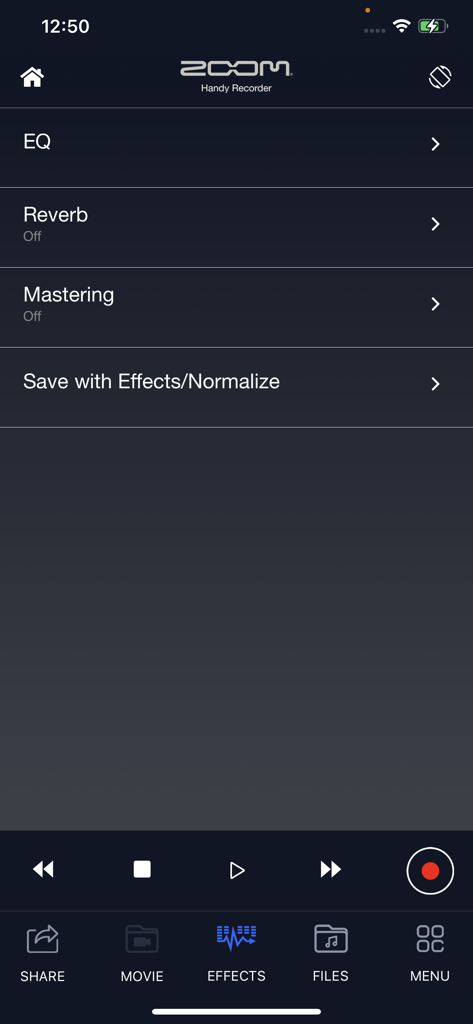
HandyRecorder 앱 효과 화면, EQ 리버브 및 마스터링 옵션 표시
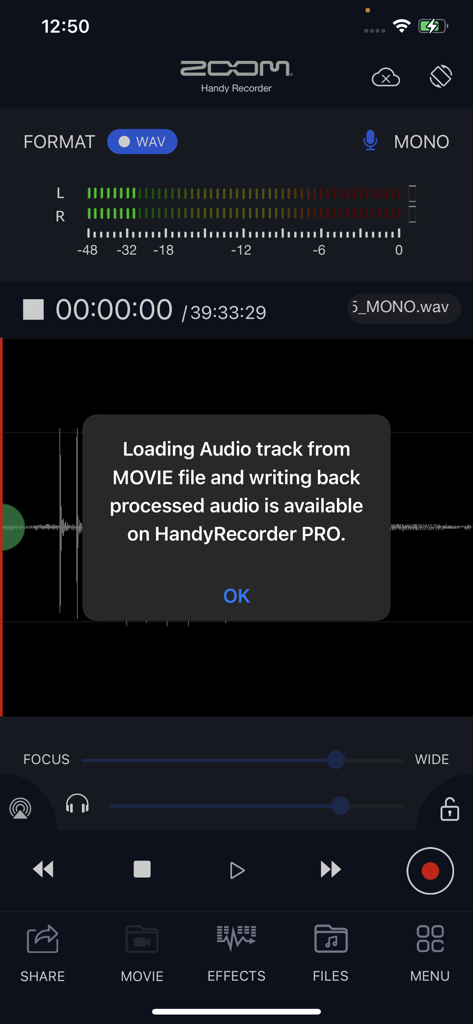
HandyRecorder 앱 스크린샷, 프로 버전에서 사용 가능한 영화 오디오 처리 기능에 대한 팝업 표시
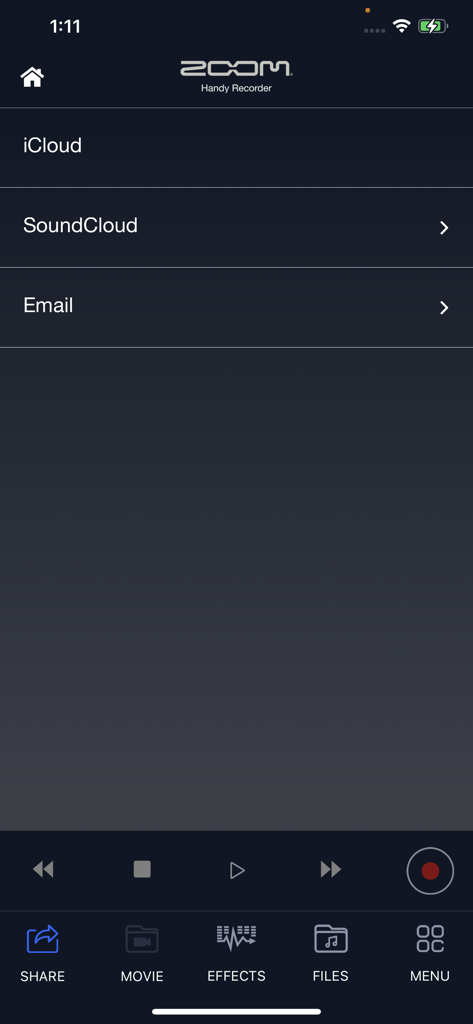
Zoom HandyRecorder 앱 공유 메뉴, iCloud 및 SoundCloud 옵션 포함
설명
Download
비슷한 앱
같은 카테고리의 상위 앱

Spotify: Music and Podcasts
Spotify

YouTube Music
Google LLC

Shazam: Find Music & Concerts
Apple Inc.

SoundCloud: The Music You Love
SoundCloud Global Limited & Co KG

Suno - AI Songs & Music
Suno Inc.

QQ音乐 - 听我想听
Tencent Technology (Shenzhen) Company Limited

Audiomack - Play Music Offline
Audiomack, Inc.

GuitarTuna: Tune & Play Guitar
Yousician Ltd

BandLab – Music Maker & Beats
BandLab Singapore Pte Ltd
이 페이지는 앱이나 개발자의 공식 페이지가 아니며, 정보 제공 및 논평을 목적으로 작성된 독립 편집 간행물입니다. 명시적으로 달리 언급되지 않는 한, 해당 앱이나 개발자는 MWM, Apple, Google Play, 앱 퍼블리셔 또는 앱 개발자와 제휴, 보증, 후원, 승인 또는 공식적으로 연결되어 있지 않으며, 이 페이지의 어떤 내용도 해당 앱이 MWM의 서비스를 사용하여 개발되었음을 의미하지 않습니다. 모든 상표, 로고, 스크린샷 및 기타 콘텐츠는 해당 소유자의 자산입니다.