
이 페이지는 앱이나 개발자의 공식 페이지가 아니며, 정보 제공 및 논평을 목적으로 작성된 독립 편집 간행물입니다. 명시적으로 달리 언급되지 않는 한, 해당 앱이나 개발자는 MWM, Apple, Google Play, 앱 퍼블리셔 또는 앱 개발자와 제휴, 보증, 후원, 승인 또는 공식적으로 연결되어 있지 않으며, 이 페이지의 어떤 내용도 해당 앱이 MWM의 서비스를 사용하여 개발되었음을 의미하지 않습니다. 모든 상표, 로고, 스크린샷 및 기타 콘텐츠는 해당 소유자의 자산입니다.


HarpNinja Diatonic Harmonica
음정을 추측하는 것을 멈추고 정확하게 연주하세요. 벤드를 시각화하고, 대화형 음악 이론을 탐색하고, 독학하는 연주자를 위한 최고의 디지털 컴패니언으로 블루스를 마스터하세요.
다운로드
24K+사용자 평점
총 평가 수
0개발사
카테고리
Music지원 언어
1최신 버전
1.6크기
130.2 MB출시일
2015년 3월 17일모든 음을 정확하게 마스터하세요
하프닌자는 연습과 완벽 사이의 간극을 메워 자신감을 가지고 하모니카를 연주할 수 있는 시각적 도구와 음악적 통찰력을 제공합니다.
시각적 음정 피드백
화면에서 즉시 음을 확인하세요. 드로우 벤드가 튜닝되었는지 추측하는 것을 멈추고 전문적인 정확도로 연주를 시작하세요.
음악 이론 마스터
대화형 5도권과 스케일 가이드는 복잡한 이론을 쉽게 만듭니다. 블루스 또는 포크 잼에 맞는 키를 찾는 데 완벽합니다.
자주 묻는 질문
에 대해 알아야 할 모든 것 HarpNinja Diatonic Harmonica
HarpNinja Diatonic Harmonica란 무엇인가요?
HarpNinja Diatonic Harmonica는 다이어토닉 하모니카 학습에 필수적인 튜닝 및 음악 이론 기능을 제공하는 애플리케이션입니다. 실시간 음정 인식과 인터랙티브한 5도권이 포함되어 있습니다.
HarpNinja Diatonic Harmonica는 음정 인식을 제공하나요?
네, HarpNinja Diatonic Harmonica는 실시간 음정 인식을 제공합니다. 연주하는 음을 화면에 표시하여 사용자가 연주를 시각화하는 데 도움을 줍니다.
HarpNinja Diatonic Harmonica는 어떤 하모니카 튜닝을 지원하나요?
HarpNinja Diatonic Harmonica는 메이저 및 내추럴 마이너를 포함한 8가지 다이어토닉 튜닝과 스탠더드/솔로와 같은 7가지 크로매틱 튜닝을 지원합니다. 또한 포괄적인 학습을 위해 12가지 키를 모두 다룹니다.
사용자는 HarpNinja Diatonic Harmonica 내에서 자신의 연주를 녹음할 수 있나요?
네, HarpNinja Diatonic Harmonica에는 오디오 레코더가 포함되어 있습니다. 사용자는 최대 30초 길이의 구간을 녹음하여 앱 내에서 직접 자신의 연주를 검토할 수 있습니다.
HarpNinja Diatonic Harmonica에 권장되는 화면 크기는 얼마인가요?
HarpNinja Diatonic Harmonica에 권장되는 최소 화면 크기는 5인치 스마트폰입니다. 이 크기보다 작은 화면은 최적의 경험을 위해 유용하지 않은 것으로 간주됩니다.
HarpNinja Diatonic Harmonica는 음악 이론 도구를 제공하나요?
네, HarpNinja Diatonic Harmonica는 인터랙티브한 5도권을 통해 음악 이론 도구를 제공합니다. 이 기능은 사용자가 코드 및 스케일 관계를 이해하여 더 깊이 학습하는 데 도움이 됩니다.
HarpNinja Diatonic Harmonica는 몇 개의 스케일을 제공하나요?
HarpNinja Diatonic Harmonica는 메이저, 마이너, 7th를 포함한 18개의 스케일과 5가지 코드 유형을 제공합니다. 이러한 옵션은 다양한 음악 탐구 및 학습을 지원합니다.
HarpNinja Diatonic Harmonica에서 설정을 조정할 수 있나요?
네, 사용자는 HarpNinja Diatonic Harmonica의 설정 모드 내에서 모든 하모니카 및 애플리케이션 설정을 조정할 수 있습니다. 여기에는 하프 키, 튜닝, 튜너 모드 및 디스플레이 기본 설정이 포함됩니다.
다음 스크린샷과 설명은 앱의 공식 스토어 목록에서 직접 가져온 것이며 앱 개발자의 자산입니다.
앱 스토어
스크린샷
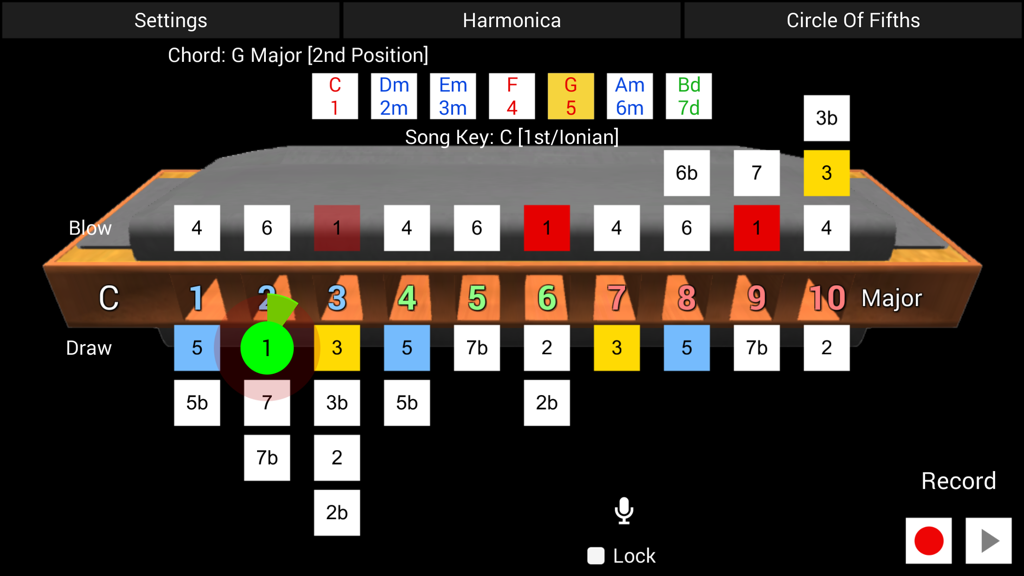
10홀 하모니카의 실시간 음정 인식 및 음표 시각화를 보여주는 하프닌자 다이어토닉 하모니카 앱 인터페이스
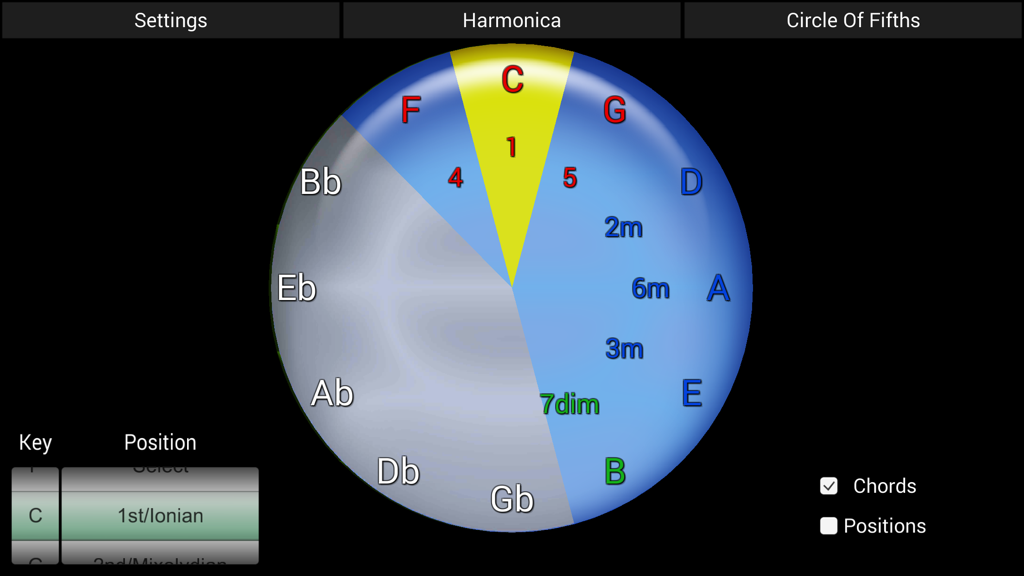
하프닌자 앱에서 하모니카 연주자를 위한 대화형 5도권 음악 이론 도구
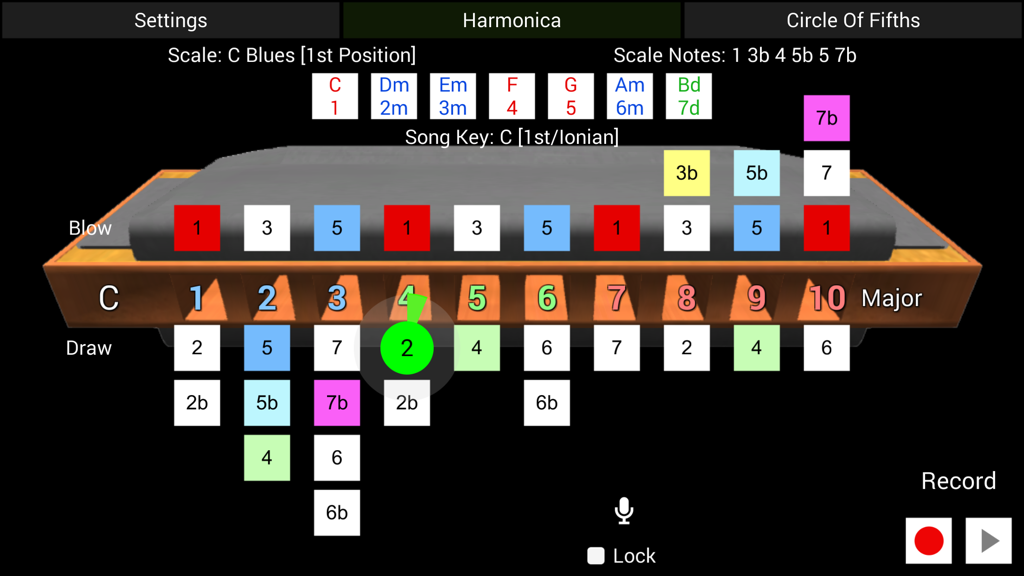
블루스 스케일을 배우기 위한 실시간 음정 인식을 보여주는 10홀 다이어토닉 하모니카 레이아웃의 하프닌자 앱 인터페이스
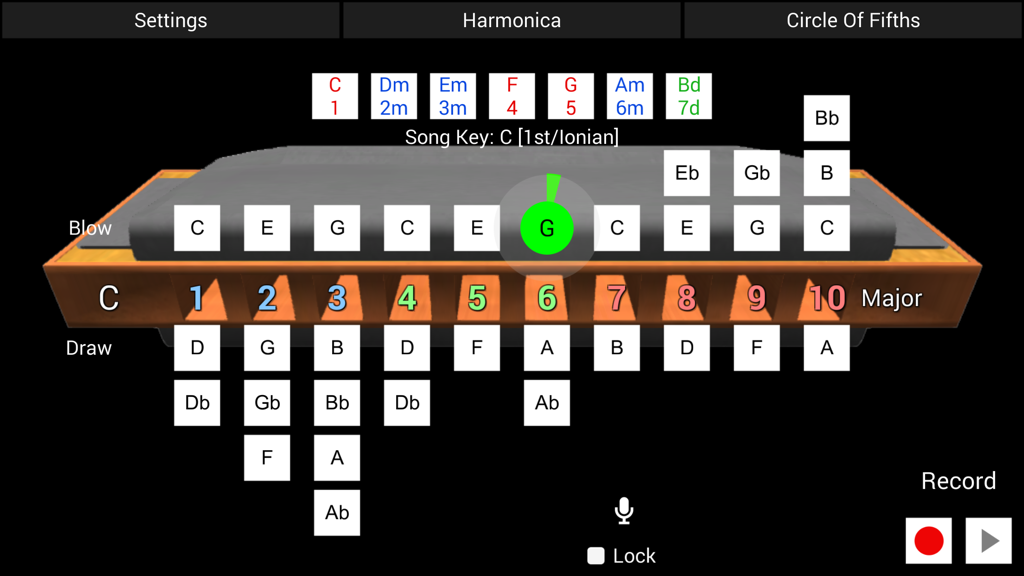
10홀 다이어토닉 하모니카 레이아웃에 대한 실시간 음정 인식을 보여주는 하프닌자 앱 인터페이스.
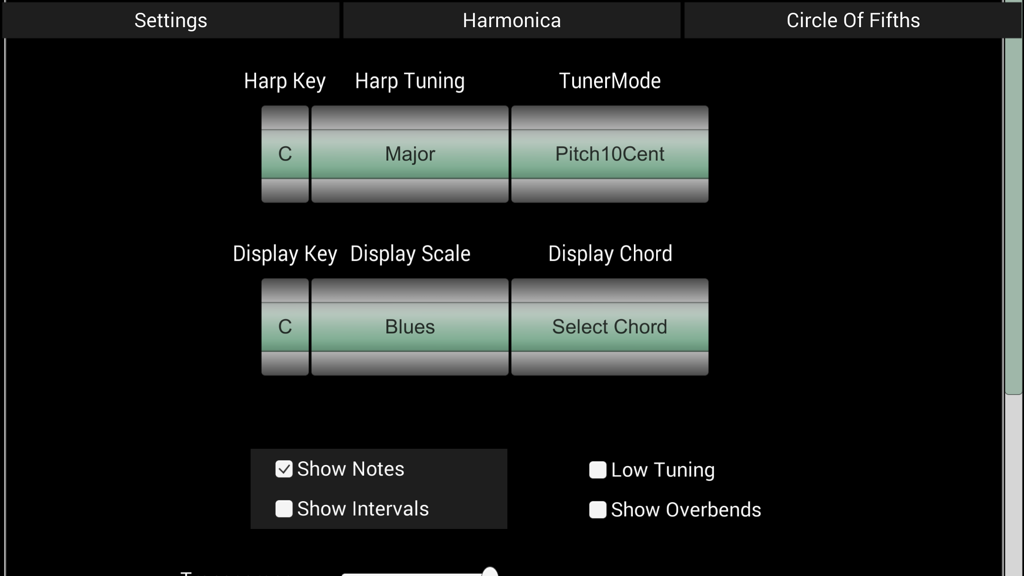
하모니카 키와 튜닝을 선택하기 위한 하프닌자 앱 설정 화면
설명
Download
비슷한 앱
같은 카테고리의 상위 앱

Spotify: Music and Podcasts
Spotify

YouTube Music
Google LLC

Shazam: Find Music & Concerts
Apple Inc.

SoundCloud: The Music You Love
SoundCloud Global Limited & Co KG

Suno - AI Songs & Music
Suno Inc.

QQ音乐 - 听我想听
Tencent Technology (Shenzhen) Company Limited

Audiomack - Play Music Offline
Audiomack, Inc.

GuitarTuna: Tune & Play Guitar
Yousician Ltd

BandLab – Music Maker & Beats
BandLab Singapore Pte Ltd
이 페이지는 앱이나 개발자의 공식 페이지가 아니며, 정보 제공 및 논평을 목적으로 작성된 독립 편집 간행물입니다. 명시적으로 달리 언급되지 않는 한, 해당 앱이나 개발자는 MWM, Apple, Google Play, 앱 퍼블리셔 또는 앱 개발자와 제휴, 보증, 후원, 승인 또는 공식적으로 연결되어 있지 않으며, 이 페이지의 어떤 내용도 해당 앱이 MWM의 서비스를 사용하여 개발되었음을 의미하지 않습니다. 모든 상표, 로고, 스크린샷 및 기타 콘텐츠는 해당 소유자의 자산입니다.