HDMI Monitor - Orion

HDMI Monitor - Orion

다운로드: App Store
로고: HDMI Monitor - Orion

HDMI 모니터 - Orion: 이미 보유 중인 전문가용 휴대용 디스플레이.

iPad를 카메라용 고성능 필드 모니터, 게임 콘솔용 모바일 화면 또는 Mac용 보조 디스플레이로 변환하세요. 광고, 추적 없이 최고의 모바일 화면에서 순수한 유용성만 제공합니다.

개발사

Lux Optics Incorporated

카테고리

Utilities

다운로드

312K+

사용자 평점

4.1/5

총 평가 수

2K+

지원 언어

1

iPad, 한 단계 업그레이드

이 인터페이스를 사용하는 312K+ 명의 사용자.

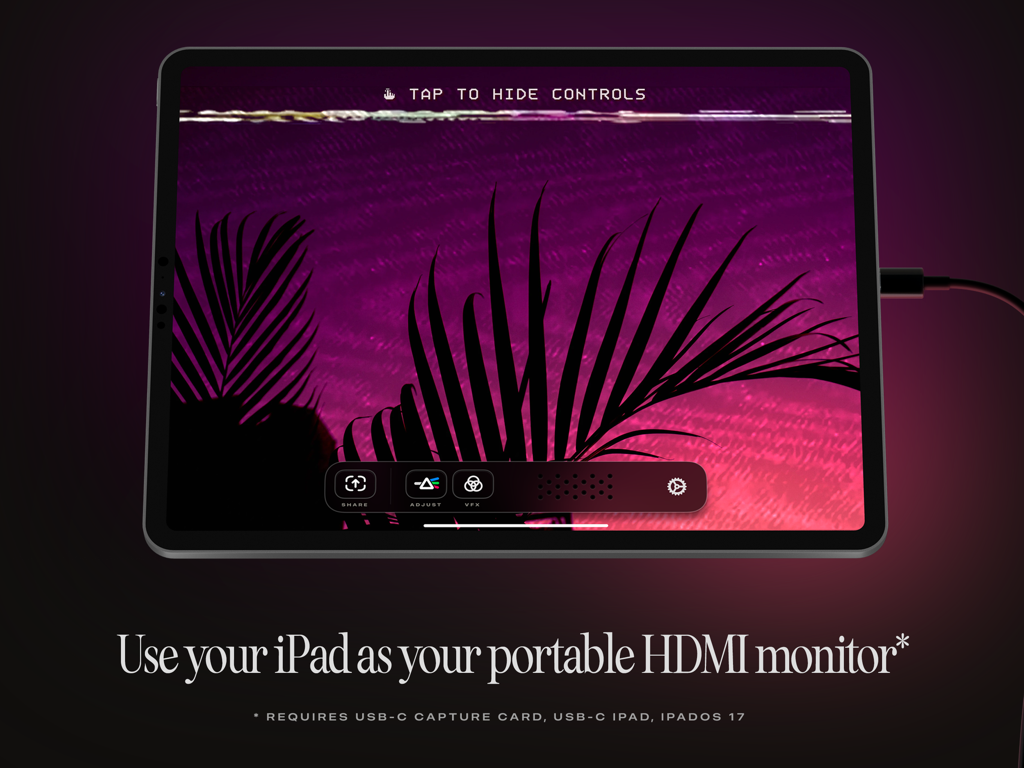
Orion 앱을 사용하여 휴대용 HDMI 모니터로 사용 중인 iPad에 보라색 풍경이 표시됩니다.

Orion 앱을 사용하여 휴대용 HDMI 모니터로 사용 중인 iPad에 보라색 풍경이 표시됩니다.

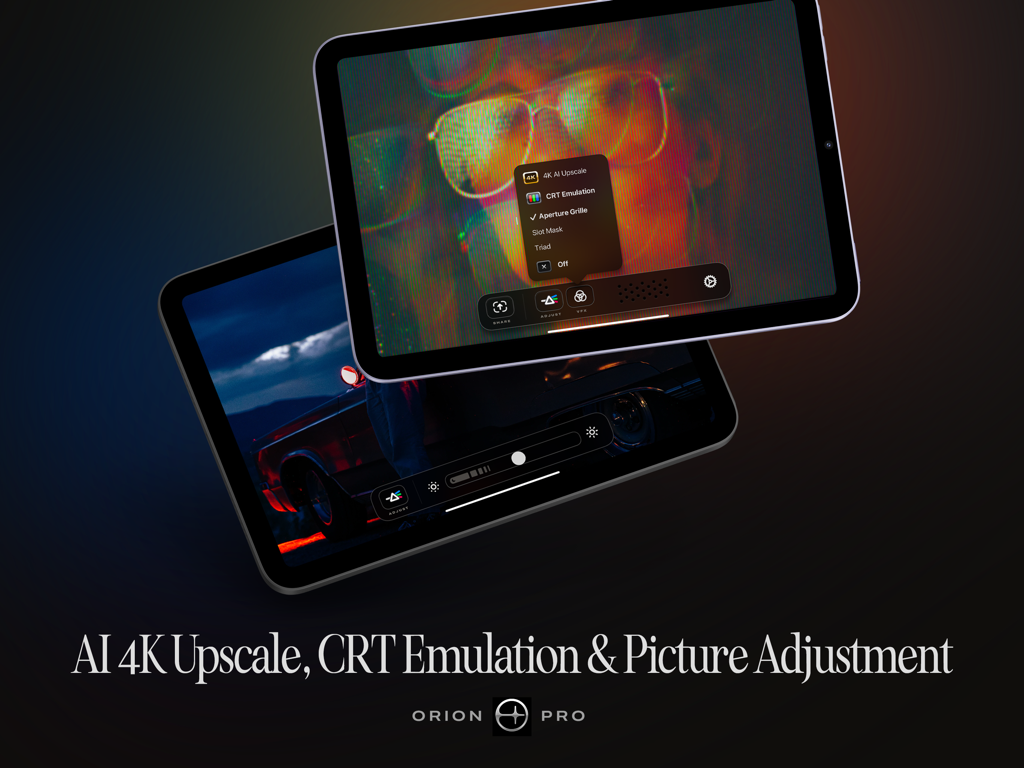
AI 4K 업스케일 및 CRT 에뮬레이션을 포함한 iPad의 Orion Pro 기능

AI 4K 업스케일 및 CRT 에뮬레이션을 포함한 iPad의 Orion Pro 기능

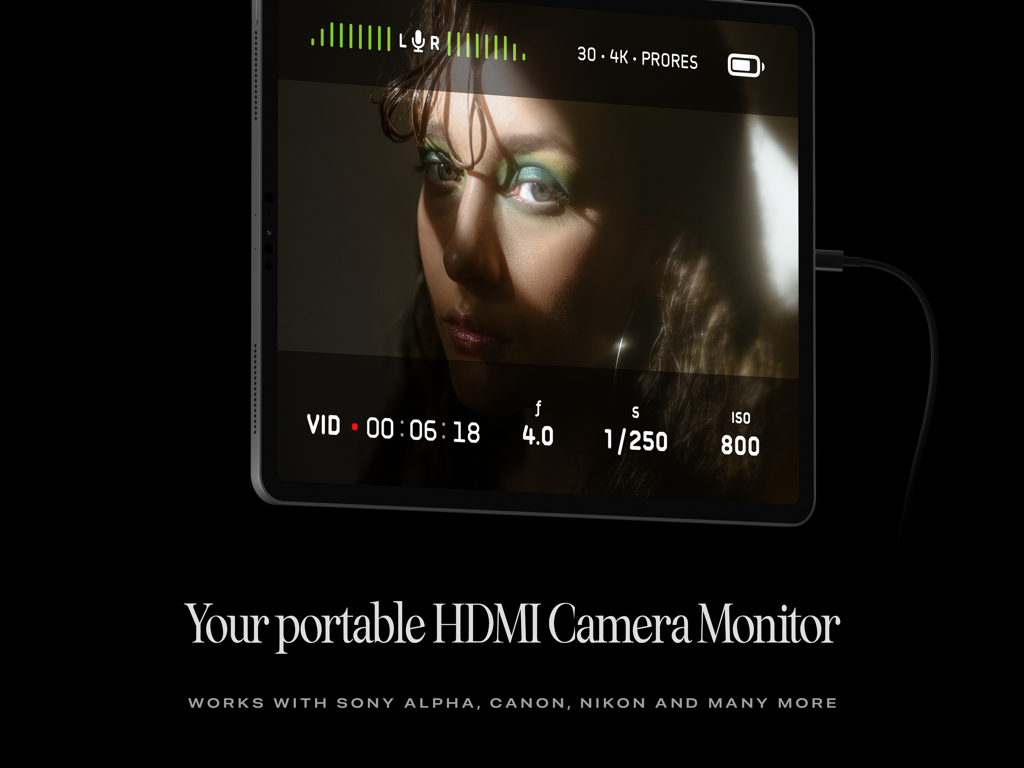
Orion 앱이 비디오 피드 및 녹화 설정을 보여주는 iPad를 휴대용 HDMI 카메라 모니터로 사용하고 있습니다.

Orion 앱이 비디오 피드 및 녹화 설정을 보여주는 iPad를 휴대용 HDMI 카메라 모니터로 사용하고 있습니다.

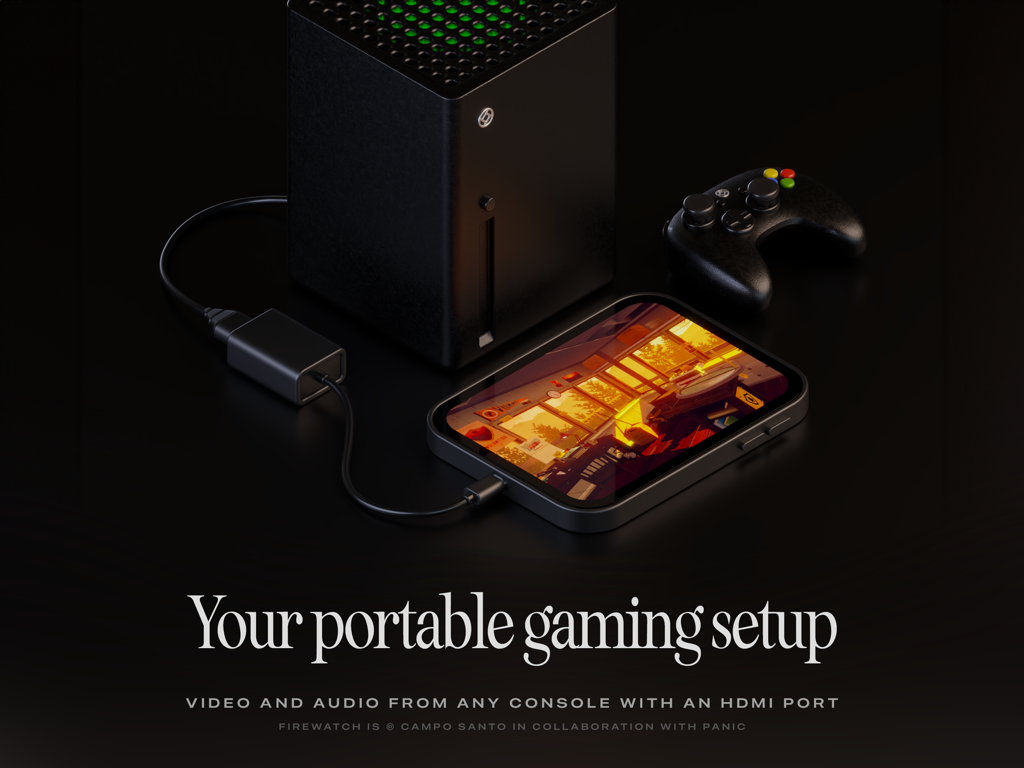
Orion 앱을 사용하여 게임 콘솔용 휴대용 게이밍 모니터로 사용 중인 iPad

Orion 앱을 사용하여 게임 콘솔용 휴대용 게이밍 모니터로 사용 중인 iPad

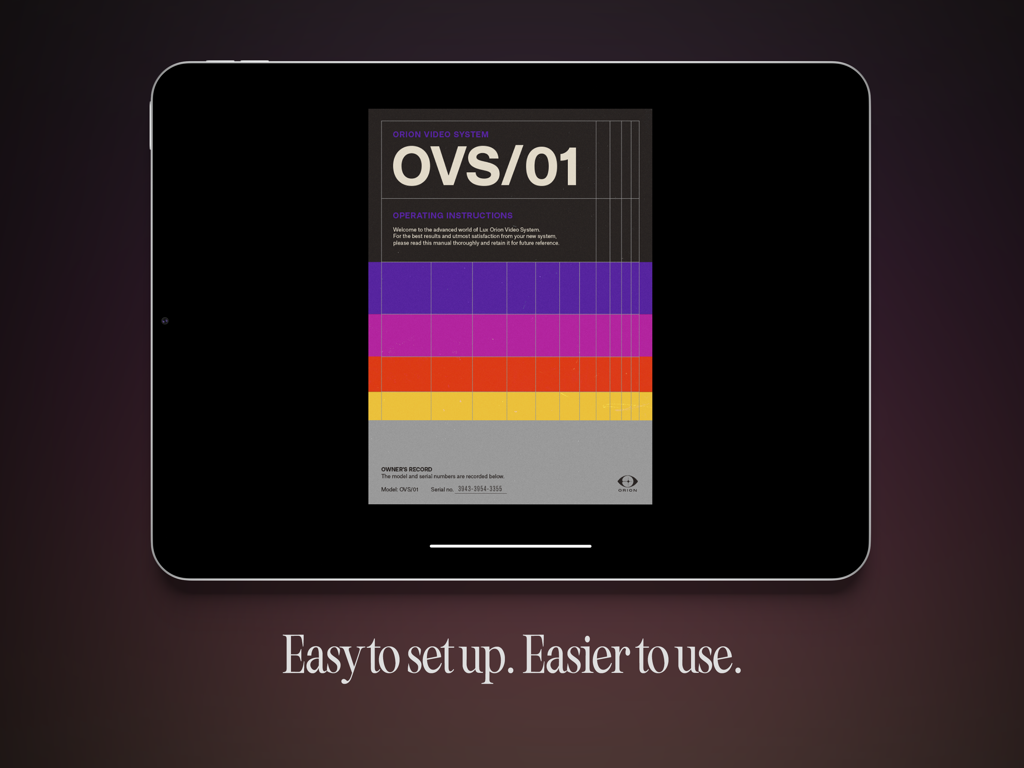
Orion HDMI 모니터 앱이 표시된 iPad에 레트로 운영 지침 및 쉬운 설정 텍스트가 표시됩니다.

Orion HDMI 모니터 앱이 표시된 iPad에 레트로 운영 지침 및 쉬운 설정 텍스트가 표시됩니다.

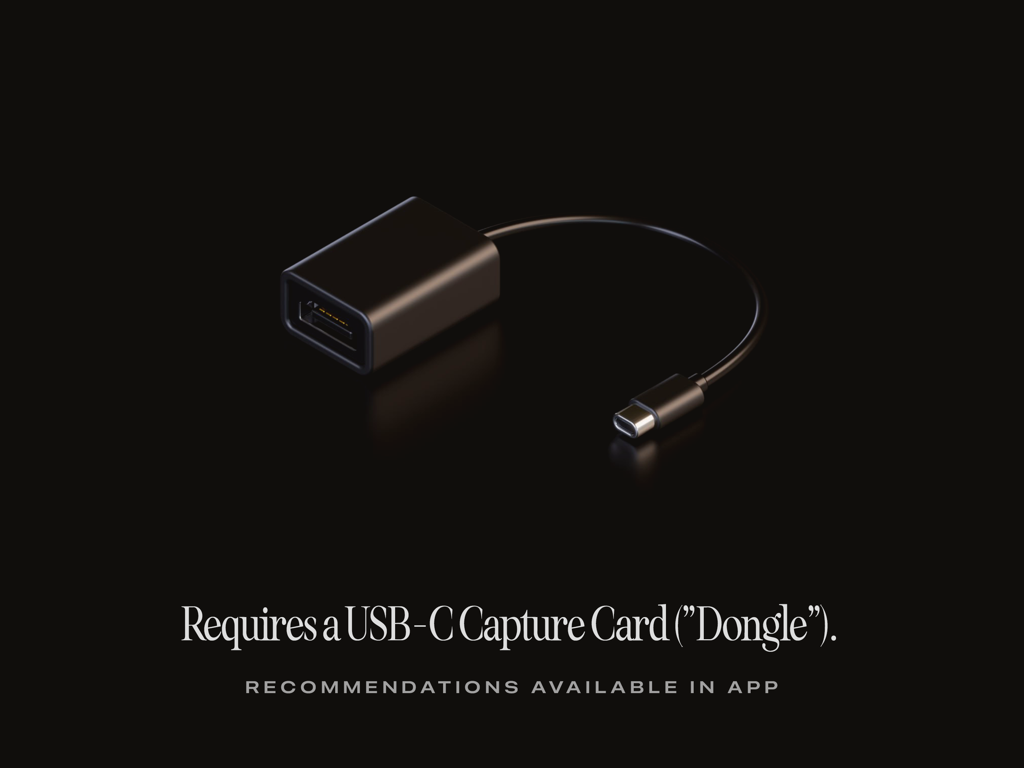
검은색 배경에 놓인 검은색 USB-C 비디오 캡처 카드 동글과 Orion 앱에 필요하다는 설명 텍스트

검은색 배경에 놓인 검은색 USB-C 비디오 캡처 카드 동글과 Orion 앱에 필요하다는 설명 텍스트

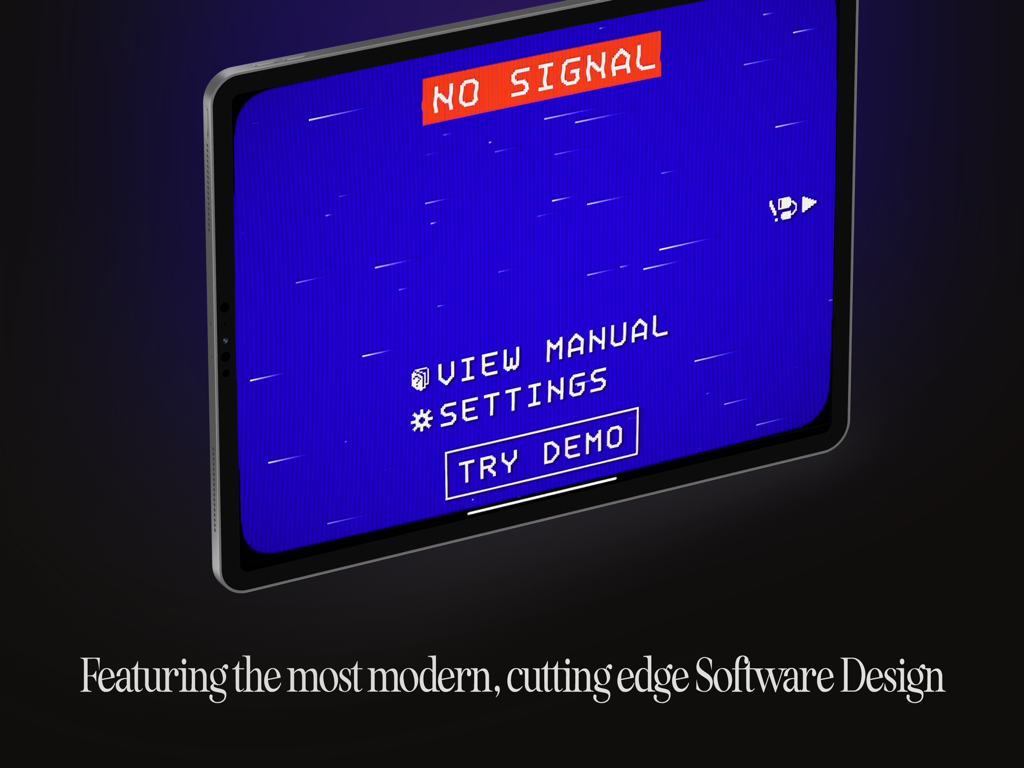
Orion HDMI Monitor 앱에서 레트로 픽셀화된 신호 없음 화면이 표시된 iPad

Orion HDMI Monitor 앱에서 레트로 픽셀화된 신호 없음 화면이 표시된 iPad

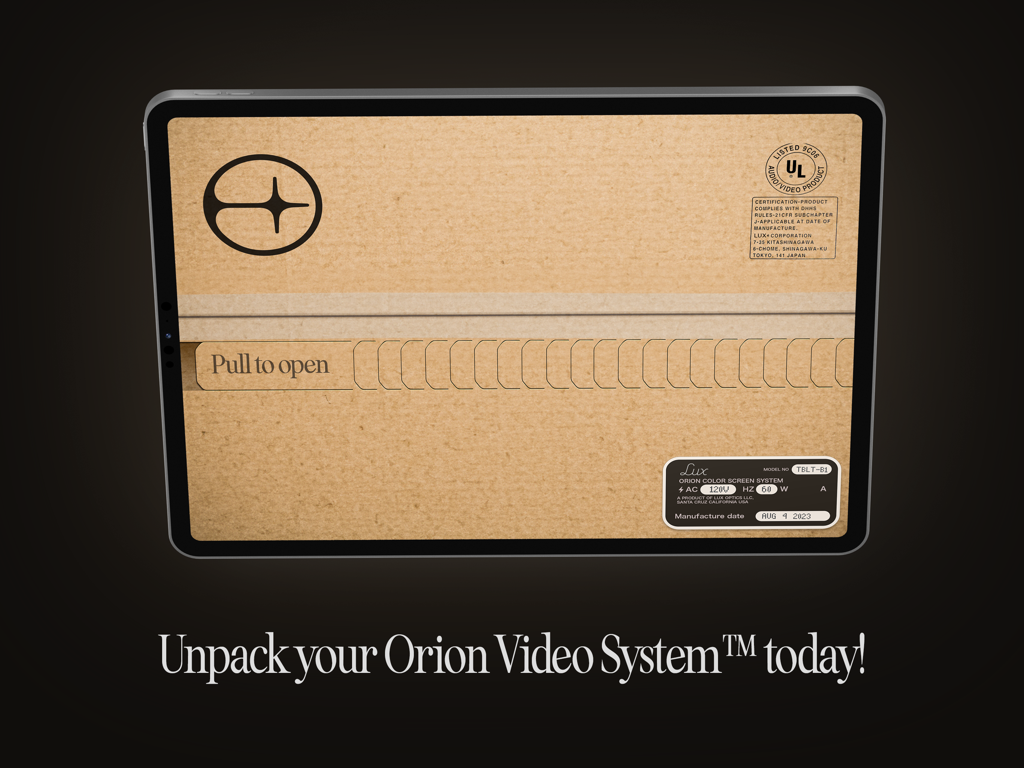
Orion 비디오 시스템의 열기 탭을 당기는 창의적인 언박싱 그래픽을 표시하는 iPad 화면.

Orion 비디오 시스템의 열기 탭을 당기는 창의적인 언박싱 그래픽을 표시하는 iPad 화면.

iPad의 잠재력을 최대한 발휘하세요

이 앱을 돋보이게 하는 도구, 312K+ 명의 사용자가 선택.

🎥

전문가급 필드 모니터링

전문가용 도구와 밝기 제어를 사용하여 iPad의 놀라운 Liquid Retina 디스플레이로 초점과 구도를 확인하세요.

🎮

최고의 게이밍 화면

Switch 또는 Steam Deck를 연결하고 최고의 모바일 게이밍 경험을 위해 4K AI 업스케일링과 향수를 불러일으키는 CRT 에뮬레이션을 즐기세요.

🛡️

신뢰할 수 있는 개인 정보 보호

수상 경력에 빛나는 Halide 팀이 제작했으며 제로 데이터 추적, 광고, 구독이 없습니다. 진정으로 무료로 사용할 수 있습니다.

리뷰 분석

사용자 리뷰 인사이트.

감정 점수

34%
부정적

요약

The Orion app receives mixed feedback, with a significant number of users reporting fundamental issues such as a complete lack of functionality, no signal, black screens, and frequent crashing, often even with recommended hardware. While many praise the app's ease of setup, low latency, and ability to display consoles like the Nintendo Switch and PS5, others criticize its inconsistent reliability, poor video quality, and ineffective 4K upscaling. Several version-specific bugs are highlighted, including lag on iPadOS 26, audio problems on iPadOS 18.6, and general incompatibility with iPad Pro 2023 and M3 iPad Air models, alongside a reported lack of responsive customer support.

주요 테마

Functionality(11)
App Design(5)
Compatibility(4)
Low Latency(3)
Ease of Setup(3)
Pricing Model(1)
Video Quality / Upscaling(1)

앱 소개

에 대해 알아야 할 모든 것 HDMI Monitor - Orion.

설명

TVs and Computer Monitors are large, cumbersome devices. Wouldn’t it be a treat if you could use the portable screen you already have with you as an HDMI monitor for cameras, game consoles, computers or other devices? Say “Hello” to the Orion Video System, a software application from Lux Entertainment and Optics Inc. With a simple USB-C Capture Card, or “dongle” and the free Orion Video System application, getting a big screen is never a big hassle*. *Requires iOS 17, an iPad with USB-C, and a USB-C Video Capture Card. WHAT TO USE ORION FOR Orion is perfect for turning your iPad into a portable display for your camera, so you can check your framing, focus, color and more when taking video or stills. Or connect Orion to a game console for gaming on the go or when needing a quick, fantastic monitor and set of speakers. You can also hook Orion up to a Mac, PC or other HDMI capable devices to get an extra screen to output video to. FEATURES Orion is jam packed with amazing features. From the simple things like sharing a quick screenshot of your video feed to a quick, convenient set of controls and intuitive user manual, Orion makes your iPad an excellent external HDMI monitor. With Orion Pro — a one time upgrade — you can also adjust the video brightness (from regular brightness to darker than the system brightness), upscale HD video or games with our AI powered 4K upscaler, or enjoy a retro movie or game with the 3-way retro CRT Emulation system. In addition to this, Orion collects and shares ZERO data. Free is truly free: no ads, no tracking, no nonsense. Other great features include full audio passthrough for playing HDMI device connected audio directly to AirPods or other connected devices; sharing full videos from your device with iPadOS Screen Recording, and more. ABOUT Orion is a Fun Project developed by the minds of Lux Entertainment and Optics Incorporated. Our collaboration team includes Anton Heestand, Jelmar Geertsma, Jonathan Hollander, Cabel Sasser, Louie Mantia and of course our families who so lovingly support our silly and loving work on apps. Also check out Halide, Spectre and Skylight — our other apps, and please leave us a review if you like our app.

최신 버전

1.1.0

크기

19.3 MB

출시일

2023년 9월 20일

Liquid Retina 디스플레이를 활용하세요

iPad를 전문가용 HDMI 모니터로 전환한 300,000명 이상의 크리에이터 및 게이머와 함께하세요. 광고, 추적, 구독 없이, 여러분이 소유한 최고의 화면을 경험하세요.

다운로드: App Store
FAQ

자주 묻는 질문

에 대해 알아야 할 모든 것 HDMI Monitor - Orion

HDMI Monitor - Orion 앱은 무엇인가요?

HDMI Monitor - Orion은 Lux Entertainment and Optics Inc.에서 개발한 소프트웨어 애플리케이션입니다. USB-C 지원 iPad를 다양한 장치용 휴대용 HDMI 모니터로 변환해 줍니다.

Orion을 HDMI 모니터로 어떤 장치와 연결할 수 있나요?

Orion은 카메라(Sony Alpha, Canon, Nikon), 게임 콘솔(Xbox), 컴퓨터(Mac, PC) 및 기타 HDMI 출력 소스를 포함한 다양한 HDMI 지원 장치를 지원합니다.

Orion Video System 사용의 최소 요구 사항은 무엇인가요?

예, Orion을 사용하려면 iOS 17, USB-C 지원 iPad 및 USB-C 비디오 캡처 카드(종종 '동글'이라고 함)가 필요합니다.

Orion Video System은 사용자 데이터를 수집하거나 광고를 포함하나요?

예, Orion Video System은 개인 정보 보호를 우선시합니다. 데이터를 전혀 수집 및 공유하지 않으며, 무료 버전에는 광고, 추적, 불필요한 기능이 포함되어 있지 않습니다.

Orion Pro는 어떤 고급 기능을 제공하나요?

일회성 업그레이드인 Orion Pro는 비디오 밝기 조정, HD 비디오용 AI 기반 4K 업스케일링, 시각 효과를 위한 3방향 레트로 CRT 에뮬레이션 시스템을 포함합니다.

Orion이 HDMI 장치의 오디오를 AirPods로 출력할 수 있나요?

예, Orion은 완벽한 오디오 패스스루 기능을 제공합니다. 이를 통해 HDMI 장치의 오디오를 AirPods 또는 기타 연결된 오디오 장치로 직접 재생할 수 있습니다.

Orion Video System의 사용자 설명서는 어떻게 액세스할 수 있나요?

예, 사용자는 Orion Video System 앱 내에서 직접 작동 지침 설명서에 액세스할 수 있습니다. 'NO SIGNAL' 화면에서 'VIEW MANUAL' 옵션을 제공합니다.

Orion 비디오 피드의 스크린샷을 공유할 수 있나요?

예, Orion 앱을 사용하면 인앱 컨트롤을 사용하여 비디오 피드의 빠른 스크린샷을 쉽게 공유할 수 있습니다.

Orion을 프레이밍 및 초점 카메라 모니터로 사용할 수 있나요?

예, Orion은 카메라 모니터링에 완벽합니다. iPad를 휴대용 카메라 모니터로 만들어 비디오 또는 스틸을 촬영할 때 프레이밍, 초점 및 색상을 확인할 수 있습니다.

Orion Video System 애플리케이션은 무료로 사용할 수 있나요?

예, 기본 Orion Video System 애플리케이션은 무료입니다. 핵심 기능을 제공하며, 고급 기능은 일회성 'Orion Pro' 업그레이드를 통해 액세스할 수 있습니다.

App information, icons, screenshots, and descriptions displayed on this page are sourced from the Apple App Store and are the property of their respective developers. Download estimates and rankings are based on MWM's proprietary models and may not reflect actual figures. This page is provided for informational and analytical purposes only.

Believe this page infringes your intellectual property? File a dispute