Image to Base64 Plus
다운로드: App Store

이 페이지는 앱이나 개발자의 공식 페이지가 아니며, 정보 제공 및 논평을 목적으로 작성된 독립 편집 간행물입니다. 명시적으로 달리 언급되지 않는 한, 해당 앱이나 개발자는 MWM, Apple, Google Play, 앱 퍼블리셔 또는 앱 개발자와 제휴, 보증, 후원, 승인 또는 공식적으로 연결되어 있지 않으며, 이 페이지의 어떤 내용도 해당 앱이 MWM의 서비스를 사용하여 개발되었음을 의미하지 않습니다. 모든 상표, 로고, 스크린샷 및 기타 콘텐츠는 해당 소유자의 자산입니다.

로고: Image to Base64 Plus
다운로드: App Store

Image to Base64 Plus

기기 내 Base64 인코딩으로 웹 워크플로우를 최적화하세요. 데이터를 서버에 업로드하지 않고도 아이콘 및 애셋에 대한 프로덕션 준비 코드 스니펫을 생성합니다.

주요 수치

다운로드

4K+

사용자 평점

1.0/5

총 평가 수

0

개발사

Heng Jia Liang

카테고리

Developer Tools

지원 언어

1

최신 버전

1.1

크기

1.4 MB

출시일

2021년 12월 31일
기능

개발 워크플로우 간소화

Base64 애셋을 처리하는 가장 안전하고 효율적인 방법입니다. 기기에서 직접 프로덕션 준비 코드 스니펫으로 이미지를 변환하여 웹 프로젝트를 최적화하세요.

개인 정보 우선 로컬 처리

데이터는 기기를 벗어나지 않습니다. 모든 변환은 로컬에서 수행되므로 민감한 애셋과 회사 로고는 100% 비공개 및 안전하게 유지됩니다.

프로덕션 준비 코드 스니펫

원시 문자열을 넘어서세요. 스타일시트나 이메일 서명에 바로 붙여넣을 준비가 된 형식화된 HTML 및 CSS 코드 블록을 자동으로 생성합니다.

다음 스크린샷과 설명은 앱의 공식 스토어 목록에서 직접 가져온 것이며 앱 개발자의 자산입니다.

앱 스토어

스크린샷
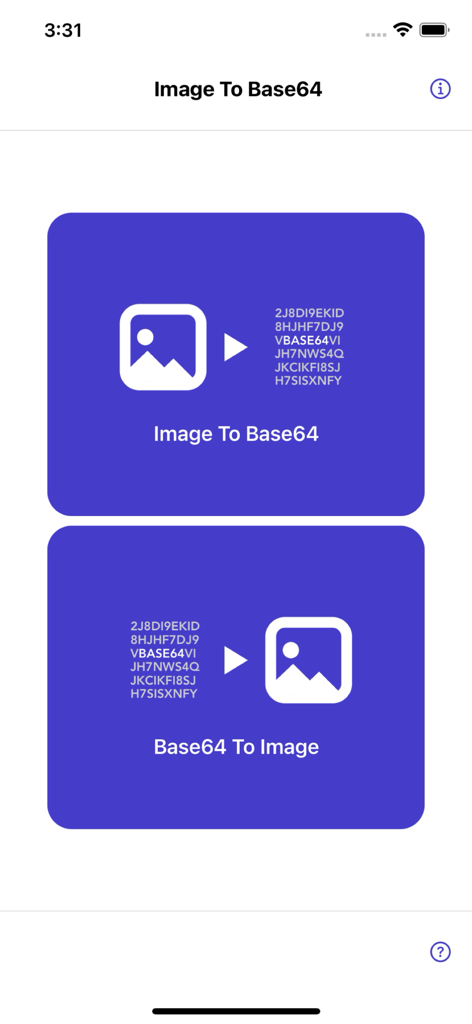
Image to Base64 Plus - 이미지를 문자열로, 문자열을 이미지로 변환하는 옵션이 있는 Image to Base64 Plus 앱의 메인 화면.
이미지를 문자열로, 문자열을 이미지로 변환하는 옵션이 있는 Image to Base64 Plus 앱의 메인 화면.

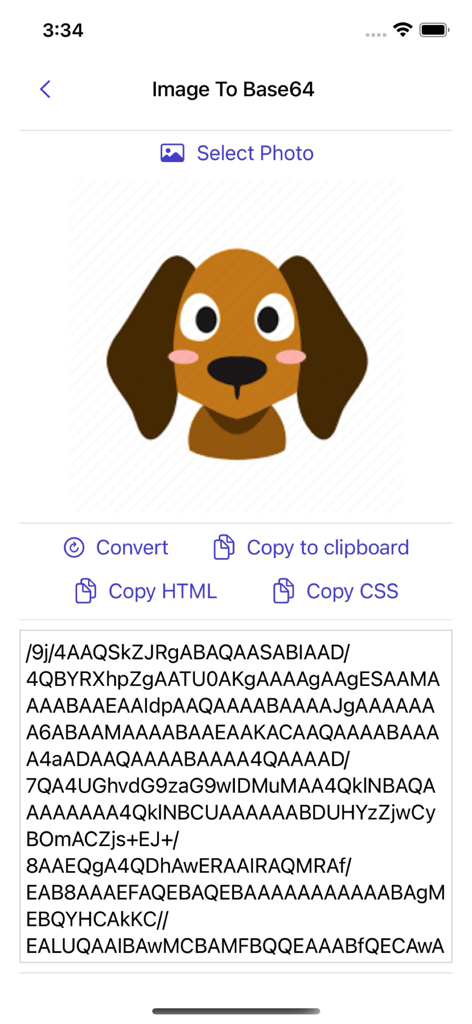
Image to Base64 Plus - 개와 같은 이미지가 Base64 텍스트 문자열로 변환되고 복사 옵션이 표시되는 Image to Base64 Plus 앱의 인터페이스.
개와 같은 이미지가 Base64 텍스트 문자열로 변환되고 복사 옵션이 표시되는 Image to Base64 Plus 앱의 인터페이스.

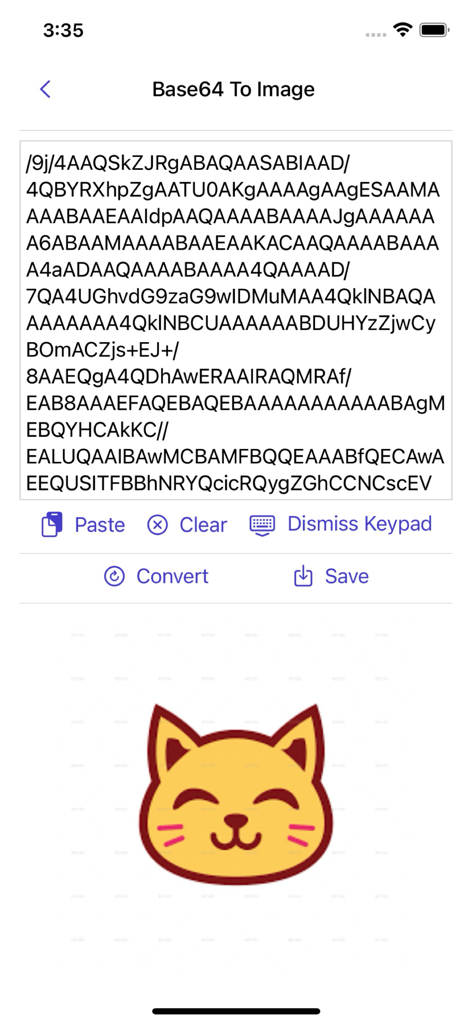
Image to Base64 Plus - 노란 고양이 그림으로 디코딩된 Base64 문자열을 보여주는 화면

노란 고양이 그림으로 디코딩된 Base64 문자열을 보여주는 화면

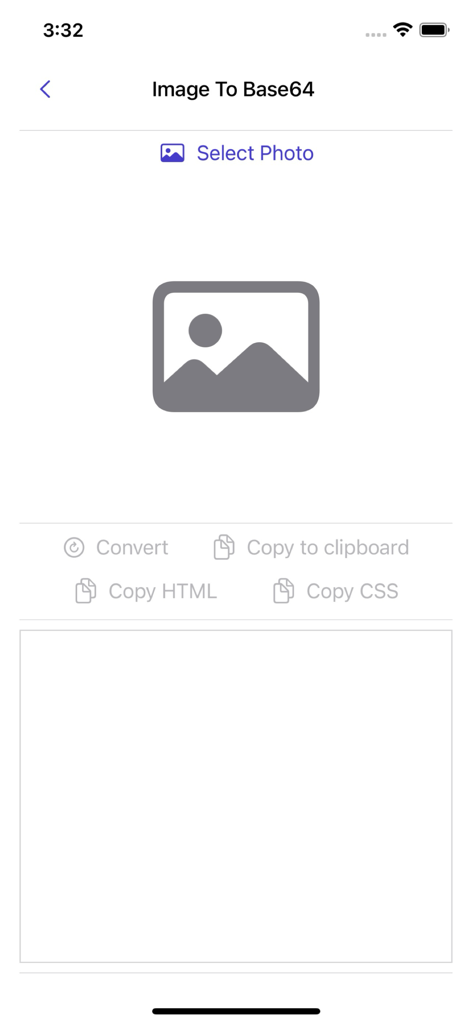
Image to Base64 Plus - 사진 선택 및 코드 변환 화면을 보여주는 Image to Base64 Plus 앱의 사용자 인터페이스.
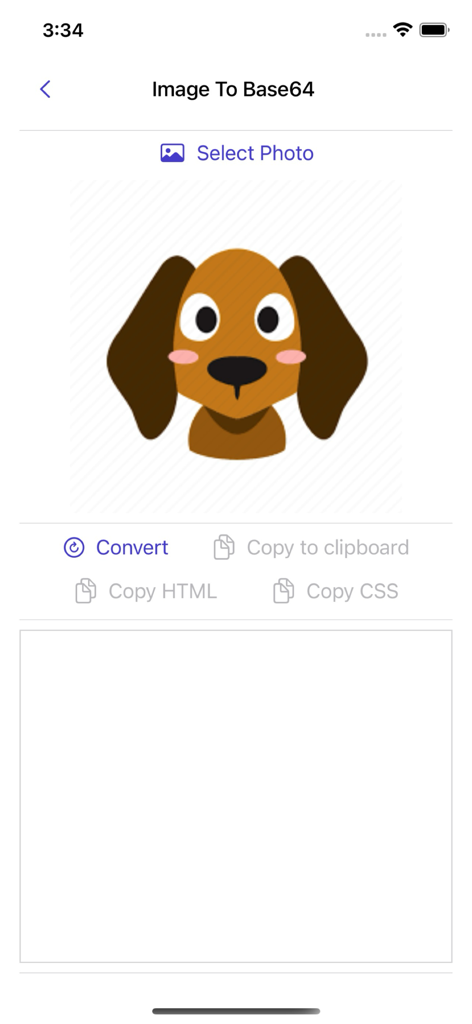
사진 선택 및 코드 변환 화면을 보여주는 Image to Base64 Plus 앱의 사용자 인터페이스.

Image to Base64 Plus - Base64, HTML 또는 CSS 코드로 변환될 준비가 된 강아지 이미지의 모바일 앱 인터페이스
Base64, HTML 또는 CSS 코드로 변환될 준비가 된 강아지 이미지의 모바일 앱 인터페이스

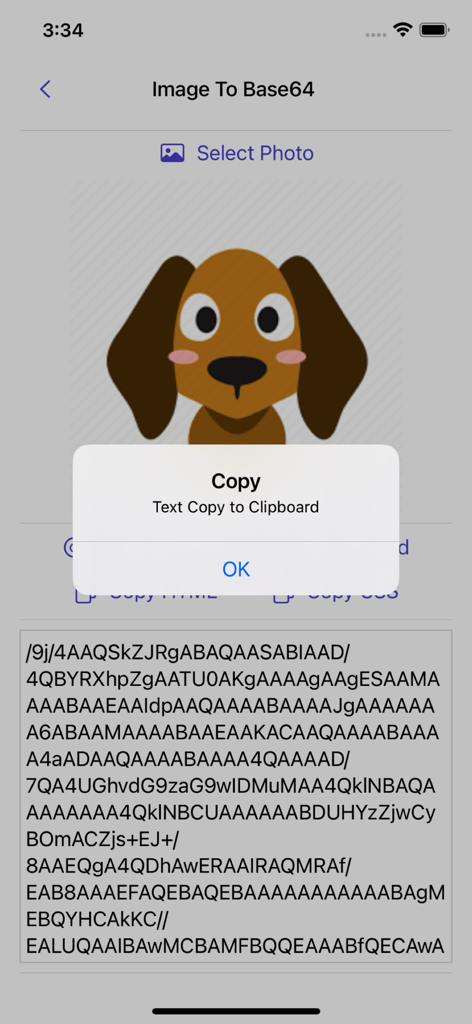
Image to Base64 Plus - 개 이미지가 Base64 문자열로 변환되고 복사 확인 팝업이 표시되는 앱 인터페이스.
개 이미지가 Base64 문자열로 변환되고 복사 확인 팝업이 표시되는 앱 인터페이스.

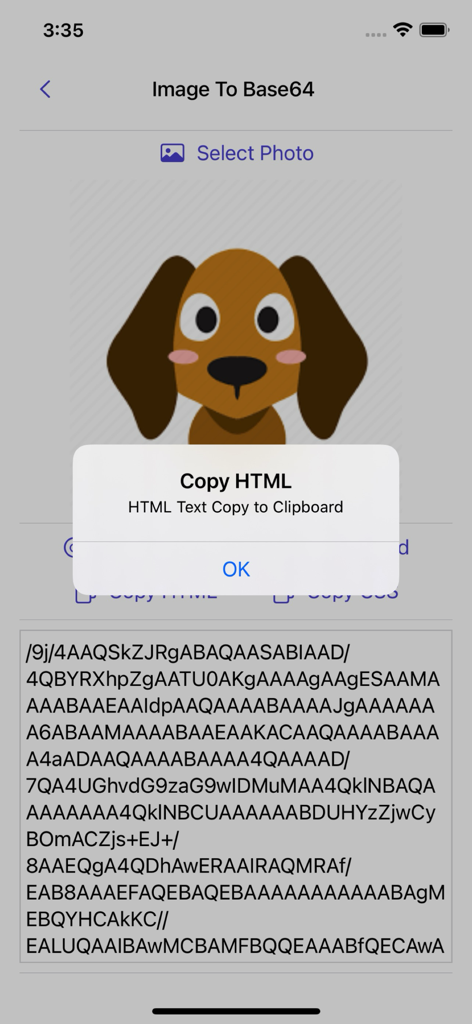
Image to Base64 Plus - 강아지 아이콘이 코드로 변환되고 HTML을 클립보드로 복사하는 확인 알림이 표시되는 Image to Base64 앱
강아지 아이콘이 코드로 변환되고 HTML을 클립보드로 복사하는 확인 알림이 표시되는 Image to Base64 앱

Image to Base64 Plus - Image to Base64 Plus 앱 내에서 Base64 문자열을 다시 이미지로 변환하는 인터페이스.
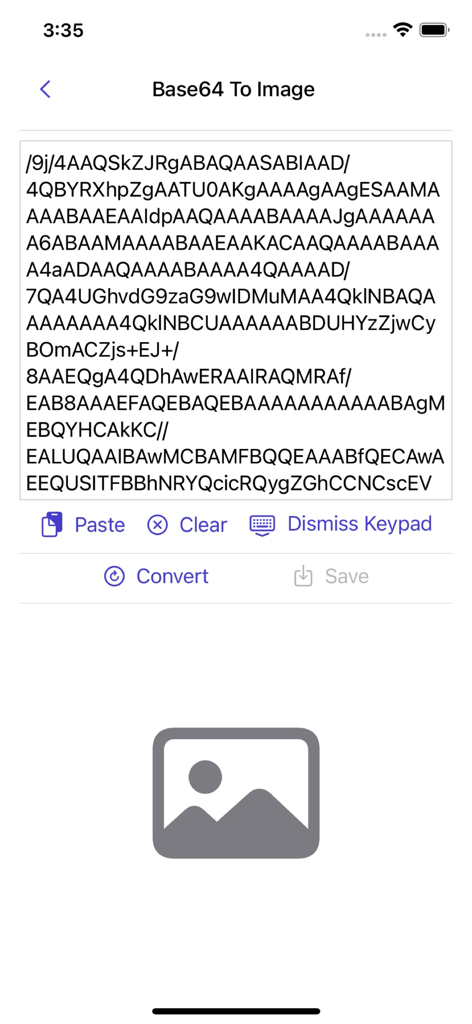
Image to Base64 Plus 앱 내에서 Base64 문자열을 다시 이미지로 변환하는 인터페이스.

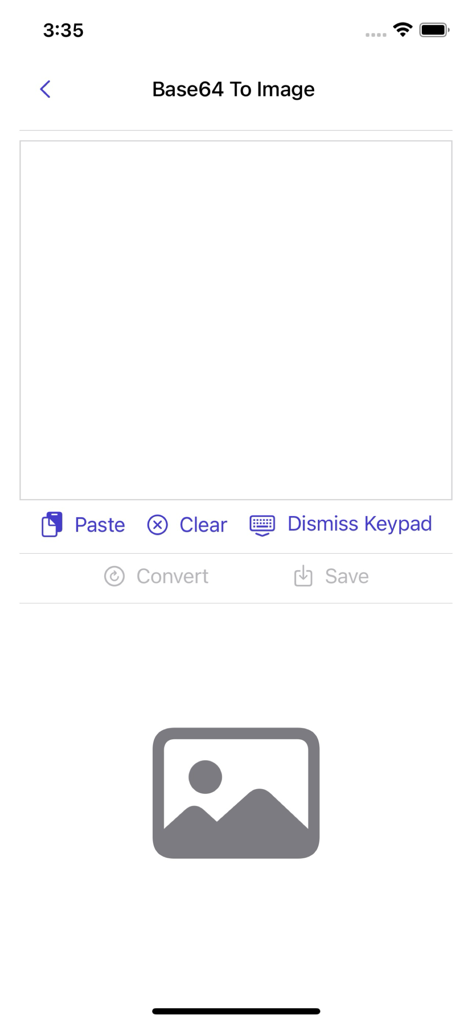
Image to Base64 Plus - 텍스트 문자열 입력 필드가 있는 Base64-to-Image 디코딩 화면.
텍스트 문자열 입력 필드가 있는 Base64-to-Image 디코딩 화면.

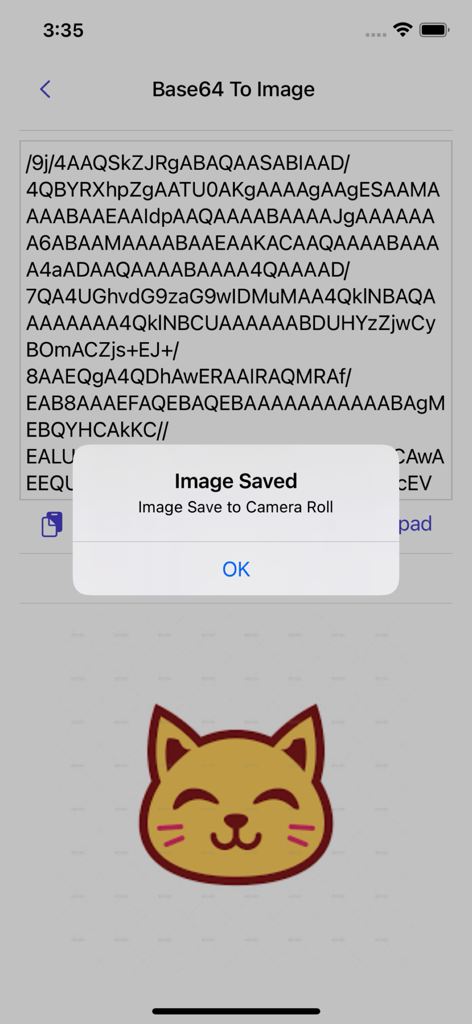
Image to Base64 Plus - 확인 알림과 함께 고양이 아이콘으로 Base64 문자열에서 성공적으로 변환되었음을 보여주는 모바일 앱 스크린샷

확인 알림과 함께 고양이 아이콘으로 Base64 문자열에서 성공적으로 변환되었음을 보여주는 모바일 앱 스크린샷

설명

Image to Base64 is a flexible and easy-to-use Base64 image encoder. It allows you to convert an image to Base64 or decode a Base64 string back into an image effortlessly. Features: ∙ Convert images to Base64 with ease. ∙ Copy the Base64-encoded string for use in other applications. ∙ Convert Base64 strings back into images effortlessly. ∙ Save the converted image directly to your camera roll. About Base64 Base64 encoding is used to embed image data in formats such as HTML, CSS, and JSON. Since the image is included directly in the content, the browser does not need to make a separate request to fetch the file. However, Base64-encoded images are larger than standalone image files, and for large images, the encoded string can be quite long. It is recommended to use Base64 primarily for small images and compare the performance of embedded vs. external images. Base64 encoding generates characters from a set that includes Latin letters, numerals, plus, and slash. It is widely used in Multipurpose Internet Mail Extensions (MIME) for email transport encoding. Why Use Base64 Encoding? Base64-encoded images can be embedded in img tags or CSS, reducing load times for small images by eliminating additional HTTP requests. This technique is useful for: Creating single-file mockups or demo HTML pages. Embedding images in HTML email signatures to avoid "display images" warnings. How to Convert an Image to Base64: 1. Tap Image to Base64. 2. Select the photo you want to convert. 3. Tap the Convert button. 4. The Base64 string is generated instantly. 5. Copy the Base64/HTML/CSS code by pressing the copy button. How to Convert Base64 to an Image: 1. Tap Base64 to Image. 2. Paste the Base64 code into the text field. 3. Tap the Convert button. 4. If the code is valid, an image preview will appear. 5. Save the image to your camera roll. The Base64 string is generated directly on your device using the Base64 algorithm—no data is sent to a server for conversion. Thank you for your support! Visit nitrio.com for more apps for your iOS devices.

Download

다운로드: App Store

이 페이지는 앱이나 개발자의 공식 페이지가 아니며, 정보 제공 및 논평을 목적으로 작성된 독립 편집 간행물입니다. 명시적으로 달리 언급되지 않는 한, 해당 앱이나 개발자는 MWM, Apple, Google Play, 앱 퍼블리셔 또는 앱 개발자와 제휴, 보증, 후원, 승인 또는 공식적으로 연결되어 있지 않으며, 이 페이지의 어떤 내용도 해당 앱이 MWM의 서비스를 사용하여 개발되었음을 의미하지 않습니다. 모든 상표, 로고, 스크린샷 및 기타 콘텐츠는 해당 소유자의 자산입니다.