IPTV - Opus Player
IPTV - Opus Player
다운로드: App Store

이 페이지는 앱이나 개발자의 공식 페이지가 아니며, 정보 제공 및 논평을 목적으로 작성된 독립 편집 간행물입니다. 명시적으로 달리 언급되지 않는 한, 해당 앱이나 개발자는 MWM, Apple, Google Play, 앱 퍼블리셔 또는 앱 개발자와 제휴, 보증, 후원, 승인 또는 공식적으로 연결되어 있지 않으며, 이 페이지의 어떤 내용도 해당 앱이 MWM의 서비스를 사용하여 개발되었음을 의미하지 않습니다. 모든 상표, 로고, 스크린샷 및 기타 콘텐츠는 해당 소유자의 자산입니다.

로고: IPTV - Opus Player
다운로드: App Store

IPTV - Opus Player

M3U 및 Xtream 재생 목록을 세련된 넷플릭스 스타일 경험으로 바꿔보세요. 스마트 메타데이터, Picture-in-Picture, iPhone, iPad 및 Apple TV 전반의 원활한 스트리밍을 즐기세요.

주요 수치

다운로드

153K+

사용자 평점

4.1/5

총 평가 수

2K+

개발사

BIEL LLC

카테고리

Entertainment

지원 언어

1

최신 버전

1.7.4

크기

101.0 MB

출시일

2022년 6월 7일
기능

스트리밍 경험을 향상시키세요

Opus Player는 맞춤 재생 목록을 전문가 수준의 라이브러리로 변환하여 디지털 콘텐츠에 프리미엄 넷플릭스 스타일 인터페이스를 제공합니다.

시네마틱 메타데이터 통합

원시 링크를 시각적 갤러리로 바꾸세요. 포스터, 출연진 정보, 예고편을 탐색하여 진정으로 몰입감 있는 엔터테인먼트 경험을 즐기세요.

스마트 재생 연속성

더 이상 재생 위치를 잃어버리지 마세요. 앱이 자동으로 중단한 부분을 기억하고 시리즈 및 영화 전체의 진행 상황을 추적합니다.

다음 스크린샷과 설명은 앱의 공식 스토어 목록에서 직접 가져온 것이며 앱 개발자의 자산입니다.

앱 스토어

스크린샷
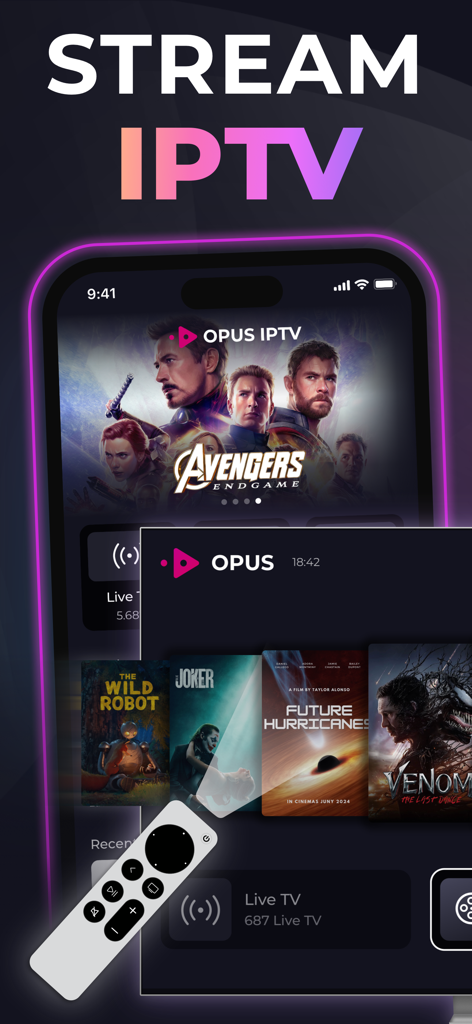
IPTV - Opus Player - Opus IPTV 플레이어 앱 인터페이스가 모바일 및 TV 화면에서 영화 및 라이브 TV 스트리밍을 보여줍니다
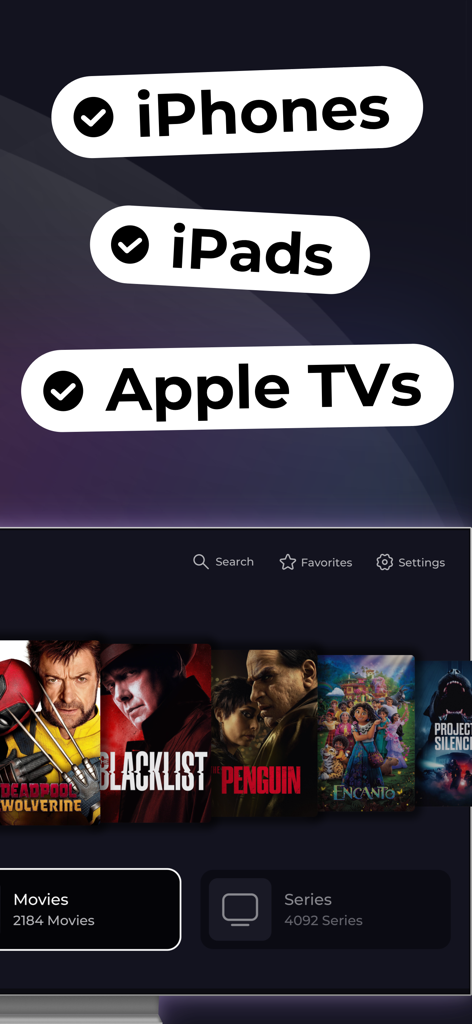
Opus IPTV 플레이어 앱 인터페이스가 모바일 및 TV 화면에서 영화 및 라이브 TV 스트리밍을 보여줍니다

IPTV - Opus Player - Opus Player 인터페이스가 영화 라이브러리와 함께 iPhone iPad 및 Apple TV에 대한 지원을 보여줍니다

Opus Player 인터페이스가 영화 라이브러리와 함께 iPhone iPad 및 Apple TV에 대한 지원을 보여줍니다

IPTV - Opus Player - 5개의 장치 액세스 및 PIP 모드 기능을 강조하는 Opus IPTV Player 홍보 화면
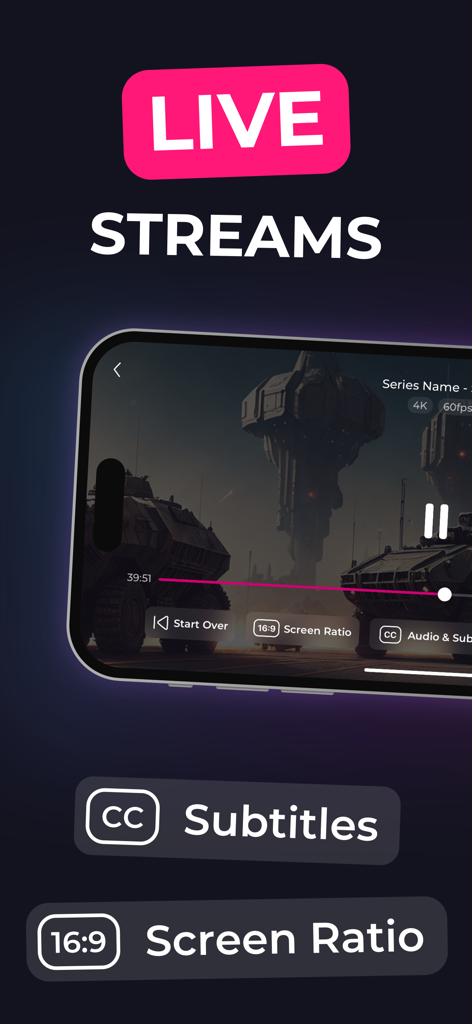
5개의 장치 액세스 및 PIP 모드 기능을 강조하는 Opus IPTV Player 홍보 화면

IPTV - Opus Player - IPTV Opus Player 모바일 인터페이스가 자막 및 화면 비율 옵션과 함께 라이브 스트림을 보여줍니다
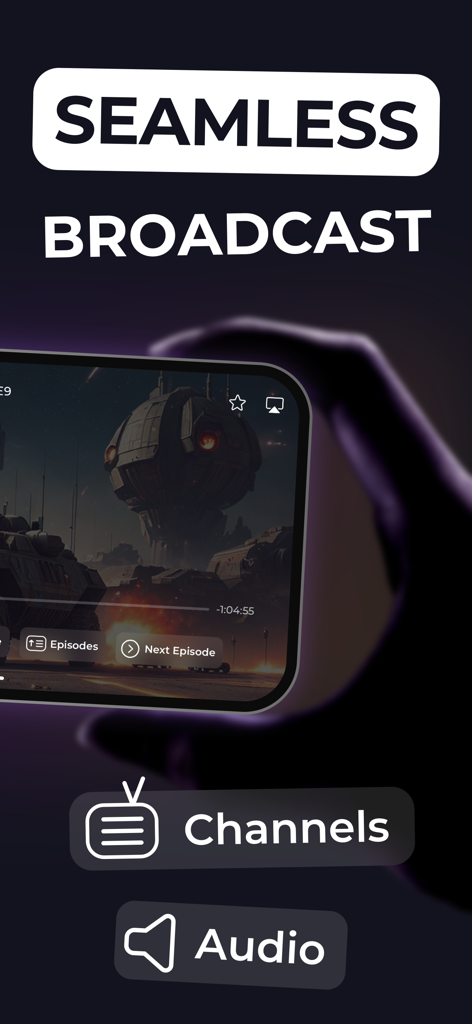
IPTV Opus Player 모바일 인터페이스가 자막 및 화면 비율 옵션과 함께 라이브 스트림을 보여줍니다

IPTV - Opus Player - Opus IPTV 플레이어 앱에서 원활한 브로드캐스트 기능이 있는 SF 비디오를 보여주는 스마트폰 화면
Opus IPTV 플레이어 앱에서 원활한 브로드캐스트 기능이 있는 SF 비디오를 보여주는 스마트폰 화면

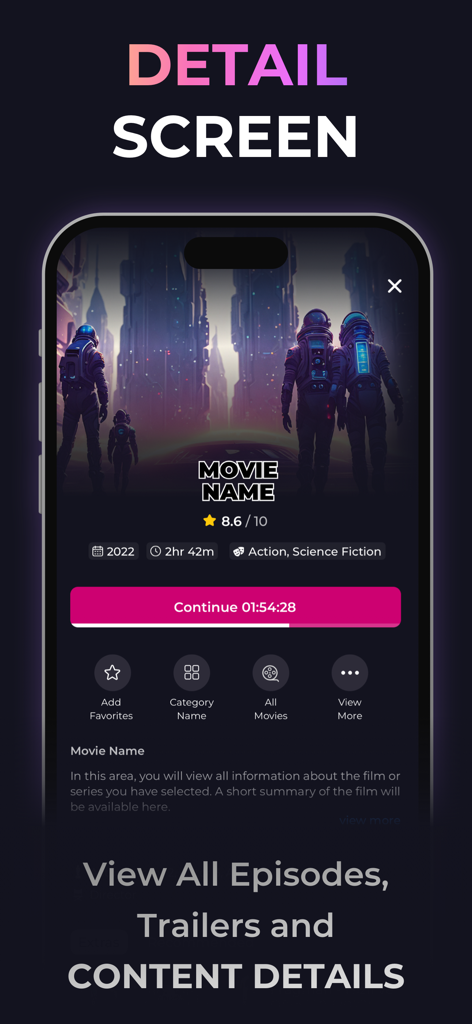
IPTV - Opus Player - Opus Player 앱 영화 상세 화면이 등급 및 계속 시청 버튼을 보여줍니다
Opus Player 앱 영화 상세 화면이 등급 및 계속 시청 버튼을 보여줍니다

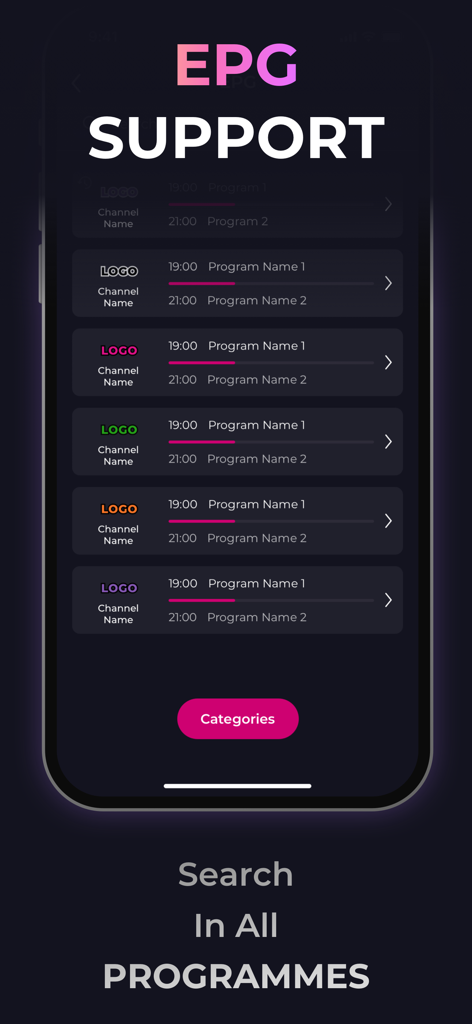
IPTV - Opus Player - Opus Player의 전자 프로그램 가이드 인터페이스가 라이브 TV 일정 및 채널 로고를 보여줍니다
Opus Player의 전자 프로그램 가이드 인터페이스가 라이브 TV 일정 및 채널 로고를 보여줍니다

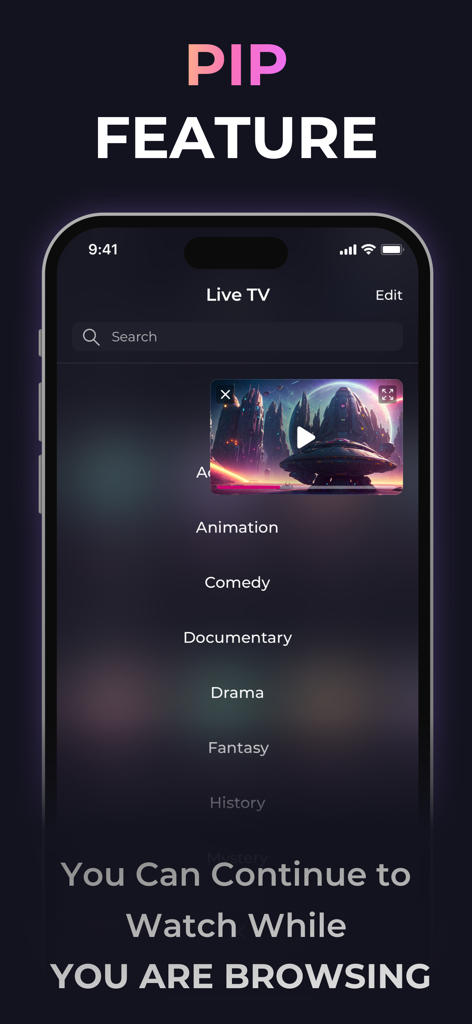
IPTV - Opus Player - 콘텐츠 카테고리 목록 위에 비디오가 재생되는 IPTV Opus Player Picture-in-Picture 기능
콘텐츠 카테고리 목록 위에 비디오가 재생되는 IPTV Opus Player Picture-in-Picture 기능

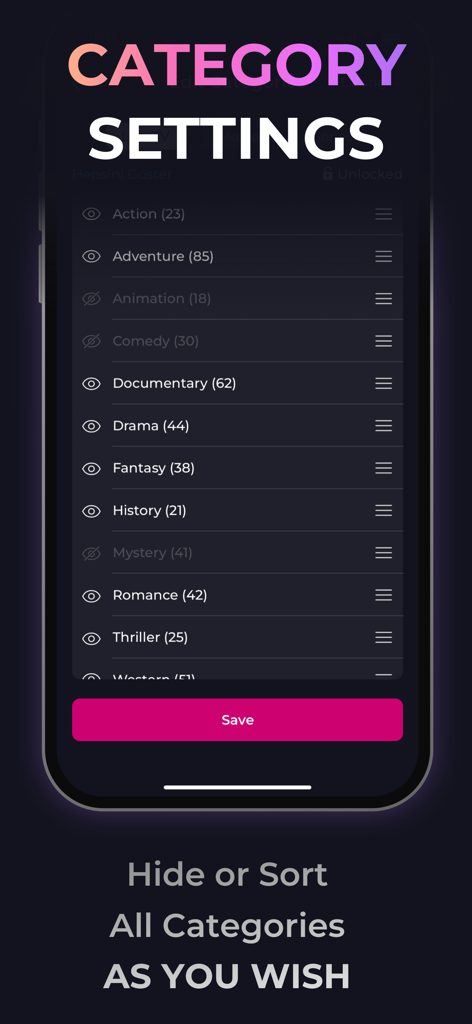
IPTV - Opus Player - 사용자가 콘텐츠 장르를 숨기거나 정렬할 수 있도록 하는 Opus Player의 카테고리 설정 화면.

사용자가 콘텐츠 장르를 숨기거나 정렬할 수 있도록 하는 Opus Player의 카테고리 설정 화면.

설명

Watch your favorite digital content, live tv stream, movies, and series as they should be! Complete smart IPTV player solution, available to download now. OPUS IPTV PLAYER DOES NOT PROVIDE ANY CONTENT AND HAS NO AFFILIATION WITH ANY THIRD-PARTY PROVIDER. OPUS IPTV Player is compatible with any m3u stream playlist and Xtream stream playlist. So you can bring your digital content, add it to the playlist, and enjoy your ultimate iptv stream player experience. What's unique in OPUS IPTV? * Browse movies and series in detail (seasons and episodes support for series) * Browse cast and watch trailers for movies and series * Favorite your content like movies, series, live TVs, and videos for quick access. * Continue watching series and movies where you left off * Use smart search to find what you looking for * Change the video's aspect ratio to watch in your style * Add multiple m3u stream & Xtream stream playlist * Picture-in-picture support in the app * Continue playing your stream in the background * Quickly go to the next episode while watching the current episode What customers say about OPUS Smart IPTV Player: ► "I used many IPTV players before, but the OPUS Smart IPTV Player is one of the best in the industry!" ► "I don't have to remember which episode to watch next, OPUS Smart IPTV Player remembers for me haha :)" ► "Recently added movies section is a lifesaver! We don't think about what should we watch." **WARNINGS** - OPUS IPTV Player uses the TMDB API to provide information about your digital content, but it is not endorsed or approved by TMDB. - It uses the VLCKit player. The player is maintained by the developer of VLC. - The screenshots shown on this page are provided as examples only and do not point to any actual video content. Neither OPUS IPTV nor its founder provides digital content and is not responsible for your content. To use this application, you are asked to provide your digital content. - Sample videos and images are under Public Domain and do not violate any copyright. **DISCLAIMER** - OPUS IPTV Player does not provide or solicit any audiovisual content to the users. - OPUS IPTV Player has no affiliation with any third-party provider whatsoever. - Users must provide their content. - We strictly do not endorse the streaming of copyright-protected material without permission of the copyright holder. ----------------------------------------------------------------------- Recurring billing. Cancel anytime. When you purchase this subscription, the total amount will be charged to your iTunes account. Subscription automatically renews unless auto-renew is turned off at least 24 hours before the end of the current period. The account will be charged for renewal 24 hours before the end of the current period. Subscriptions may be managed by the user and auto-renewal may be turned off by going to the user's Account Settings after purchase. If you purchase a subscription to this publication, any unused portion of the free trial period, if offered, will be forfeited. For more information, please visit our Privacy Policy and Terms of Service. === Packages === $9.99/ 3 months $29.99 / 1 year $49.99 for lifetime Prices are in US dollars, may vary in countries other than the US, and are subject to change without notice. Privacy Policy: https://opusiptv.com/privacy-policy/ Terms and Conditions: https://opusiptv.com/terms-and-conditions/

Download

다운로드: App Store

이 페이지는 앱이나 개발자의 공식 페이지가 아니며, 정보 제공 및 논평을 목적으로 작성된 독립 편집 간행물입니다. 명시적으로 달리 언급되지 않는 한, 해당 앱이나 개발자는 MWM, Apple, Google Play, 앱 퍼블리셔 또는 앱 개발자와 제휴, 보증, 후원, 승인 또는 공식적으로 연결되어 있지 않으며, 이 페이지의 어떤 내용도 해당 앱이 MWM의 서비스를 사용하여 개발되었음을 의미하지 않습니다. 모든 상표, 로고, 스크린샷 및 기타 콘텐츠는 해당 소유자의 자산입니다.