IPTV Player Live: M3U & Xtream
다운로드: App Store

이 페이지는 앱이나 개발자의 공식 페이지가 아니며, 정보 제공 및 논평을 목적으로 작성된 독립 편집 간행물입니다. 명시적으로 달리 언급되지 않는 한, 해당 앱이나 개발자는 MWM, Apple, Google Play, 앱 퍼블리셔 또는 앱 개발자와 제휴, 보증, 후원, 승인 또는 공식적으로 연결되어 있지 않으며, 이 페이지의 어떤 내용도 해당 앱이 MWM의 서비스를 사용하여 개발되었음을 의미하지 않습니다. 모든 상표, 로고, 스크린샷 및 기타 콘텐츠는 해당 소유자의 자산입니다.

로고: IPTV Player Live: M3U & Xtream
다운로드: App Store

IPTV Player Live: M3U & Xtream

조잡한 인터페이스는 이제 그만. 현대적인 코드 커터(cord-cutter)를 위해 설계된 세련되고 고성능 미디어 관리자를 경험해 보세요. iCloud 통합, AirPlay, Picture-in-Picture와 같은 고급 기능을 통해 iPhone, iPad, Apple TV 전반에 걸쳐 플레이리스트를 완벽하게 동기화하세요.

주요 수치

다운로드

113K+

사용자 평점

4.9/5

총 평가 수

6K+

개발사

Ibrahim Hanna Zananiri

카테고리

Entertainment

지원 언어

6

최신 버전

8.7

크기

51.2 MB

출시일

2023년 1월 6일
기능

Apple 기기를 위한 최고의 IPTV 경험

조잡한 인터페이스는 이제 그만. 현대적인 코드 커터 및 Apple 파워 유저를 위해 특별히 설계된 세련되고 강력하며 안전한 플레이어를 즐기세요.

끊김 없는 iCloud 생태계 동기화

출퇴근길에 시청을 시작하고 집에서 마무리를 하세요. M3U 플레이리스트, 시청 기록, 즐겨찾기는 iPhone, iPad, Apple TV 전반에 걸쳐 완벽하게 동기화됩니다.

프로 수준의 멀티태스킹 및 캐스팅

Picture-in-Picture 지원으로 절대 놓치지 말고, AirPlay 및 Chromecast를 사용하여 영화 같은 경험을 위해 스트림을 큰 화면으로 옮기세요.

다음 스크린샷과 설명은 앱의 공식 스토어 목록에서 직접 가져온 것이며 앱 개발자의 자산입니다.

앱 스토어

스크린샷
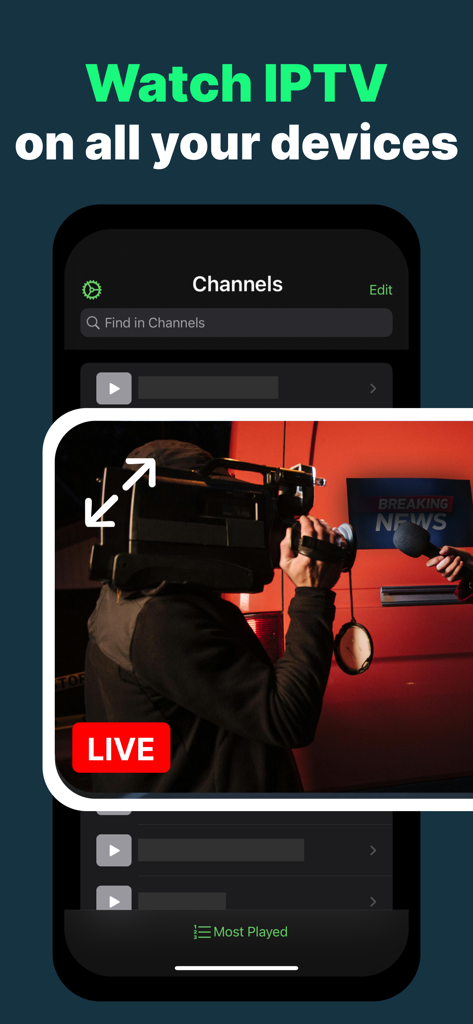
IPTV Player Live: M3U & Xtream - IPTV Player Live 앱 인터페이스가 모바일 장치에서 Picture-in-Picture 모드로 라이브 뉴스 스트림을 보여주고 있습니다.
IPTV Player Live 앱 인터페이스가 모바일 장치에서 Picture-in-Picture 모드로 라이브 뉴스 스트림을 보여주고 있습니다.

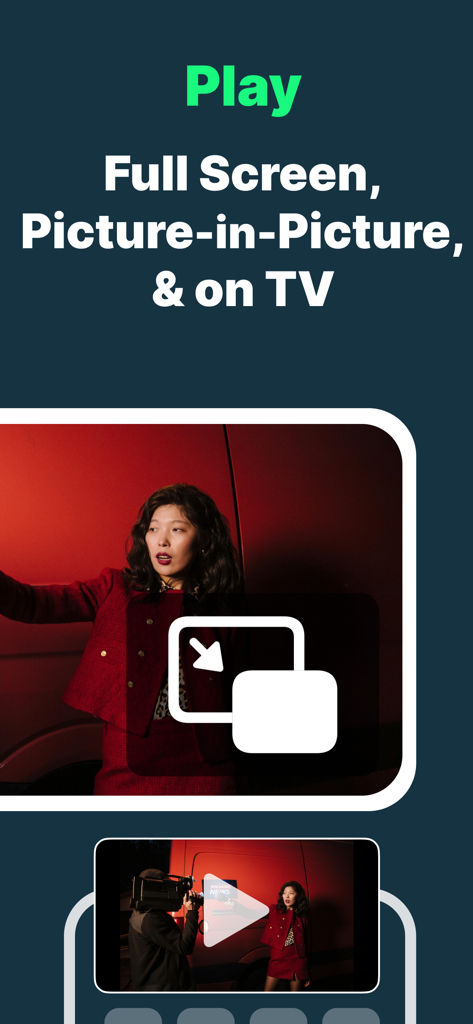
IPTV Player Live: M3U & Xtream - IPTV Player 앱 인터페이스가 모바일 장치에서 Picture-in-Picture 및 전체 화면 재생 옵션을 보여주고 있습니다.
IPTV Player 앱 인터페이스가 모바일 장치에서 Picture-in-Picture 및 전체 화면 재생 옵션을 보여주고 있습니다.

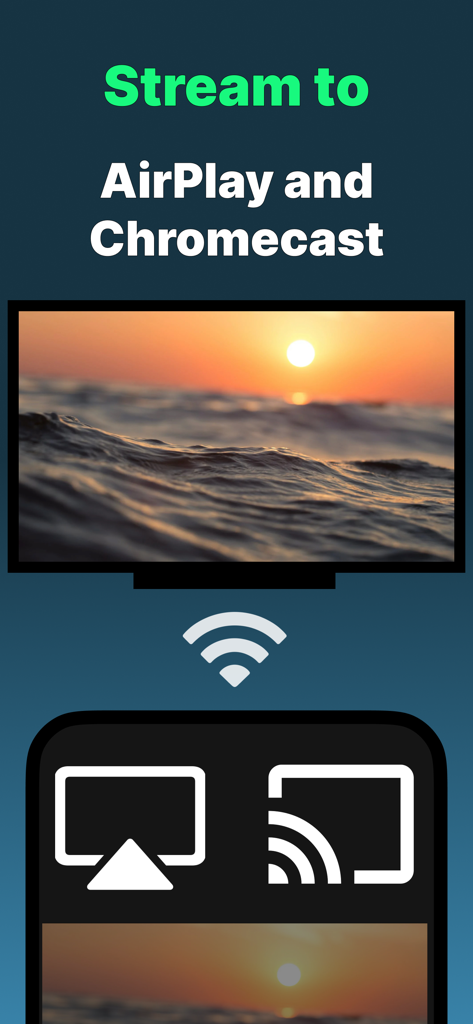
IPTV Player Live: M3U & Xtream - IPTV 앱 화면에 AirPlay 또는 Chromecast를 사용하여 TV로 콘텐츠를 스트리밍하는 옵션이 표시됩니다.
IPTV 앱 화면에 AirPlay 또는 Chromecast를 사용하여 TV로 콘텐츠를 스트리밍하는 옵션이 표시됩니다.

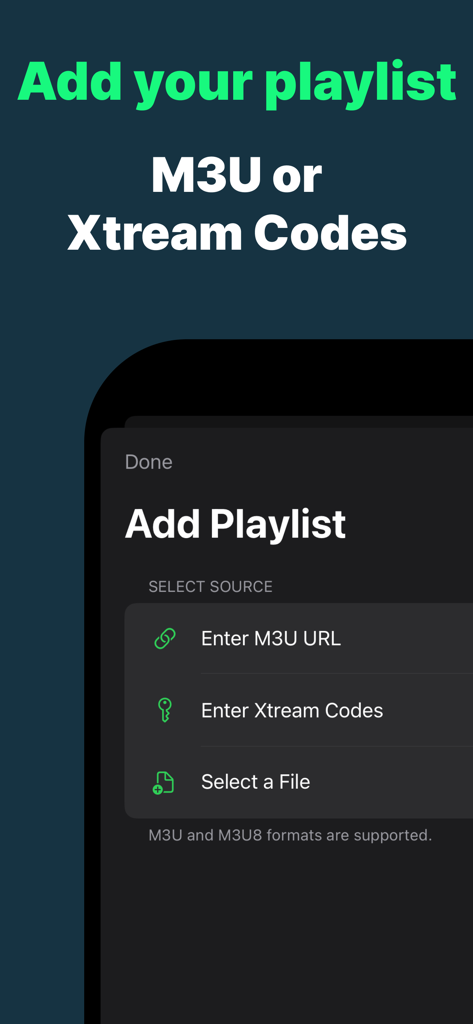
IPTV Player Live: M3U & Xtream - M3U 및 Xtream Codes 옵션을 보여주는 플레이리스트 추가 화면
M3U 및 Xtream Codes 옵션을 보여주는 플레이리스트 추가 화면

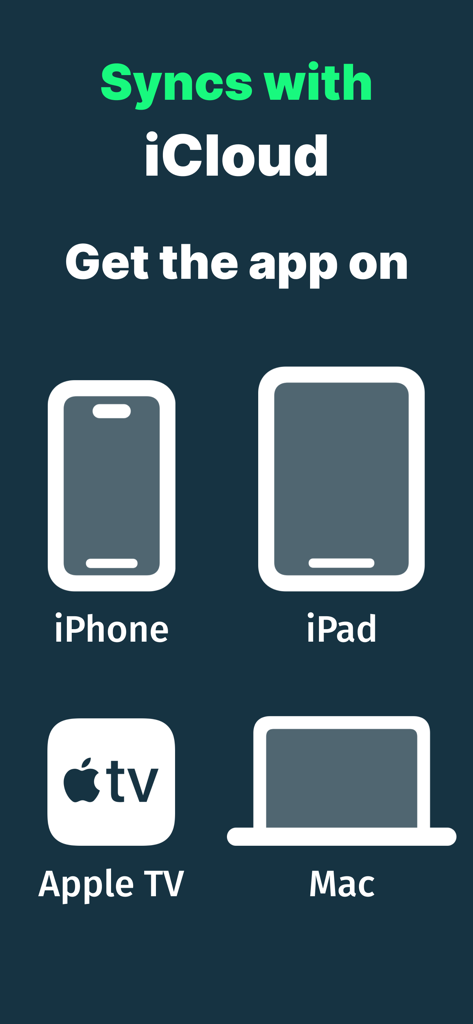
IPTV Player Live: M3U & Xtream - IPTV Player 앱이 iPhone, iPad, Apple TV 및 Mac에서 iCloud와 동기화되고 있습니다.

IPTV Player 앱이 iPhone, iPad, Apple TV 및 Mac에서 iCloud와 동기화되고 있습니다.

설명

We know your pain. Most IPTV player apps out there aren't great. You deserve a better IPTV experience. This app is not only superior, it is also free. Getting started is easy: 1. Add your IPTV playlist - these are usually M3U files 2. Explore and search in your channels 3. Start watching a live stream with one tap! You can watch anywhere, on your iPhone or iPad, go full screen, Picture-in-Picture to multi-task, or use AirPlay to watch on Apple TV or any AirPlay-enabled audio/video device. You can also download our tvOS app for a beautiful experience adapted to Apple TV. == Add your playlists ==== • Import your IPTV playlist from a web URL, a local file, iCloud, or using your Xtream Codes credentials. • Supports M3U and M3U8 formats • Automatically synchronizes your playlist data, history, and favorites across your devices with iCloud. == Watch anywhere ==== • Supports streaming live TV channels, VoD (Video-on-Demand), Shows, etc. • Supports AirPlay and Chromecast: Play and cast your content for a larger screen experience in the living room or with family and friends. • Organize and browse your channels by channel category, playlist, region, and language. == Make it yours ==== • Add channels to Favorites for quicker access. • Instant access to your favorite and previously watched channels using Spotlight Search. • Sort channels by most recently watched, alphabetically, and more. • Select multiple channels to manage them easily in one go. • Unlock the app using Face ID or Touch ID. (Option in Settings) == Choose a superior app ==== • Works across different device forms, with excellent iPad experience, taking advantage of your screen real estate for immersive browsing and playback. • App also available for your Apple TV and Mac. This app is a media manager and player and does not come pre-loaded with any content. It is designed to help you enjoy your own content, better than what you may have tried already. Notice: It is your responsibility to verify your content to make sure it is fair and legal. This is a Chromecast-enabled app which lets stream to Chromecast products including Google Chromecast and TVs with Chromecast built-in. Chromecast is a trademark of Google LLC. - EULA: https://www.apple.com/legal/internet-services/itunes/dev/stdeula/

Download

다운로드: App Store

이 페이지는 앱이나 개발자의 공식 페이지가 아니며, 정보 제공 및 논평을 목적으로 작성된 독립 편집 간행물입니다. 명시적으로 달리 언급되지 않는 한, 해당 앱이나 개발자는 MWM, Apple, Google Play, 앱 퍼블리셔 또는 앱 개발자와 제휴, 보증, 후원, 승인 또는 공식적으로 연결되어 있지 않으며, 이 페이지의 어떤 내용도 해당 앱이 MWM의 서비스를 사용하여 개발되었음을 의미하지 않습니다. 모든 상표, 로고, 스크린샷 및 기타 콘텐츠는 해당 소유자의 자산입니다.








