Lens pdf scanner: jpg to pdf

Lens pdf scanner: jpg to pdf

다운로드: App Store
로고: Lens pdf scanner: jpg to pdf

Lens pdf scanner: 전문가 및 학생을 위한 올인원 모바일 스캐너

문서, 영수증, 신분증을 즉시 고품질 PDF 또는 Word 파일로 변환하세요. 완전한 오프라인 개인 정보 보호 기능으로 번개처럼 빠른 워터마크 없는 스캔을 경험하세요.

다운로드: App Store

개발사

BREE AI TECH PTE. LTD.

카테고리

Business

다운로드

500

사용자 평점

4.9/5

총 평가 수

0

지원 언어

11

초점에 맞춘 사무실

이 인터페이스를 사용하는 500 명의 사용자.

스캔된 문서를 Word, Excel 및 PDF 형식으로 내보내는 옵션을 보여주는 모바일 앱 화면.
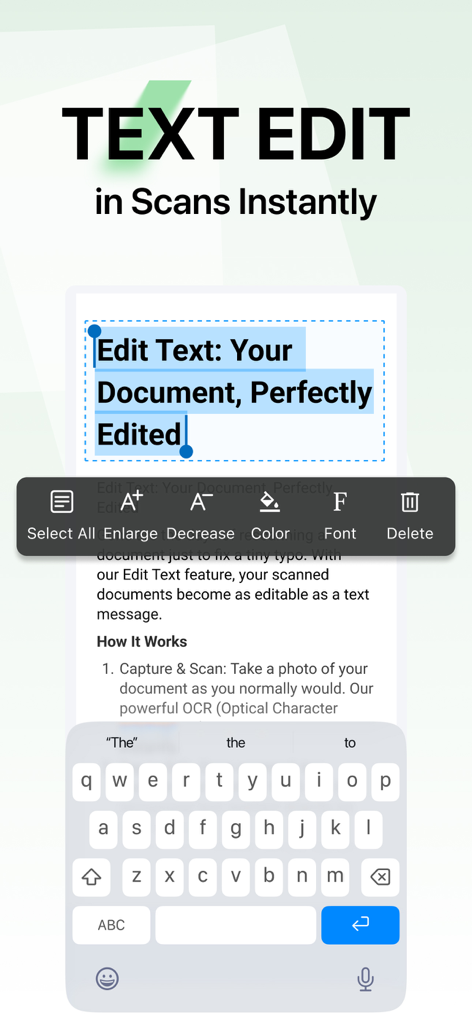
스캔된 문서를 Word, Excel 및 PDF 형식으로 내보내는 옵션을 보여주는 모바일 앱 화면.

Lens PDF Scanner로 스캔된 문서에서 텍스트 편집 중
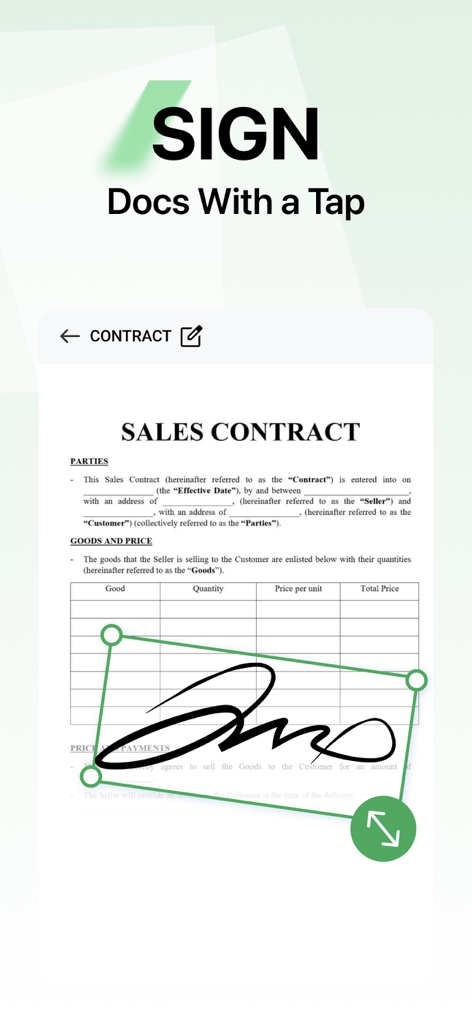
Lens PDF Scanner로 스캔된 문서에서 텍스트 편집 중

Lens PDF Scanner 모바일 앱을 사용하여 판매 계약서에 디지털 서명 추가
Lens PDF Scanner 모바일 앱을 사용하여 판매 계약서에 디지털 서명 추가

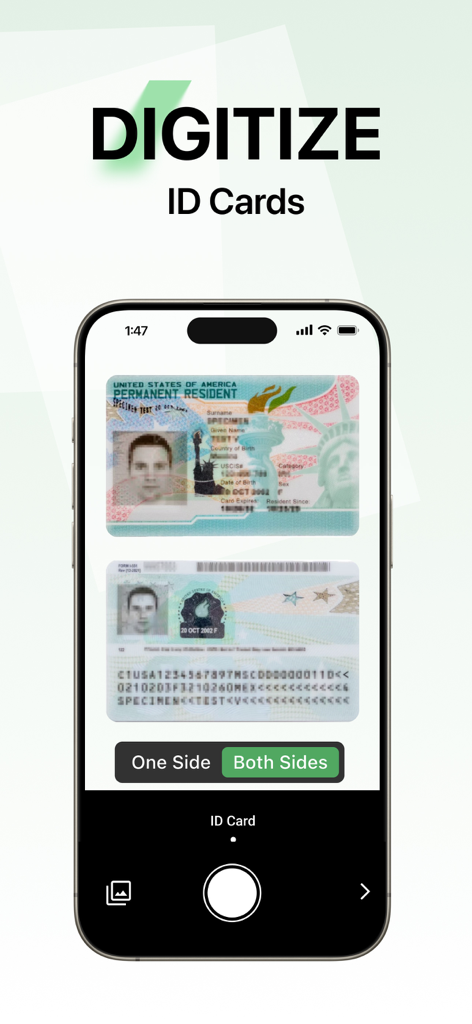
신분증 양면을 디지털화하기 위한 Lens PDF Scanner 앱 인터페이스를 보여주는 휴대폰 화면.
신분증 양면을 디지털화하기 위한 Lens PDF Scanner 앱 인터페이스를 보여주는 휴대폰 화면.

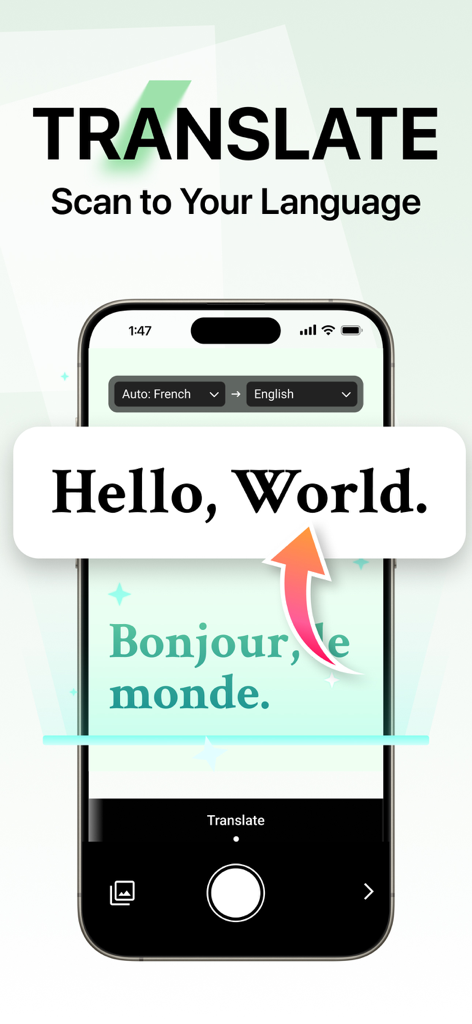
프랑스어 텍스트를 영어로 변환하는 Lens PDF Scanner 번역 기능이 표시된 스마트폰 인터페이스.
프랑스어 텍스트를 영어로 변환하는 Lens PDF Scanner 번역 기능이 표시된 스마트폰 인터페이스.

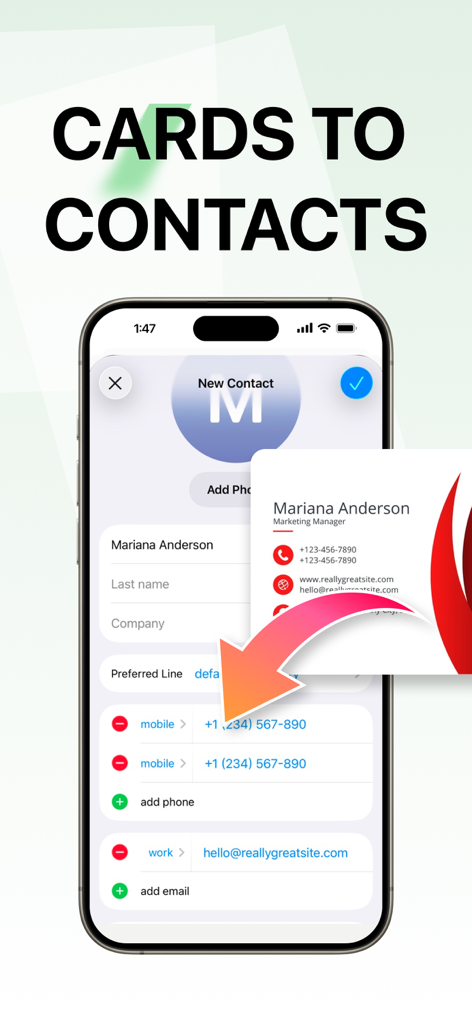
Lens PDF Scanner 앱을 사용하여 명함을 디지털 연락처로 변환하는 인터페이스 표시
Lens PDF Scanner 앱을 사용하여 명함을 디지털 연락처로 변환하는 인터페이스 표시

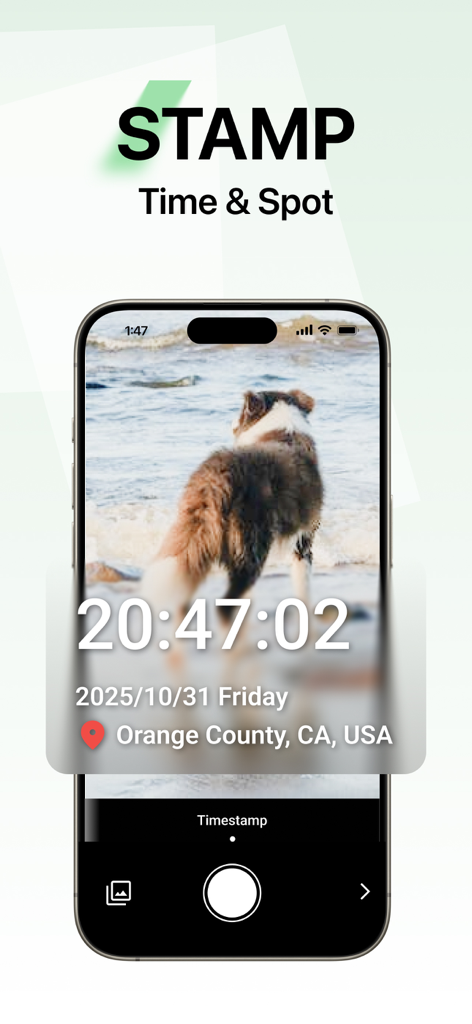
개 사진에 시간 및 위치 스탬프 기능이 표시된 Lens PDF Scanner 앱 스크린샷
개 사진에 시간 및 위치 스탬프 기능이 표시된 Lens PDF Scanner 앱 스크린샷

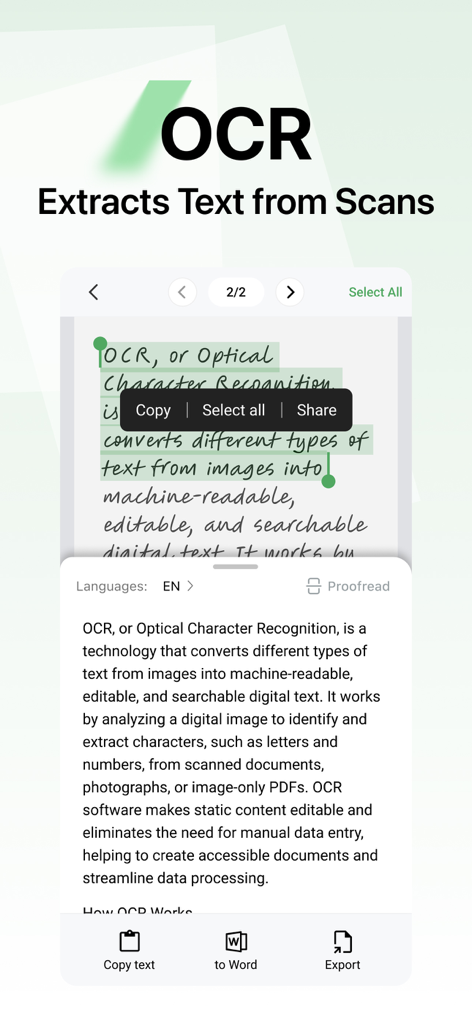
스캔된 문서에서 텍스트를 편집 가능한 디지털 텍스트로 추출하는 Lens PDF Scanner 앱의 OCR 기능 인터페이스
스캔된 문서에서 텍스트를 편집 가능한 디지털 텍스트로 추출하는 Lens PDF Scanner 앱의 OCR 기능 인터페이스

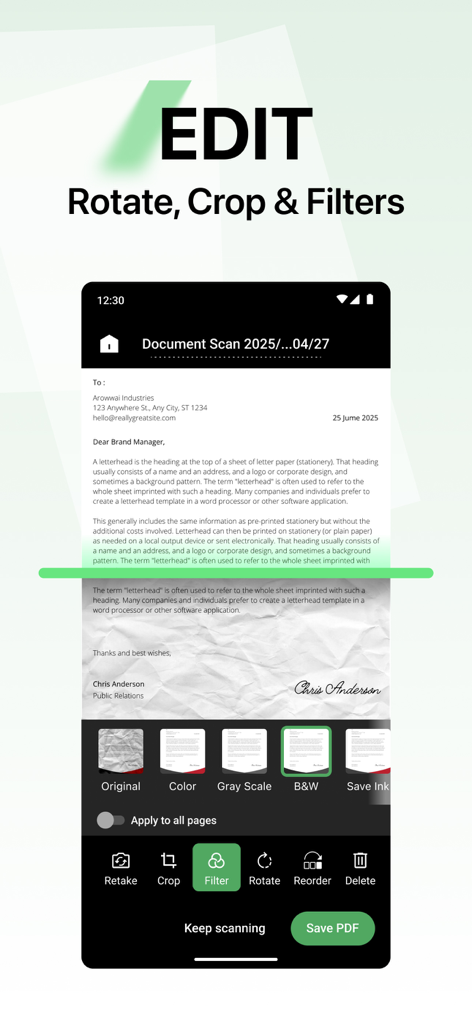
필터, 회전, 자르기를 포함한 문서 편집 옵션을 보여주는 Lens PDF Scanner 앱의 인터페이스.
필터, 회전, 자르기를 포함한 문서 편집 옵션을 보여주는 Lens PDF Scanner 앱의 인터페이스.

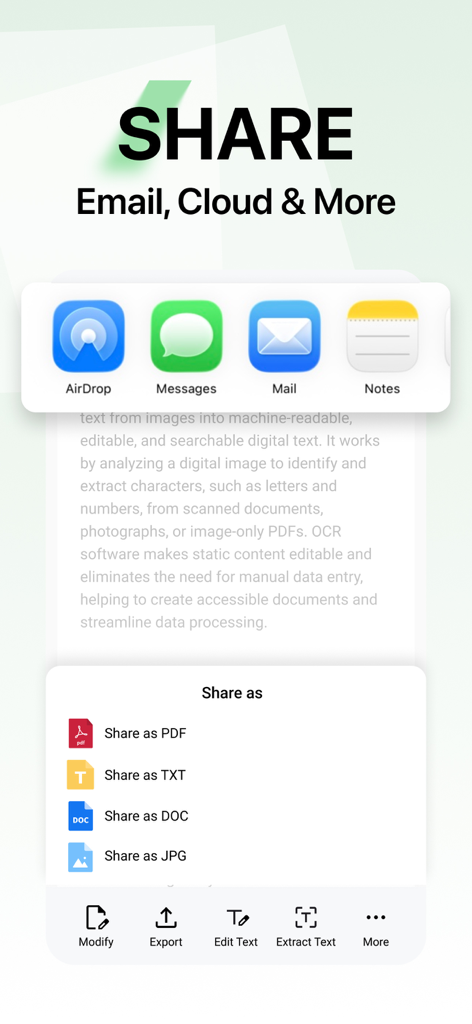
이메일, 클라우드 또는 메시지를 통해 PDF TXT DOC 및 JPG 형식으로 공유 옵션을 보여주는 Lens PDF scanner 앱의 인터페이스

이메일, 클라우드 또는 메시지를 통해 PDF TXT DOC 및 JPG 형식으로 공유 옵션을 보여주는 Lens PDF scanner 앱의 인터페이스

주머니 속 생산성 스위트

이 앱을 돋보이게 하는 도구, 500 명의 사용자가 선택.

몇 초 만에 전문가 수준의 스캔

스마트 자동 자르기 및 향상 기능으로 선명하고 워터마크 없는 PDF를 캡처하여 언제나 깔끔하고 전문적인 결과물을 얻으세요.

📝

AI로 텍스트 편집 및 추출

사진을 즉시 편집 가능한 Word 또는 PDF 파일로 변환하세요. 스마트 OCR을 사용하여 타이핑할 필요 없이 페이지에서 텍스트를 추출하세요.

🔒

디자인상 완벽한 개인 정보 보호

100% 오프라인 처리를 통해 안전하게 작업하세요. 민감한 문서 및 신분증은 클라우드가 아닌 사용자의 기기에 보관됩니다.

앱 소개

에 대해 알아야 할 모든 것 Lens pdf scanner: jpg to pdf.

설명

Lens pdf scanner – Your All-in-One Mobile Scanner App Turn your phone into a smart, pocket-sized scanner with Lens – the easiest way to scan documents, photos, receipts, notes, and IDs into high-quality PDFs or Word files anytime, anywhere. Perfect for students, professionals, and anyone who needs a fast, reliable PDF scanner app on the go. Key Features: • Snap & Scan Instantly – Use your phone’s camera to quickly scan documents, IDs, notes, receipts, or photos with just one tap. • Document Converter – Convert paper documents and photos into editable PDF, Word, Excel, or PowerPoint files. • Auto Crop & Smart Edge Detection – Automatically detects edges, crops, and enhances documents for clean, professional-quality scans. • Edit Text in Scanned Documents – Extract text from scanned images and edit it easily using OCR technology. • Scan Business Cards to Save Contacts – Capture business cards and automatically save names, phone numbers, and other details to your address book. • Photo Translation – Take a photo of any text to instantly recognize and translate it into multiple languages. • Watermark Camera – Add time, location, and other customizable watermarks while taking photos. • Add Feature Images to PDFs – Include logos, signatures, or any image to your scanned PDFs effortlessly. • Photo to Word Conversion – Take a picture of any document and instantly convert it into editable Word or DOCX format. • PDF Creation & Export – Convert your scans to PDF, JPG to PDF, PNG to PDF, or PDF to Word and share via email, cloud storage, or messaging apps. • Organize Your Scans – Name, tag, and sort your scanned files for easy management and quick retrieval. • Offline & Private – All scans are saved locally. No internet required, ensuring complete privacy and security. Why Lens pdf scanner? • Lightning-fast scanning with your phone camera or Cam. • High-resolution, clean PDFs with no watermarks – even in the free version. • Intuitive interface – no learning curve, unlike complex apps like Adobe, Microsoft Office Lens, or CamScanner. • Supports JPG, PNG, PDF, DOCX, and Word files for ultimate flexibility. • Minimal ads and clutter – just scan, save, and share. Perfect For: • Students digitizing notes, homework, or assignments. • Professionals scanning contracts, invoices, receipts, or IDs. • Anyone who wants a free, reliable PDF and Word scanner app that works like a genius scanner. Upgrade to Premium for Full Access Unlock all advanced features—including OCR and sharing—with one of our premium plans: • One-time payment • Yearly subscription Enjoy unlimited access and enhanced tools to maximize your experience. Note: Prices may vary by location. Terms of Service: https://www.breeai.com/terms_conditions.htm Privacy Policy: https://www.breeai.com/privacy.htm Contact: https://breeai.com/contact-us.htm Download Lens pdf scanner now and simplify your paperwork.

최신 버전

1.13

크기

60.3 MB

출시일

2025년 7월 3일

서류 작업을 간소화할 준비가 되셨나요?

수천 명의 학생 및 전문가들이 Lens를 사용하여 몇 초 만에 고품질의 개인 스캔을 생성합니다. 지금 다운로드하고 종이 없는 생활을 시작하세요.

다운로드: App Store

App information, icons, screenshots, and descriptions displayed on this page are sourced from the Apple App Store and are the property of their respective developers. Download estimates and rankings are based on MWM's proprietary models and may not reflect actual figures. This page is provided for informational and analytical purposes only.

Believe this page infringes your intellectual property? File a dispute