Live Wallpaper Maker 4K
다운로드: App Store

이 페이지는 앱이나 개발자의 공식 페이지가 아니며, 정보 제공 및 논평을 목적으로 작성된 독립 편집 간행물입니다. 명시적으로 달리 언급되지 않는 한, 해당 앱이나 개발자는 MWM, Apple, Google Play, 앱 퍼블리셔 또는 앱 개발자와 제휴, 보증, 후원, 승인 또는 공식적으로 연결되어 있지 않으며, 이 페이지의 어떤 내용도 해당 앱이 MWM의 서비스를 사용하여 개발되었음을 의미하지 않습니다. 모든 상표, 로고, 스크린샷 및 기타 콘텐츠는 해당 소유자의 자산입니다.


로고: Live Wallpaper Maker 4K
다운로드: App Store

Live Wallpaper Maker 4K

트렌디한 4K 테마의 방대한 컬렉션으로 당신의 독특한 미학을 표현하세요. 메이커 도구를 사용하여 좋아하는 틱톡 및 동영상을 몇 초 만에 나만의 라이브 배경화면으로 변환하세요.

주요 수치

다운로드

238K+

사용자 평점

4.6/5

총 평가 수

2K+

개발사

TwinBit Ltd

카테고리

Lifestyle

지원 언어

1

최신 버전

1.2.9

크기

120.7 MB

출시일

2019년 12월 23일
기능

당신의 아이폰, 당신의 미학

바이럴 트렌드부터 개인적인 추억까지, 디지털 자기 표현을 위해 디자인된 세계에서 가장 진보된 4K 배경화면 툴킷으로 잠금 화면을 맞춤 설정하세요.

동영상을 예술로

직관적인 메이커 도구로 좋아하는 틱톡, 릴 또는 개인적인 추억을 고품질 라이브 배경화면으로 변환하세요.

트렌드를 놓치지 마세요

게임, 애니메이션부터 최신 미니멀리스트 및 Y2K 미학까지 다양한 4K 배경화면 라이브러리에 매일 업데이트되는 방대한 컬렉션에 액세스하세요.

다음 스크린샷과 설명은 앱의 공식 스토어 목록에서 직접 가져온 것이며 앱 개발자의 자산입니다.

앱 스토어

스크린샷
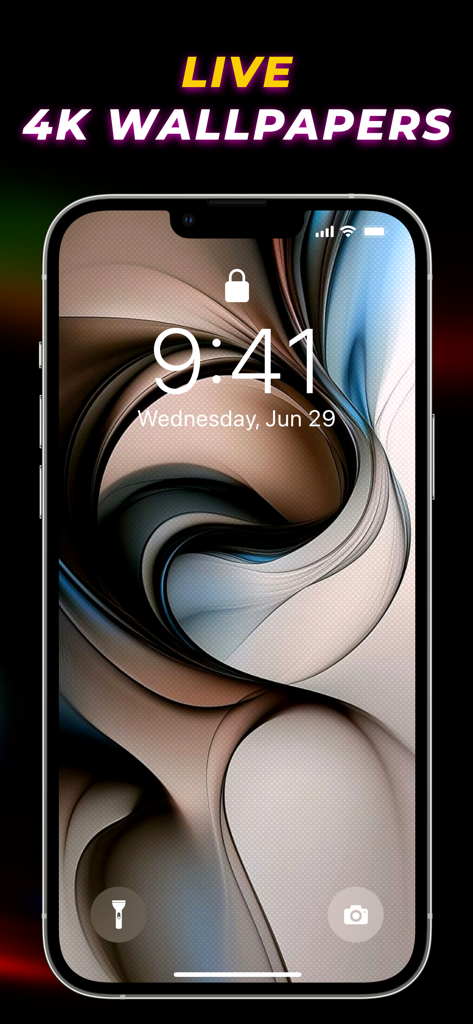
Live Wallpaper Maker 4K - 아이폰 잠금 화면에 표시된 추상적인 3D 소용돌이 4K 배경화면

아이폰 잠금 화면에 표시된 추상적인 3D 소용돌이 4K 배경화면

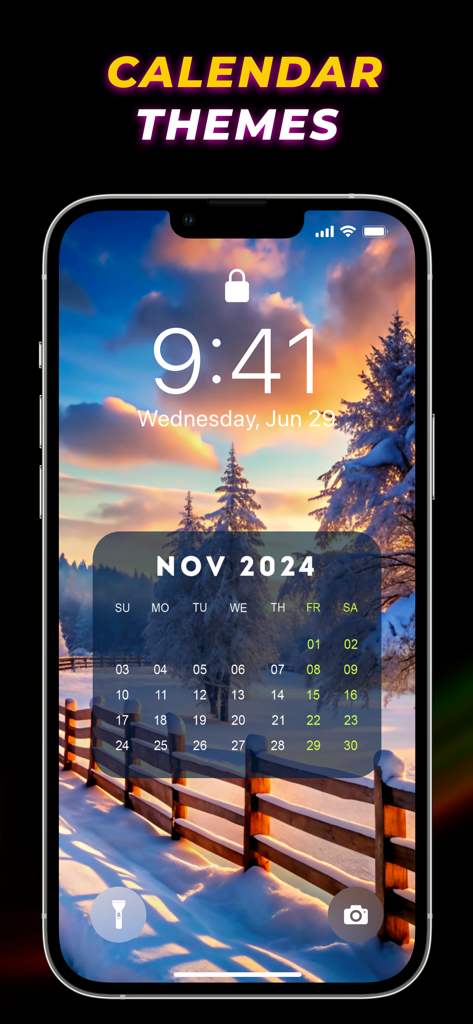
Live Wallpaper Maker 4K - 눈 덮인 일몰 풍경 위에 달력 테마가 표시된 아이폰 잠금 화면

눈 덮인 일몰 풍경 위에 달력 테마가 표시된 아이폰 잠금 화면

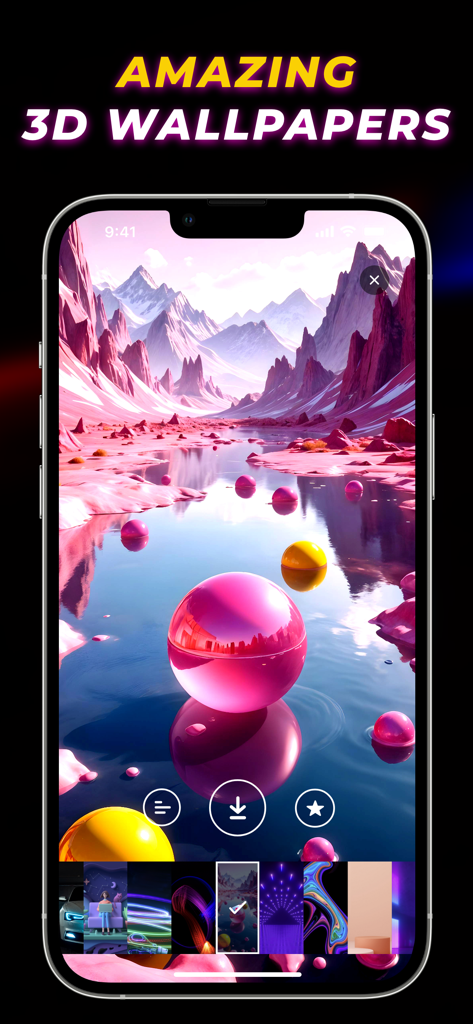
Live Wallpaper Maker 4K - 핑크색 산과 구체가 있는 미적 3D 풍경 배경화면을 보여주는 Live Wallpaper Maker 4K 앱
핑크색 산과 구체가 있는 미적 3D 풍경 배경화면을 보여주는 Live Wallpaper Maker 4K 앱

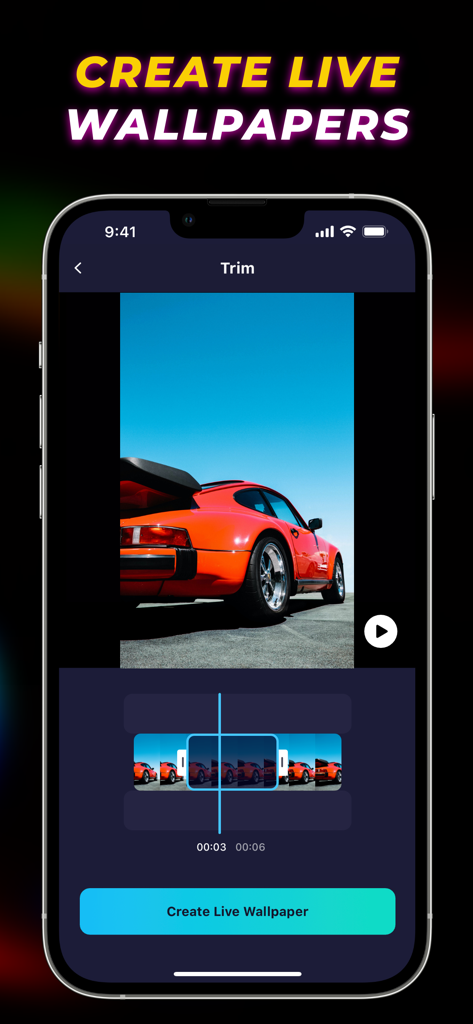
Live Wallpaper Maker 4K - 주황색 스포츠카가 등장하는 Live Wallpaper Maker 4K 앱의 동영상 편집 인터페이스.
주황색 스포츠카가 등장하는 Live Wallpaper Maker 4K 앱의 동영상 편집 인터페이스.

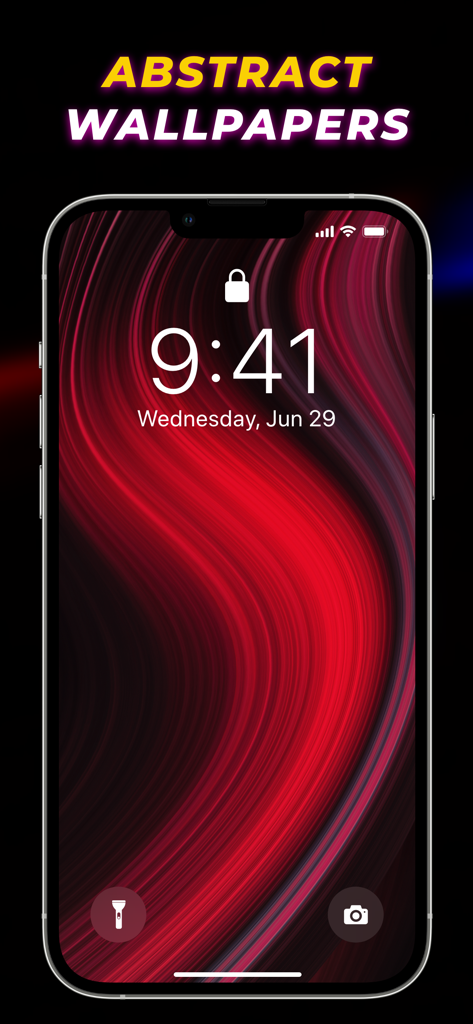
Live Wallpaper Maker 4K - 아이폰 잠금 화면에 표시되는 추상적인 빨강과 검정색 흐르는 배경화면
아이폰 잠금 화면에 표시되는 추상적인 빨강과 검정색 흐르는 배경화면

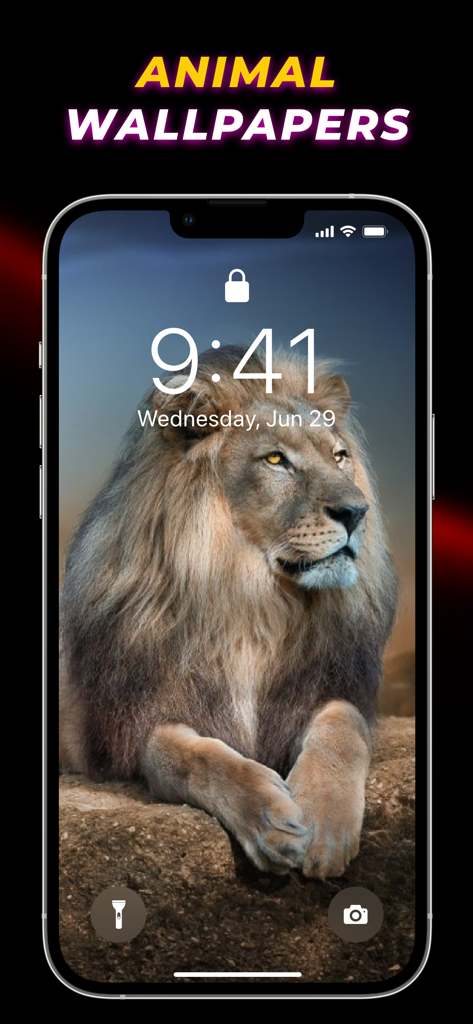
Live Wallpaper Maker 4K - 아이폰 잠금 화면의 위엄 있는 사자 배경화면

아이폰 잠금 화면의 위엄 있는 사자 배경화면

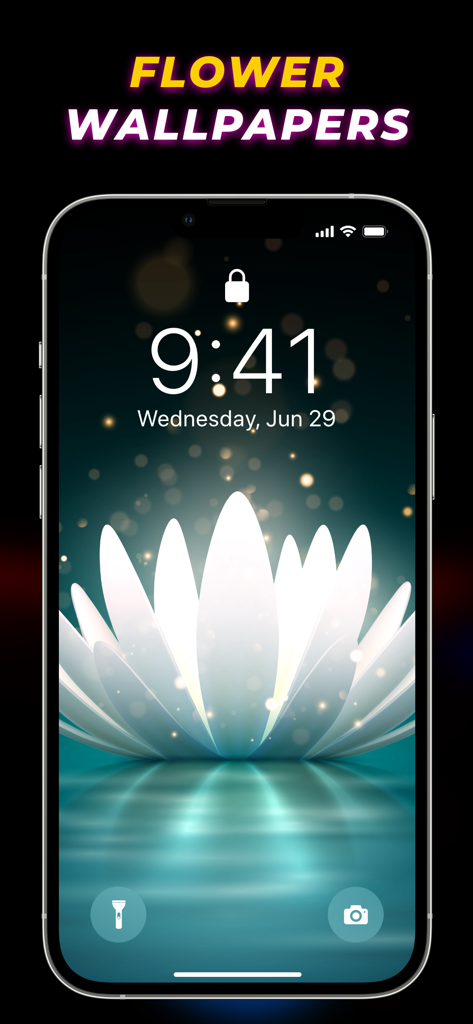
Live Wallpaper Maker 4K - 아이폰의 미적인 흰색 꽃 라이브 배경화면

아이폰의 미적인 흰색 꽃 라이브 배경화면

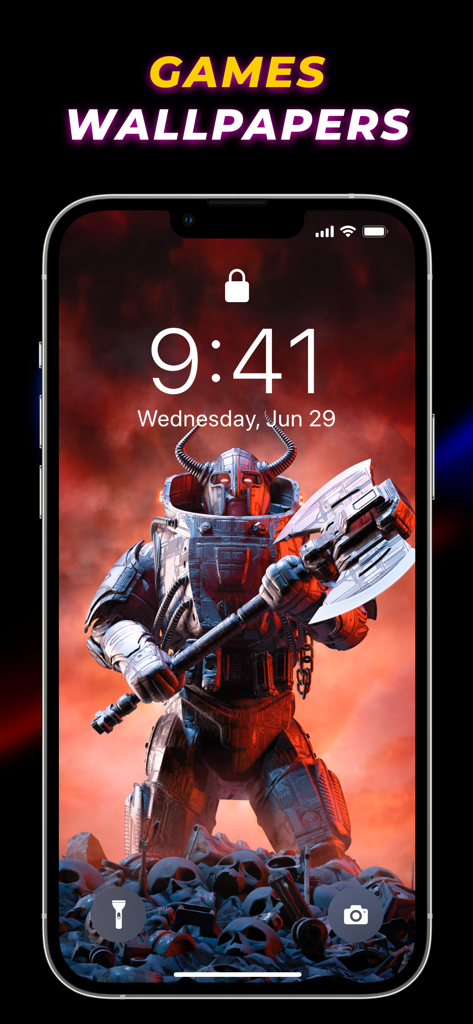
Live Wallpaper Maker 4K - 큰 도끼를 든 갑옷 전사가 등장하는 게임 테마 라이브 배경화면이 표시된 아이폰 잠금 화면
큰 도끼를 든 갑옷 전사가 등장하는 게임 테마 라이브 배경화면이 표시된 아이폰 잠금 화면

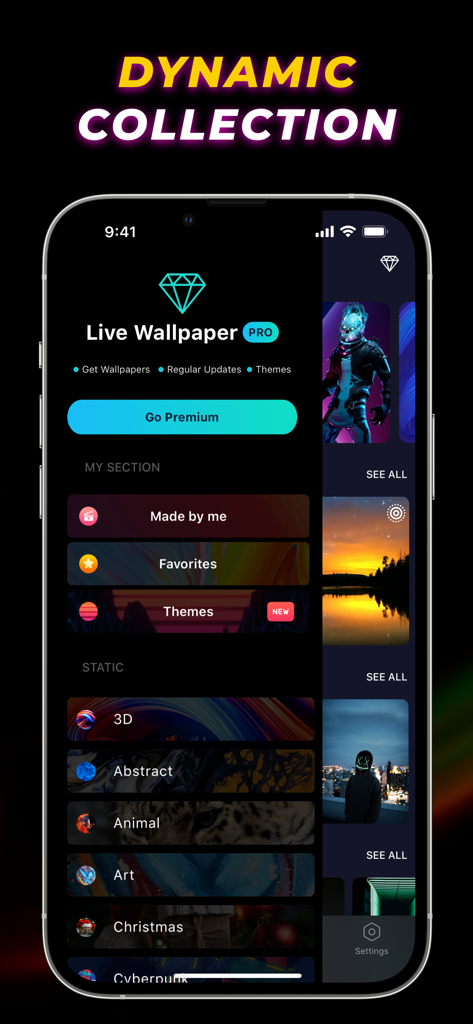
Live Wallpaper Maker 4K - 3D 및 추상과 같은 다양한 배경화면 카테고리를 표시하는 Live Wallpaper Maker 4K 앱 인터페이스 스크린샷

3D 및 추상과 같은 다양한 배경화면 카테고리를 표시하는 Live Wallpaper Maker 4K 앱 인터페이스 스크린샷

설명

Live Wallpaper Maker 4K is the best live wallpapers app for iPhone to customize your home and lock screen. Choose from a massive trove of cool wallpapers and live backgrounds, or create your own live wallpapers from any videos to bring your iPhone's screen to life. From all sorts of art wallpapers to gaming, 3D, and cute Christmas wallpapers in 4K, this app covers various types of backdrops to liven up your device. Moving wallpapers, calendar themes, and frequently updated trendy wallpapers help transcend the user experience. Key Features of Live Wallpaper 3D: ⁃ Huge collection of animated wallpapers and colorful backgrounds for iPhone ⁃ Lots of aesthetic wallpapers and calendar themes to choose from ⁃ Create personalized live wallpapers from videos ⁃ Regular updates of new dope wallpapers ⁃ View popular backgrounds that are trending ⁃ Sets animated lock screen wallpaper Robust Collection of Wallpapers for iPhone Give your iPhone a makeover with a stunning compilation of live wallpapers, HD, and 4K wallpapers. A handpicked selection of distinct backgrounds like aesthetic sunset wallpapers, Fortnite wallpapers, and animal wallpapers helps create an elegant look for your iPhone. Live Animated Backgrounds for iPhone Breathe life into your iPhone's screen with the vast array of live wallpapers and moving backgrounds. From live abstract wallpapers to flower and nature wallpapers, you choose the customization style that suits your mood. Trending Wallpaper Backgrounds Stay updated with the latest trend of amazing wallpapers through this app. Keep your iPhone experience fresh by regularly changing wallpapers from a wide variety of popular backgrounds. Favorite and Save Never lose your collection of awesome wallpapers. Easily access those HD and 4K wallpapers after favoriting them. How to make a live wallpaper on iPhone using the Wallpaper 3D app? With the live wallpaper maker feature in this app, you can easily create moving wallpapers anytime. Follow the steps to know how to make your own live wallpaper on iPhone from any videos. - Open the wallpaper app. - Tap on "Maker" and then "New Live Wallpaper." - Select a Video and trim as necessary. - Press "Create Live Wallpaper." How to change the lock screen on iPhone with the Live Wallpaper app? Transform dull-looking lock screen into a brazen one with high quality colorful wallpapers available in this best wallpaper app for iPhone. Go through the subsequent steps to learn how to do it. - Start the app. - Choose a background wallpaper. - Download it and open the "Wallpaper" section in iPhone settings. - Select a wallpaper and set it as "Lock Screen." Auto-Renewable Subscription Terms: Subscribe to get unrestricted access to all the features outlined above. • Subscription Length: Weekly, Yearly • Subscription with a free trial period will automatically renew to a paid subscription unless it is canceled at least 24 hours before the end of the trial period. • Payment will be charged to iTunes Account at confirmation of purchase. • Your Apple ID account will be charged for renewal within 24 hours before the end of the trial period. • You can manage and cancel your subscriptions by going to your account settings on the App Store. • Any unused portion of a free trial period, if offered, will be forfeited when the user purchases a subscription to that publication, where applicable. • By signing up for this subscription, you agree to our Terms of Use and Privacy Policy. Terms of Use: https://www.twinbit.net/app/wallpaper/terms.html Privacy Policy: https://www.twinbit.net/app/wallpaper/privacy.html Disclaimer: This app is free to download, but you will be required to sign-up for an auto-renewing subscription to access the app's full functionality.

Download

다운로드: App Store

이 페이지는 앱이나 개발자의 공식 페이지가 아니며, 정보 제공 및 논평을 목적으로 작성된 독립 편집 간행물입니다. 명시적으로 달리 언급되지 않는 한, 해당 앱이나 개발자는 MWM, Apple, Google Play, 앱 퍼블리셔 또는 앱 개발자와 제휴, 보증, 후원, 승인 또는 공식적으로 연결되어 있지 않으며, 이 페이지의 어떤 내용도 해당 앱이 MWM의 서비스를 사용하여 개발되었음을 의미하지 않습니다. 모든 상표, 로고, 스크린샷 및 기타 콘텐츠는 해당 소유자의 자산입니다.