livesign - doc signing & VOI
다운로드: App Store

이 페이지는 앱이나 개발자의 공식 페이지가 아니며, 정보 제공 및 논평을 목적으로 작성된 독립 편집 간행물입니다. 명시적으로 달리 언급되지 않는 한, 해당 앱이나 개발자는 MWM, Apple, Google Play, 앱 퍼블리셔 또는 앱 개발자와 제휴, 보증, 후원, 승인 또는 공식적으로 연결되어 있지 않으며, 이 페이지의 어떤 내용도 해당 앱이 MWM의 서비스를 사용하여 개발되었음을 의미하지 않습니다. 모든 상표, 로고, 스크린샷 및 기타 콘텐츠는 해당 소유자의 자산입니다.


로고: livesign - doc signing & VOI
다운로드: App Store

livesign - doc signing & VOI

물리적인 공증인을 건너뛰고 몇 초 안에 법률 문서를 서명하세요. livesign은 군사 등급의 생체 인식 기술을 사용하여 신원을 즉시 확인하므로 가장 중요한 거래를 쉽고 사기 없이 처리할 수 있습니다.

주요 수치

다운로드

139K+

사용자 평점

4.8/5

총 평가 수

700

개발사

thelawstore.com.au pty ltd

카테고리

Business

지원 언어

1

최신 버전

v1.5.9

크기

41.3 MB

출시일

2021년 6월 9일
기능

재해석된 안전한 신원 확인

물리적인 약속의 필요성을 없앱니다. 스마트폰의 고급 생체 인식 및 암호화 기술을 사용하여 신원을 인증하고 중요한 문서를 안전하게 서명하세요.

은행 등급 생체 인식 바인딩

서명 시점에 정부 발급 신분증을 서명에 바인딩하는 NFC 칩 스캔 및 수동 생체 인식 검사를 통해 절대적인 확실성을 보장합니다.

몇 시간 대신 몇 초 안에 확인

변호사 사무실까지 운전하는 것을 건너뛰세요. 어디서든 신원 확인(VOI) 및 문서 서명을 간소화되고 쉬운 경험으로 완료하세요.

다음 스크린샷과 설명은 앱의 공식 스토어 목록에서 직접 가져온 것이며 앱 개발자의 자산입니다.

앱 스토어

스크린샷
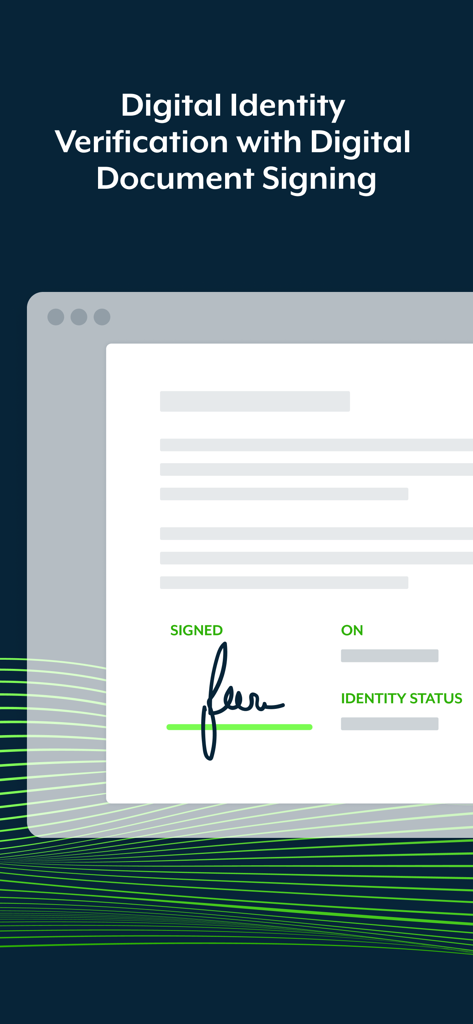
livesign - doc signing & VOI - 서명 및 신원 확인 상태가 표시된 디지털 문서

서명 및 신원 확인 상태가 표시된 디지털 문서

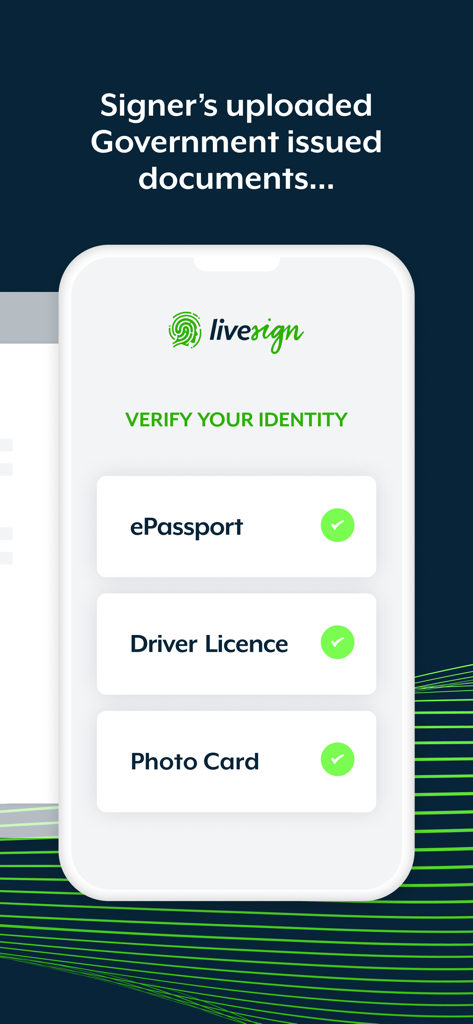
livesign - doc signing & VOI - ePassport 및 운전 면허증과 같은 정부 발급 신분증으로 신원 확인을 보여주는 livesign 앱 화면.
ePassport 및 운전 면허증과 같은 정부 발급 신분증으로 신원 확인을 보여주는 livesign 앱 화면.

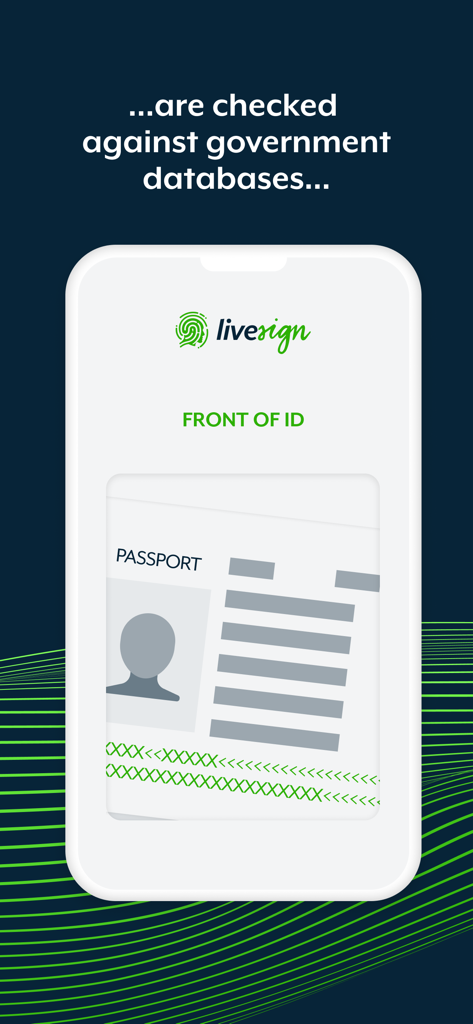
livesign - doc signing & VOI - 정부 데이터베이스와 대조하여 신원 확인을 위해 여권을 스캔하는 livesign 앱을 보여주는 스마트폰 화면
정부 데이터베이스와 대조하여 신원 확인을 위해 여권을 스캔하는 livesign 앱을 보여주는 스마트폰 화면

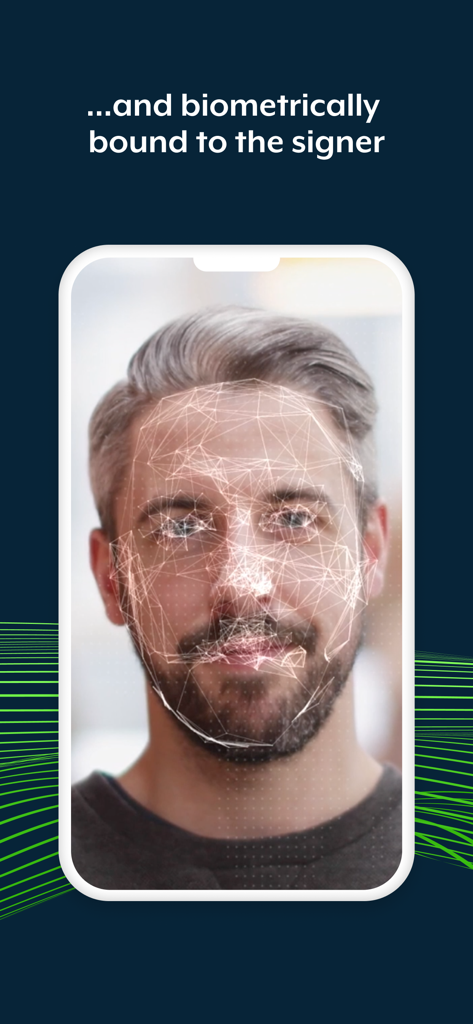
livesign - doc signing & VOI - livesign 앱 내에서 안전한 신원 확인을 위해 남성의 생체 인식 얼굴 스캔을 표시하는 스마트폰
livesign 앱 내에서 안전한 신원 확인을 위해 남성의 생체 인식 얼굴 스캔을 표시하는 스마트폰

livesign - doc signing & VOI - 녹색 체크 표시와 함께 성공적인 신원 확인 메시지를 보여주는 livesign 앱 화면
녹색 체크 표시와 함께 성공적인 신원 확인 메시지를 보여주는 livesign 앱 화면

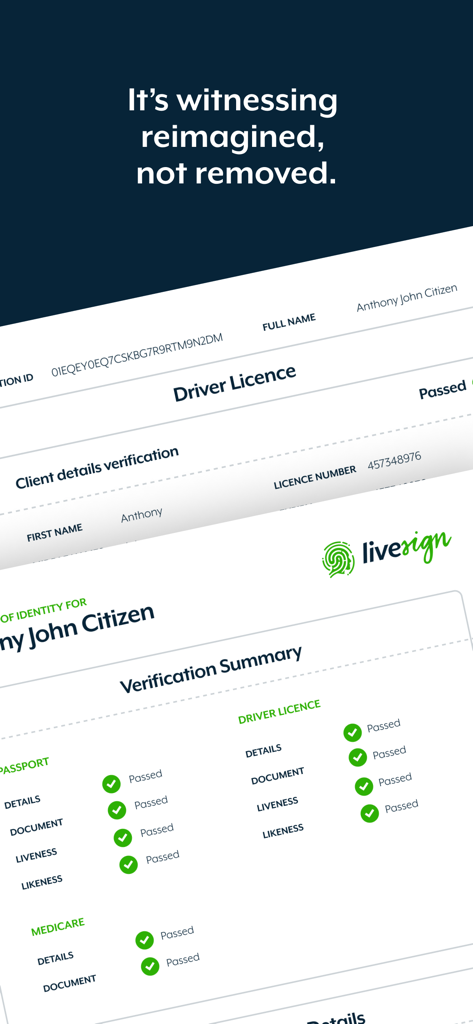
livesign - doc signing & VOI - 문서 및 생체 인식에 대한 검증 통과 상태를 보여주는 livesign 앱의 디지털 신원 확인 요약 보고서.

문서 및 생체 인식에 대한 검증 통과 상태를 보여주는 livesign 앱의 디지털 신원 확인 요약 보고서.

설명

Welcome to the livesign app: the most advanced, straightforward and convenient digital identity verification and document signing solution. livesign works in combination with document signing platforms that utilise the livesign verification API for VOI, so you can be confident the person behind the keyboard is who they say they are. It's witnessing reimagined, not removed. livesign uses biometric and cryptographic technology that binds the person behind the device at the point of signing, to their ePassport, Driver's License or any other government issued photo ID. How does livesign work? • ePassports have a contactless NFC chip that is digitally encrypted by the issuing country to prevent cloning as well as protected to safeguard against unauthorised access • livesign uses the smartphone camera and Optical Character Recognition (OCR) technology to scan the Machine Readable Zone (MRZ), which are the two lines at the bottom of the passport, for the password information needed to unlock the chip • The complex cryptography that is needed to verify the authenticity of and information on the chip provides a secure, smart and simple way to verify the authenticity of your signer's identity, in seconds • The ePassport chip contains reliable government issued information about the holder, including their full name, birth date and nationality. This is done without any manual input by the user to remove the opportunity for accident or deliberate data-entry error • The chip also contains a high-resolution photo at a much higher quality than the photo printed on the identity document, providing the highest possible source image. This government issued image then biometrically bound to the signer via a passive liveness verification to reduce look-alike fraud • By synchronizing the digital signing and digital identity process, livesign technology provides clarity and certainty that the person signing your digital documents is who they say they are. Benefits of livesign: • Higher compliance and lower risk of fraud • Digital signing with accurate and reliable witnessing • Identity check at the exact moment of signing • Secure, smart and simple way to verify the authenticity • Witnessing and signing in just seconds • An effortless customer experience How to verify your identity with livesign: • You will need to install livesign if you have been asked to verify your identity while signing documents issued by your legal representative. • Enter the phone number of the device you are using via the livesign window that appears at the time of signing a document • Multiple signers can share the same device simply be entering the same phone number • You will be required to take pictures of your government issued ID and confirm certain details • You will be required to take a selfie to confirm your identity • In the interest of security none of your documents or details are stored within the livesign app on your phone • Copies are encrypted on livesign secure web servers and will be shared with your legal representative only

Download

다운로드: App Store

이 페이지는 앱이나 개발자의 공식 페이지가 아니며, 정보 제공 및 논평을 목적으로 작성된 독립 편집 간행물입니다. 명시적으로 달리 언급되지 않는 한, 해당 앱이나 개발자는 MWM, Apple, Google Play, 앱 퍼블리셔 또는 앱 개발자와 제휴, 보증, 후원, 승인 또는 공식적으로 연결되어 있지 않으며, 이 페이지의 어떤 내용도 해당 앱이 MWM의 서비스를 사용하여 개발되었음을 의미하지 않습니다. 모든 상표, 로고, 스크린샷 및 기타 콘텐츠는 해당 소유자의 자산입니다.