Macwhisper - Text To Speech
다운로드: App Store

이 페이지는 앱이나 개발자의 공식 페이지가 아니며, 정보 제공 및 논평을 목적으로 작성된 독립 편집 간행물입니다. 명시적으로 달리 언급되지 않는 한, 해당 앱이나 개발자는 MWM, Apple, Google Play, 앱 퍼블리셔 또는 앱 개발자와 제휴, 보증, 후원, 승인 또는 공식적으로 연결되어 있지 않으며, 이 페이지의 어떤 내용도 해당 앱이 MWM의 서비스를 사용하여 개발되었음을 의미하지 않습니다. 모든 상표, 로고, 스크린샷 및 기타 콘텐츠는 해당 소유자의 자산입니다.


로고: Macwhisper - Text To Speech
다운로드: App Store

Macwhisper - Text To Speech

학생 및 전문가를 위한 최고의 텍스트 음성 변환 동반자. PDF, 스캔, 웹 페이지를 고품질 오디오로 변환하여 생산성을 높이고 눈의 피로를 줄입니다.

주요 수치

다운로드

1K+

사용자 평점

5.0/5

총 평가 수

0

개발사

Shivani Gajera

카테고리

Business

지원 언어

32

최신 버전

2.9

크기

9.8 MB

출시일

2023년 2월 6일
기능

귀로 더 똑똑하게 읽으세요

Macwhisper는 모든 문서, 사진 또는 웹 페이지를 개인 팟캐스트로 바꿔주어 화면 피로 없이 생산성을 유지하도록 도와줍니다.

즉시 스캔 및 음성 변환

카메라를 책이나 종이에 가져다 대면 즉시 들을 수 있습니다. 물리적 노트를 디지털화해야 하는 학생 및 바쁜 연구원에게 적합합니다.

학습 속도를 높이세요

음성 속도를 최대 2배까지 조절하세요. 전문 보고서와 긴 읽기 목록을 절반의 시간 안에 완료하세요.

다음 스크린샷과 설명은 앱의 공식 스토어 목록에서 직접 가져온 것이며 앱 개발자의 자산입니다.

앱 스토어

스크린샷
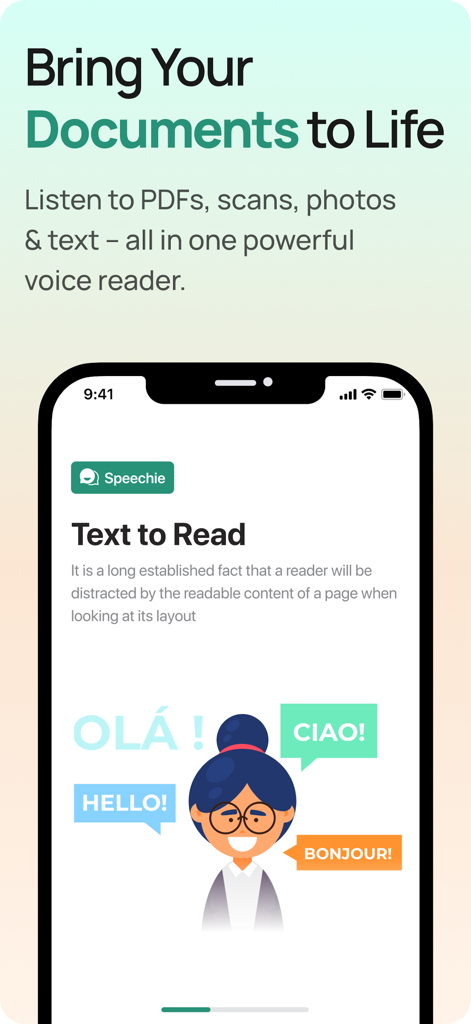
Macwhisper - Text To Speech - Macwhisper 텍스트 음성 변환 앱 인터페이스와 다국어 지원이 표시된 스마트폰 화면
Macwhisper 텍스트 음성 변환 앱 인터페이스와 다국어 지원이 표시된 스마트폰 화면

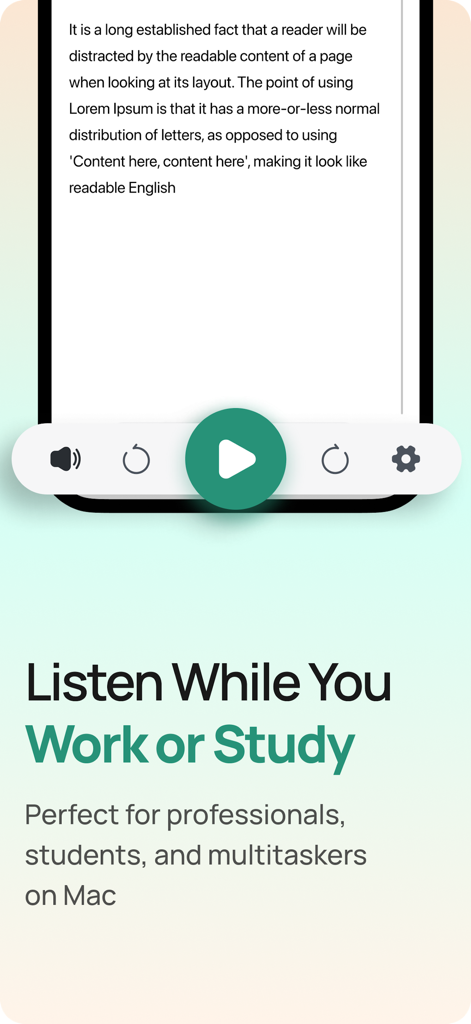
Macwhisper - Text To Speech - Macwhisper 앱 인터페이스에 '일하거나 공부하는 동안 듣기'라는 헤드라인과 함께 재생 버튼이 있는 텍스트 리더가 표시됩니다.
Macwhisper 앱 인터페이스에 '일하거나 공부하는 동안 듣기'라는 헤드라인과 함께 재생 버튼이 있는 텍스트 리더가 표시됩니다.

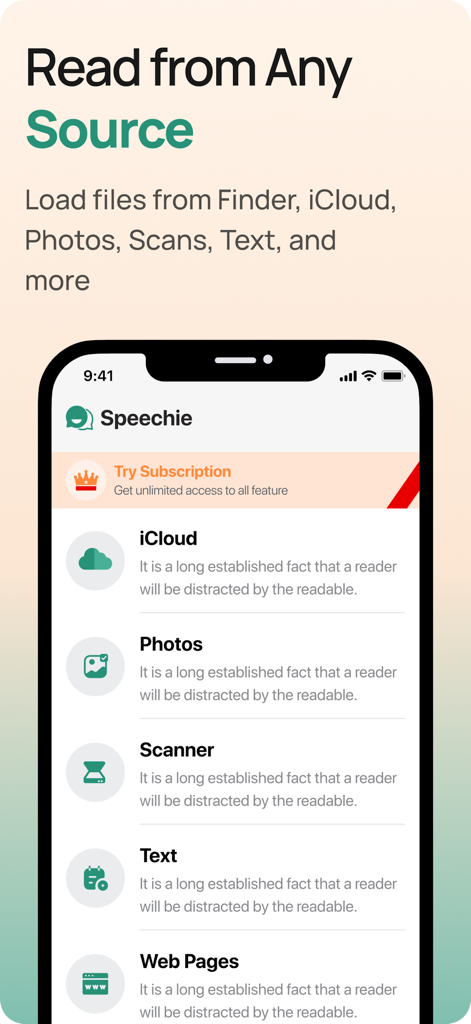
Macwhisper - Text To Speech - Macwhisper 앱 인터페이스에 iCloud, 사진, 스캐너 및 웹 페이지에 대한 텍스트 입력 옵션이 표시됩니다.
Macwhisper 앱 인터페이스에 iCloud, 사진, 스캐너 및 웹 페이지에 대한 텍스트 입력 옵션이 표시됩니다.

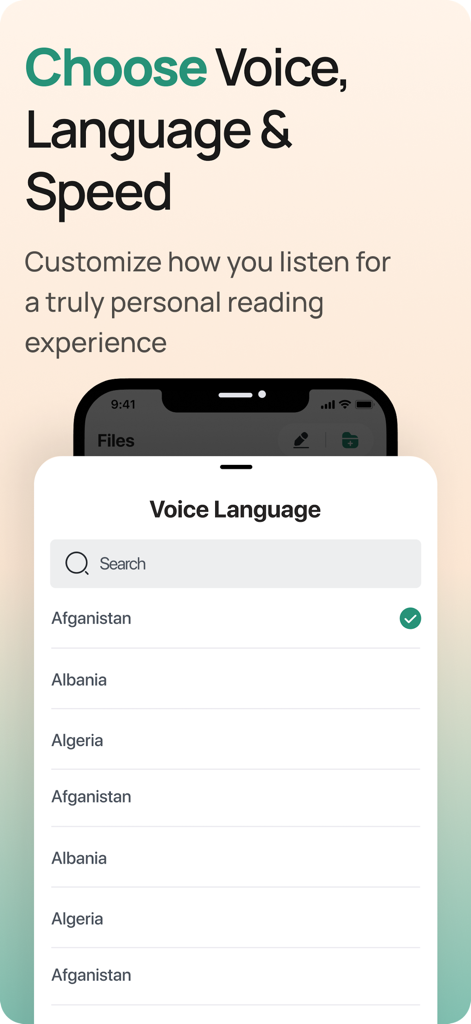
Macwhisper - Text To Speech - Macwhisper 앱 인터페이스에 국가 목록과 검색 창이 있는 음성 언어 선택 메뉴가 표시됩니다.
Macwhisper 앱 인터페이스에 국가 목록과 검색 창이 있는 음성 언어 선택 메뉴가 표시됩니다.

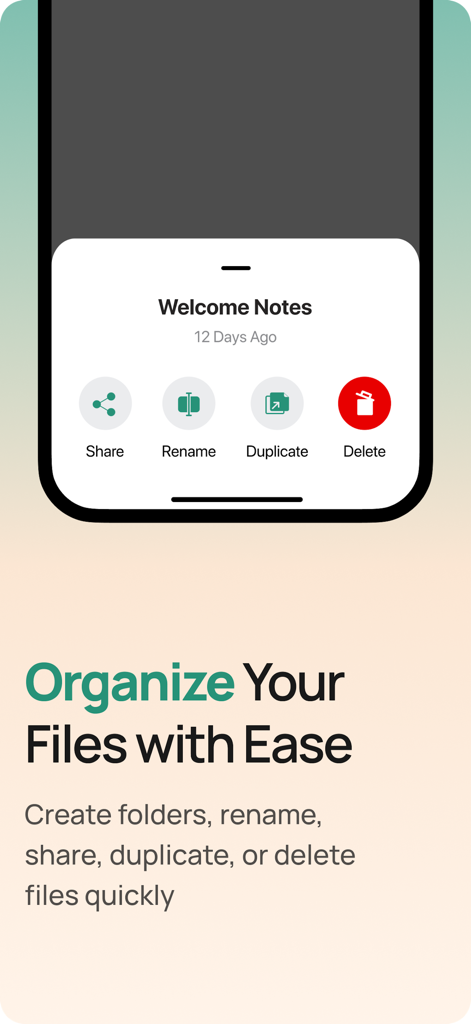
Macwhisper - Text To Speech - 문서를 정리하고 공유하는 파일 관리 옵션을 보여주는 Macwhisper 앱의 인터페이스
문서를 정리하고 공유하는 파일 관리 옵션을 보여주는 Macwhisper 앱의 인터페이스

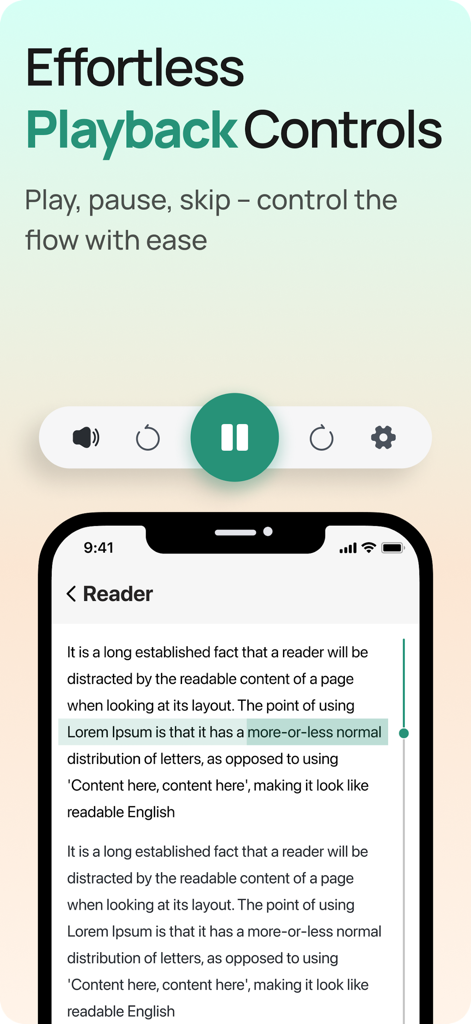
Macwhisper - Text To Speech - Macwhisper 앱 인터페이스에 재생, 일시 중지 및 건너뛰기 기능을 포함한 텍스트 음성 변환 재생 제어가 표시됩니다.
Macwhisper 앱 인터페이스에 재생, 일시 중지 및 건너뛰기 기능을 포함한 텍스트 음성 변환 재생 제어가 표시됩니다.

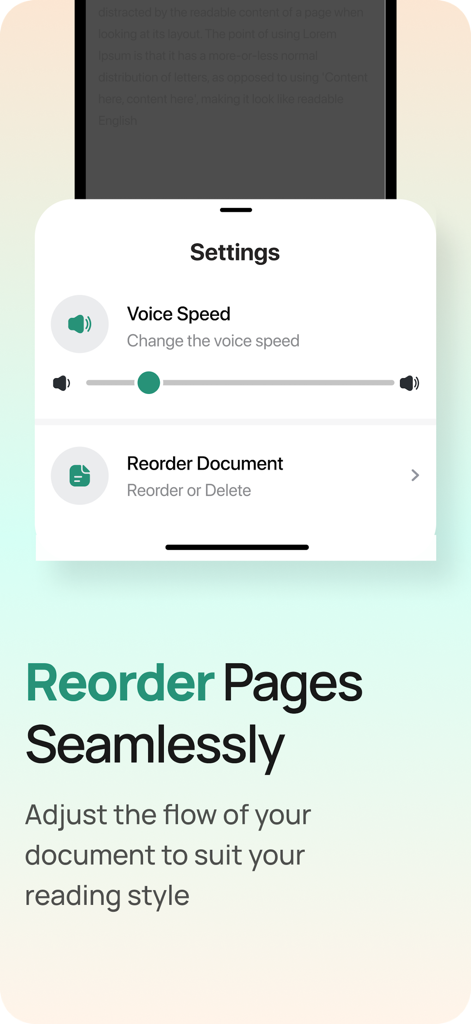
Macwhisper - Text To Speech - Macwhisper 앱 설정에 음성 속도 조절 및 문서 순서 변경 옵션이 표시됩니다.
Macwhisper 앱 설정에 음성 속도 조절 및 문서 순서 변경 옵션이 표시됩니다.

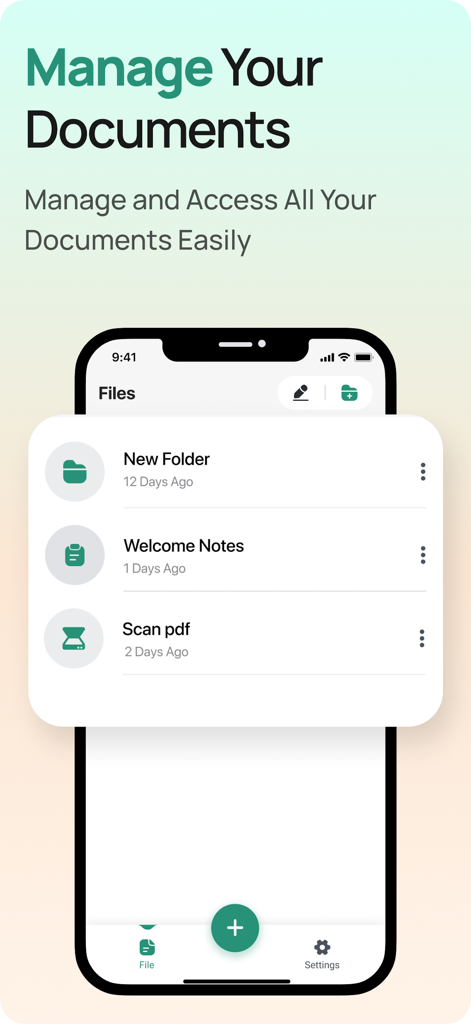
Macwhisper - Text To Speech - 파일 및 폴더 목록을 보여주는 Macwhisper 앱 문서 관리 인터페이스의 스크린샷.

파일 및 폴더 목록을 보여주는 Macwhisper 앱 문서 관리 인터페이스의 스크린샷.

설명

"Bring your documents to life with our voice reader app! No more tired eyes or endless scrolling - simply upload your PDFs, scans, photos, or capture text in real-time with your camera. Choose your preferred language, set the speaking speed to your liking, and sit back as our app does the reading for you. We even allow you to rearrange the text to your convenience. Get started now and experience the future of reading!" A voice reader app is a software application that can read out loud text from various sources, including PDF and scanned documents, cloud storage, photos, and real-time camera capture. The app converts written text into spoken words, allowing users to listen to content without having to physically read it. The app may also have features such as text highlighting and adjustable speech speed. A voice reader app with the mentioned features allows users to select their preferred language for the text-to-speech conversion and set the speaking speed. Additionally, the app may also provide options for rearranging the document, such as changing the order of pages. This enhances the user experience, making it more accessible and convenient for people with different reading preferences and needs. • Features Document Speaking Sources - Files - Camera - Photos -Scan Documents - Text - Web pages • Speechie Document speaker features - Play / Pause - Forward / backward document text - Select language - Select voice - Change speaking speed - Reorder document page • File manager features - Add folder - Rename files - Share documents - Duplicate files - Delete documents Read our privacy policy and terms of use below Privacy Policy : http://www.skgajeraapps.com/privacy-policy.html Terms of use : http://www.skgajeraapps.com/terms-of-use.html

Download

다운로드: App Store

이 페이지는 앱이나 개발자의 공식 페이지가 아니며, 정보 제공 및 논평을 목적으로 작성된 독립 편집 간행물입니다. 명시적으로 달리 언급되지 않는 한, 해당 앱이나 개발자는 MWM, Apple, Google Play, 앱 퍼블리셔 또는 앱 개발자와 제휴, 보증, 후원, 승인 또는 공식적으로 연결되어 있지 않으며, 이 페이지의 어떤 내용도 해당 앱이 MWM의 서비스를 사용하여 개발되었음을 의미하지 않습니다. 모든 상표, 로고, 스크린샷 및 기타 콘텐츠는 해당 소유자의 자산입니다.








