Mahjong!
Mahjong!
다운로드: App Store

이 페이지는 앱이나 개발자의 공식 페이지가 아니며, 정보 제공 및 논평을 목적으로 작성된 독립 편집 간행물입니다. 명시적으로 달리 언급되지 않는 한, 해당 앱이나 개발자는 MWM, Apple, Google Play, 앱 퍼블리셔 또는 앱 개발자와 제휴, 보증, 후원, 승인 또는 공식적으로 연결되어 있지 않으며, 이 페이지의 어떤 내용도 해당 앱이 MWM의 서비스를 사용하여 개발되었음을 의미하지 않습니다. 모든 상표, 로고, 스크린샷 및 기타 콘텐츠는 해당 소유자의 자산입니다.

로고: Mahjong!
다운로드: App Store

Mahjong!

주간 게임의 밤을 온라인으로 가져오세요. 실시간 음성 채팅을 통해 친구 및 가족과 연결하고 진정한 현실적인 마작 테이블의 전략적 깊이를 즐기세요.

주요 수치

다운로드

260K+

사용자 평점

2.9/5

총 평가 수

500

개발사

Pok Wong

카테고리

Games

지원 언어

3

최신 버전

3.08

크기

5.1 MB

출시일

2010년 3월 17일
기능

정통 4인용 경험

실제 플레이어를 위해 설계된 가장 현실적인 전통 마작 앱으로 정신을 예리하게 유지하고 소셜 서클을 가깝게 유지하세요.

소셜 게임 나이트

내장 음성 채팅 및 그룹 메시징을 사용하여 좋아하는 전통을 재현하고 플레이하는 동안 친구 및 가족과 계속 연결하세요.

전통적인 메커니즘

수동 타일 정렬 및 사실적인 드래그 앤 드롭 플레이를 통해 실제 테이블의 촉감을 경험하세요. 여기에는 단순화된 솔리테어가 없습니다.

다음 스크린샷과 설명은 앱의 공식 스토어 목록에서 직접 가져온 것이며 앱 개발자의 자산입니다.

앱 스토어

스크린샷
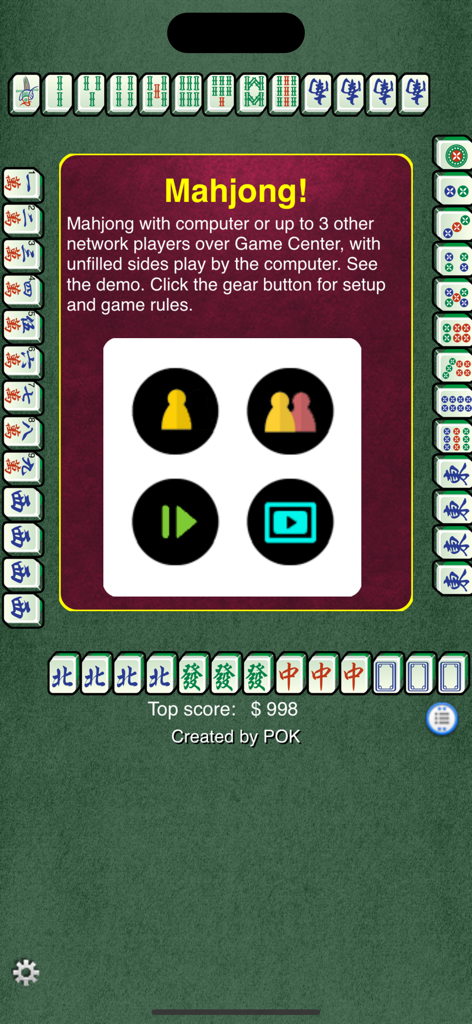
Mahjong! - 전통 타일로 둘러싸인 싱글 및 멀티플레이어 게임 옵션을 보여주는 마작 앱의 메인 메뉴 화면
전통 타일로 둘러싸인 싱글 및 멀티플레이어 게임 옵션을 보여주는 마작 앱의 메인 메뉴 화면

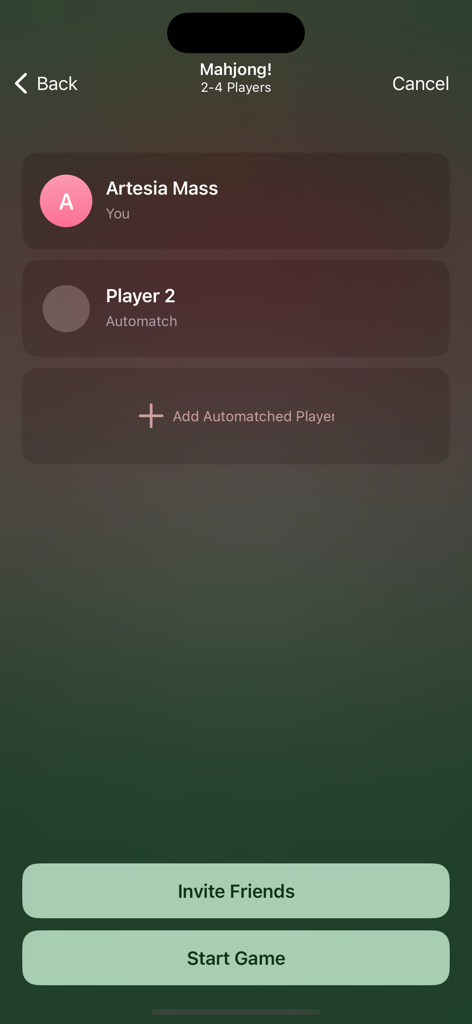
Mahjong! - 마작 앱의 멀티플레이어 로비 화면으로, 친구 초대, 자동 매칭 플레이어 추가 및 게임 시작 옵션 표시
마작 앱의 멀티플레이어 로비 화면으로, 친구 초대, 자동 매칭 플레이어 추가 및 게임 시작 옵션 표시

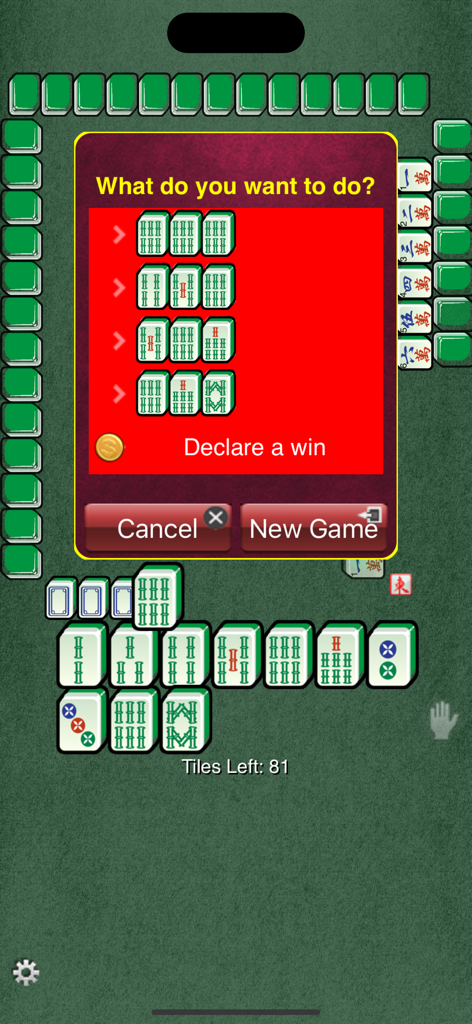
Mahjong! - 승리를 선언하라는 메시지가 표시된 전통 마작 모바일 게임 인터페이스
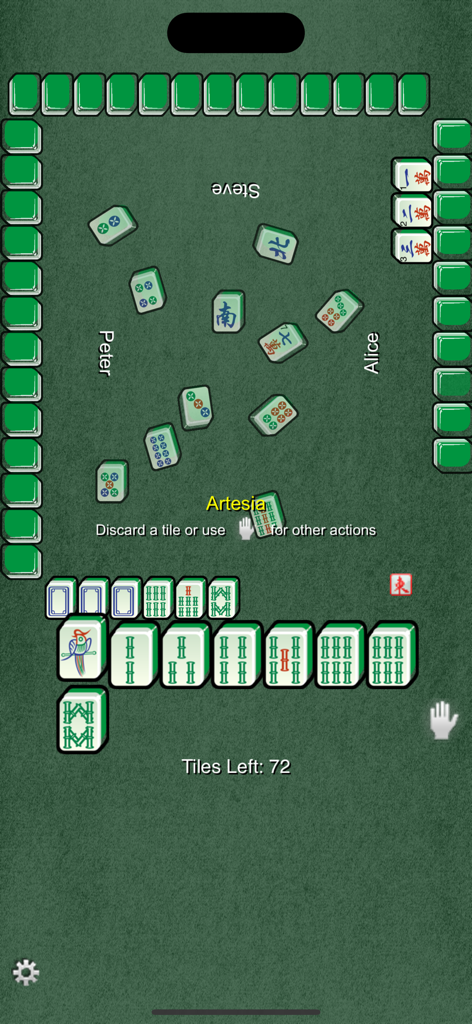
승리를 선언하라는 메시지가 표시된 전통 마작 모바일 게임 인터페이스

Mahjong! - 녹색 테이블의 정통 4인용 전통 마작 게임 플레이 인터페이스

녹색 테이블의 정통 4인용 전통 마작 게임 플레이 인터페이스
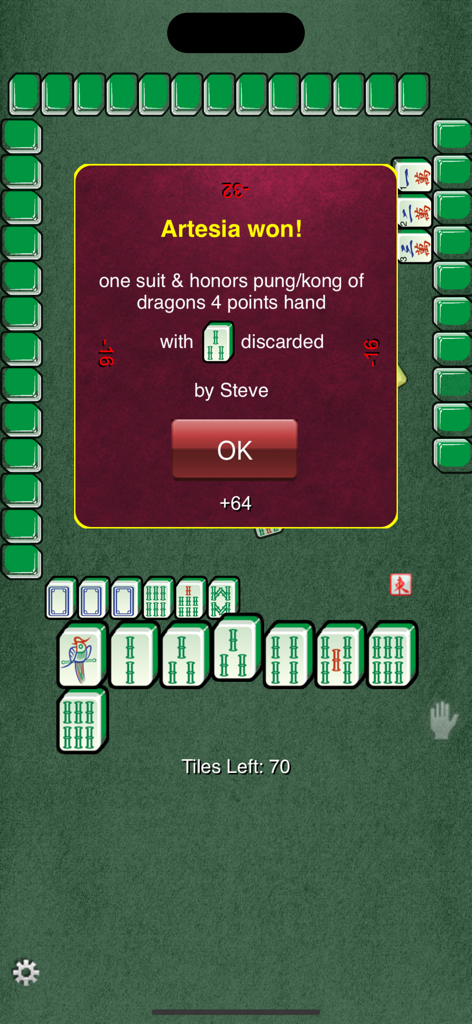
Mahjong! - 플레이어 Artesia에 대한 승리 핸드 발표를 보여주는 전통 4인용 마작 게임의 승리 화면
플레이어 Artesia에 대한 승리 핸드 발표를 보여주는 전통 4인용 마작 게임의 승리 화면

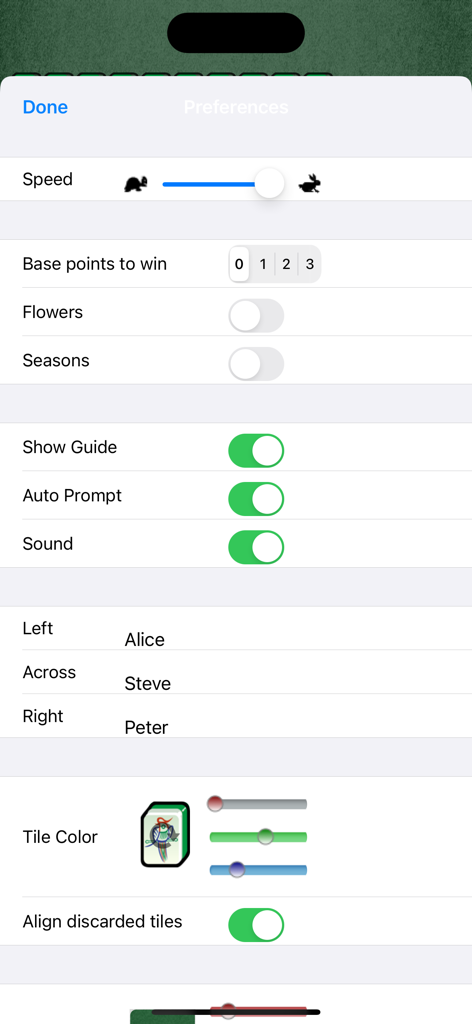
Mahjong! - 게임 속도, 기본 포인트, 꽃 타일 및 플레이어 이름을 위한 사용자 지정 가능한 설정을 보여주는 마작 앱의 환경 설정 화면
게임 속도, 기본 포인트, 꽃 타일 및 플레이어 이름을 위한 사용자 지정 가능한 설정을 보여주는 마작 앱의 환경 설정 화면

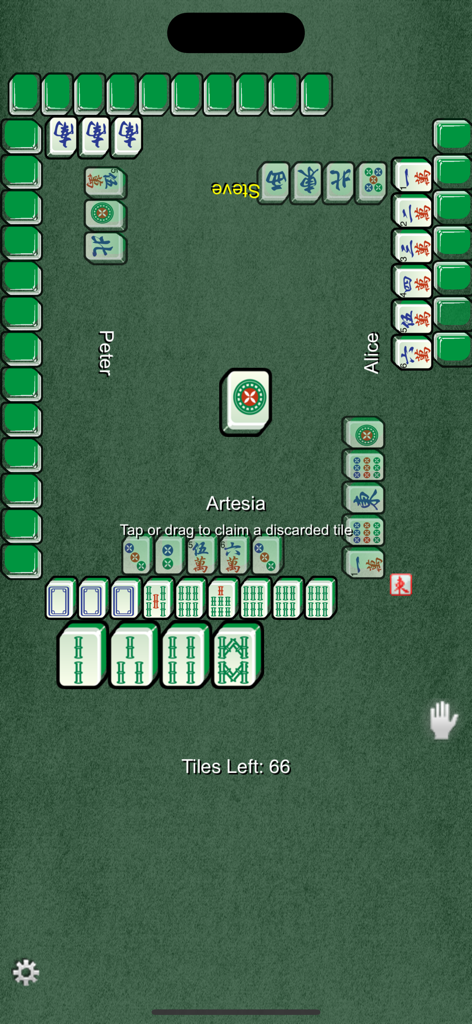
Mahjong! - 녹색 테이블 인터페이스에서 진행 중인 4인용 전통 마작 게임

녹색 테이블 인터페이스에서 진행 중인 4인용 전통 마작 게임

설명

Traditional Mahjong game in which you play against 3 other players - sole against all computer players, or play with one to three other friends or network players via Game Center. Seats not filled by friends or network players are played by the computer. You may exchange group text messages and voice chats while in the multiplayer game. Each player is dealt 13 tiles in a hand. The players take turns to draw a tile and discard one. The goal is to make 4 sets and 1 pair. Declare a win by tapping on a received tile or tapping/dragging on discarded tile that completes the hand of 14 tiles. The default mode will auto prompt you when a set or a winning hand can be formed with a tile drawn or discarded. Hands formed must be of some minimum point value (0-3) in order to win the round. A zero base point would allow chicken hand. The default is 0 base point, but can be customized. If the base point is set to greater than zero, an attempt to steal a discard that does not produce the minimum points to win will be preempted by another player's claim for pung, for example. Falsely declaring a win when the hand does not meet the base point will be penalized. The claim on a discard to form a hand with enough points to win has priority over other attempts to form kong, punt, or chow. Refer to wikipedia for a detailed description of the suite and scoring system of the game. As few reviewers noted, this game offers realistic play. Drag a tile out to discard it. You will be prompted to make a choice to pung, declare a win, etc, or drag a tile discarded by another player to claim it. Tap any tile on your hand to declare a win if not using auto prompt mode. You can move and rearrange the tiles at will. To have them sorted automatically, do a horizontal swipe above your hand. You can adjust the game speed and sound. You can also control that hands be of some minimum point value (0-3) in order to win the round. A zero base point would allow chicken hand. You can choose to play flower and season tiles. Choose "Align discarded tiles" to line discarded tiles neatly, else discarded tiles are spin and placed randomly. You can change the the color of the background and tiles, or use a picture as the game background. Multitask switching on supported iOS. Game is paused when you switch away from the App and automatically resumed when you return. Resume button is used to resume game saved if App is terminated (or for older iOS without multitask support). The players bank will be shown at the start of the game. To see the bank during the game, tap on the player's name. Your name in the game is taken from the Game Center alias and can be customized in the Game Center app. If you did not login to Game Center,the name is determined from the following sources (if used) in order: your name used for iCloud, other email, the name on your iPad/iPhone/iTouch. You may customize the names of the computer players.

Download

다운로드: App Store

이 페이지는 앱이나 개발자의 공식 페이지가 아니며, 정보 제공 및 논평을 목적으로 작성된 독립 편집 간행물입니다. 명시적으로 달리 언급되지 않는 한, 해당 앱이나 개발자는 MWM, Apple, Google Play, 앱 퍼블리셔 또는 앱 개발자와 제휴, 보증, 후원, 승인 또는 공식적으로 연결되어 있지 않으며, 이 페이지의 어떤 내용도 해당 앱이 MWM의 서비스를 사용하여 개발되었음을 의미하지 않습니다. 모든 상표, 로고, 스크린샷 및 기타 콘텐츠는 해당 소유자의 자산입니다.








