Music Buddy Lite – Learn notes
다운로드: App Store

이 페이지는 앱이나 개발자의 공식 페이지가 아니며, 정보 제공 및 논평을 목적으로 작성된 독립 편집 간행물입니다. 명시적으로 달리 언급되지 않는 한, 해당 앱이나 개발자는 MWM, Apple, Google Play, 앱 퍼블리셔 또는 앱 개발자와 제휴, 보증, 후원, 승인 또는 공식적으로 연결되어 있지 않으며, 이 페이지의 어떤 내용도 해당 앱이 MWM의 서비스를 사용하여 개발되었음을 의미하지 않습니다. 모든 상표, 로고, 스크린샷 및 기타 콘텐츠는 해당 소유자의 자산입니다.


로고: Music Buddy Lite – Learn notes
다운로드: App Store

Music Buddy Lite – Learn notes

진지한 음악가를 위해 설계된 독창적인 플래시카드 방식으로 하루 5분 만에 음표, 음정, 5도권을 마스터하세요.

주요 수치

다운로드

149K+

사용자 평점

4.1/5

총 평가 수

100

개발사

Vladimir Vasek

카테고리

Music

지원 언어

14

최신 버전

3.0

크기

21.3 MB

출시일

2014년 2월 16일
기능

단 몇 분 만에 음악 문해력 마스터

악보 때문에 어려움을 겪지 마세요. 독창적인 마이크로러닝 모듈을 사용하여 하루 5분 만에 전문적인 수준의 시창 능력을 키우세요.

즉각적인 음표 인식

가장 기억하기 어려운 음표에 집중하는 스마트 플래시카드로 시창을 숙제가 아닌 반사 신경으로 바꾸세요.

5도권, 간편하게 마스터

빠른 속도로 조표를 인식하여 모든 조성을 마스터하고 음악 이론의 견고한 기초를 다지세요.

다음 스크린샷과 설명은 앱의 공식 스토어 목록에서 직접 가져온 것이며 앱 개발자의 자산입니다.

앱 스토어

스크린샷
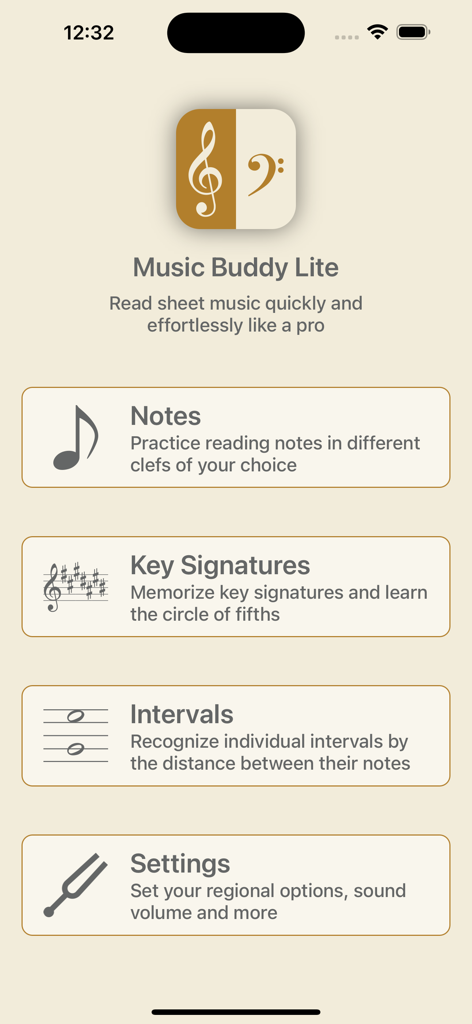
Music Buddy Lite – Learn notes - Music Buddy Lite 앱의 홈 화면, 음표, 조표, 음정 학습 모듈 표시
Music Buddy Lite 앱의 홈 화면, 음표, 조표, 음정 학습 모듈 표시

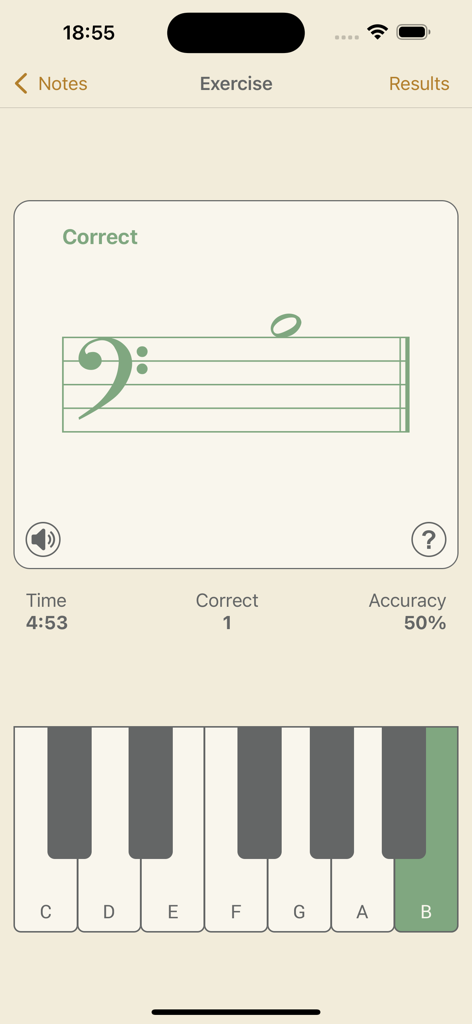
Music Buddy Lite – Learn notes - Music Buddy Lite 앱 음표 인식 연습 화면, 낮은음자리표와 가상 피아노 건반 표시
Music Buddy Lite 앱 음표 인식 연습 화면, 낮은음자리표와 가상 피아노 건반 표시

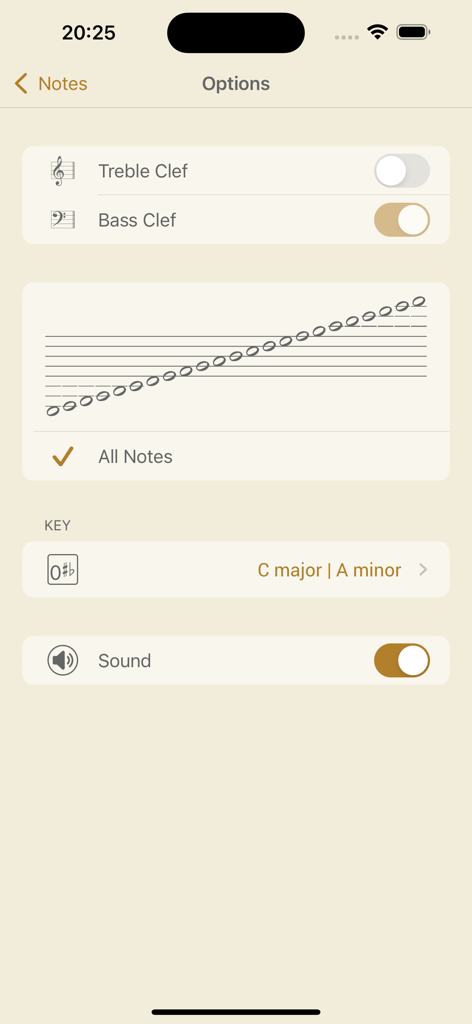
Music Buddy Lite – Learn notes - Music Buddy Lite 앱의 음표 모듈 옵션 화면, 음자리표 및 사운드 설정 표시
Music Buddy Lite 앱의 음표 모듈 옵션 화면, 음자리표 및 사운드 설정 표시

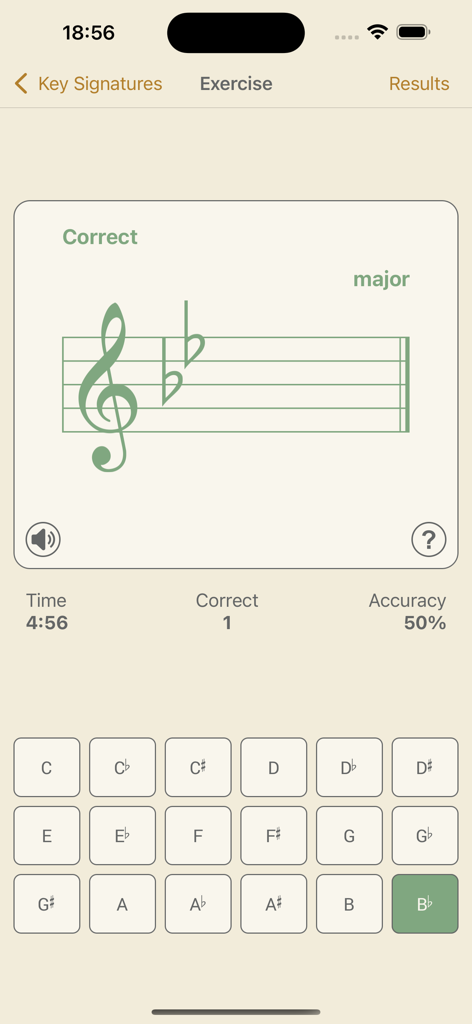
Music Buddy Lite – Learn notes - Music Buddy Lite 앱 연습 화면, 높은음자리표와 두 개의 플랫 (내림 나장조) 표시, 음표 선택 버튼 그리드 표시
Music Buddy Lite 앱 연습 화면, 높은음자리표와 두 개의 플랫 (내림 나장조) 표시, 음표 선택 버튼 그리드 표시

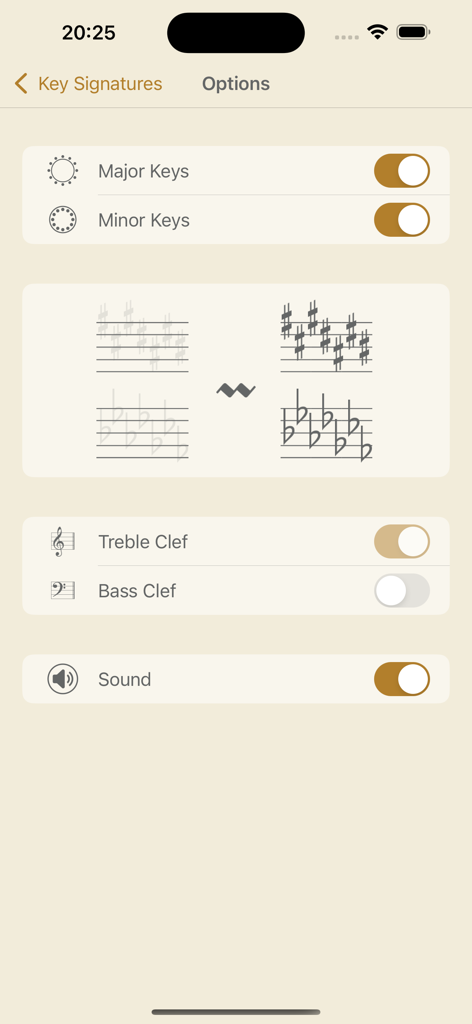
Music Buddy Lite – Learn notes - Music Buddy Lite에서 조표 학습을 위한 맞춤 설정 옵션
Music Buddy Lite에서 조표 학습을 위한 맞춤 설정 옵션

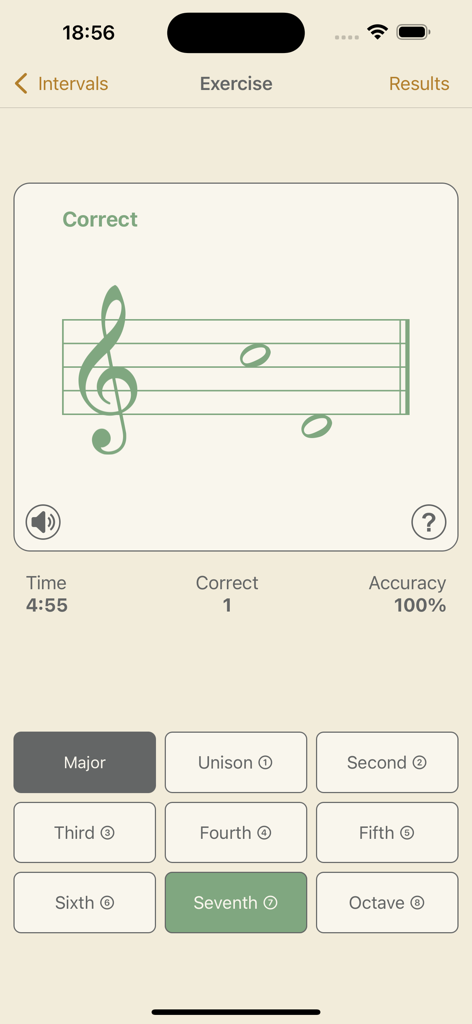
Music Buddy Lite – Learn notes - Music Buddy Lite 앱 스크린샷, 오선과 선택 버튼이 있는 음악 음정 연습 표시
Music Buddy Lite 앱 스크린샷, 오선과 선택 버튼이 있는 음악 음정 연습 표시

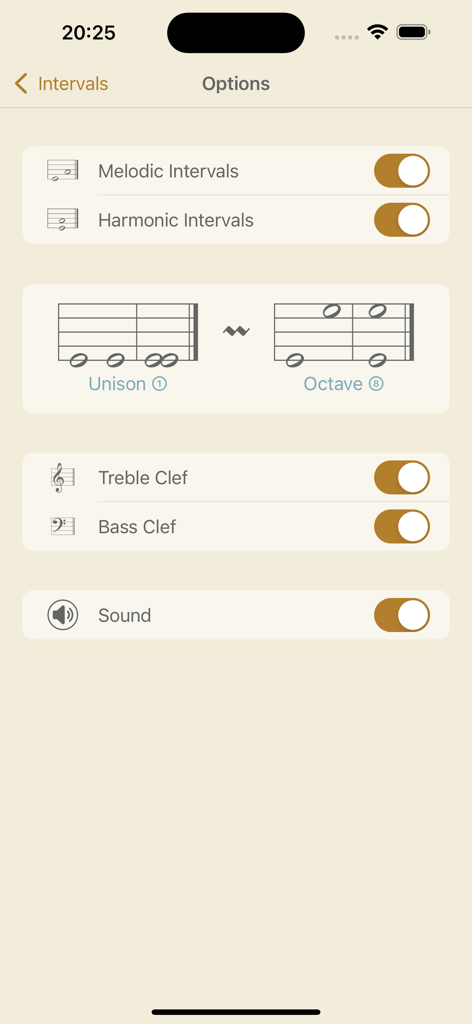
Music Buddy Lite – Learn notes - Music Buddy Lite 앱 음정 옵션 화면, 선율 및 화성 음정 설정 표시
Music Buddy Lite 앱 음정 옵션 화면, 선율 및 화성 음정 설정 표시

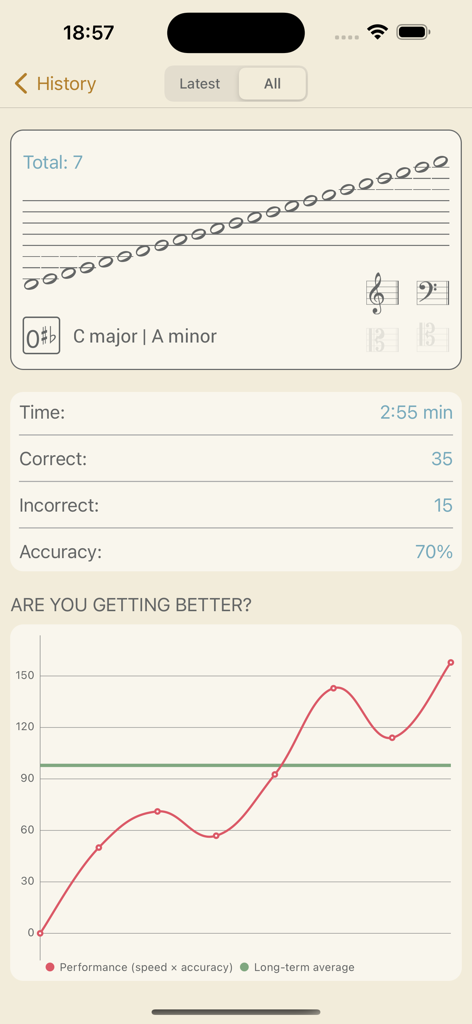
Music Buddy Lite – Learn notes - Music Buddy Lite 앱의 성과 기록 차트 및 세션 통계

Music Buddy Lite 앱의 성과 기록 차트 및 세션 통계

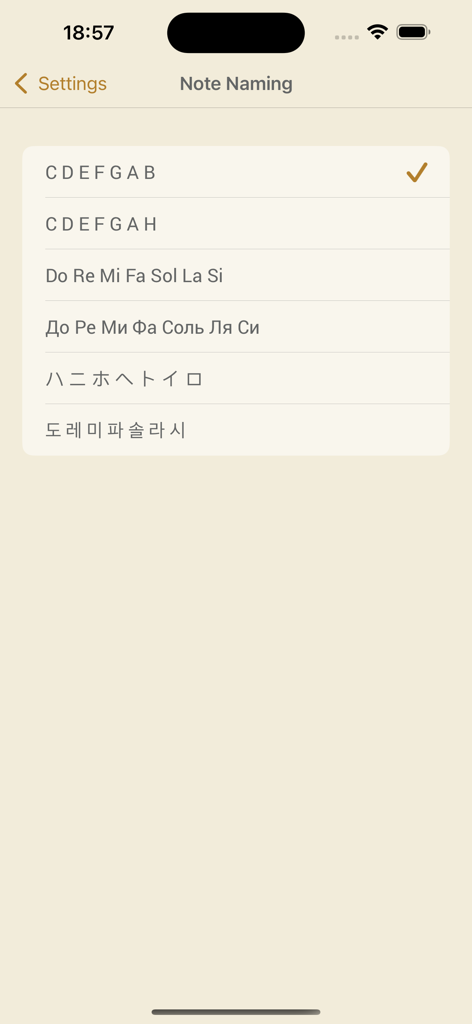
Music Buddy Lite – Learn notes - 음악 표기법 시스템 (예: CDEFGAB, 도레미)에 대한 옵션을 보여주는 음표 명명 설정 화면
음악 표기법 시스템 (예: CDEFGAB, 도레미)에 대한 옵션을 보여주는 음표 명명 설정 화면

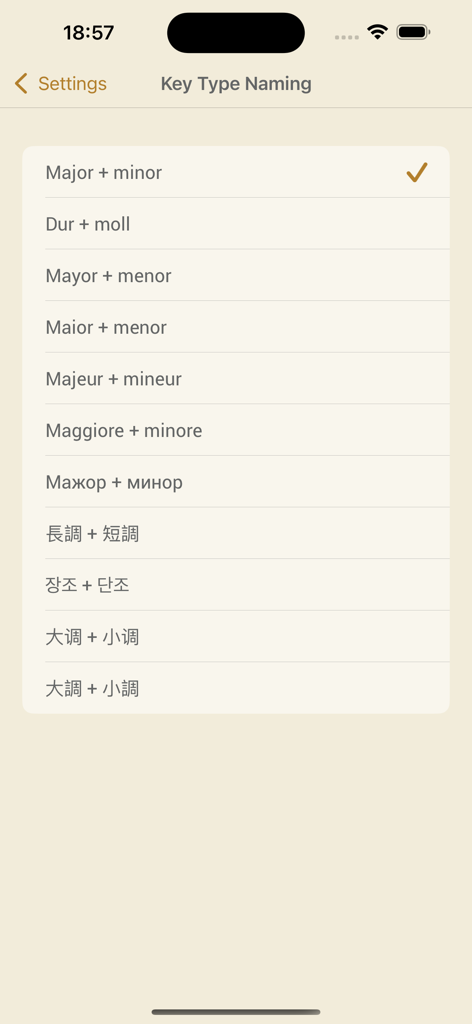
Music Buddy Lite – Learn notes - Music Buddy Lite 설정 화면, 장단 조의 다양한 국제 명명법 표시

Music Buddy Lite 설정 화면, 장단 조의 다양한 국제 명명법 표시

설명

Music Buddy – learn and memorize notes, key signatures (circle of fifths), and intervals, practice sight reading sheet music using flash cards principle. Read sheet music quickly and effortlessly like a pro. Learn to recognize notes, key signatures, and intervals in the blink of an eye. Three independent learning modules in one app. Set aside five minutes a day for this app and you'll be reading sheet music like a professional musician in no time. The app uses an ingenious approach to memorizing information through repetition and visual patterns with a focus on hard-to-remember pieces of information. The simple, elegant, and intuitive interface allows you to switch between different note-naming systems used in major countries around the world: • C D E F G A B (major + minor, 大调 + 小调, 大調 + 小調) • C D E F G A H (dur + moll) • Do Re Mi Fa Sol La Si (mayor + menor, maior + menor, majeur + mineur, maggiore + minore) • Дo Рe Ми Фа Coль Ля Си (мажор + минор) • ハ ニ ホ ヘ ト イ ロ (長調 + 短調) • 도 레 미 파 솔 라 시 (장조 + 단조) The learning experience starts by tapping the big frame with a graphical representation of selected options on the main screen of each module. A neat interface will efficiently teach you your coveted knowledge – after each session you will see a significant improvement. And you can follow your achievements on the Results screen, where everything is summarized in a beautiful chart. Every module has its own options that are accessible by tapping the Options button in the top right corner of the main screen of the module. On the following screen you can then choose options to your liking. Notes module: This module will teach you to quickly recognize notes without thinking about it – you’ll look at them and you’ll simply know them. Key Signatures module: This module will help you memorize the circle of fifths – a must for every musician. You will learn to recognize keys based on the number of sharps or flats in a key signature at the beginning of a staff. Intervals module: This module is especially helpful for pianists. Skilled pianists don't need to identify every note in a sheet. They recognize patterns based on the distance between notes (intervals) and automatically stretch their fingers accordingly. Each module keeps its own history of your results, accessible using a dedicated History button, and also contains a Music Theory section accessible via the button with the same name. All exercises are accompanied by beautifully recorded sounds of a real acoustic grand piano. The sounds can be muted or unmuted for each module independently using a button below the staff on the Exercise screen or in the options of the particular module. The volume can be set globally for the whole app in Settings, or you can use the device hardware buttons. Good luck on your journey toward becoming a great musician!

Download

다운로드: App Store

이 페이지는 앱이나 개발자의 공식 페이지가 아니며, 정보 제공 및 논평을 목적으로 작성된 독립 편집 간행물입니다. 명시적으로 달리 언급되지 않는 한, 해당 앱이나 개발자는 MWM, Apple, Google Play, 앱 퍼블리셔 또는 앱 개발자와 제휴, 보증, 후원, 승인 또는 공식적으로 연결되어 있지 않으며, 이 페이지의 어떤 내용도 해당 앱이 MWM의 서비스를 사용하여 개발되었음을 의미하지 않습니다. 모든 상표, 로고, 스크린샷 및 기타 콘텐츠는 해당 소유자의 자산입니다.